Why Your Prompt Matters
Gemini_Generated_Image_qjgbcyqjgbcyqjgb.png The same Seedance 2.0 model can produce wildly different results depending on how you write your prompt. A vague prompt gives you a generic clip, but a well-crafted prompt delivers cinematic footage worthy of a professional production.
This guide covers the exact prompt formula used by top creators on Seeddance AI.
The Golden Formula
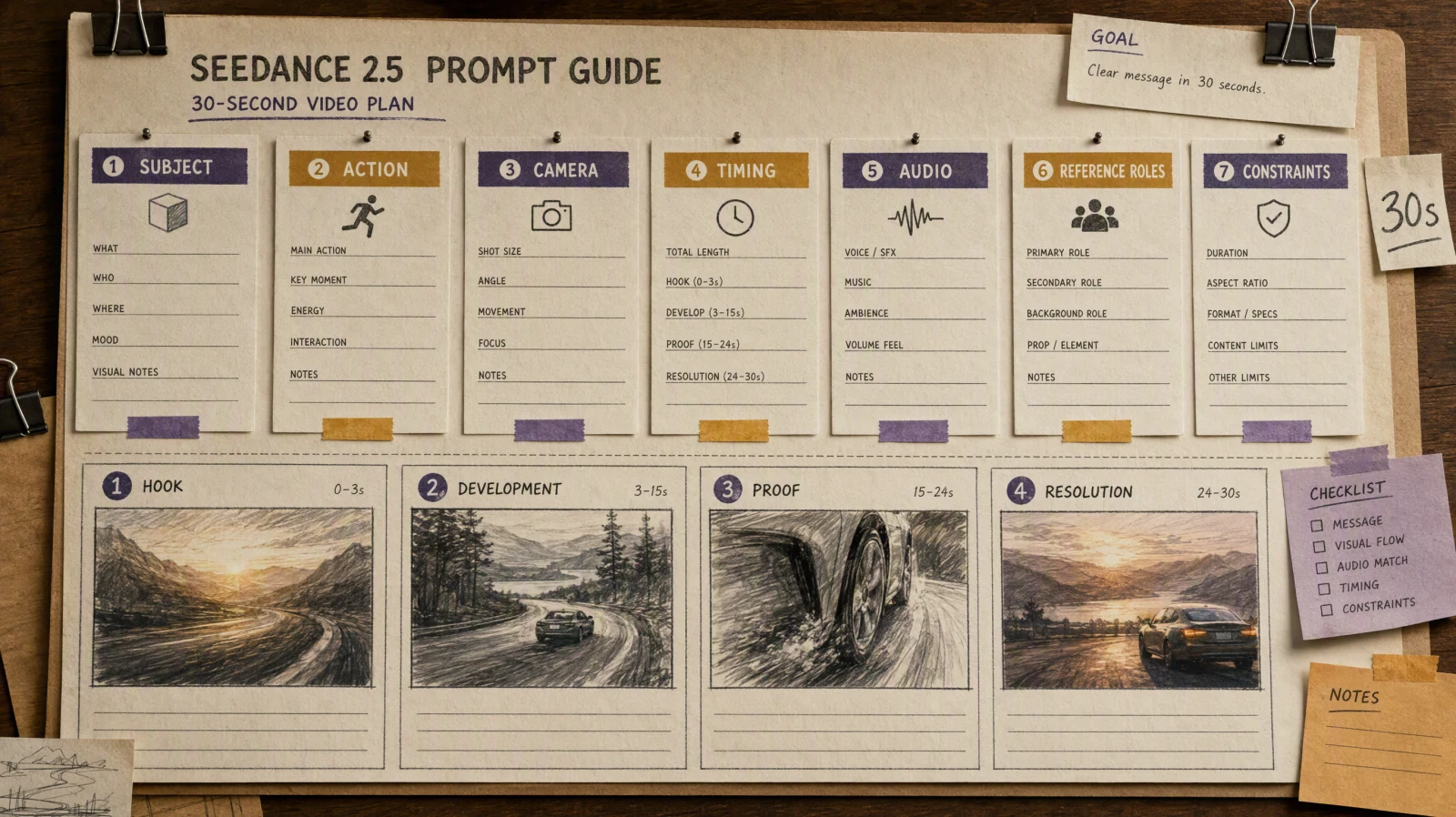
Every great Seedance 2.0 prompt follows a simple four-part structure:
Subject → Action → Camera → Style
Think of it like directing a movie — you tell the AI who is in the scene, what happens, how the camera captures it, and what visual style to apply.
Step 1: Subject — Who or What Is in the Scene?
Be specific about appearance, clothing, age, and environment. More detail means more consistent results.
❌ Vague: "A woman" ✅ Specific: "A young woman in her 20s with long black hair, wearing a white linen dress"
❌ Vague: "A city" ✅ Specific: "A neon-lit cyberpunk city at night with rain-slicked streets"
Step 2: Action — What Is Happening?
Use present tense with one clear verb. Include secondary motion details like hair blowing, water splashing, or dust rising — Seedance 2.0 excels at realistic physics.
Examples:
- "walks slowly toward the camera, her dress flowing in the wind"
- "pours steaming coffee into a ceramic mug, the liquid catching the morning light"
- "sprints through the crowd, leaping over a bench"
Step 3: Camera — How Is the Scene Filmed?
This is where Seedance 2.0 truly shines. The model understands professional cinematography terms.
Shot Types:
- Wide shot — establishes the full scene and environment
- Medium shot — shows subject from waist up, great for dialogue
- Close-up — focuses on face or details, perfect for emotion
- Macro — ultra-detail for food, products, and ASMR content
Camera Movements:
- Dolly in/out — camera moves toward or away from subject
- Tracking shot — camera follows subject laterally
- Pan left/right — camera rotates horizontally to reveal space
- Crane up/down — vertical movement for dramatic reveals
- Handheld — slight shake for documentary/POV feel
- Steadicam — smooth continuous following shot
Step 4: Style — What Does It Look Like?
Style keywords set the visual tone. Here are popular ones that work well with Seedance 2.0:
- Cinematic, film grain, Hollywood blockbuster — movie-quality output
- Documentary-style, raw footage — authentic, realistic feel
- Cyberpunk, neon-lit, high contrast — sci-fi aesthetics
- Golden hour, warm tones, soft light — lifestyle and romantic content
- 8K, photorealistic, hyper-detailed — maximum visual quality
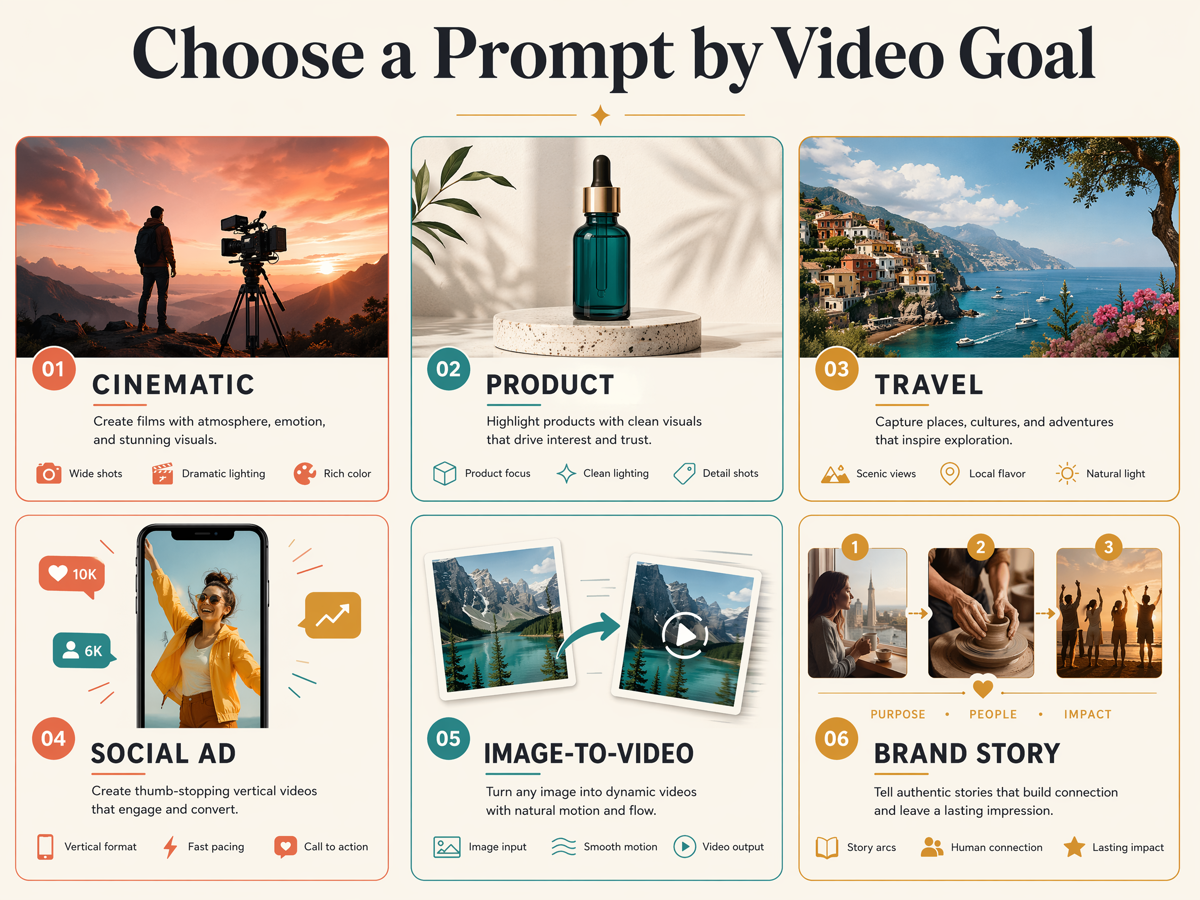
Ready-to-Use Prompt Examples
Cinematic Portrait
A young woman in a navy trench coat stands at a rain-soaked Tokyo crosswalk at night. She looks up slowly as neon signs reflect in the puddles around her. Medium shot, slow dolly in. Cinematic lighting, film grain, teal and amber tones.Action Scene
A parkour runner in a black hoodie sprints across rain-slicked rooftops at dawn. He leaps across a wide gap between buildings. Camera tracks from the side at high speed, then switches to slow motion mid-jump. Gritty urban style, desaturated tones, dramatic backlight.Product Commercial
A glass perfume bottle sits on black marble. A drop of golden liquid falls in extreme slow motion, sending tiny ripples outward. Extreme close-up macro, locked camera. Luxury commercial aesthetic, dramatic rim lighting, shallow depth of field.Nature Scene
A lone cabin with warm amber light sits at the edge of a frozen lake. The Northern Lights dance across the sky in green and purple waves, reflecting on the ice. Wide shot, locked camera. Documentary cinematography, natural colors, 8K.Quick-Start Templates
Copy and fill in the blanks:
Cinematic Scene:
A [character description] in a [location]. [He/She] [single action with detail]. [Shot type], [camera movement]. [Visual style], [lighting], [color tone].Product Shot:
A [product] on [surface]. [What happens — pour, splash, rotate]. [Macro/close-up], [camera]. [Commercial] aesthetic, [lighting], [background].3 Common Mistakes to Avoid
1. Too many actions in one prompt. Seedance 2.0 generates 4–15 second clips. Focus on one clear moment, not an entire story.
2. Being too vague. "A cool city video" won't cut it. Specify time of day, weather, mood, and camera details.
3. Contradictory instructions. Don't ask for "locked tripod with handheld shake" or "bright sunny noir style." Keep your directions consistent.
Start Creating Now
Head to Seeddance AI and try these prompts yourself. New users get free credits — no payment required.
Remember the formula: Subject → Action → Camera → Style. Master it, and you'll be producing cinematic AI videos in minutes.