01
Product shots that move
Start from a clean packshot and get a turntable, a pour, or a hand entering frame. Motion that would otherwise need a table-top studio day.

Upload one still and the official Seedance models give it motion. The subject moves, the camera moves, the light keeps behaving, and the download carries no watermark. New accounts start with free credits.
Real output
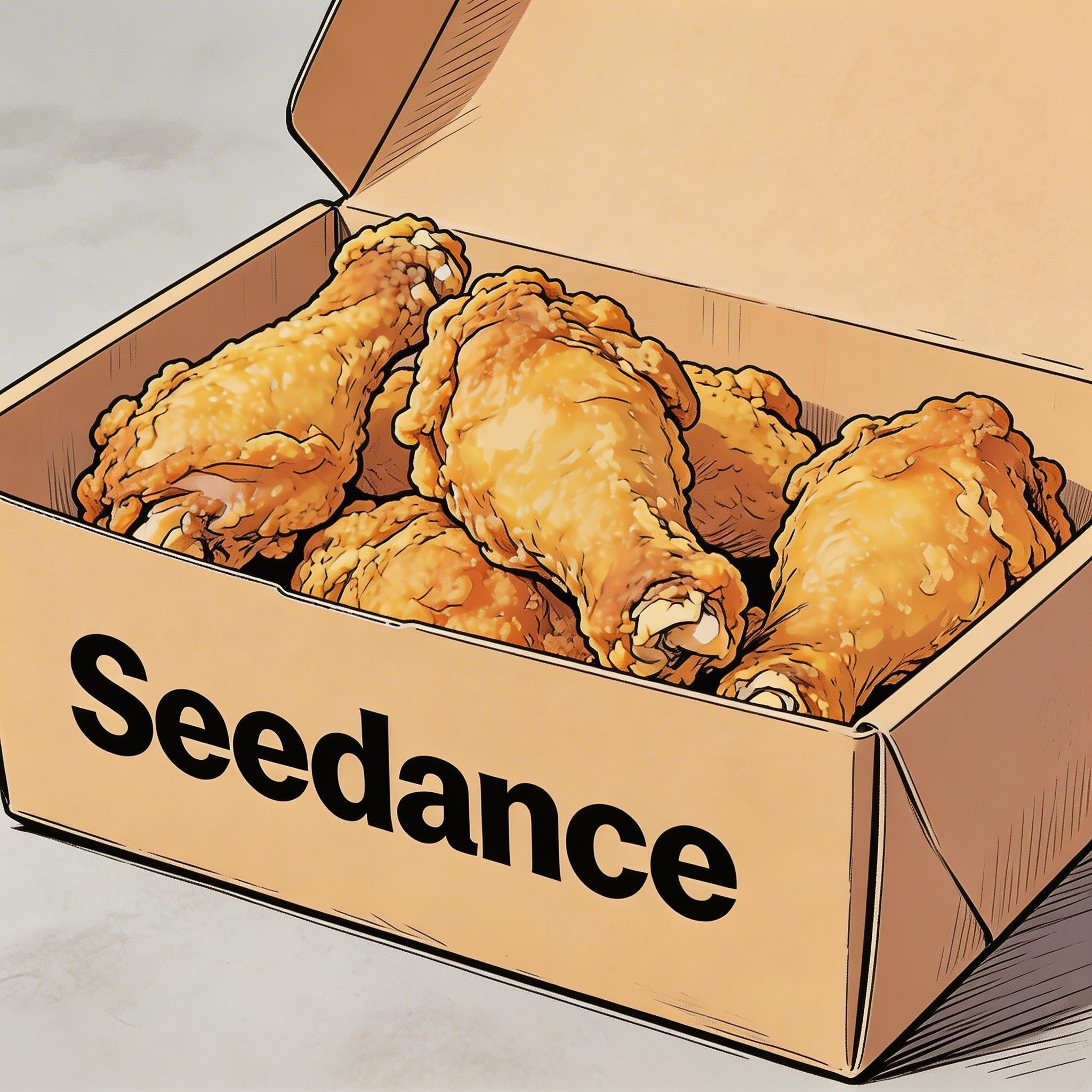
The image below was the only visual input. The prompt described what should happen inside it, and everything else is the model holding on to the original drawing.
Prompt
Hand-drawn comic style, three people sitting together eating fried chicken, cheerful and lively atmosphere.
The uploaded still, the only visual input.
Input image
Result
Seedance output, watermark-free.
Use cases
Image to video is the mode for material that already exists: a product shot, an illustration, a poster, a face.
01
Start from a clean packshot and get a turntable, a pour, or a hand entering frame. Motion that would otherwise need a table-top studio day.
02
A drawing keeps its line and palette while the scene animates, which is why comic and anime frames survive the trip better than most people expect.
03
Give a still portrait a breath, a turn, or a look toward camera. Enough life for an intro frame or a title card.
04
Posters, scanned photos, and old campaign art become moving assets without a reshoot or a fresh rights conversation about new footage.
How it works
Attaching a picture is the whole switch. The composer sees the image and routes the job, so you never pick a mode.
01
Drop one image into the composer and it becomes the first frame. Add a second and it becomes the last frame, so the clip travels between them.
02
Describe the action and the camera rather than the picture. The model can already see the frame; it needs to know what happens next.
03
Output lands in the asset library at full quality with no watermark, and can be attached again as a reference for the next pass.
What you can generate
Every row is read from the model registry the composer enforces. The inputs column says how a model takes pictures: a single first frame, a first-and-last-frame pair, or a reference group that guides identity without fixing the opening frame. The other columns are the same limits the workspace applies when you press generate.
| Model | Max resolution | Clip length | Audio | Inputs | On free credits | Starting cost |
|---|---|---|---|---|---|---|
| Seedance 2.5 | 1080p | 4–30s | On/off toggle | First frame · First + last frame · Up to 30 reference images | Paid plan or pack | From 12 credits (4s · 480p) |
| Seedance 2.0 | 1080p | 4–15s | On/off toggle | First frame · First + last frame · Up to 9 reference images | Paid plan or pack | From 9 credits (4s · 480p) |
| Seedance 2.0 Fast | 1080p | 4–15s | On/off toggle | First frame · First + last frame · Up to 9 reference images | Paid plan or pack | From 7 credits (4s · 480p) |
| Seedance 2.0 Mini | 720p | 4–15s | On/off toggle | First frame · First + last frame · Up to 9 reference images | Yes | From 5 credits (4s · 480p) |
| Seedance 1.5 Pro | 1080p | 4–12s | On/off toggle | First frame · First + last frame | Yes | From 2 credits (4s · 480p) |
| SeeDance 1 Pro Fast | 1080p | 2–12s | No audio option | First frame | Yes | From 1 credit (2s · 480p) |
| Kling O3 | 1080p | 4–15s | On/off toggle | First frame · First + last frame | Paid plan or pack | From 10 credits (4s · 720p) |
| Kling 3.0 | 1080p | 4–15s | On/off toggle | First frame · First + last frame | Paid plan or pack | From 10 credits (4s · 720p) |
| Veo 3.1 Fast | 4K | 4–8s | No audio option | First frame · First + last frame | Paid plan or pack | From 12 credits (4s · 720p) |
| Veo 3.1 Pro | 1080p | 4–8s | No audio option | First frame · First + last frame | Paid plan or pack | From 32 credits (4s · 720p) |
| Sora 2 | Model default | 4–12s | No audio option | First frame | Paid plan or pack | From 8 credits (4s) |
| Sora 2 Pro | 1080p | 4–12s | No audio option | First frame | Paid plan or pack | From 24 credits (4s · 720p) |
| MiniMax H3 | 2K | 5–15s | No audio option | First frame · First + last frame · Up to 9 reference images | Paid plan or pack | From 23 credits (5s · 2K) |
| Wan 3.0 | 1080p | 2–30s | On/off toggle | First frame · First + last frame · Up to 10 reference images | Paid plan or pack | From 2 credits (2s · 480p) |
The plan sets the ceiling and the model sets what is possible under it. A 4K-capable model still renders at 720p on free credits, and Seedance tops out at 1080p on every plan.
| Plan | Seedance models | Other models |
|---|---|---|
| Free credits | 720p | 720p |
| Lite | 720p | 1080p |
| Pro | 1080p | 2K |
| Premium | 1080p | 4K |
Last updated
Worked examples
The first example is the real pair from the demo above with its unedited prompt. The other two are prompt recipes written against the same models and limits, one on free credits and one on Seedance 2.5, so you can paste them in with a still of your own.
01
Before
One hand-drawn, comic-style still of three people sharing fried chicken. It was the only visual input, and the prompt restated the style rather than describing new motion in detail.
After
The same drawing in motion: the characters eat and react while the line work and the palette hold, and the composition stays where the artist put it. This is the clip shown in the demo section above.
Prompt
Hand-drawn comic style, three people sitting together eating fried chicken, cheerful and lively atmosphere.
Settings
02
Before
A clean e-commerce packshot: a ceramic pour-over coffee dripper on a white sweep, front-lit, perfectly still, the kind of image every product listing already has.
After
A five-second clip in which the dripper turns a slow quarter rotation on the spot while a hand enters from the right and pours water, steam rising; the background, lighting and framing stay exactly as photographed.
Prompt
The ceramic dripper rotates slowly a quarter turn on the spot. A hand enters from the right and pours hot water in a thin stream, steam rising. Background, lighting and framing stay exactly as in the image.
Settings
Prompt recipe: no clip attached, paste it and run it.
03
Before
Two stills: a vintage travel poster of a seaside town, and a version of the same poster with the sky darkened and the windows lit, prepared in an image editor.
After
A ten-second clip that travels from the day version to the night version: clouds drift, the sea moves, lights come on one by one, and the clip lands exactly on the second frame because it was pinned as the last one.
Prompt
Slow transition from day to evening over the seaside town. Clouds drift right, waves roll gently, windows light up one by one, the sky deepens to indigo. End precisely on the final frame. Subtle camera push-in, illustrated poster texture preserved.
Settings
Prompt recipe: no clip attached, paste it and run it.
Questions
Choosing an entry
The three scene pages share one composer. What you attach decides the entry, and the model you pick decides the ceiling.
A still is the right entry when the look is already decided and the job is to give it motion. When nothing exists yet and you want to explore quickly, start from text to video and write the shot instead. When you have footage that is almost right, use video to video and describe only the change, so the camera, set and timing you already like stay put.
The model choice is separate from the entry. Seedance 2.5 is the pick when the still has to survive a long clip or travel through several shots, because it holds up to 30 reference images and runs to 30 seconds. Seedance 2.0 Mini is the pick for a quick turntable on free credits, and the first-and-last-frame pair works across most of the table when the ending matters as much as the start.
When the clip has to land on a specific picture, attach the closing image as well: first and last frame to video lists the 11 models that take the pair, what each charges per second, and a worked example with both frames and the full instruction.
Keep going
A still is one of three ways in. Pick the entry that matches what you already have.
Free credits
Drop in one photo, say what should move, and download the take without a watermark. Free credits on a new account.
Animate an image