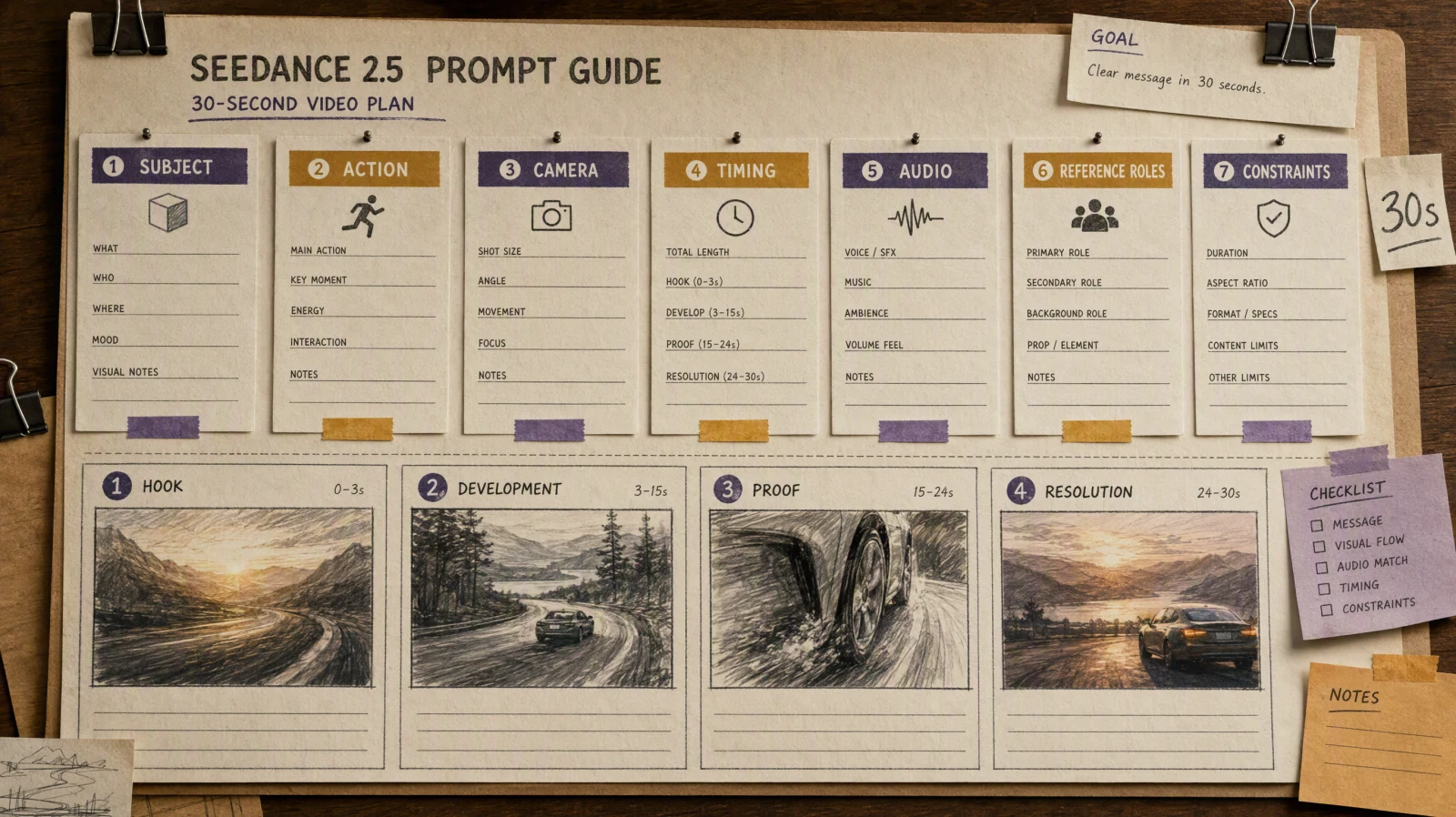
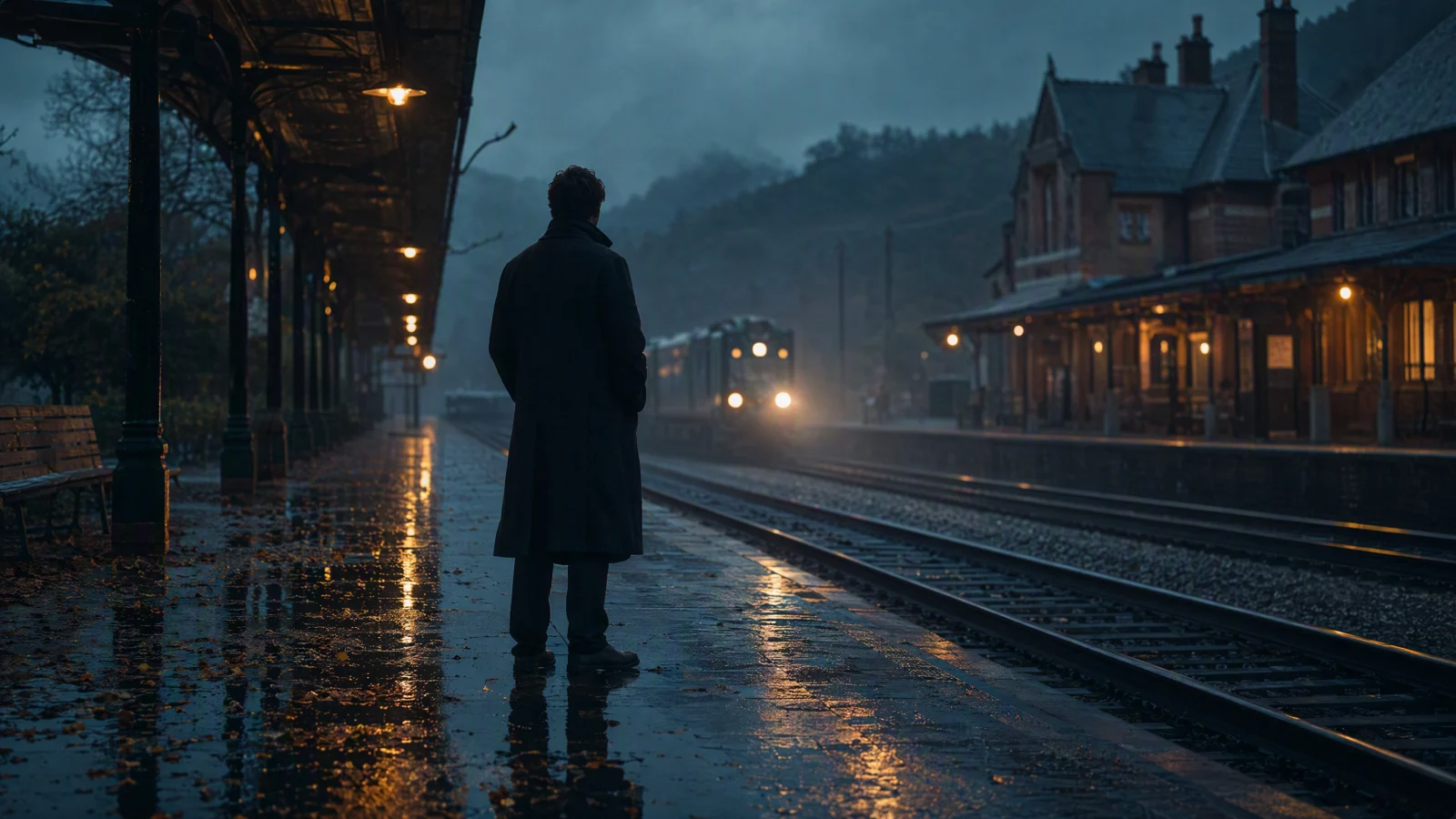
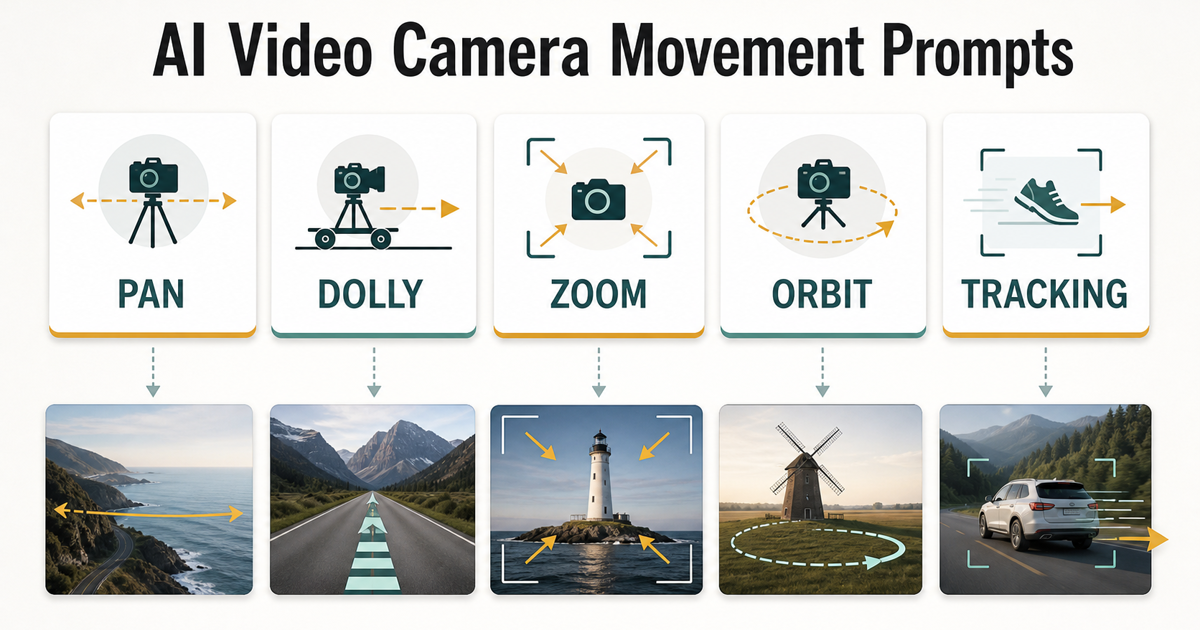
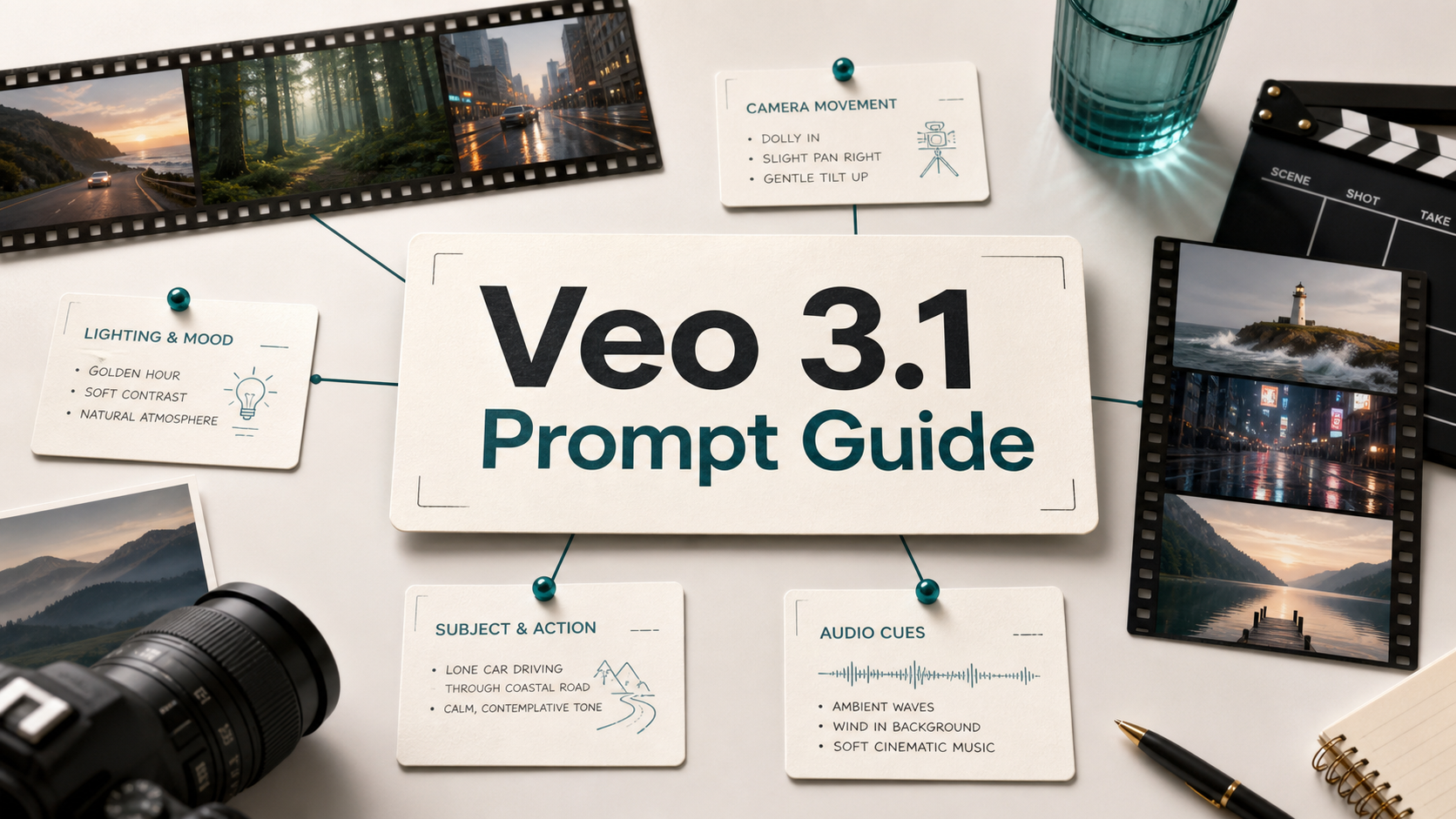
Seedance prompts work best when they describe a single video shot with concrete subject details, visible motion, camera behavior, scene context, style, and constraints. Use the 20 examples below as copy-ready starting points for text-to-video and image-to-video tests, then replace the subject, product, location, and mood with your own brief. The goal is not to guarantee identical output every time. AI video generation is still probabilistic, so each prompt should be treated as a structured direction that you test, review, and refine. If you are using SeedVideo AI for Seedance-style video generation, start with one short shot, compare the result against your intent, and change only one or two variables per iteration. This keeps every prompt practical, measurable, and easier to improve.
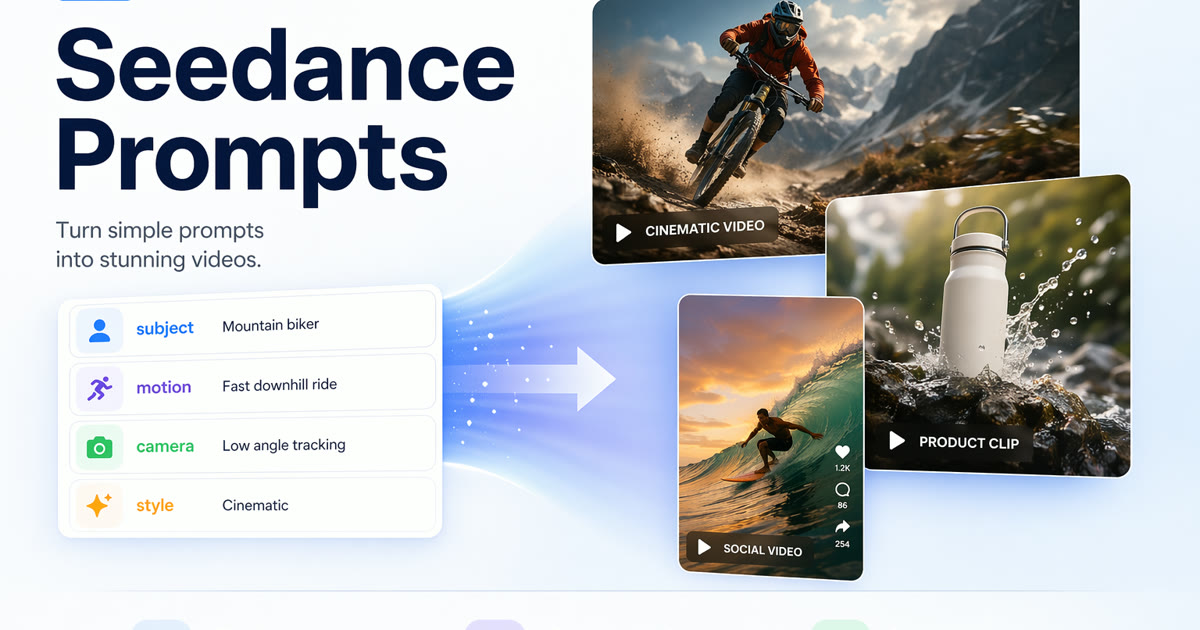
Seedance prompts work best when they define subject, motion, camera, style, and constraints.
TL;DR
- Strong Seedance prompts define subject, action, camera, scene, lighting, style, duration, and constraints.
- Text-to-video prompts need more visual detail because the model must invent the first frame.
- Image-to-video prompts should protect what is already in the image and focus on motion, camera, and continuity.
- Use short tests before scaling into ads, tutorials, product clips, or social videos.
- Do not promise exact repeatability; review every output before publishing.
Quick Answer
A good Seedance prompt is a compact shot brief. Write it like this: subject + action + camera movement + scene + lighting + visual style + duration + constraints. For image-to-video, add what must stay unchanged from the source image and what should move. For text-to-video, describe the first frame more clearly because there is no reference image. If you need a broader starting point, pair this guide with the Text to Video Prompt Guide and AI Video Prompt Examples.
Seedance Prompt Formula
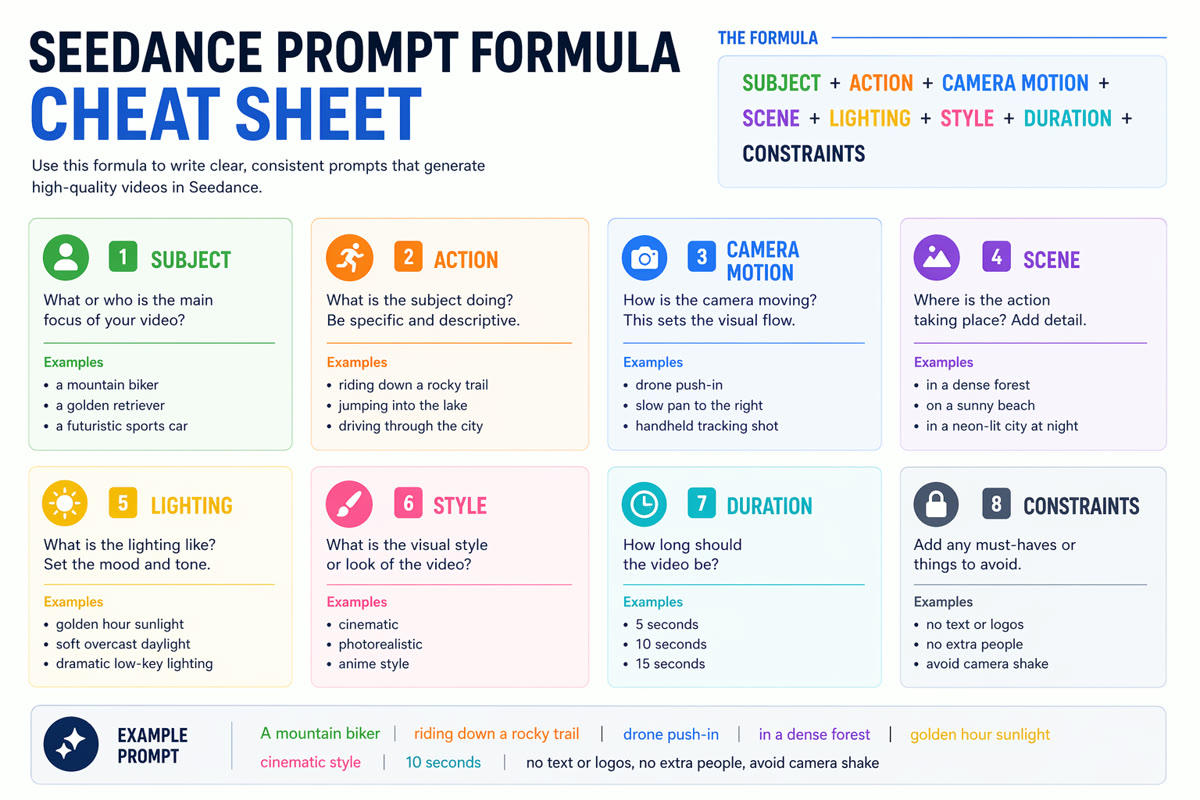
A reusable formula for writing more reliable Seedance video prompts.
| Prompt part | What to write | Example |
|---|---|---|
| Subject | The main person, product, place, or object | "a ceramic coffee mug on a wooden desk" |
| Action | What visibly changes during the shot | "steam rises as sunlight moves across the table" |
| Camera | How the camera behaves | "slow push-in with shallow depth of field" |
| Scene | Where the shot happens | "quiet morning kitchen with plants in the background" |
| Lighting | Time, mood, and light direction | "soft golden-hour window light" |
| Style | Visual treatment | "cinematic product film, natural colors" |
| Duration | Target shot length if your workflow supports it | "5 seconds" |
| Constraints | What to avoid or preserve | "no text, no extra hands, keep logo unreadable" |
Use this structure as a checklist, not a rigid template. A prompt can be short if the goal is simple. It should be specific when the shot has a brand, product, character, or motion requirement.
Text-to-Video Prompt Examples
Copy one of these Seedance AI prompts and replace the bracketed details.
-
Cinematic product reveal
A [product] on a matte stone pedestal, slow push-in camera, soft rim light, subtle dust particles, premium commercial style, shallow depth of field, no readable text, no extra objects. -
Founder story opener
A founder walks through a quiet studio at sunrise, reviewing sketches on a wall, handheld tracking shot, warm natural light, documentary startup mood, calm and focused, no text overlays. -
Travel atmosphere clip
A narrow street in [city] after light rain, reflections on the pavement, cyclist passes through frame, slow pan left, cinematic travel film, realistic motion, no distorted signs. -
Educational explainer visual
A clean 3D metaphor of ideas turning into connected nodes, gentle orbiting camera, white studio background, soft shadows, modern explainer style, no words or logos. -
Character mood shot
A young artist sits by a window sketching in a notebook, curtains move in a light breeze, close-up to medium shot, natural light, quiet cinematic tone, consistent face and hands.
Image-to-Video Prompt Examples
Image-to-video prompts should not repeat every visible detail. Let the image define composition and style; use the prompt to define motion.
-
Animate a product photo
Use the uploaded product image as the first frame. Keep the product shape, color, and label position unchanged. Add a slow clockwise camera move, soft studio highlights, and gentle background parallax. No new text. -
Turn a portrait into a subtle motion clip
Use the portrait as reference. Keep the person's identity and clothing consistent. Add subtle breathing, a small head turn, moving hair strands, and soft window light shifting across the face. -
Food and beverage motion
Use the food image as the base. Keep the plating unchanged. Add steam, a slow overhead camera drift, tiny reflections on the sauce, and warm restaurant lighting. Do not add hands or utensils. -
Architecture walkthrough
Use the room image as a reference. Preserve furniture layout and wall colors. Add a slow forward dolly, sunlight moving across the floor, and realistic depth. No new furniture, no warped lines. -
Storyboard panel animation
Use the storyboard image as the source. Keep the character design and composition. Add gentle camera push-in, moving background clouds, and subtle character motion while preserving the illustration style.
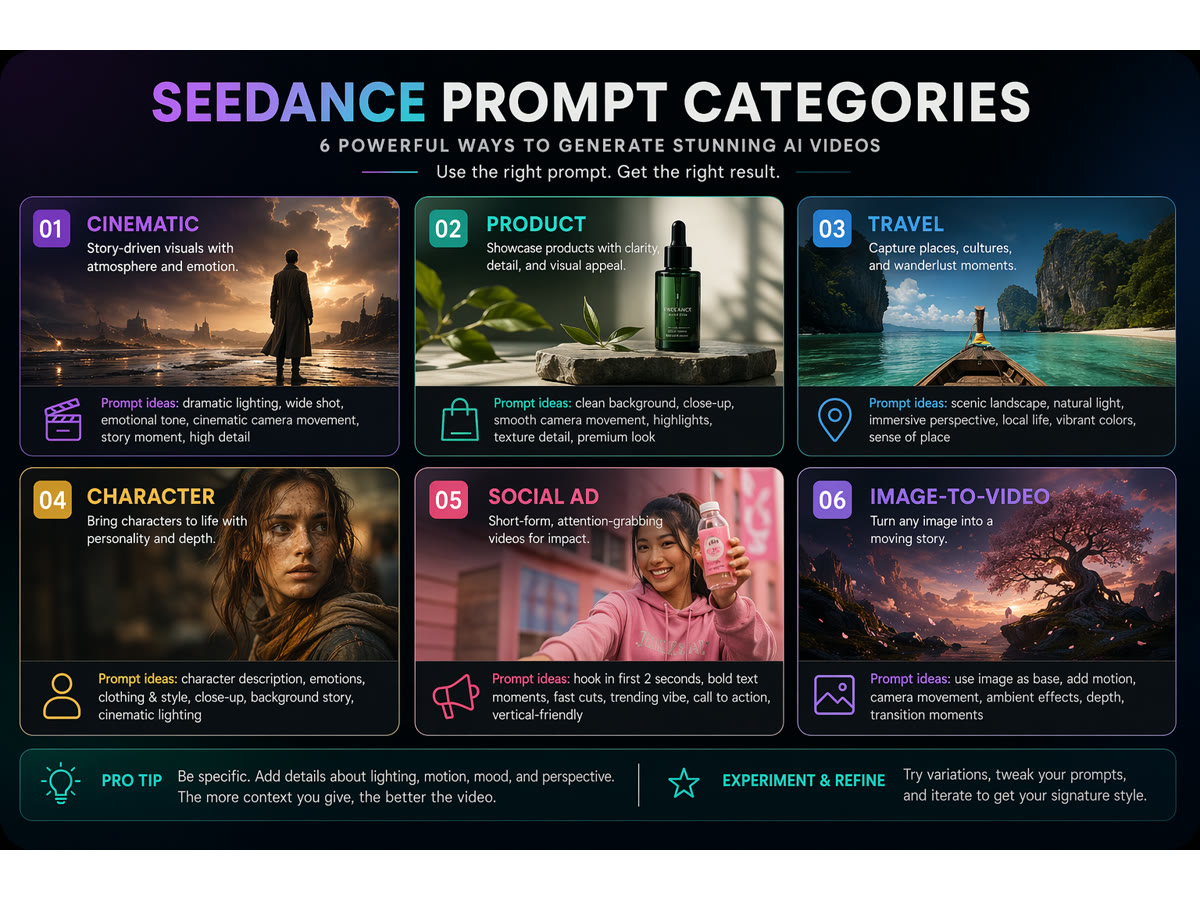
Group prompts by the type of video you want to create.
Product and Marketing Prompt Examples
-
Landing page hero visual
A SaaS dashboard concept shown as abstract workflow cards, cards connect into a short video timeline, slow parallax camera, clean white background, blue and green accent colors, no fake UI text. -
Ecommerce product ad
A reusable water bottle splashes through a shallow stream, low-angle tracking shot, crisp natural light, energetic outdoor commercial style, keep product centered, no brand logo imitation. -
UGC-style social ad
A creator holds [product] near a bright desk, quick natural hand movement, phone-camera framing, friendly lifestyle lighting, short-form social ad style, realistic motion, no captions. -
Launch teaser
A covered product silhouette in a dark studio, slow spotlight sweep, fabric moves slightly, camera pushes in, dramatic but minimal launch teaser, no text, no readable logos. -
Feature comparison visual
Two clean visual paths split on screen: one chaotic workflow and one organized prompt workflow, smooth camera move, editorial infographic style, symbolic icons only, no small readable text.
Cinematic and Social Prompt Examples
-
Vertical hook
A dramatic close-up of [subject] entering frame in the first second, fast but smooth push-in, high contrast lighting, vertical social video composition, energetic pacing, no text overlays. -
Drone-style establishing shot
A wide aerial view over a coastal road at sunset, camera glides forward above moving cars, cinematic orange-blue color grade, realistic shadows, stable horizon, no impossible physics. -
Fashion detail shot
Close-up of fabric texture and accessories as a model turns slightly, slow lateral camera move, studio light glints across details, editorial fashion film style, consistent hands and face. -
Tutorial transition clip
A desk setup changes from messy to organized through smooth object motion, top-down camera, bright clean lighting, useful tutorial style, no floating text, no extra hands. -
Abstract brand mood
Soft geometric shapes flow like liquid glass around a simple product silhouette, slow orbit camera, calm premium color palette, high-end brand film style, no logos, no readable text.
Bad Prompt vs Improved Prompt
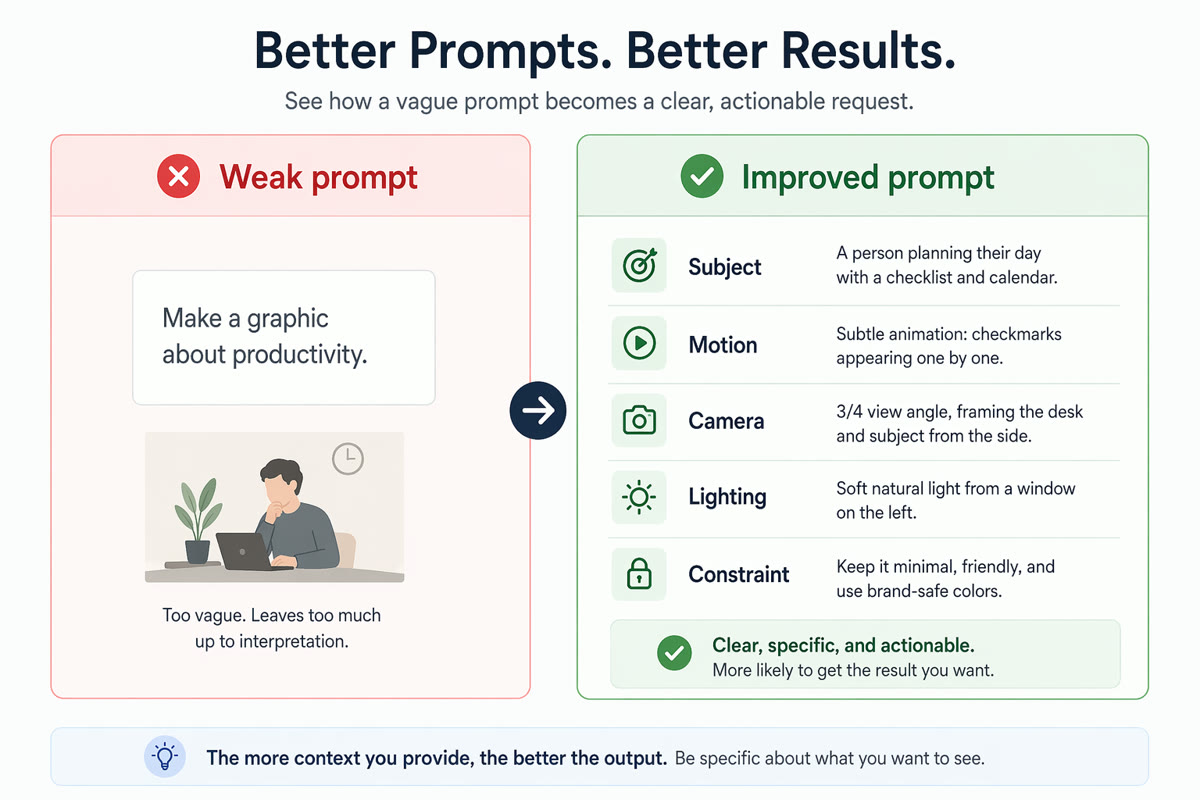
Specific motion, camera, and visual constraints usually produce better AI video results.
| Weak prompt | Why it is weak | Improved Seedance video prompt |
|---|---|---|
| "Make a cool product video." | No subject, motion, scene, camera, or constraint. | "A matte black wireless speaker on a concrete table, slow push-in camera, soft rim light, tiny dust particles, premium tech commercial style, no readable text, no extra products." |
| "Animate this image." | Does not say what should move or what must stay unchanged. | "Use the uploaded product photo as the first frame. Keep product geometry and color unchanged. Add a slow clockwise camera move, soft reflections, and subtle background parallax." |
| "A person in a city." | Too broad to control mood or shot design. | "A commuter in a navy coat walks through a neon-lit crosswalk after rain, low-angle tracking shot, reflections on pavement, cinematic night mood, realistic motion." |
How to Improve Weak Outputs
- Change one variable at a time. If the first result is close, adjust only camera movement or only lighting.
- Shorten overloaded prompts. Too many scenes or actions can create unstable motion.
- Protect important details. For image-to-video, name the product, face, pose, or composition that must remain stable.
- Remove exact text requirements. AI video models often struggle with readable text, so avoid relying on text inside the frame.
- Use a real workflow. Start in SeedVideo AI, test a short clip, then compare your output against the checklist from the Image to Video AI Guide.
Practical Seedance Prompt Workflow
- Define one output goal: product clip, social hook, explainer, travel shot, or concept test.
- Choose text-to-video if the model should invent the scene. Choose image-to-video if composition or product accuracy matters.
- Write one prompt using the formula above.
- Generate a short draft in SeedVideo AI.
- Review motion, subject consistency, camera behavior, and unwanted artifacts.
- Rewrite only the weakest part of the prompt.
- Save the best prompt structure for future variations.
FAQ
What is a Seedance prompt?
A Seedance prompt is a short instruction that describes the video shot you want: subject, movement, camera, scene, style, and constraints. It is closer to a creative brief than a search query.
What should I include in Seedance AI prompts?
Include the subject, visible action, camera movement, scene, lighting, style, approximate duration, and what to avoid. For image-to-video prompts, also state what must remain unchanged from the reference image.
Are these Seedance prompt examples guaranteed to produce the same result?
No. AI video generation is probabilistic. These examples are structured starting points. You should test, review, and refine them for your own scene.
What is the difference between text-to-video and image-to-video prompts?
Text-to-video prompts must describe the whole scene because there is no source frame. Image-to-video prompts should focus on motion and preservation because the uploaded image already provides composition, subject, and style.
Can I use Seedance prompts for product videos?
Yes, but keep product accuracy in mind. Use image-to-video when the exact product shape or packaging matters, and avoid asking the model to create readable labels from scratch.
How many prompts should I test?
Start with three focused variants: one camera change, one lighting change, and one motion change. Compare results before expanding into more concepts.
Where should I start?
Start with SeedVideo AI and one short shot. If you need more general model context, read Best AI Video Generators in 2026. If you need more examples, use AI Video Prompt Examples.
Conclusion
The best Seedance prompts are specific without becoming overloaded. They tell the model what to show, how the shot should move, what visual style to follow, and what to avoid. Pick one example above, replace the subject and scene with your own brief, then test it in SeedVideo AI. For stronger results, keep a prompt log so every new generation teaches you which subject, camera, and constraint choices actually improved the output.