Veo 3.1 prompts work best when they read like a short production brief, not a loose sentence. Start with the subject and action, then add the environment, camera movement, lighting, audio cue, visual style, and constraints. This Veo 3.1 prompt guide focuses on realistic AI video prompts because realism usually fails when a prompt asks for a mood but omits motion, lens language, scene continuity, or negative constraints. Use the examples below as Veo-style prompts for Google Veo prompts, then test variants instead of assuming one wording will behave the same in every model. If you are comparing tools, keep Best AI Video Generators in 2026 open and use SeedVideo AI to organize repeatable prompt tests across available text-to-video and image-to-video workflows.
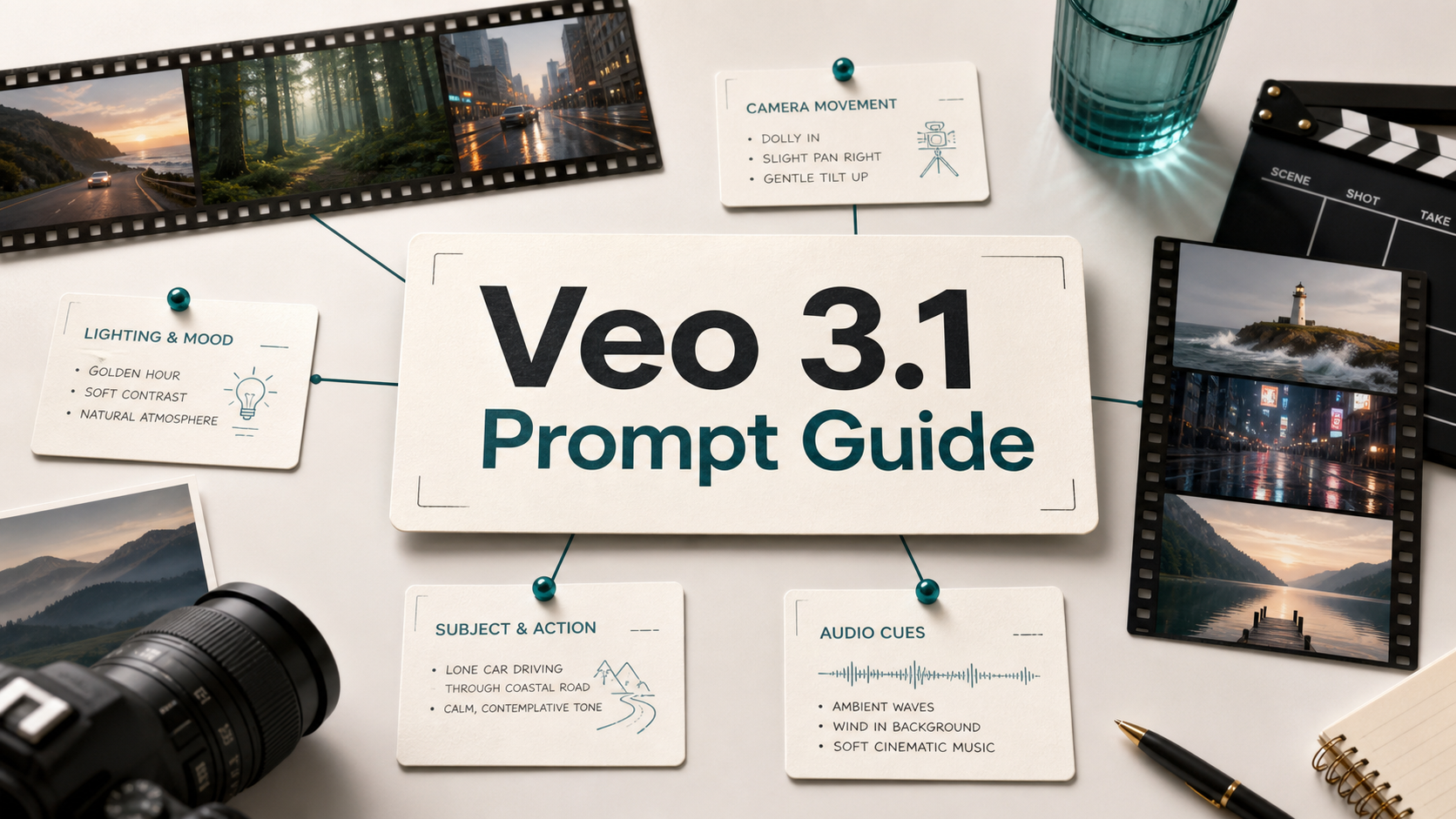
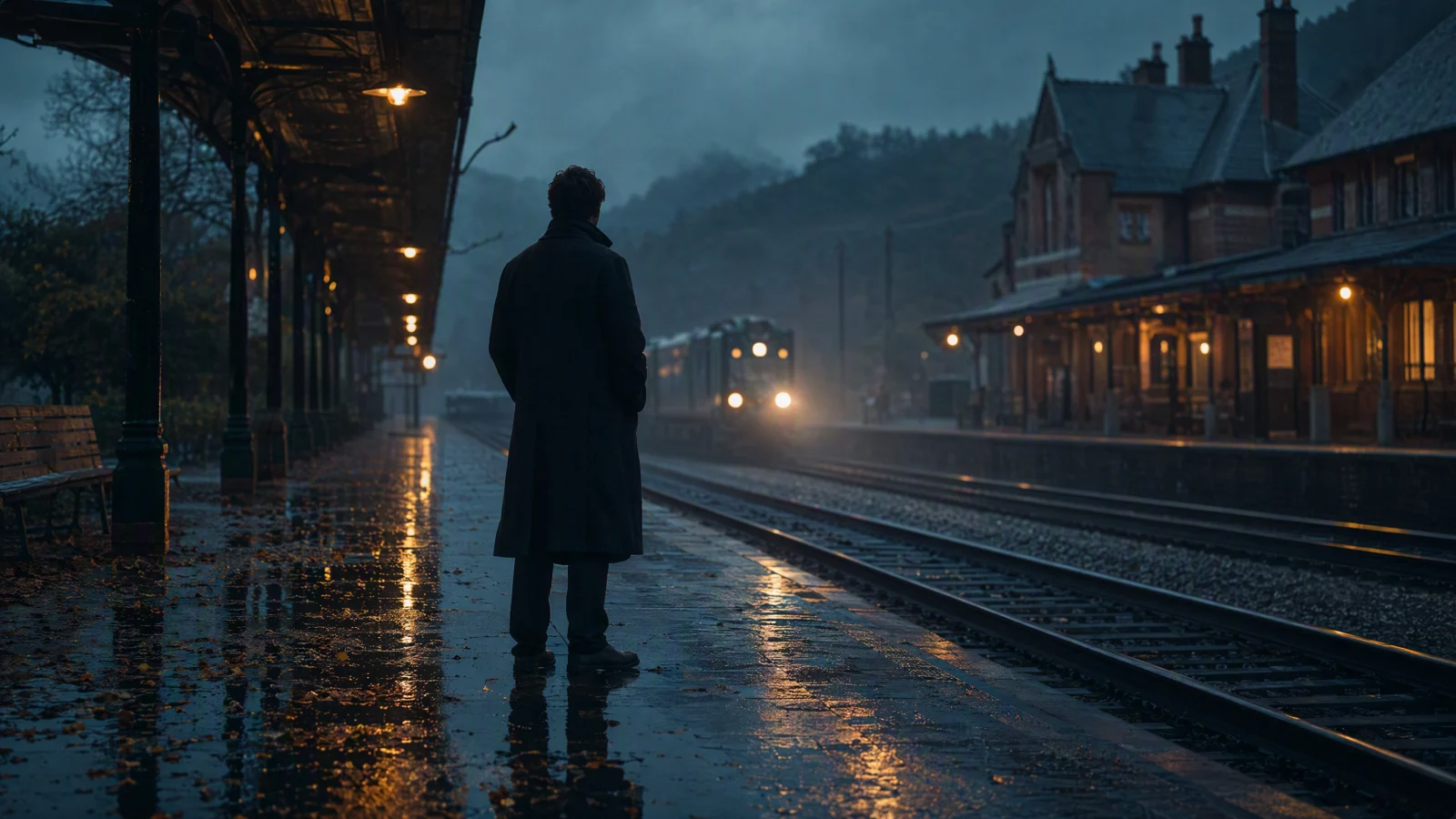
Realistic AI video prompts need subject, motion, camera, lighting, and atmosphere.
TL;DR
- Write Veo-style prompts as production briefs: subject, motion, environment, camera, lighting, audio, style, and constraints.
- Use camera language such as dolly in, orbit, handheld, crane, close-up, and wide shot only when it supports the scene.
- Add audio and atmosphere as cues, not as guaranteed outcomes, because model behavior and product surfaces can change.
- Test each prompt in small variations before judging a model, especially when comparing Veo-style results with other AI video systems.
- Use AI Video Prompt Examples for broader inspiration and the Text to Video Prompt Guide for the base formula.
Quick Answer
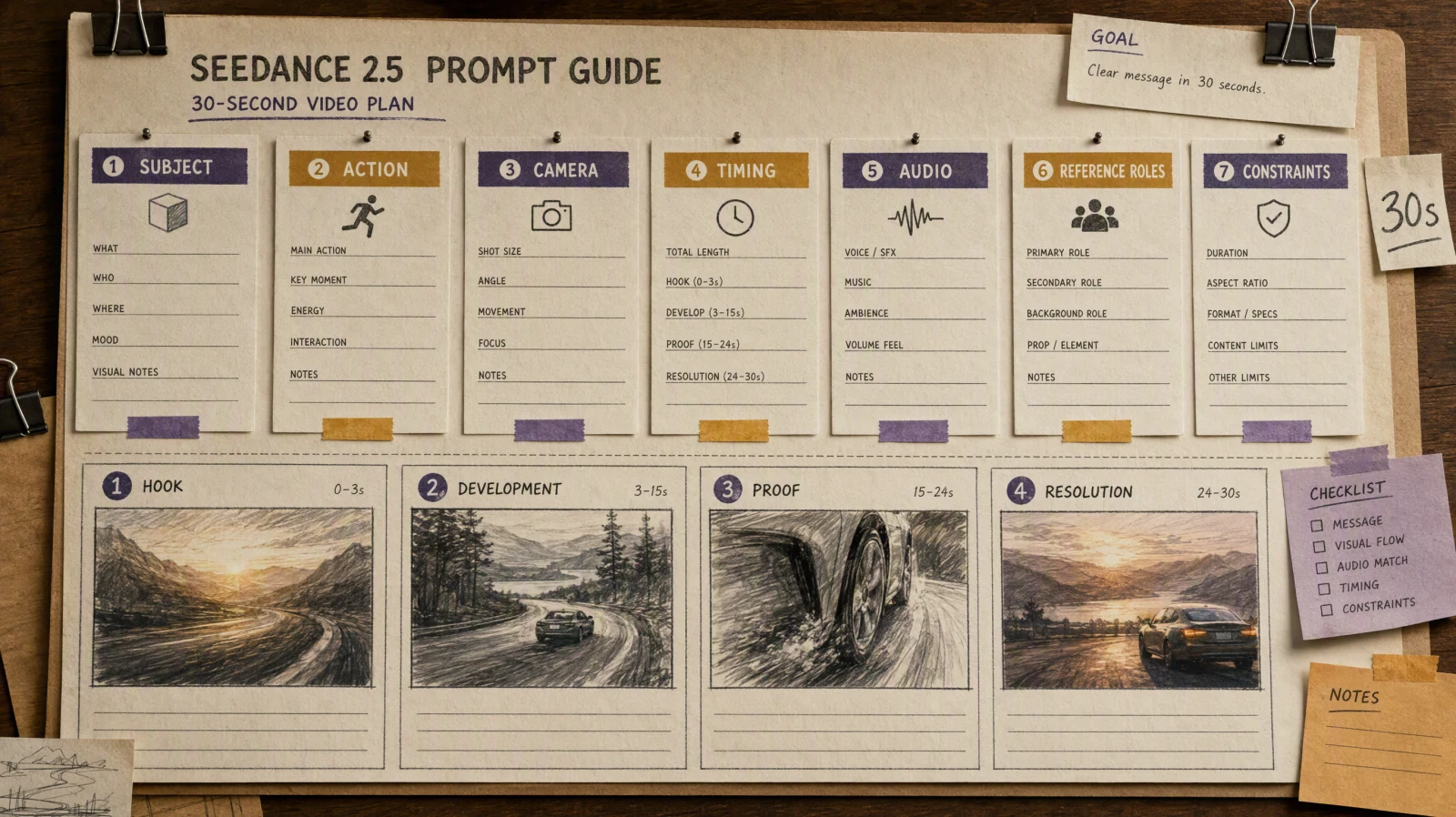
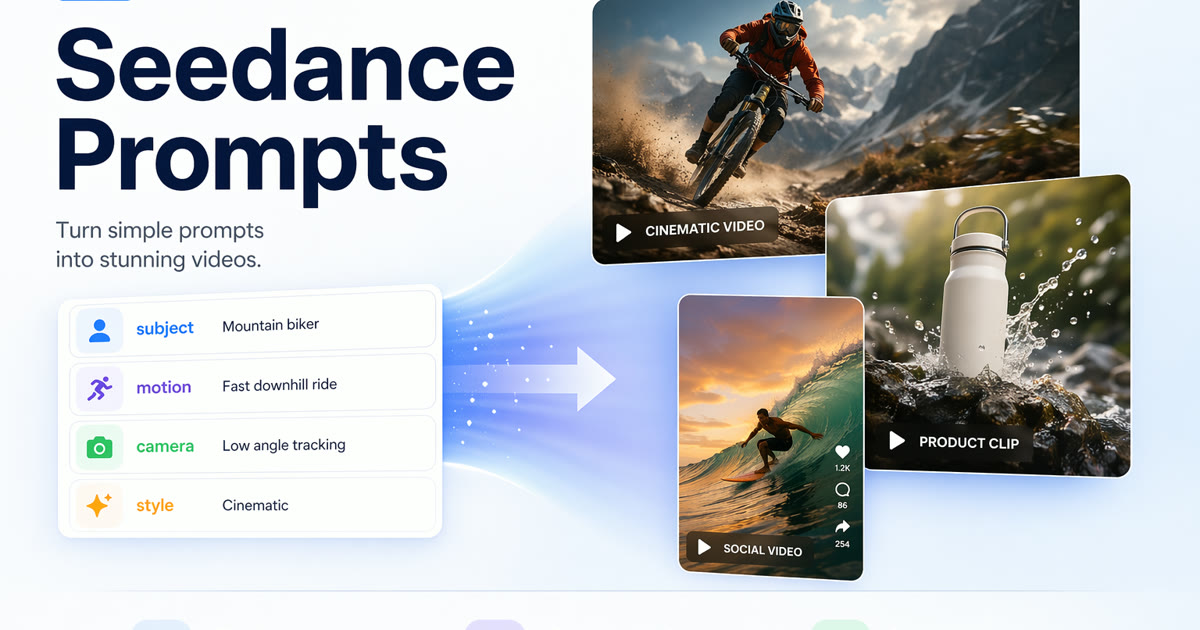
A strong Veo 3.1 prompt usually follows this pattern: subject plus action, environment, camera movement, lighting, audio cue, visual style, duration expectation, and constraints. For example: A lone cyclist rides through a quiet coastal road at sunrise, camera tracks beside the bike at wheel height, soft golden light, distant waves and wind, realistic documentary style, no text, no logos, no sudden scene cuts. The point is not to invent hidden Veo parameters. It is to give the video model the same practical information a director would give a cinematographer.
Google's public video-generation documentation describes Veo 3.1 as a video model that can support native audio, image guidance, video extension, and frame-based controls in supported surfaces. Google also recommends clear prompts with concrete subject, action, context, and camera details in its Vertex AI video prompt guide. Treat those docs as the factual boundary: this article offers a prompt workflow, not a list of unofficial Google settings.
Veo-Style Prompt Formula
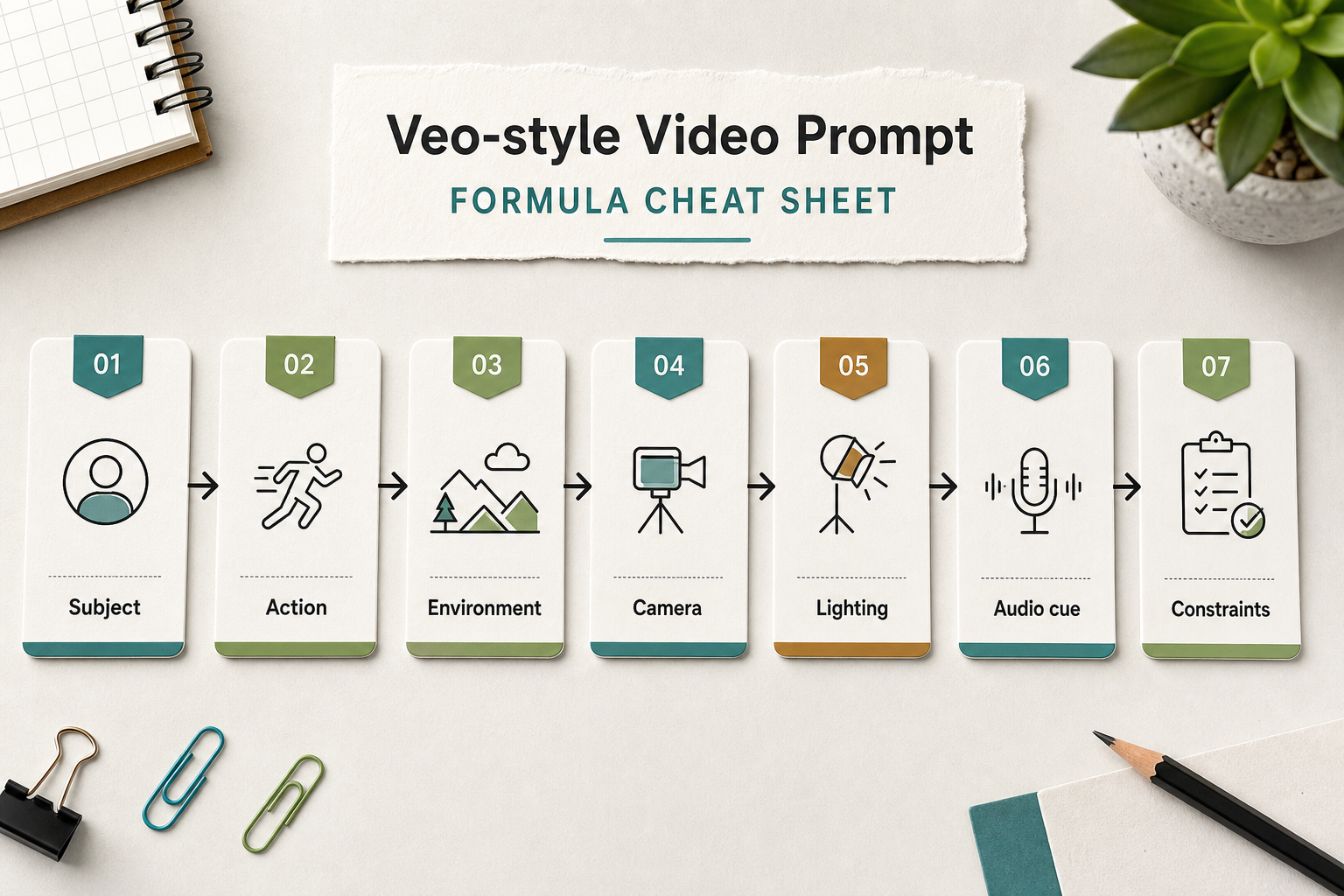
Structure realistic video prompts before testing them across models.
Use this formula as a starting point:
| Prompt part | What to write | Why it matters |
|---|---|---|
| Subject | Who or what appears in the shot | Prevents vague, drifting scenes |
| Action | The main movement or event | Gives the clip a reason to exist |
| Environment | Location, time, weather, texture | Helps realism and continuity |
| Camera | Shot size, lens feel, movement | Controls viewer attention |
| Lighting | Source, contrast, color, mood | Anchors realism and tone |
| Audio cue | Ambience, music, natural sound | Helps when the target model supports audio |
| Style | Documentary, commercial, cinematic, macro | Narrows the visual language |
| Constraints | No logos, no text, no extra people, no cuts | Reduces common artifacts |
A compact template:
Subject and action in a specific environment. Camera movement and shot size. Lighting and atmosphere. Audio cue. Visual style. Constraints.
Best for: realistic scenes, product shots, travel clips, social ads, documentary-style B-roll, and prompt experiments where you need repeatable variables.
Not best for: exact brand UI recreation, official product demos, celebrity likenesses, medical/legal claims, or any workflow that requires guaranteed matching results across different models.
Realistic Video Prompt Examples
Use these as starting points, then change one variable at a time.
| Use case | Veo-style prompt |
|---|---|
| Product lifestyle | A ceramic coffee mug sits on a wooden kitchen table as morning light moves across the surface, camera slowly pushes in from a medium shot to a close-up, steam rises naturally, soft room tone, realistic commercial style, no logo, no text. |
| Travel realism | A small car drives along a coastal road at sunrise, camera tracks from a low side angle, ocean mist in the background, warm backlight, distant waves and tires on asphalt, documentary travel style, no people in close-up. |
| Food motion | Fresh noodles are lifted from a bowl with chopsticks, close-up macro shot, shallow depth of field, warm restaurant light, subtle steam and kitchen ambience, realistic food commercial, no exaggerated splashes. |
| Fashion detail | A linen jacket hangs near an open window, fabric moves gently in a breeze, camera dolly in from wide shot to shoulder detail, neutral daylight, quiet room ambience, editorial fashion style, no model face. |
| App promo without fake UI | A creator arranges storyboard cards on a desk, camera orbits slowly overhead, cards show abstract thumbnails instead of real app screens, soft studio lighting, paper texture, no readable product UI. |
| Architecture | A modern library atrium opens in the morning, crane shot descends from skylight to reading tables, soft shadows, quiet footsteps and page turns, realistic architectural film, no brand signage. |
| Nature close-up | Dew drops roll down a green leaf after rain, macro close-up, slow handheld movement, diffused overcast light, birds and light wind, natural documentary style, no insects added. |
| Social ad | A small business owner packs handmade candles for shipping, camera follows hands from label to box, warm practical lighting, tape and paper sounds, realistic creator economy tone, no readable address. |
| Fitness | Running shoes hit a wet track at dawn, low tracking shot, water droplets move with each step, cool blue light, breathing and footstep rhythm, sports documentary style, no brand marks. |
| Education | A teacher sketches a simple storyboard on a whiteboard, over-the-shoulder shot, slow pan across panels, clean classroom light, marker sound, instructional documentary style, no student faces. |
| Real estate | Sunlight enters a compact apartment living room, wide shot transitions to slow dolly toward the window, natural shadows, city ambience outside, calm real estate tour style, no fake labels. |
| Music atmosphere | A keyboard sits in a dim studio as a hand plays a soft chord, close-up to medium reveal, practical lamp glow, subtle tape hiss and room reverb, intimate music video style, no artist likeness. |
| E-commerce | A pair of hiking boots rotates on a stone surface with dust and water beads, camera orbit, side light showing texture, subtle outdoor ambience, realistic product demo, no logo. |
| Cinematic B-roll | A rain-slick street reflects neon at night, low angle wide shot, slow push-in as traffic passes, moody contrast, distant traffic and soft rain, cinematic realism, no readable signs. |
Camera and Motion Prompts
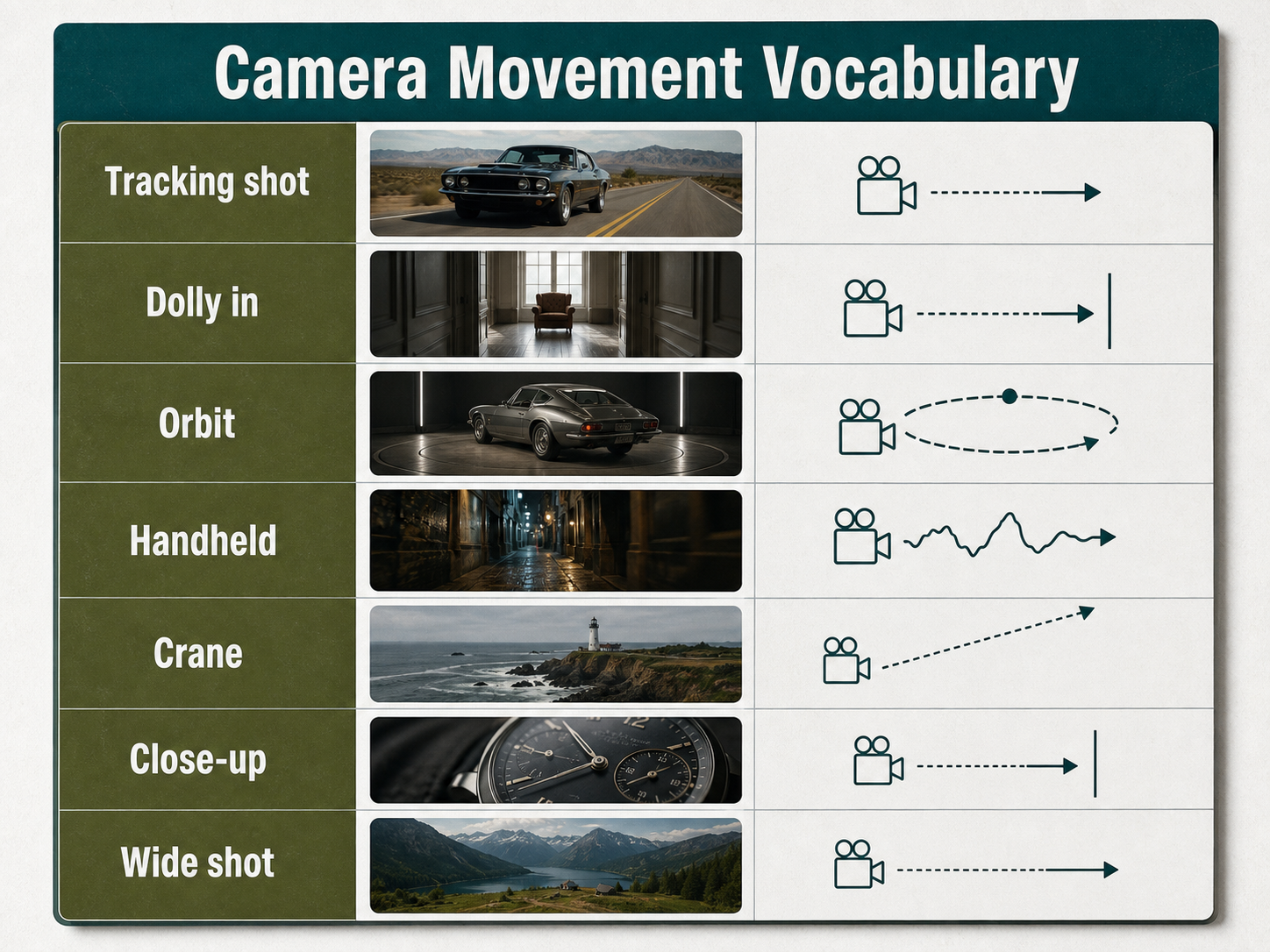
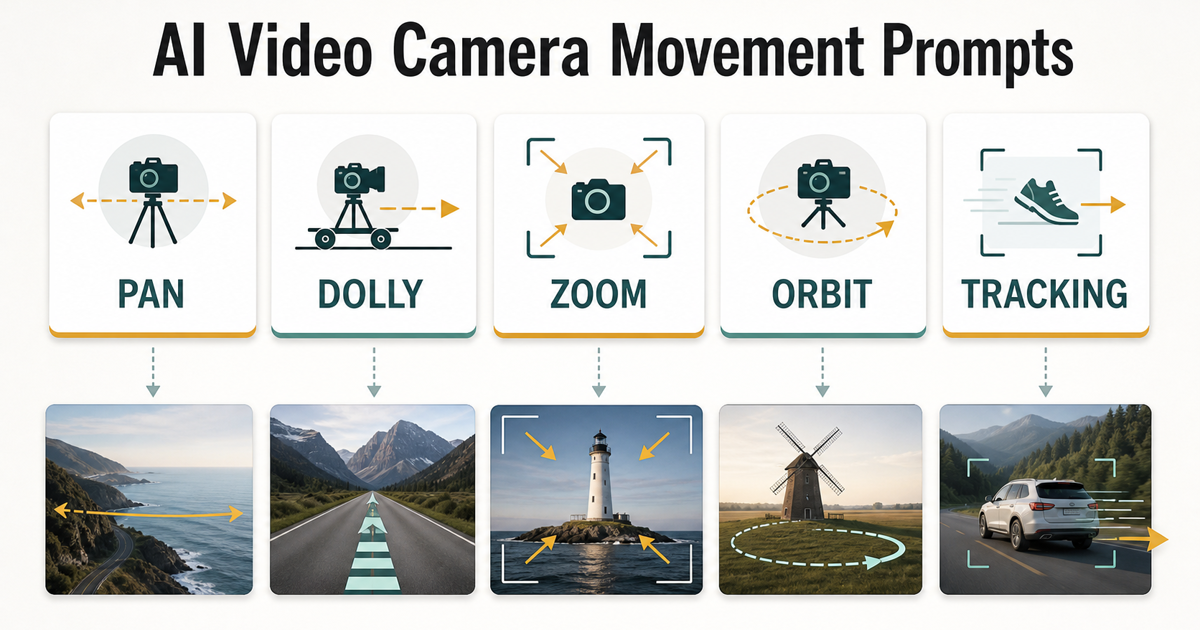
Camera language helps control how the generated scene moves.
| Camera term | Use it when | Example phrase |
|---|---|---|
| Tracking shot | The subject moves across the frame | camera tracks beside the cyclist at wheel height |
| Dolly in | You want gradual focus and emotional emphasis | slow dolly in from medium shot to close-up |
| Orbit | The object is stable and dimensional | camera orbits 90 degrees around the product |
| Handheld | You want documentary energy | subtle handheld movement, not shaky |
| Crane | You need vertical reveal | crane shot descends from skylight to floor |
| Close-up | Texture or emotion matters | close-up on steam and ceramic texture |
| Wide shot | Place and scale matter | wide shot showing the full coastal road |
Do not stack every camera term into one prompt. A prompt that says drone, handheld, macro, orbit, and dolly in at the same time gives conflicting direction. Choose one dominant movement, then add one shot-size cue.
Audio and Atmosphere Cues
For Veo prompts and realistic AI video prompts, audio should describe the scene rather than announce the desired emotion. Write natural cues such as distant traffic, soft rain, room tone, shoe steps on wet pavement, or low cafe ambience. Avoid over-specific mixes such as exact instrument stems unless the target product explicitly supports that level of control.
Useful audio cue patterns:
| Scene | Better cue | Weaker cue |
|---|---|---|
| Street at night | distant traffic, soft rain, wet tire sound | dramatic audio |
| Kitchen product shot | quiet room tone, kettle hum, light ceramic clink | premium sound |
| Forest B-roll | wind in trees, birds far away, footsteps on damp soil | nature vibe |
| Product demo | subtle handling sounds, no music overpowering the scene | catchy soundtrack |
Bad vs Improved Prompt
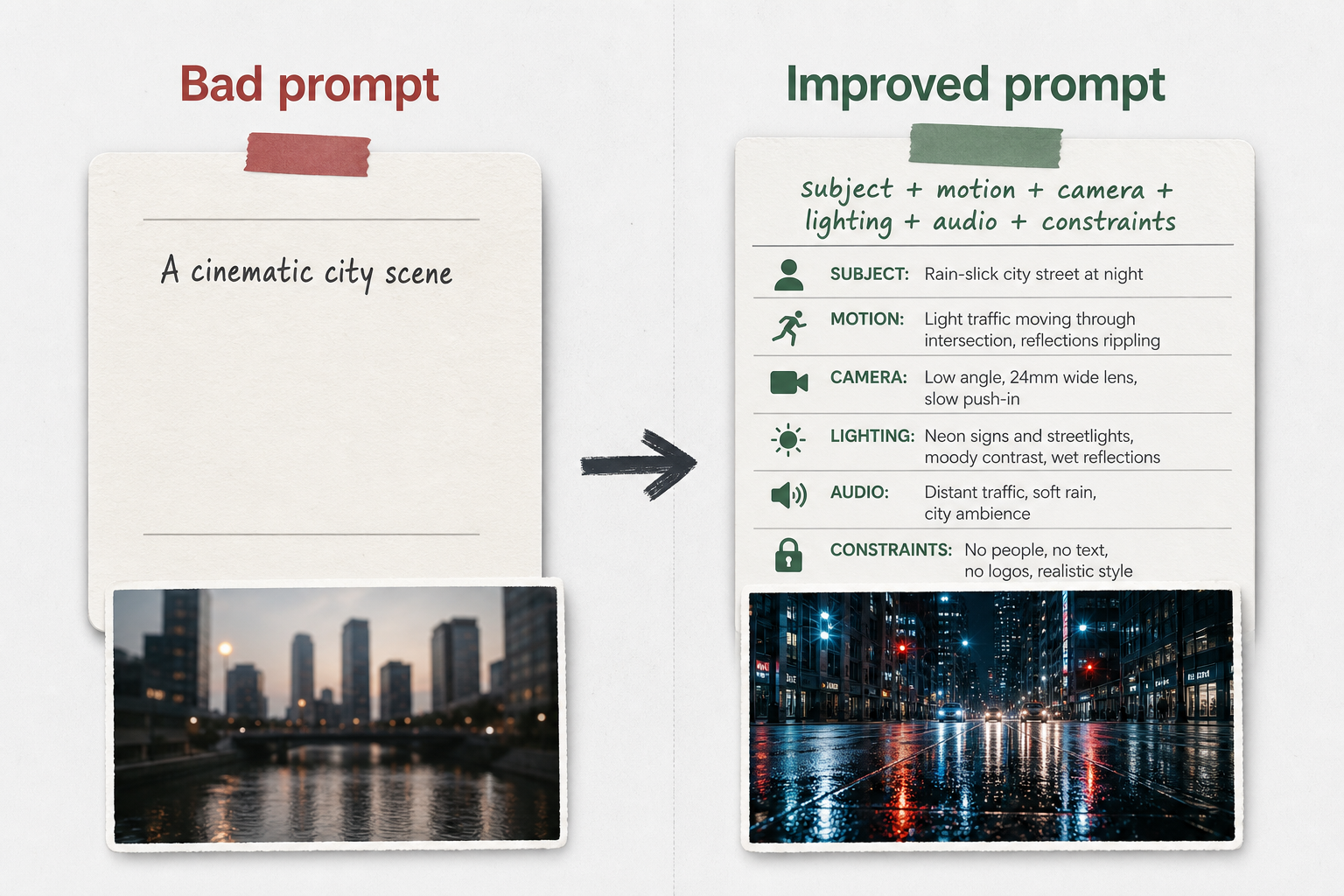
More specific motion and atmosphere usually improve AI video outputs.
| Bad prompt | Improved prompt |
|---|---|
| Make a cinematic city video. | Rain-slick city street at night, low angle wide shot, slow push-in as light traffic passes through the intersection, neon reflections ripple on the road, distant traffic and soft rain, cinematic realism, no readable signs, no logos. |
| Show a product looking premium. | Matte black travel bottle on a stone counter, camera orbits 60 degrees, side light reveals condensation, quiet studio ambience, realistic commercial style, no brand mark, no text overlay. |
| A cool nature scene. | Alpine lake at dawn with mist above the water, wide locked-off shot, a small ripple crosses the foreground, soft blue light, distant birds and wind, natural documentary style, no people. |
How to Test Prompts in a Multi-Model Workflow
- Pick one scene goal: product reveal, travel B-roll, prompt card, social ad, or documentary shot.
- Write one baseline prompt with subject, action, environment, camera, lighting, audio, style, and constraints.
- Create three variants that change only one variable: camera movement, lighting, or constraint wording.
- Test the variants in the models available to your workflow. Do not assume a Veo-style prompt will behave identically in every model.
- Score results on realism, motion continuity, subject consistency, camera compliance, and artifact rate.
- Save the best-performing wording as a reusable prompt pattern.
SeedVideo AI is useful here because the goal is not only to write one beautiful prompt. The practical goal is to compare how a structured prompt behaves across available AI video workflows. If you are still choosing a model, read the Veo Alternative guide after this article.
Common Mistakes
- Asking for realism while leaving out physical details such as surface, light direction, or motion.
- Combining conflicting camera moves in one short clip.
- Using style words like cinematic, premium, or viral without concrete production cues.
- Forgetting constraints such as no text, no logos, no extra people, or no scene cuts.
- Treating one successful output as proof that the same prompt will work everywhere.
- Inventing official model parameters that are not documented by Google.
FAQ
Is this an official Google Veo 3.1 prompt guide?
No. This is a practical Veo 3.1 prompt guide for marketers, creators, and AI video testers. It uses public Google documentation as a factual boundary, but it does not claim to expose official hidden parameters.
What makes a Veo-style prompt different from a normal AI video prompt?
A Veo-style prompt is usually more like a shot brief. It combines subject, action, environment, camera language, lighting, audio, style, and constraints instead of relying on a single mood phrase.
Should I write Google Veo prompts in English?
Many creators test English prompts first because examples and model documentation are often written in English. The more important point is clarity: use concrete nouns, direct motion, simple camera terms, and explicit constraints.
How many prompt examples should I test before judging a model?
Test at least three to five controlled variants for one scene. If you change the subject, camera, lighting, and style all at once, you will not know which variable improved or hurt the result.
Can I use these prompts in SeedVideo AI?
Yes. Use the examples as structured prompt drafts inside SeedVideo AI, then compare outputs across the video workflows available in your account.
Do audio cues always work in Veo 3.1?
Public Google documentation describes audio-related capabilities in supported Veo 3.1 surfaces, but product behavior can change. Write audio cues clearly and verify the output instead of treating them as guaranteed controls.
Conclusion: Test the Prompt, Not Just the Model
The best Veo 3.1 prompt guide is a repeatable testing method. Write the prompt like a production brief, keep camera and motion language specific, add realistic audio and atmosphere, and compare variants before making decisions. Start with SeedVideo AI, then use the Text to Video Prompt Guide and AI Video Prompt Examples to build a prompt library you can reuse.