
Blog sui modelli video AI Seedance
Blog sui modelli video AI Seedance
Segui le novità sui modelli Seedance, le strategie di prompt, i flussi di lavoro video e i confronti tra i modelli video in stile Seedance attuali e futuri.
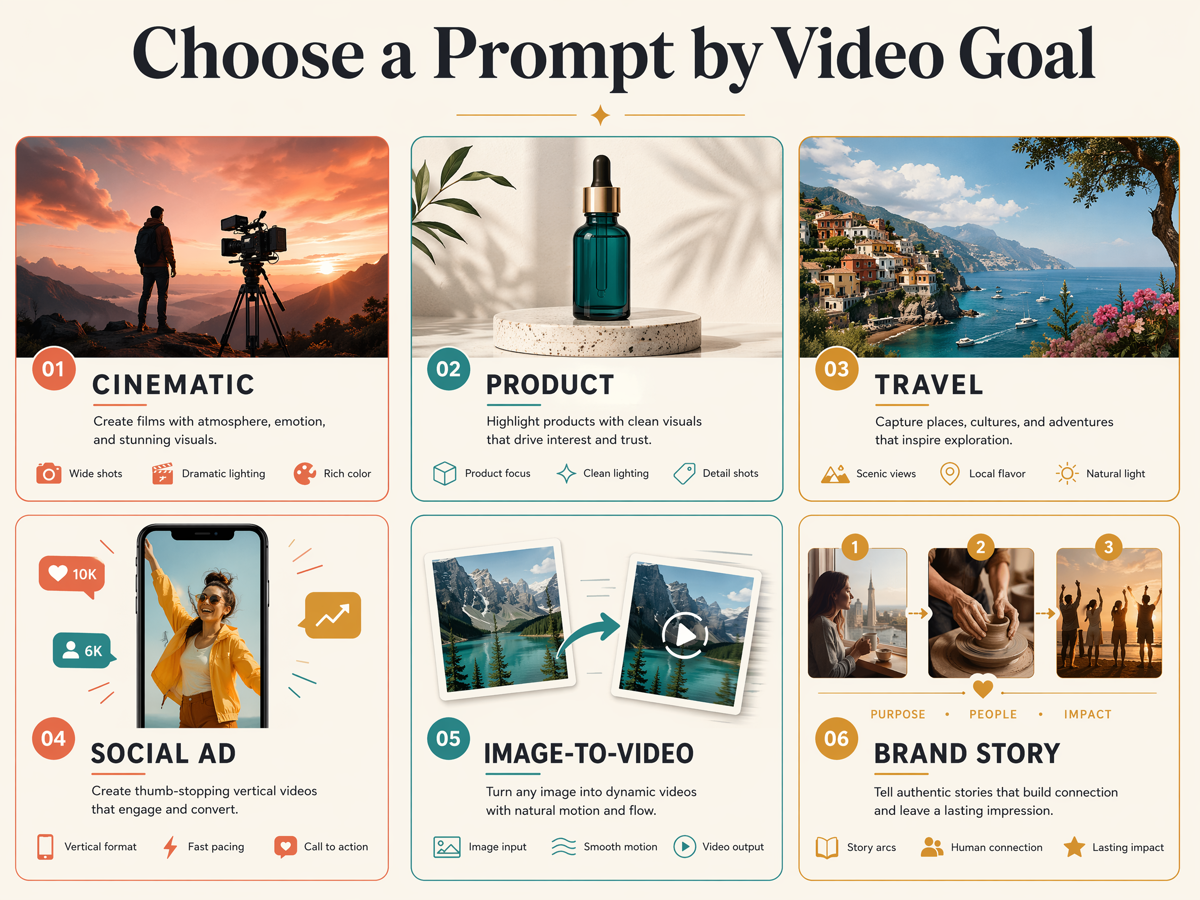
40 AI Video Ideas for TikTok, YouTube, Product Marketing, and Storytelling
A working list of 40 AI video ideas sorted by goal — social content, product marketing, storytelling, and personal projects — each with the generation mode and a prompt starter.
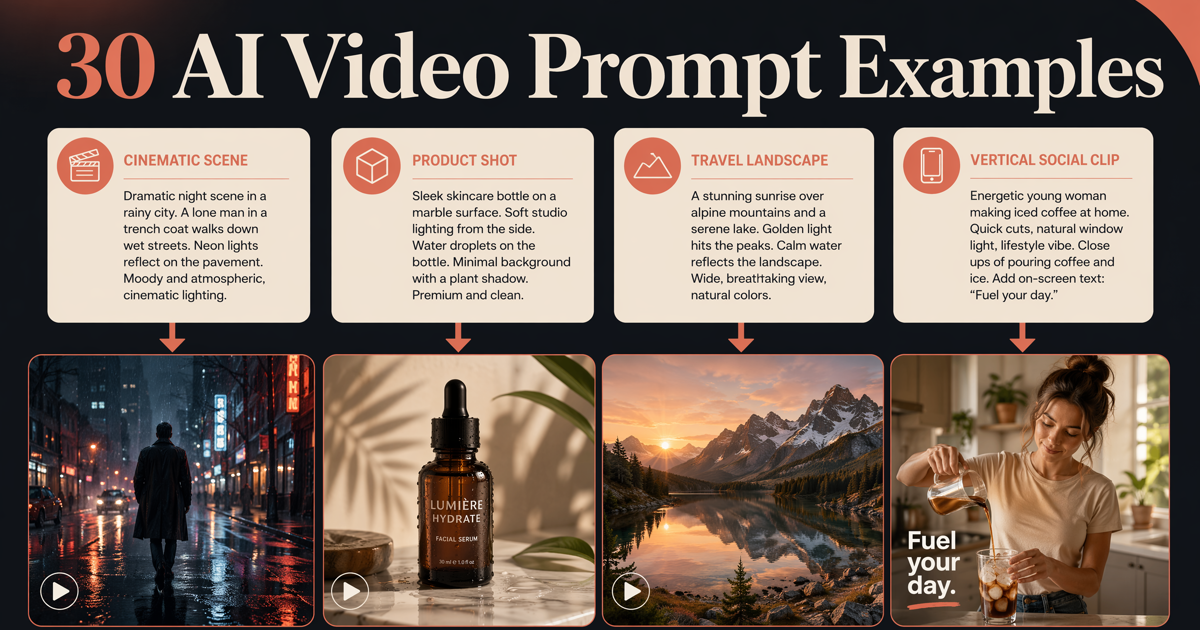
50 AI Video Prompt Examples: Cinematic, Product, Social, Dialogue, and Reference
Copy 50 AI video prompt examples for cinematic, product, travel, social, dialogue, camera-move, image-to-video, and reference-to-video clips. 10 are tested on Seedance 2.5 with the result clip and what the model missed.
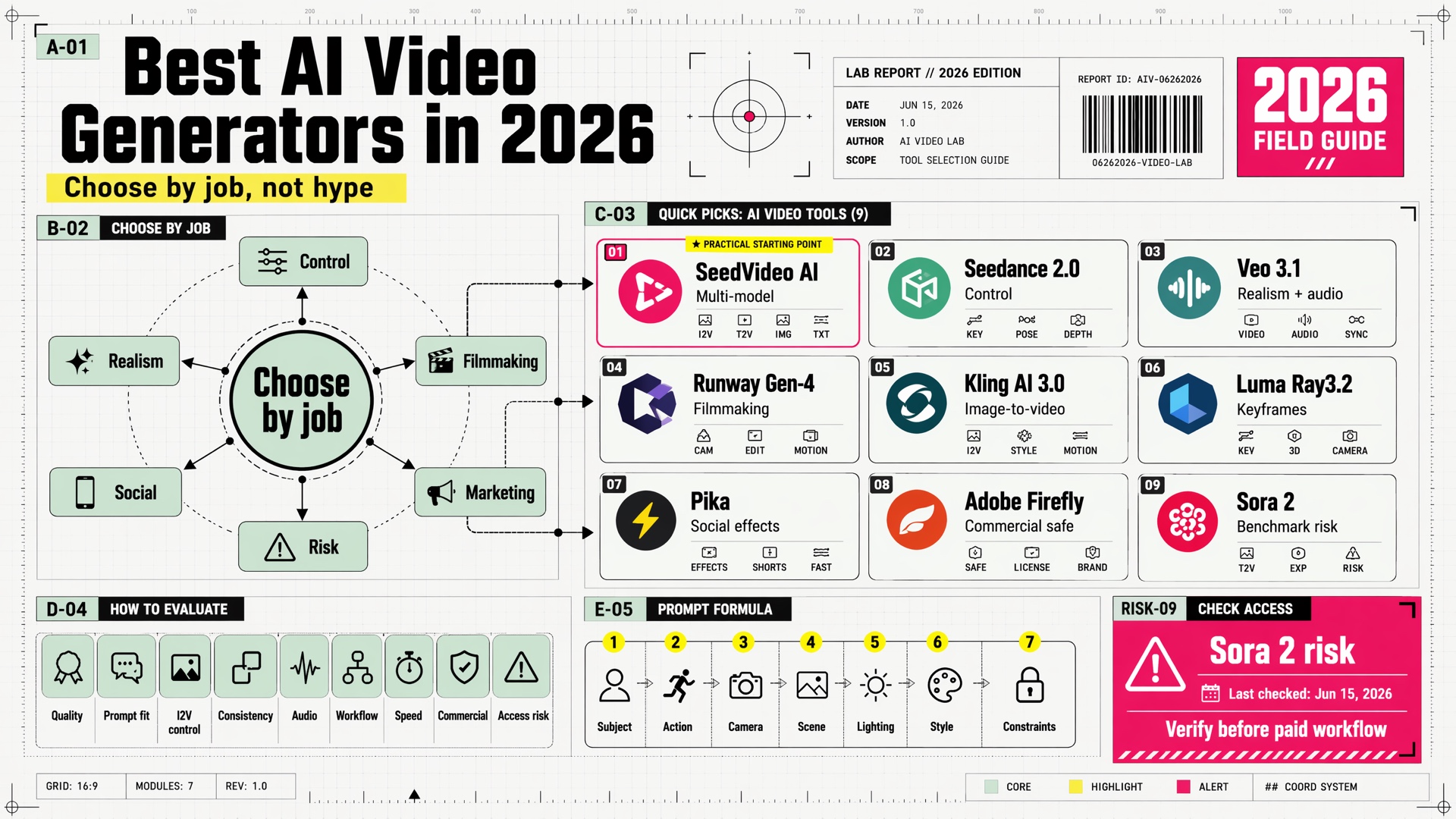
Best AI Video Generators in 2026: Seedance, Veo, Runway, Kling, Sora, Pika, and More
A practical 2026 guide to the best AI video generators for text-to-video, image-to-video, cinematic shots, social clips, brand-safe marketing, and multi-model workflows.

How to Use Seedance 2.0: Step-by-Step Tutorial for Beginners
New to Seedance 2.0? This step-by-step tutorial shows you how to create stunning AI videos in minutes — includes 10 ready-to-use prompts and pro tips.
Quanto ci mette Seedance 2.5? Tempi su 724 job (ott. 2026)
Seedance 2.5 ha impiegato in mediana 4 min 42 s per video su SeedVideo AI: 724 job dal 15 settembre al 14 ottobre 2026. Tempi per durata, risoluzione e modello.
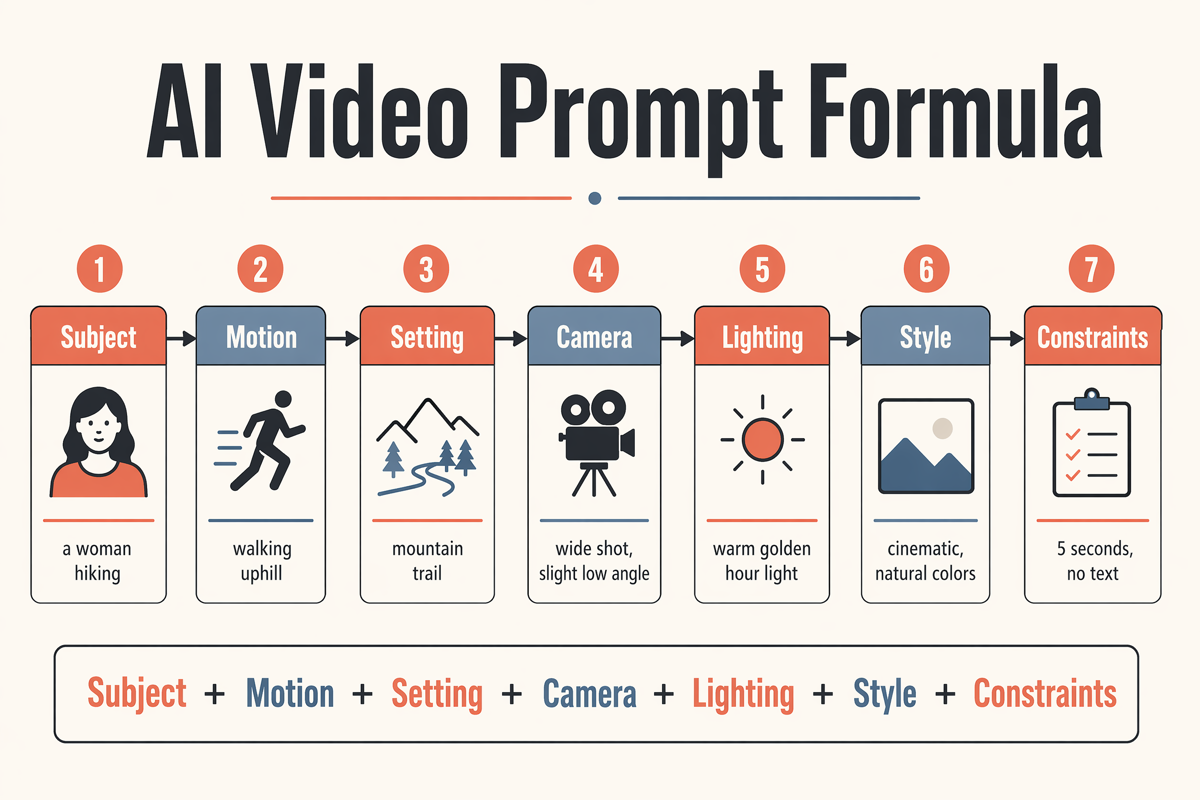
How to Make AI Videos Free: a 15-Minute Beginner Workflow (No Watermark)
Step-by-step guide to making your first AI video free: pick text-to-video or image-to-video, write a one-shot prompt, iterate cheap drafts, and export in HD without a watermark.
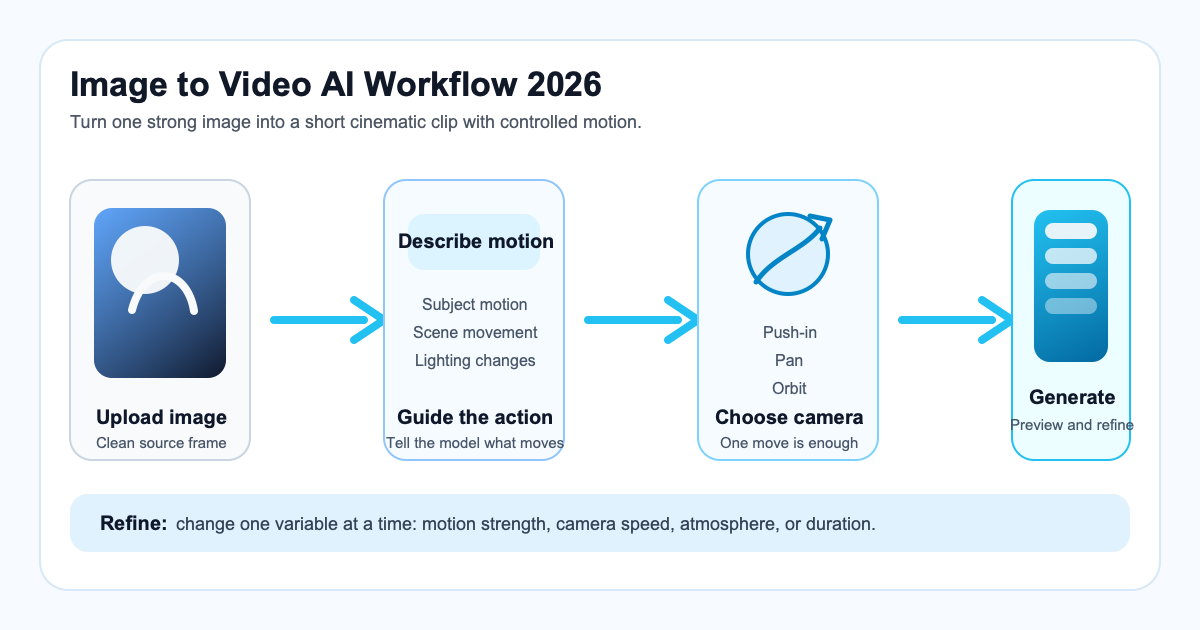
Image to Video AI Guide: How to Turn Images into Cinematic Videos in 2026
A practical 2026 tutorial on image to video AI, including the best workflow, prompt formula, common mistakes, use cases, and a SeedVideo AI example.
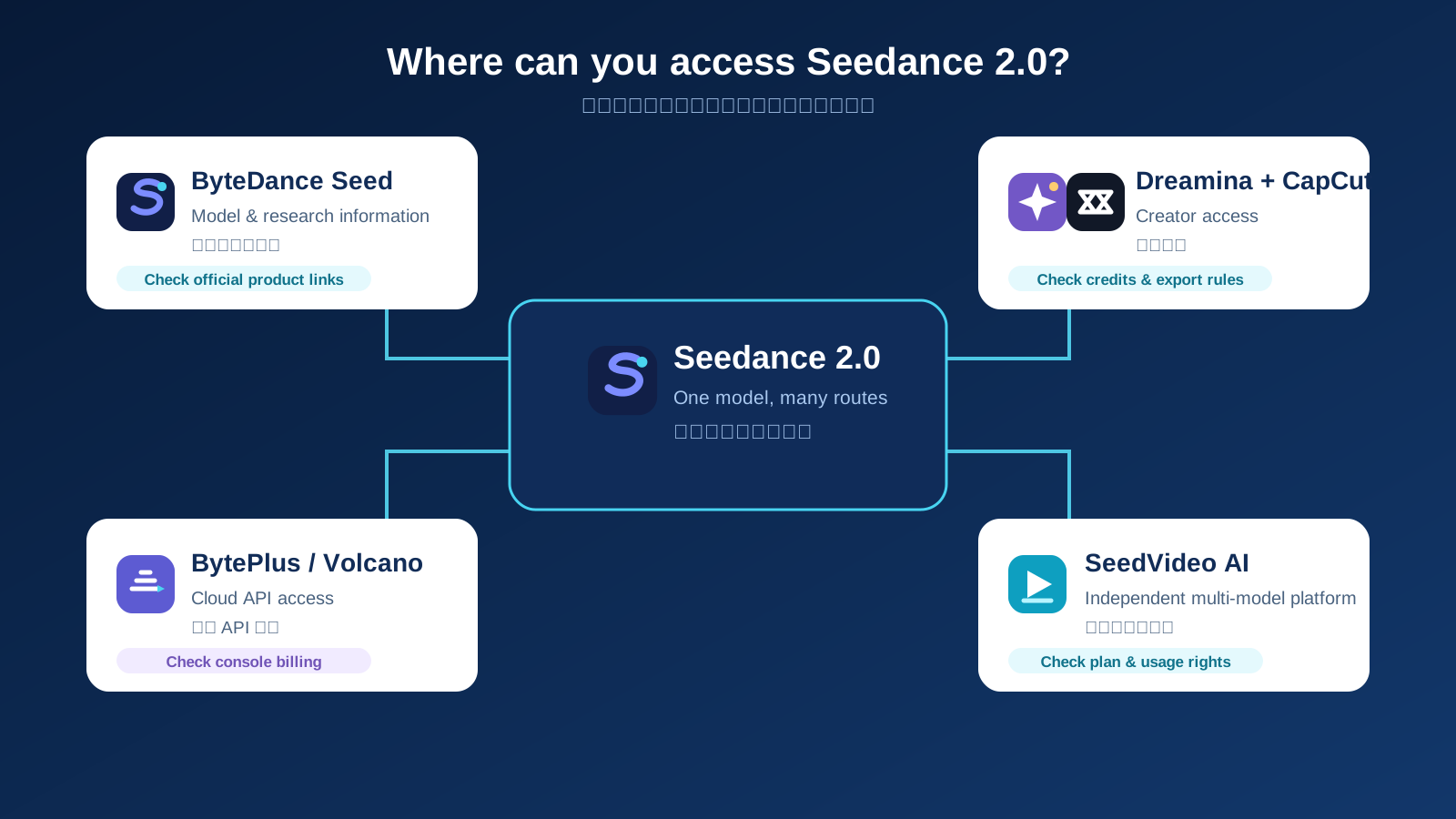
Is Seedance 2.0 Free? Official Access, Credits, and Limits
Find out whether Seedance 2.0 is free, where official access lives, what credits may mean, and how to check limits and commercial terms before a project.

Seedance 2.0 vs Sora 2 vs Kling: 2026 AI Video Generator Comparison
A practical comparison of Seedance 2.0, Sora 2, and Kling across video quality, speed, pricing, and standout features in 2026.
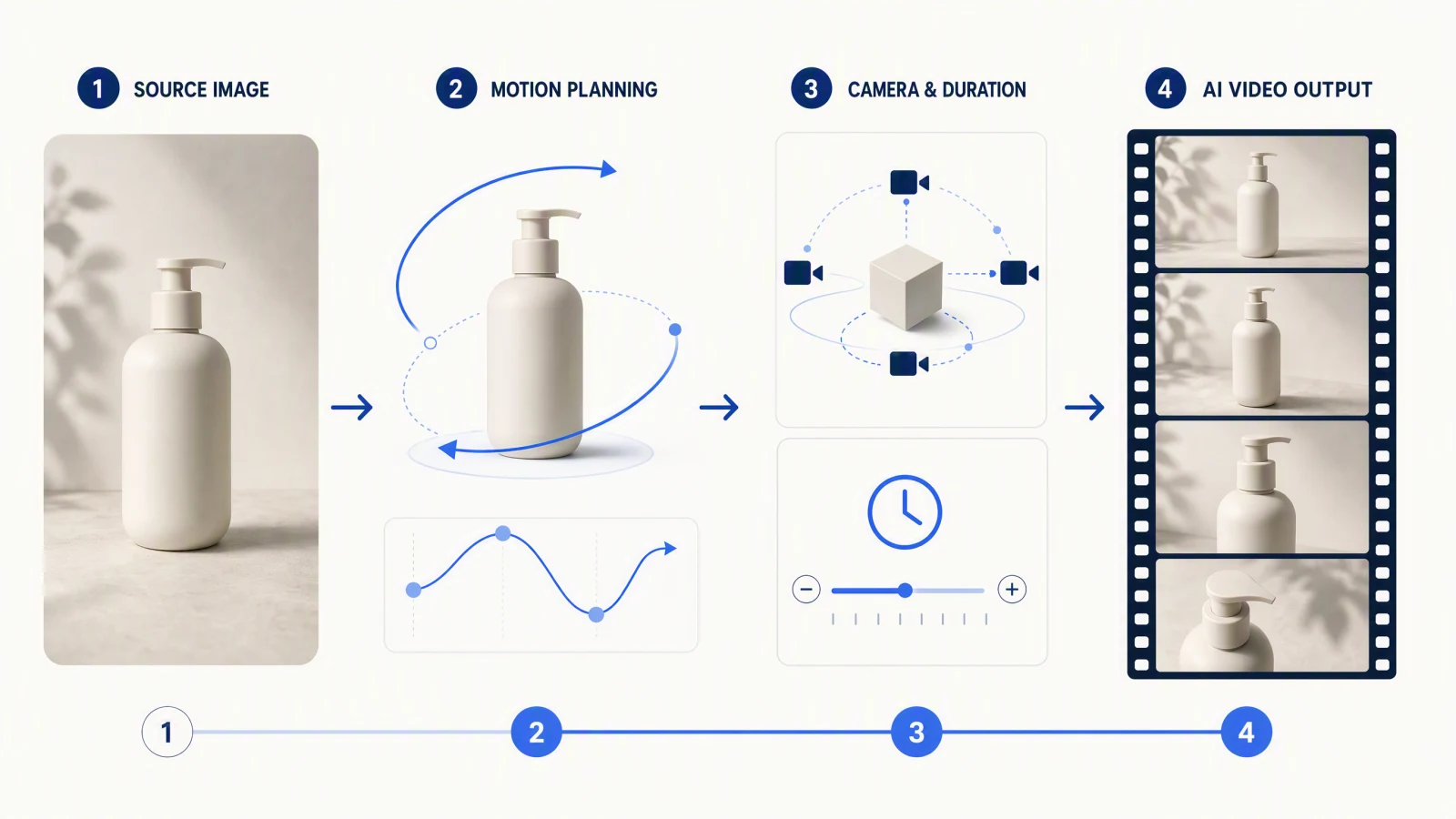
Seedance 2.5 da immagine a video: guida pratica
Flusso pratico per Seedance 2.5 da immagine a video: scegli il ruolo di ogni input, scrivi prompt di movimento, riduci le derive e controlla ogni fotogramma.
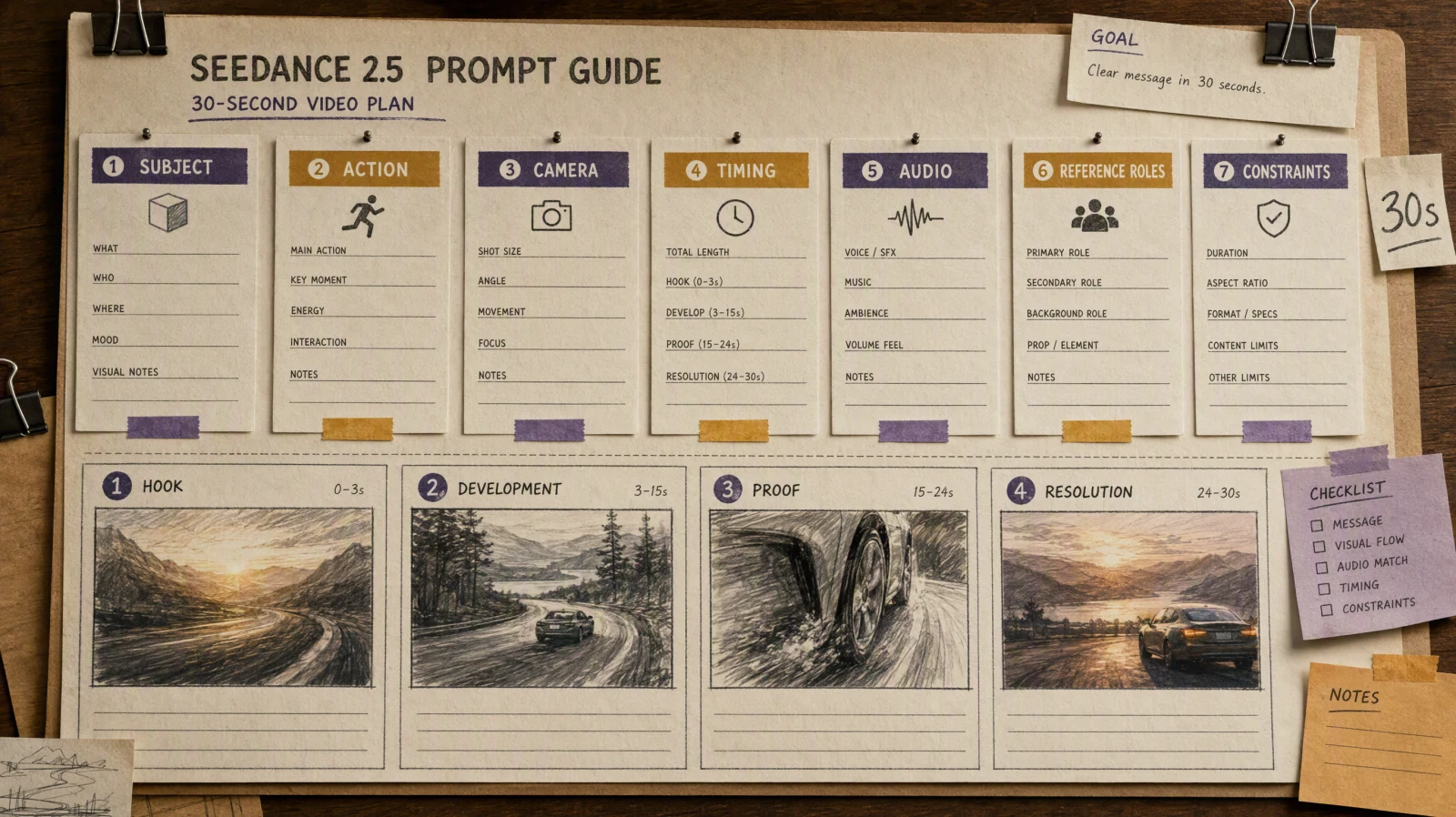
Guida ai prompt Seedance 2.5: 36 prompt + 12 esempi da 30 secondi
Copia 24 prompt brevi per Seedance 2.5 e 12 brief da 30 secondi, tutti testati: clip del risultato, cosa ha ignorato il modello e correzioni in una riga.

Seedance 2.0 Prompt Guide: How to Write Perfect Prompts for Cinematic AI Videos
Master the Subject → Action → Camera → Style formula to create stunning AI videos with Seedance 2.0 on SeedVideo AI. Includes prompt templates, camera movement cheat sheet, and ready-to-use examples.
Seedance Prompt Blocked or Refused? Why, from 11,168 Jobs
86% of failed Seedance jobs on SeedVideo AI were content-check refusals, most for copyrighted or trademarked material. Counts from 11,168 jobs, plus rewrites that work.
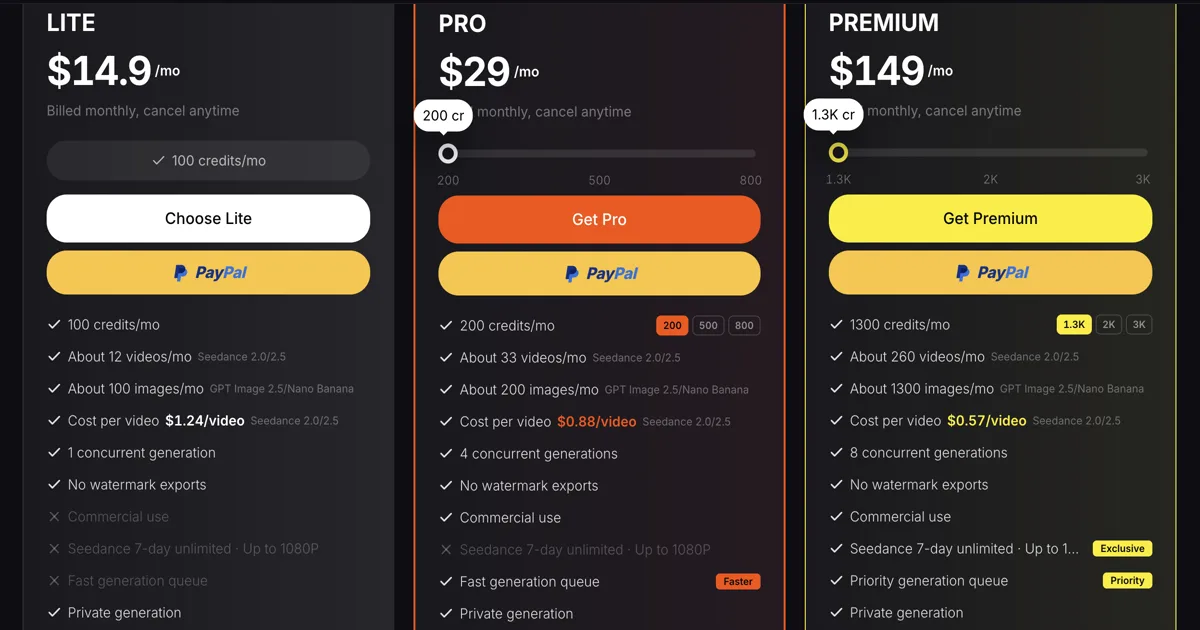
Seedance Unlimited Explained: What Unlimited Mode Includes, Wait Times, and Which Plans Have It
Seedance unlimited on SeedVideo AI is a 7-day window on the Premium plan: Seedance 2.5 and 2.0 clips up to 10 seconds and 1080P with no credits deducted. What it covers, how the free queue works, and what the Free, Lite and Pro plans get instead.
Best Sora Alternatives in 2026: Where to Go After the API Shutdown
OpenAI retires the Sora API on September 24, 2026. Compare the best Sora alternatives — Seedance 2.5, Veo 3.1, Kling 3.0 — and migrate your workflow in minutes.
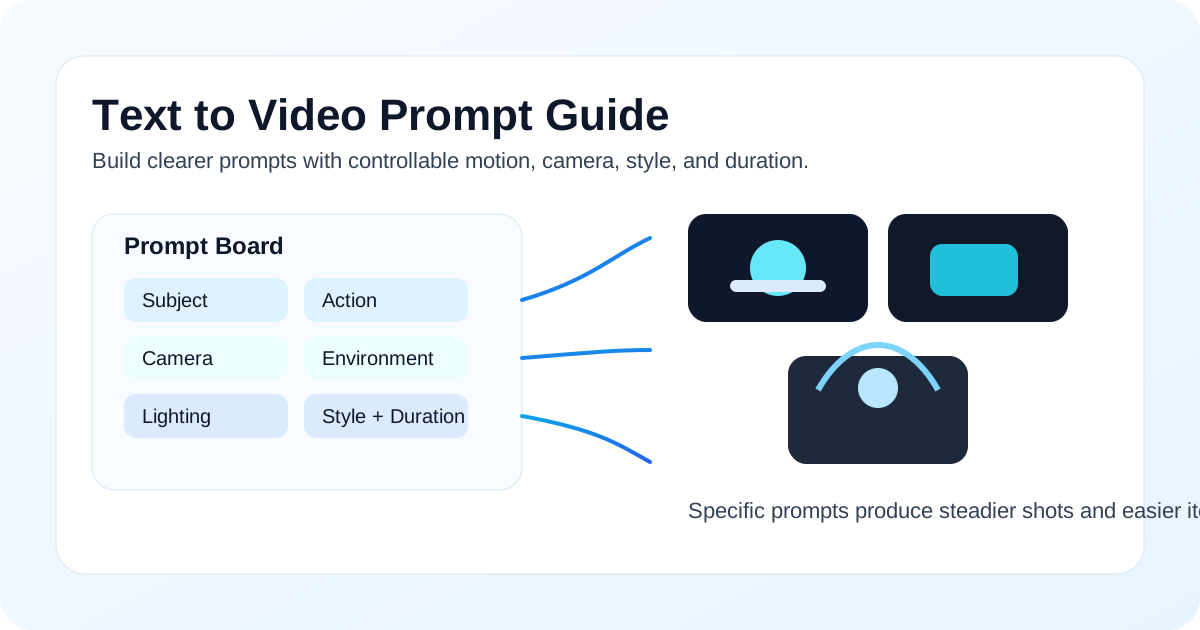
Text to Video Prompt Guide: How to Write Better AI Video Prompts
A practical 2026 text to video prompt guide with a reusable formula, 10 copyable prompt examples, camera movement tips, bad-vs-good comparisons, and a SeedVideo AI workflow.

Best AI Video Generators for Anime (2026): Styles, Motion, and Limits
Best AI video generators for anime in 2026: Seedance 2.5, Kling 4.0, Vidu Q4, PixVerse V6, Hailuo, Midjourney and Wan 3.0 by style, length and free tier.
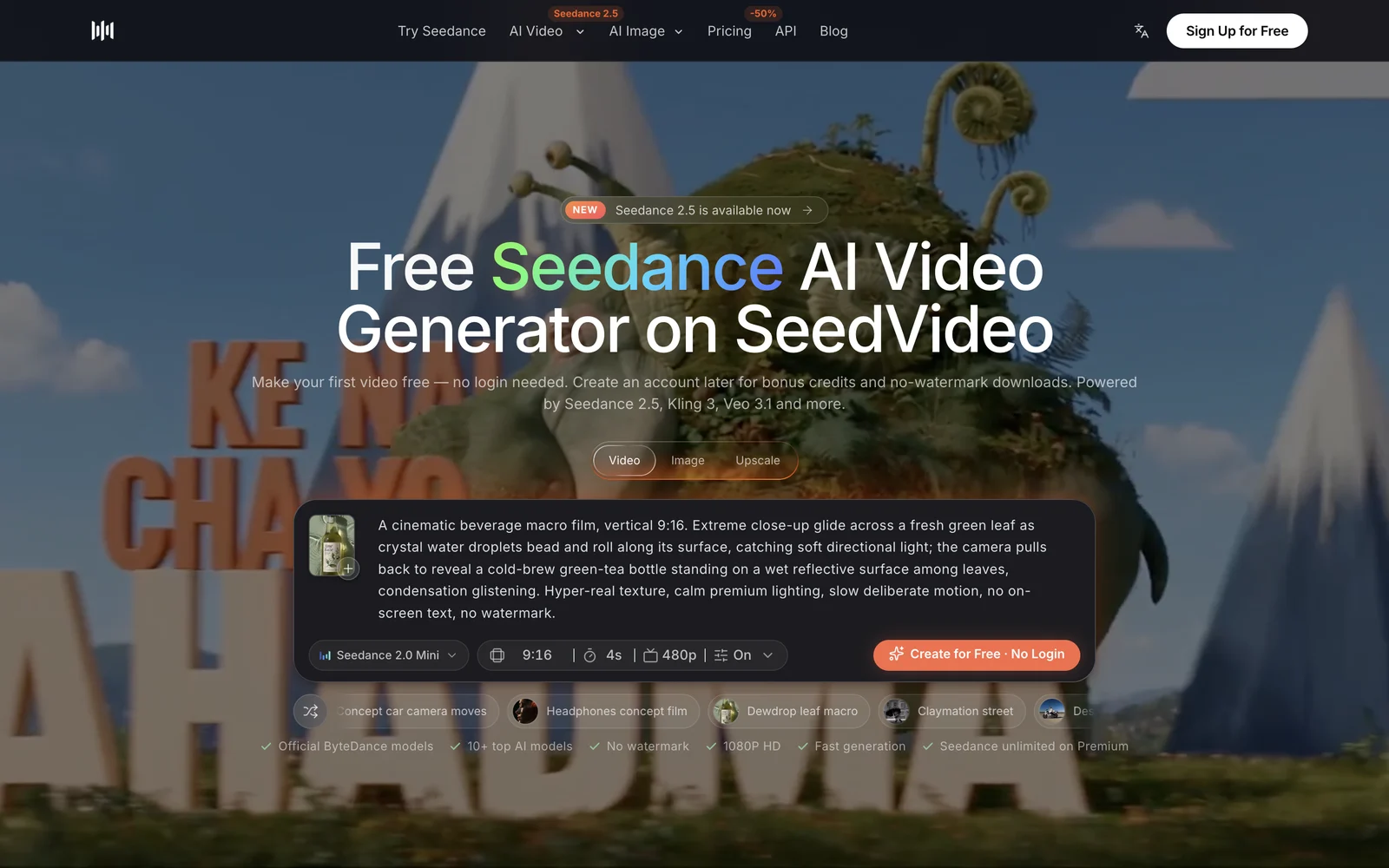
Can You Use Seedance Free Without Login? What the Trial Includes
Yes. Make one free Seedance 2.0 Mini video or one AI image on SeedVideo AI with no account. See the limits, the watermark rule, and what logging in adds.
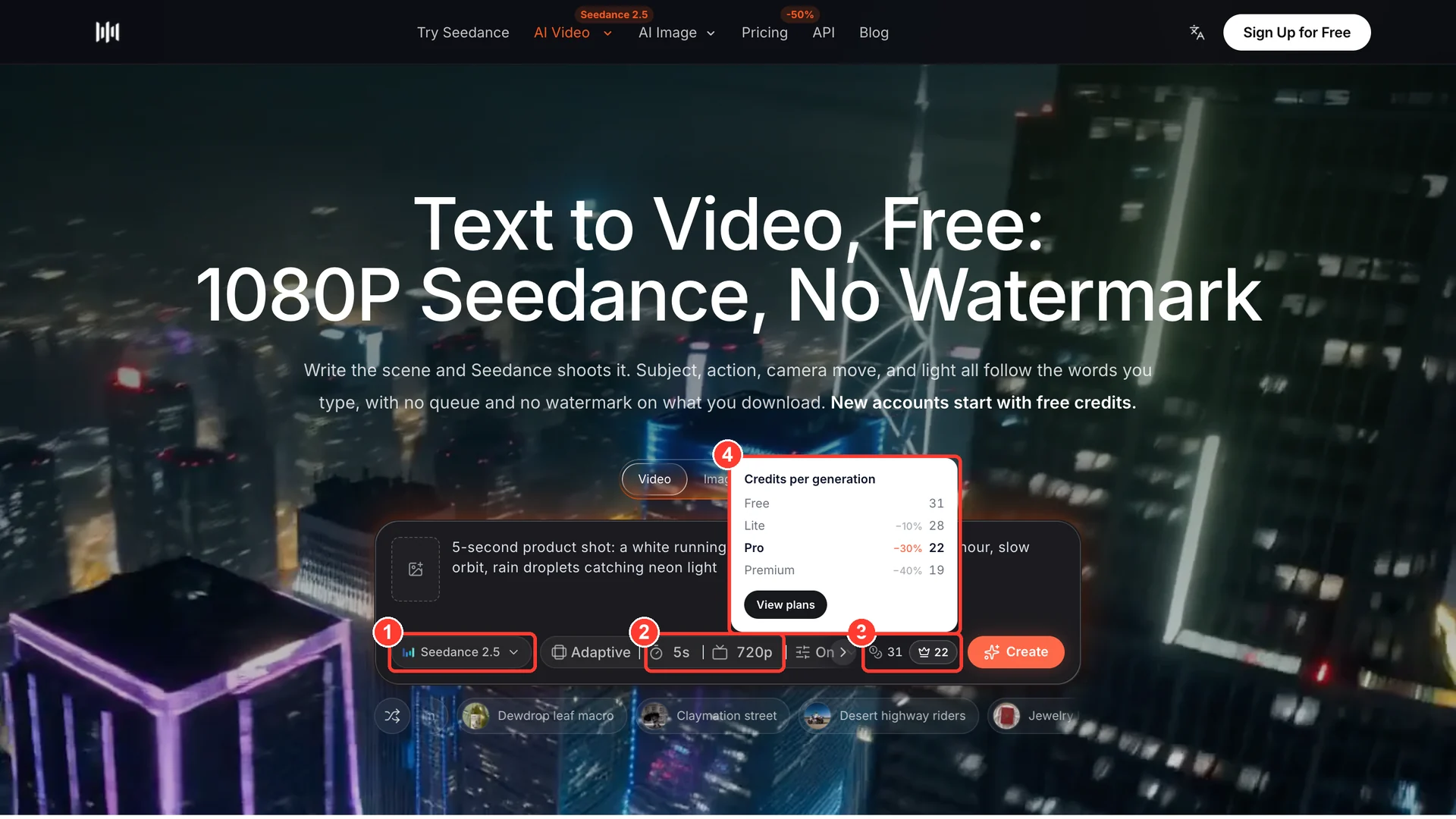
Seedance Credits Explained: How Many Videos Each Plan Makes
Seedance credits explained: a 5-second 720p Seedance 2.5 clip costs 31 credits, or 19 on Premium. Per-second rates, clips per plan, packs and expiry.
Best AI Video Generators for 30-Second and Longer Videos (2026)
Which AI video generators make 30-second videos in one pass? Compare Seedance 2.5, Wan 3.0, Kling, Veo 3.1, LTX, and Grok length limits and prices (Oct 2026).
Is Seedance 2.5 Open Source? Weights, API Access, and Local Use
Seedance 2.5 is not open source: no public weights, no local install. See the official API routes, open-weight alternatives and how to spot fake Seedance repos.
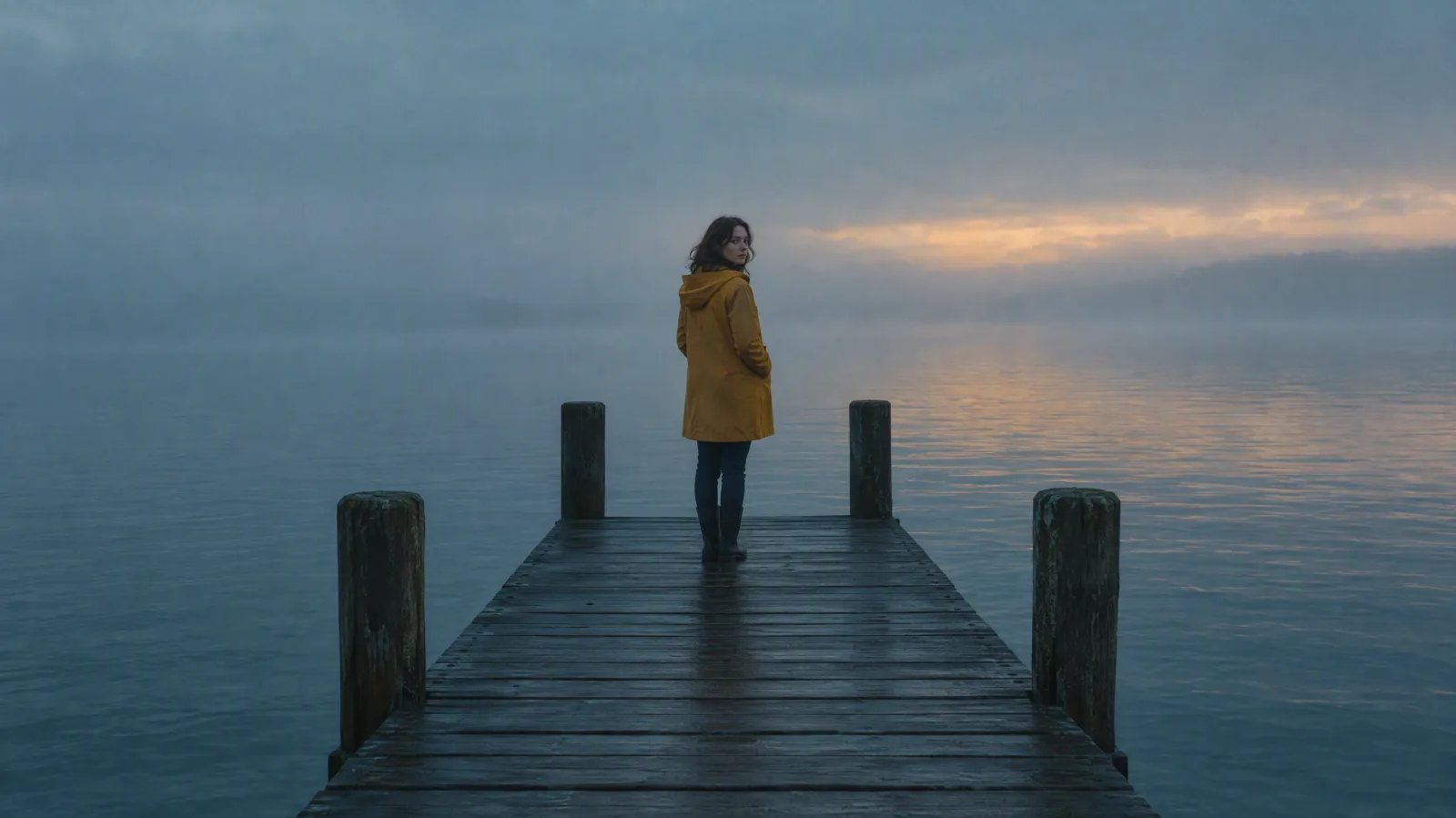
Seedance 2.5 Negative Prompts & Style Control Guide
Seedance 2.5 has no negative prompt box. Learn where to put exclusions, how they combine with style words, and copy 10 ready-to-use prompt examples.
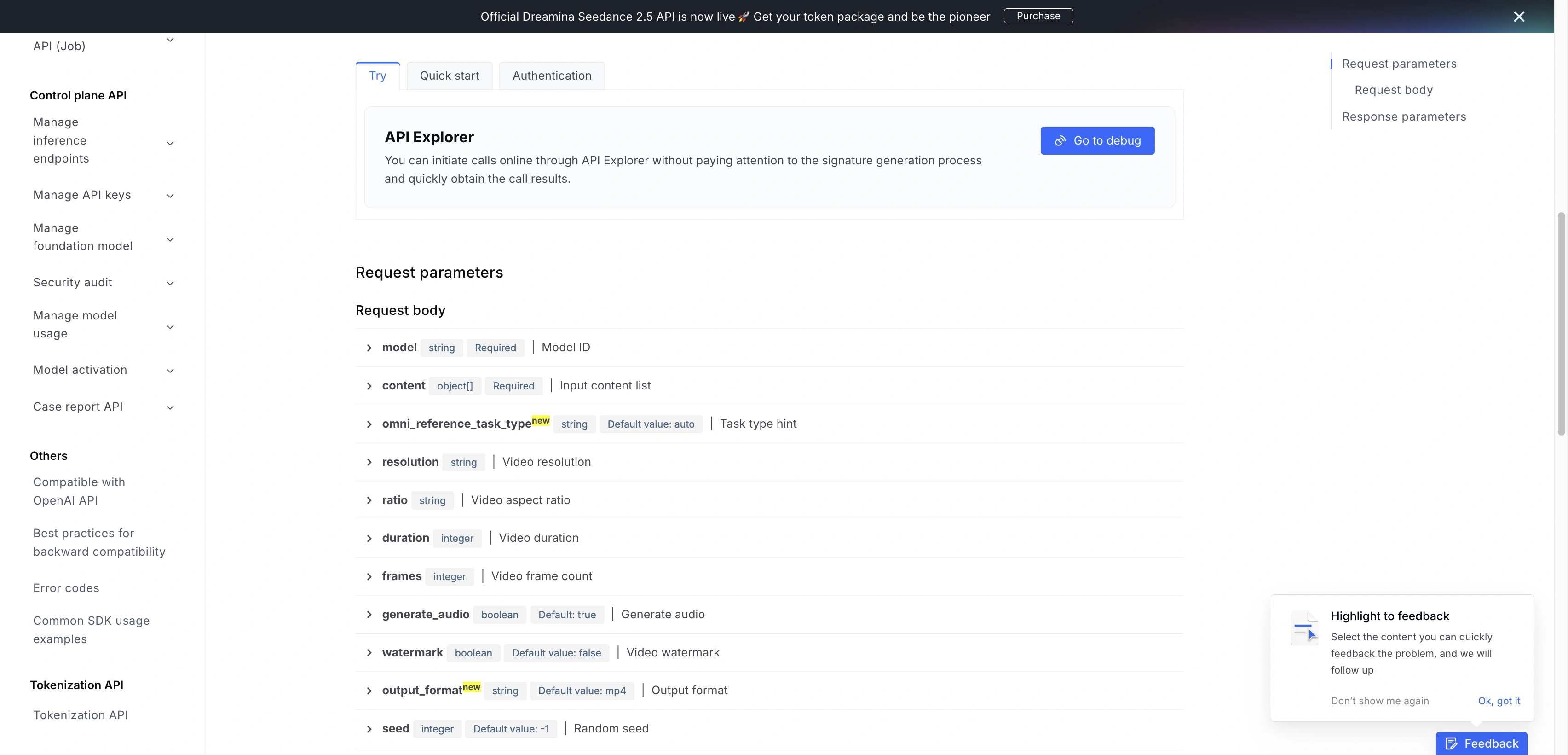
Seedance 2.5 API Guide: Endpoints, Pricing, Limits, and Sora Migration
Compare Seedance 2.5 API endpoints, JSON fields, public prices and limits. Map old Sora requests to BytePlus, Volcengine or EvoLink without mixing contracts.
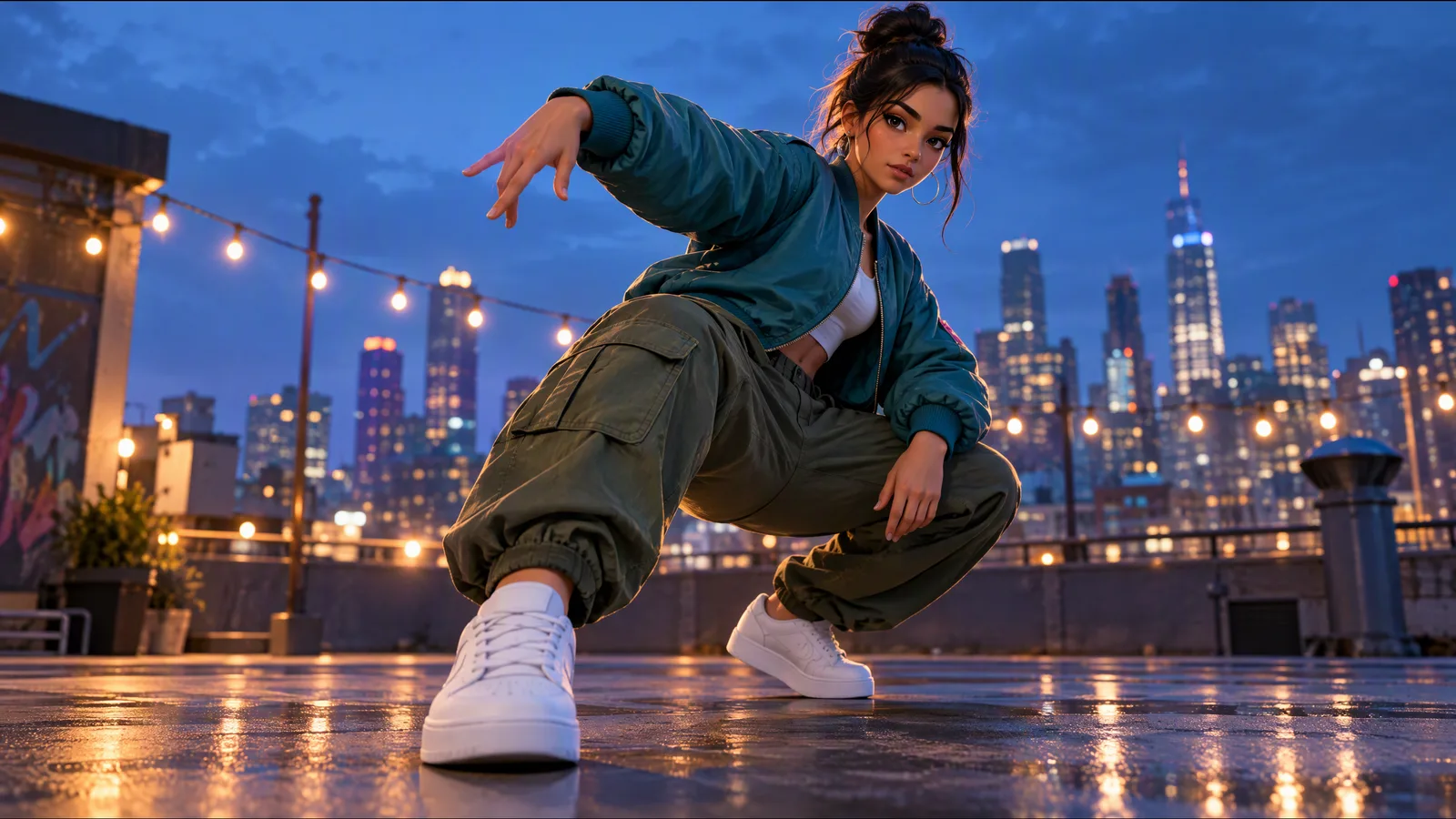
Kling 2.6 Motion Control: How to Use It, Settings & Credits
How to use Kling 2.6 Motion Control: upload a character image and a motion video, choose image or video orientation, and see the credit cost at 720p or 1080p.