AI video camera movement prompts work best when they tell the model what moves, what stays anchored, and how the virtual camera travels through the scene. Start with one subject, one scene, one subject motion, and one camera move such as pan, dolly in, zoom out, orbit, tracking shot, crane up, or handheld follow. Then add speed, framing, lens or angle, and a short constraint that prevents extra motion. Do not stack every cinematic term into one prompt. Most text to video camera movement tests improve when you control one or two major moves and keep the subject action simple. Use the examples below as starting points in SeedVideo AI or beside the Text to Video Prompt Guide, then change one variable at a time so you can see which camera term actually changed the result.
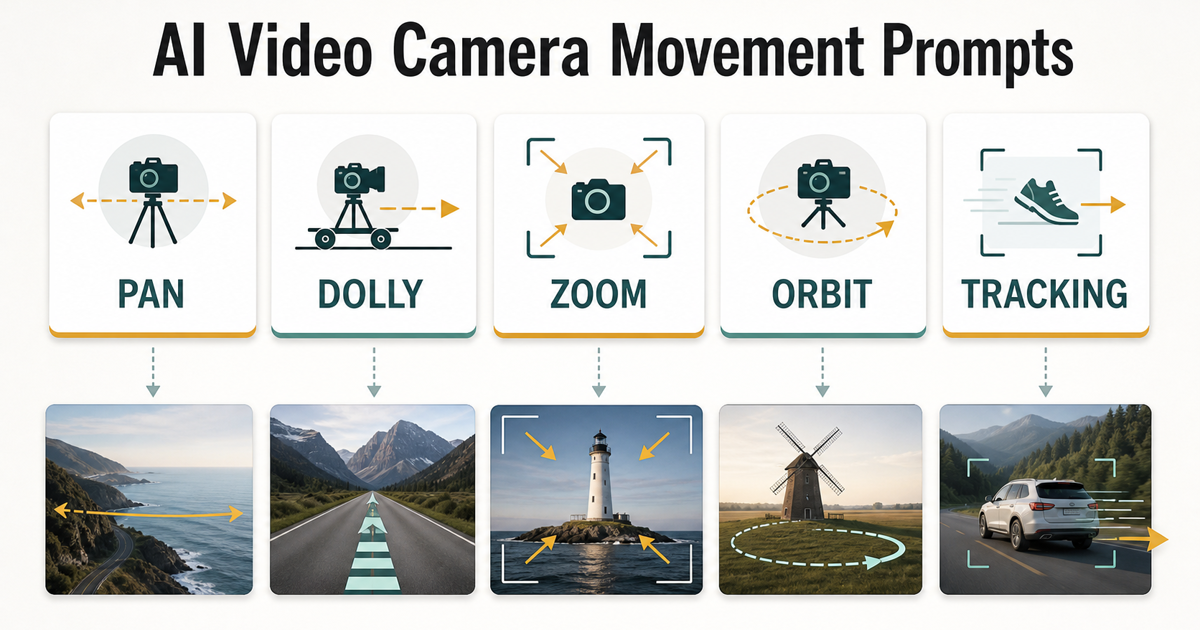
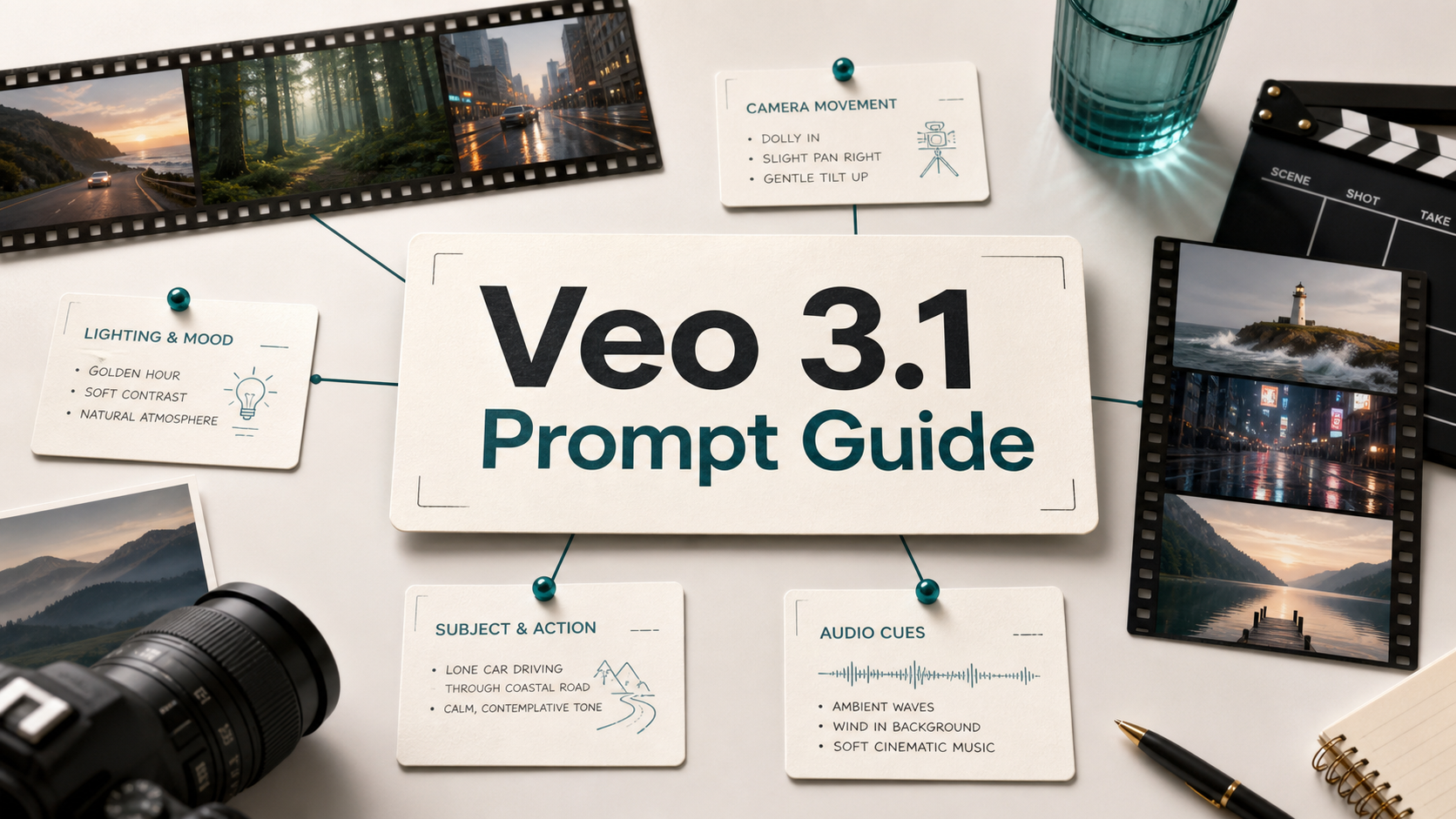
Camera movement prompts help define how the virtual camera travels through the scene.
TL;DR
- Treat camera motion and subject motion as separate instructions.
- Use one main camera move, or two moves at most, in a single prompt.
- Add speed, framing, and a scene anchor so the model has less to invent.
- Pan, dolly, zoom, orbit, tracking, crane, tilt, and handheld follow cover most AI video prompt camera angles.
- Test each prompt in short clips before using it in a longer sequence.
Quick Answer
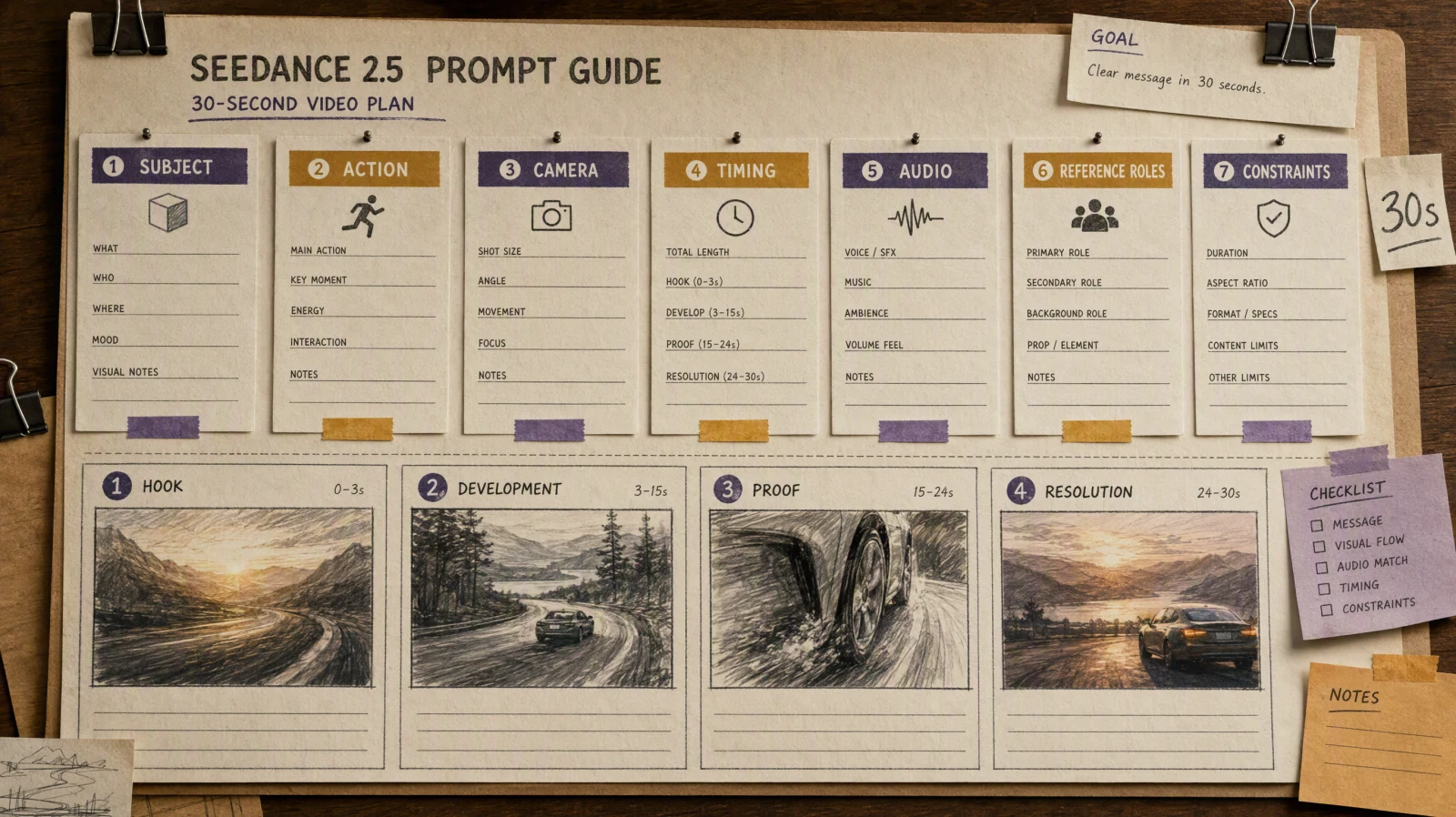
The simplest formula is: subject, scene, subject motion, camera motion, framing, speed, and constraint. A good prompt might be: "A ceramic coffee mug on a wooden table, steam rising gently, slow dolly in from medium shot to close-up, shallow depth of field, warm morning light, keep the mug centered and avoid extra objects." The camera movement is clear, the subject motion is small, and the constraint tells the model what not to change.
Camera motion vs subject motion
Camera motion describes how the viewer's point of view moves. Subject motion describes what the object, person, animal, product, or environment does. Confusing the two is one of the fastest ways to get unstable results.
| Type | What it controls | Example |
|---|---|---|
| Subject motion | The subject moves inside the frame | A runner crosses the street from left to right |
| Camera motion | The virtual camera moves around or toward the subject | The camera tracks beside the runner at waist height |
| Scene motion | Background or environment changes | Rain falls, curtains move, traffic passes behind the subject |
| Framing | How close or wide the view feels | Medium close-up, wide establishing shot, overhead angle |
A prompt can include all four, but it should not give each one equal weight. Pick the most important motion first. If the video is about a product, the product may barely move while the camera does the work. If the video is about a dancer, the subject motion may matter more than a complex camera path.
Prompt formula
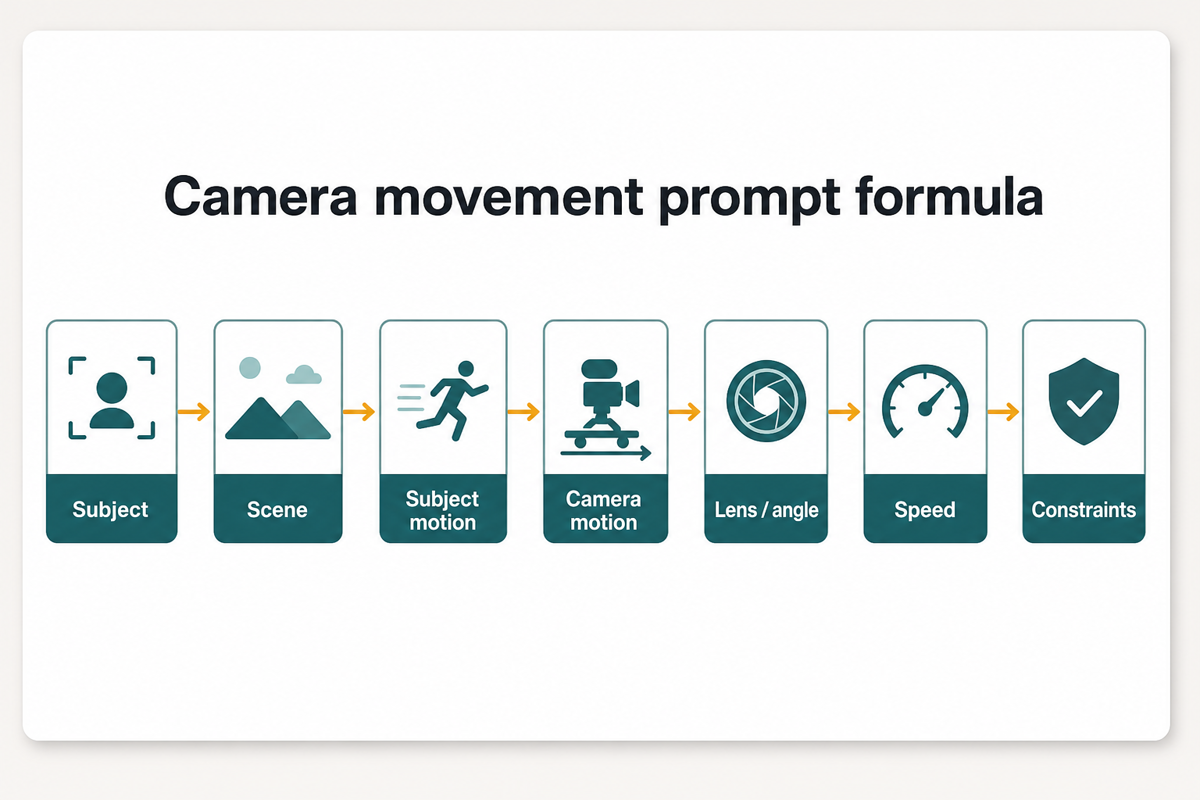
Separate subject motion from camera motion for clearer AI video prompts.
Use this order when writing AI video camera prompts:
| Prompt part | What to write | Example cue |
|---|---|---|
| Subject | The main thing viewers should follow | A matte black running shoe |
| Scene | The physical setting | On wet pavement under a streetlight |
| Subject motion | What the subject does | Water drops roll off the sole |
| Camera motion | How the camera moves | Slow orbit from front-left to side profile |
| Lens or angle | How the shot is framed | Low-angle close-up, 50mm look |
| Speed | How fast the move feels | Slow, smooth, deliberate |
| Constraint | What should stay stable | Keep the shoe centered, no extra logos |
A full prompt becomes: "A matte black running shoe on wet pavement under a streetlight, water drops rolling off the sole, slow orbit from front-left to side profile, low-angle close-up, smooth deliberate motion, keep the shoe centered and do not add logos."
Camera movement glossary
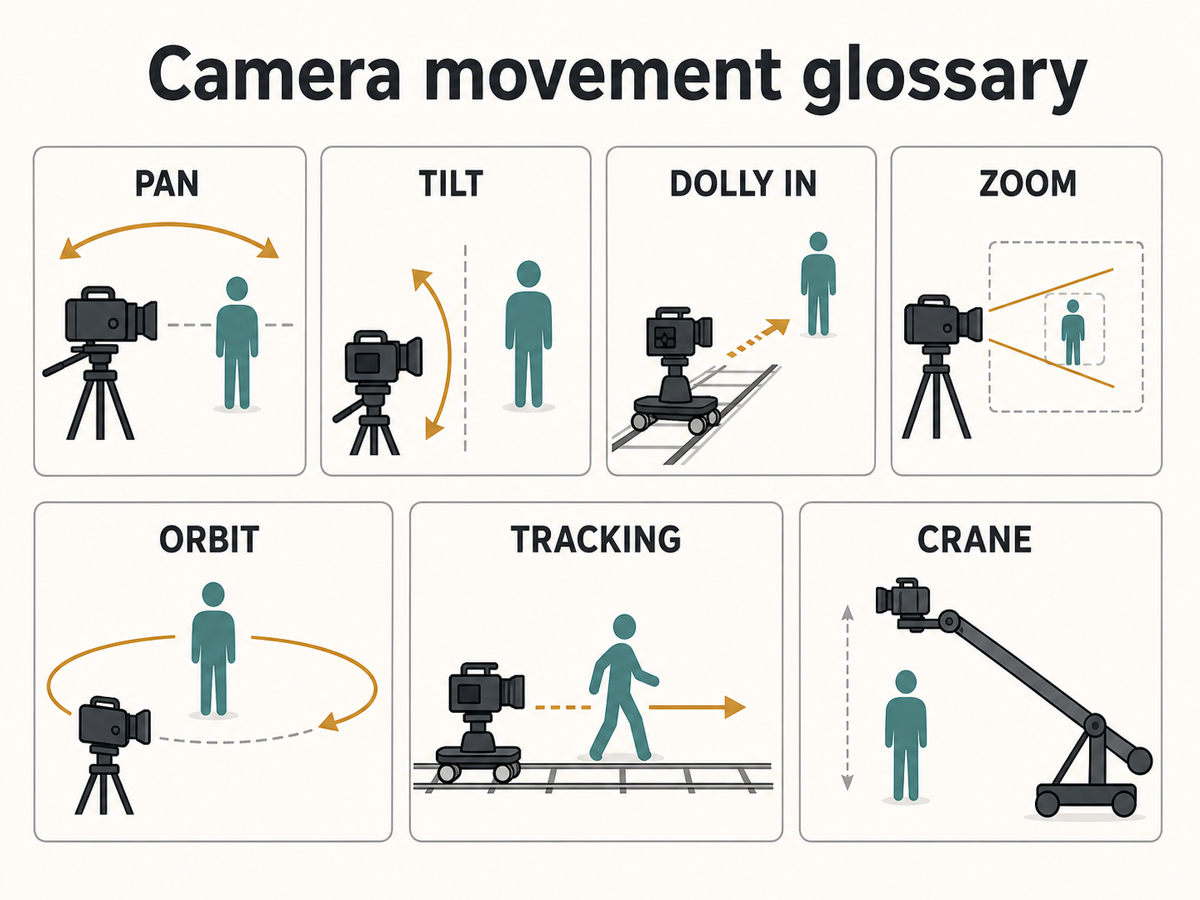
Use precise camera terms to make AI video prompts easier to interpret.
| Movement | Meaning | Best prompt cue | Watch out for |
|---|---|---|---|
| Pan | Camera rotates left or right from a fixed point | Slow pan left across the desk | Do not use it when the camera should travel |
| Tilt | Camera rotates up or down | Tilt up from the shoes to the face | Keep the subject anchored |
| Dolly in | Camera physically moves closer | Smooth dolly in toward the product | Different from zoom |
| Zoom | Lens changes focal length while camera stays put | Gentle zoom out from close-up to medium shot | Can feel artificial if overused |
| Orbit | Camera circles around the subject | 180-degree orbit around the sculpture | Keep background simple |
| Tracking shot | Camera follows a moving subject | Side tracking shot beside the cyclist | Define subject speed |
| Crane shot | Camera rises or lowers through space | Crane up from table level to overhead | Avoid adding too many other moves |
| Handheld follow | Camera moves with slight human instability | Subtle handheld follow behind the chef | Use "subtle" if you do not want shaky footage |
20 copyable camera movement prompt examples
- Product dolly in: "A glass skincare bottle on a marble counter, tiny water droplets on the label, slow dolly in from medium shot to close-up, soft studio light, keep the bottle upright and centered."
- Product orbit: "A wireless earbud case on a matte gray surface, lid closed, smooth 180-degree orbit from front view to side view, low-angle close-up, no hands, no extra logos."
- Food pan: "A bowl of ramen on a wooden table, steam rising slowly, gentle pan right from chopsticks to the bowl, warm restaurant light, keep the bowl in focus."
- Portrait push-in: "A founder sitting by a window, slight smile, slow push-in from medium shot to head-and-shoulders framing, natural daylight, calm expression, no dramatic background movement."
- Portrait orbit: "A musician holding a guitar on a small stage, subject stays mostly still, slow quarter orbit from front-left to front-right, soft spotlight, keep hands and face stable."
- Travel reveal: "A narrow street in Lisbon at sunrise, a person walks away from camera, slow dolly forward through the street, wide-angle view, preserve old buildings and morning light."
- Travel crane up: "A coastal road beside blue water, one car driving slowly, crane up from road level to high wide view, smooth motion, keep the car small but visible."
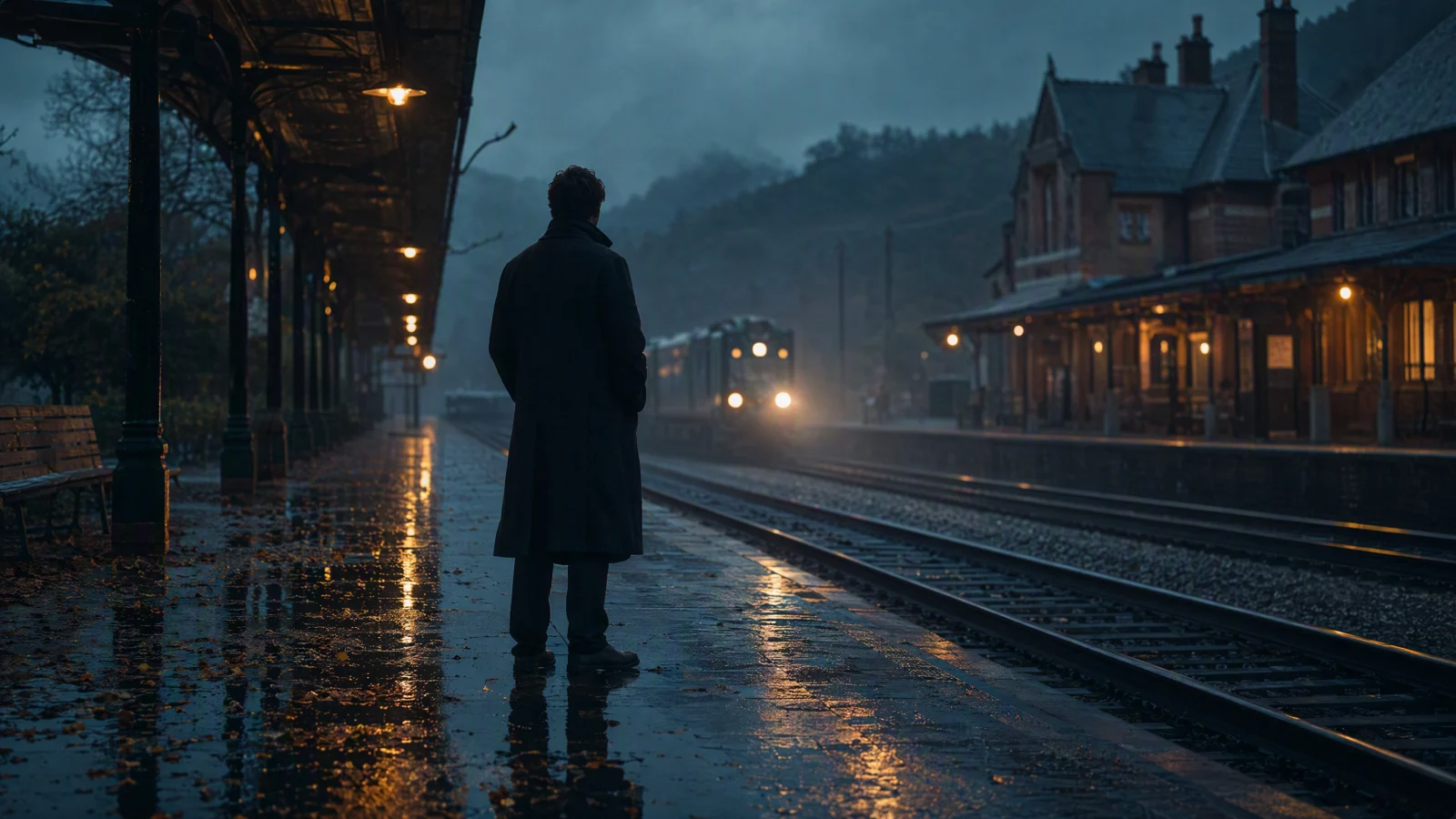
- Cinematic tracking: "A detective walks through a rainy alley, side tracking shot at waist height, neon reflections on wet pavement, steady speed, no sudden zoom."
- Cinematic handheld: "A documentary-style market scene, vendor arranging fruit, subtle handheld follow from behind the customer, natural motion, no exaggerated shake."
- Social ad zoom out: "A phone on a desk showing a calendar, screen stays generic, gentle zoom out to reveal notebook and coffee, bright creator workspace, no app logos."
- Fashion tilt: "A model wearing a plain beige coat, standing still against a concrete wall, tilt up from boots to face, soft overcast light, keep clothing details consistent."
- Fitness follow: "A runner on a park path, steady pace, rear tracking shot from three meters behind, morning light, keep the runner centered and avoid other people."
- Real estate pan: "A sunlit living room with a sofa and plants, slow pan from window to seating area, wide interior shot, keep walls straight and furniture stable."
- Education overhead: "A hand drawing a simple storyboard on paper, camera moves from angled close-up to overhead view, smooth crane up, keep the drawing readable."
- App promo without fake UI: "A person planning a video shot with paper cards on a table, slow dolly across cards labeled subject, scene, camera, speed, natural desk light, no software interface."
- Image to video product shot: "A static product photo becomes a short motion clip, slow orbit around the product, shallow depth of field, keep product shape and label consistent."
- Nature tilt down: "Tall pine trees in fog, tilt down from treetops to forest path, slow cinematic movement, muted color, no animals or people."
- Architecture dolly: "A modern museum hallway, symmetrical composition, slow dolly forward toward a doorway, wide lens, keep lines straight and avoid warping."
- Event recap: "A small workshop table with cameras and notebooks, smooth pan from left group to right group, documentary style, natural light, keep faces generic."
- Prompt card visual: "Five prompt cards on a clean desk, labels pan, dolly, zoom, orbit, tracking, slow top-down camera drift, crisp editorial lighting, no brand logos."
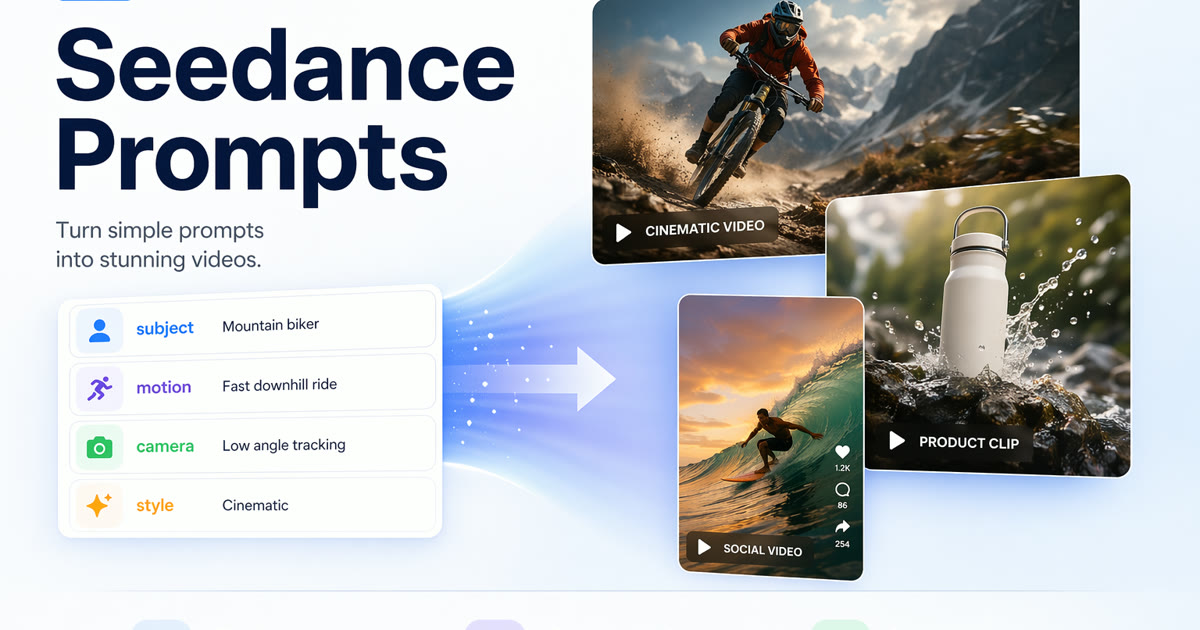
For more raw prompt patterns, compare these with AI Video Prompt Examples and Seedance Prompts.
Best prompts by use case
| Use case | Recommended movement | Why it works | Starter prompt shape |
|---|---|---|---|
| Product | Dolly in, orbit, slow pan | Lets viewers inspect shape and material | Product, surface, small product motion, one camera move, close-up constraint |
| Portrait | Push-in, tilt up, quarter orbit | Keeps the subject personal without overcomplicating motion | Person, setting, expression, one slow camera move, face stability |
| Travel | Dolly forward, crane up, reveal pan | Shows place and depth | Location, time of day, subject or path, camera travel, wide framing |
| Cinematic | Tracking, handheld follow, low-angle dolly | Adds story movement | Character, action, scene, tracking direction, lens, speed |
| Social ad | Zoom out, tabletop pan, quick push-in | Explains a small idea fast | Object, workspace, camera move, concise reveal, no extra UI |
Bad vs improved prompt
| Version | Prompt | Why it behaves that way |
|---|---|---|
| Bad | "Make a cinematic video of a product with pan, zoom, dolly, orbit, and tracking shot." | It gives too many camera moves and no subject, scene, speed, or anchor. |
| Improved | "A matte black water bottle on a gym bench, condensation visible, slow dolly in from medium shot to close-up, low-angle product framing, smooth motion, keep the bottle centered and do not add hands." | It has one main camera move, a clear subject, a physical scene, speed, framing, and a constraint. |
Common mistakes
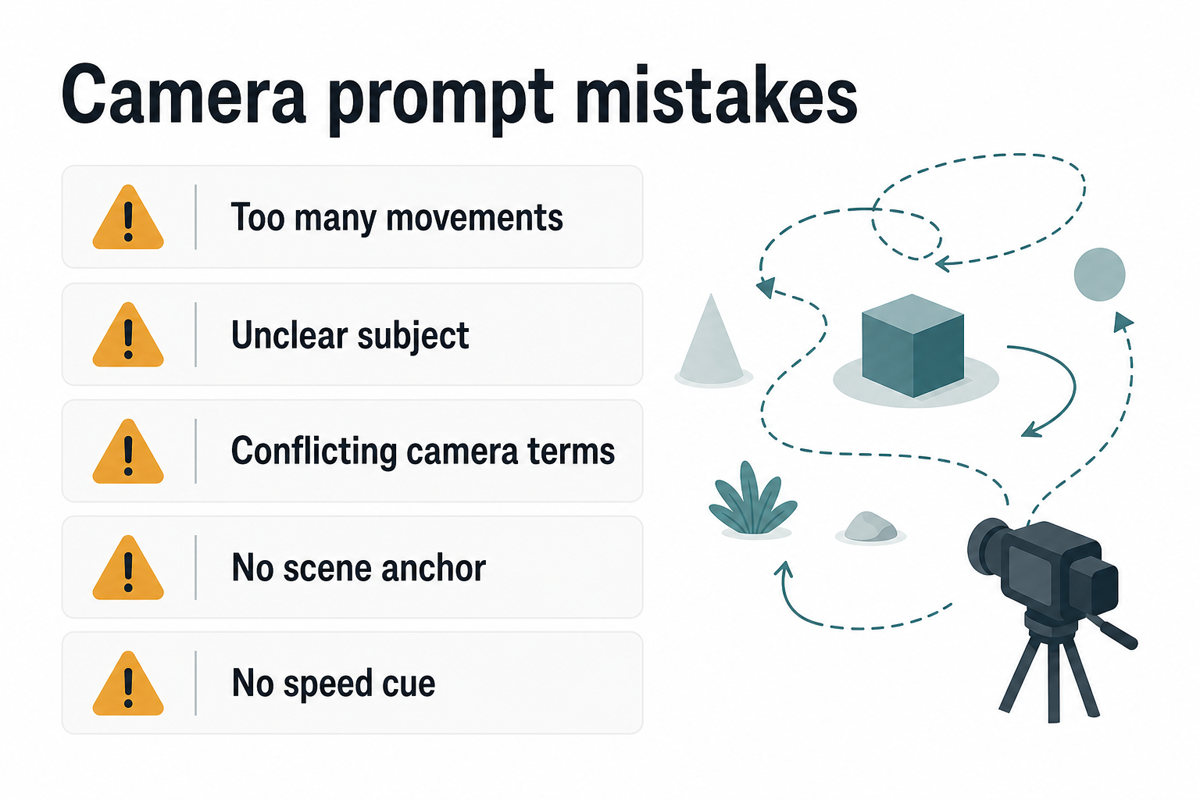
Keep camera prompts focused so the model has a clear motion target.
- Asking for too many moves at once. A pan plus dolly plus zoom plus orbit usually produces mushy motion.
- Leaving the subject vague. "A cool object" gives the model too much freedom.
- Mixing terms that fight each other. A fixed tripod pan is not the same as a side tracking shot.
- Forgetting the scene anchor. Say what should stay centered, visible, or stable.
- Skipping speed. "Fast orbit" and "slow orbit" lead to different creative decisions.
- Treating camera terms as guarantees. AI video models may interpret motion differently, so test before building a sequence around one result.
How to test in SeedVideo AI
- Start with a plain version of the scene without camera movement.
- Add one camera movement term, such as slow dolly in or side tracking shot.
- Keep the subject, scene, and lighting the same for the next test.
- Change only one variable: speed, angle, or framing.
- Compare the result for subject stability, scene continuity, and whether the camera move is actually visible.
- Move to SeedVideo AI text-to-video when the scene can be invented from words. Use image-to-video when product shape, character reference, or composition needs stronger anchoring.
If you are still deciding which model or workflow to test first, keep Best AI Video Generators in 2026 open and use the same prompt across tools.
FAQ
What are the best AI video camera movement prompts?
The best prompts are specific, short, and anchored. They name the subject, scene, subject motion, camera motion, speed, framing, and one constraint. "Slow dolly in toward a glass bottle on a marble counter, keep label sharp" is usually stronger than "cinematic product video."
What is the difference between dolly and zoom in AI video prompts?
A dolly moves the camera through space. A zoom changes the lens framing while the camera stays in place. AI models may blur that distinction, but naming the intended move still helps you test more clearly.
Can AI video models follow camera movement prompts exactly?
Not always. Camera terms guide the model, but results depend on the model, input image, prompt length, scene complexity, and random variation. Use short tests before relying on a move for a final edit.
How many camera movements should I use in one prompt?
Use one main move for most prompts. Use two only when they naturally work together, such as slow dolly in with a slight tilt up. More than that often makes the shot unstable.
Are camera movement prompts different for text to video and image to video?
Yes. Text to video prompts must define the whole scene. Image to video prompts can lean on the source image for composition, so they should focus more on what moves, what stays stable, and how the camera travels.
Should I include camera angles too?
Yes, but keep them practical. Low angle, overhead, close-up, wide shot, medium shot, and eye-level framing are usually enough. Pair one angle with one movement instead of listing every camera term you know.
What should I do when the camera movement fails?
Simplify the prompt. Remove one motion term, make the subject clearer, add a scene anchor, and shorten the clip if the workflow allows it. Then test again with the same subject and scene.
Start testing camera movement prompts
Pick one use case from the table, copy one prompt, and replace only the subject and scene. Then test it in SeedVideo AI or open the Text to Video Prompt Guide beside your first run. Good camera prompts come from controlled iteration, not from stuffing every cinematic word into one sentence.