Free AI Image Upscaler: Upscale & Enhance Photos to 4K

Our free AI image upscaler increases image resolution 2×, 4× or 8× and sharpens blurry photos, portraits, product shots and AI art. Upload a JPG, PNG or WebP, pick a model and compare before and after in seconds. Runs on free credits, no sign-up.

Upscaled
Original
OriginalUpscaledSample

AI Image Upscaler: Upscale Images Without Losing Quality

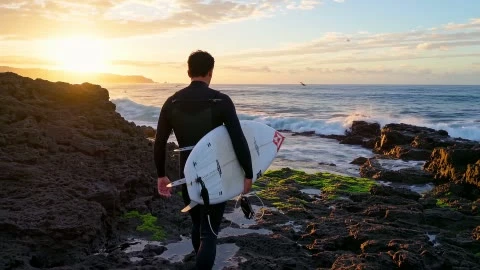
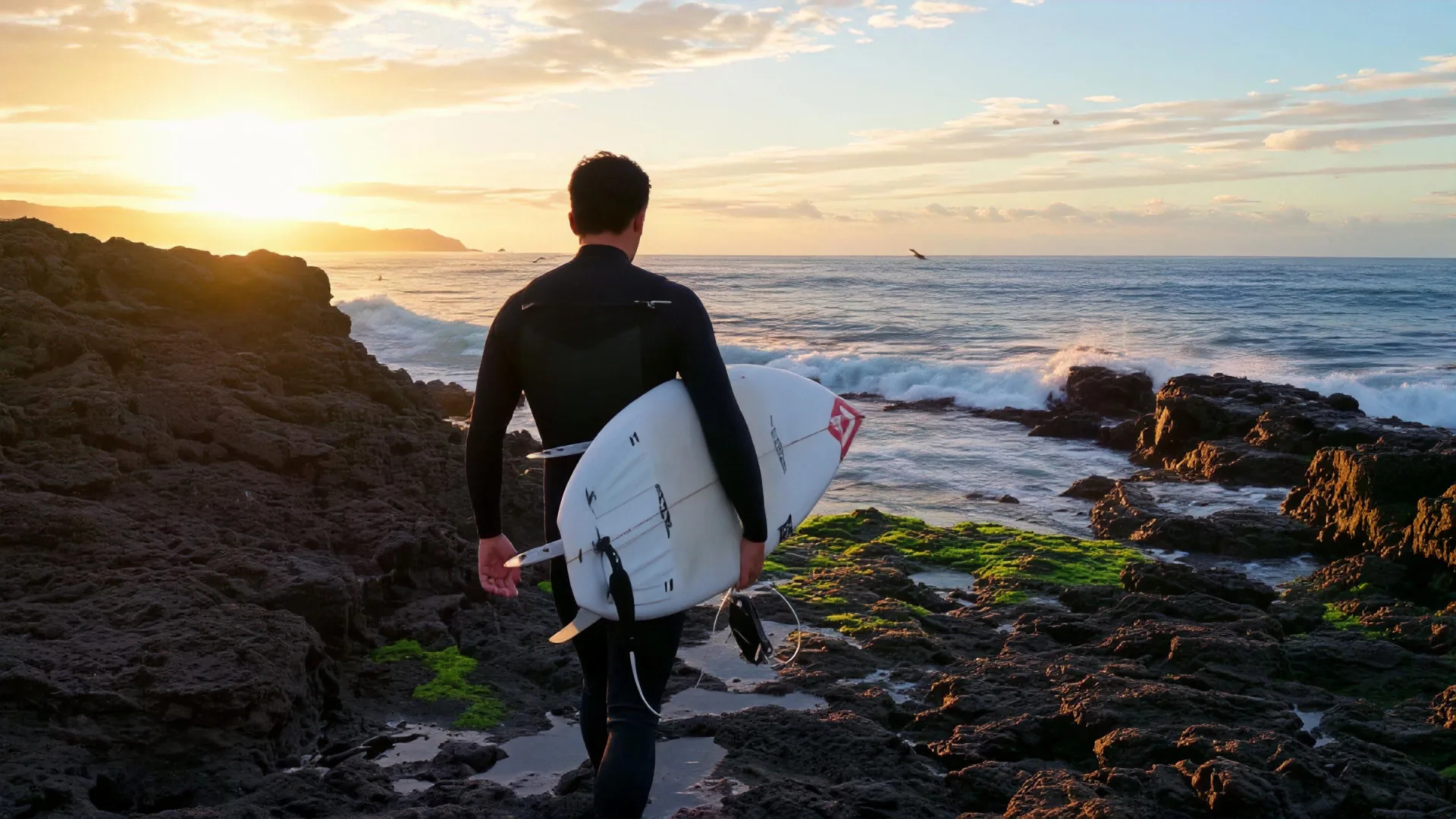
Stretching a small picture makes it soft and blocky. Our AI image upscaler adds the pixels a bigger print, banner or screen needs and redraws the fine detail that a plain resize smears: hair, fabric, edges, text on packaging and the texture of water and rock. A 480 × 270 thumbnail comes out at 3840 × 2160, sharp enough for a 4K screen.

A 480 × 270 photo of a surfer on a rocky shore upscaled 8× to 4K: BeforeA 480 × 270 photo of a surfer on a rocky shore upscaled 8× to 4K: AfterBeforeAfter

2×, 4× or 8× in one run

The image upscaler enlarges a photo up to eight times its size, up to 10,240 pixels on the long side, without running it through the tool again.

Detail rebuilt, not blurred

The AI recognises faces, hair, foliage and lettering and redraws them crisply, so the result looks shot at the higher resolution.

From 1 credit, in seconds

Standard costs 1 credit, Professional 2 and the Large model 4, whatever the scale. Most images finish in 5 to 15 seconds.

01

Unblur Portraits and Faces

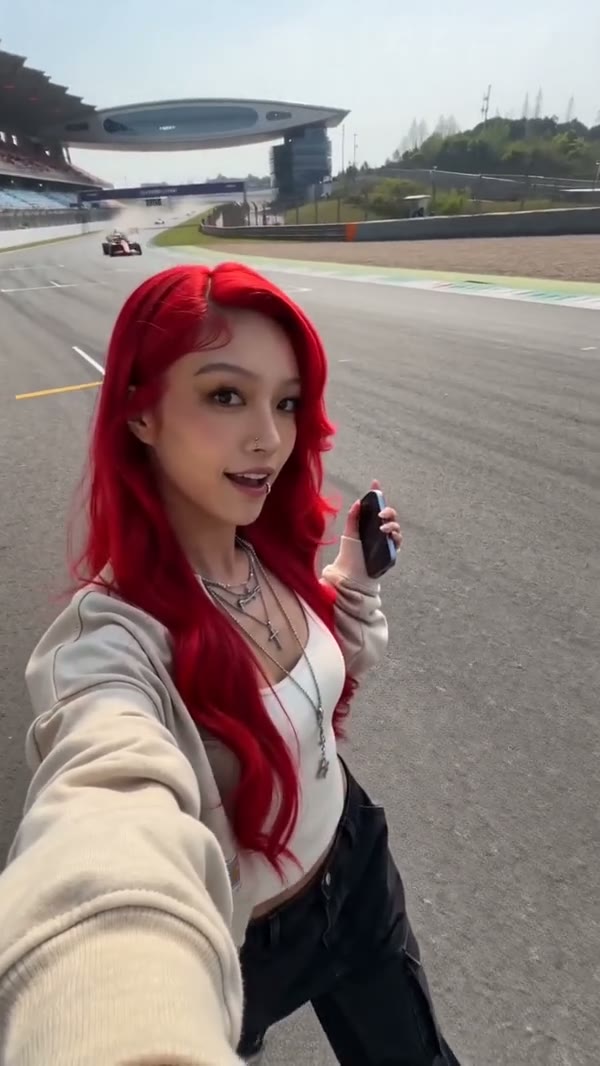
Small or soft portraits lose the detail that makes a face read: eyes, lashes, lips and curls. Upscale them 4× and the AI photo enhancer sharpens those features while keeping skin natural, so profile photos, headshots and family pictures hold up on a large screen or in print.
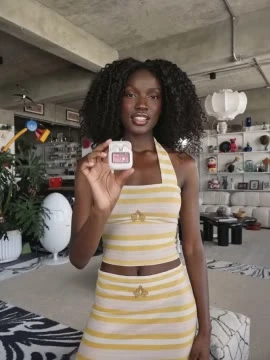
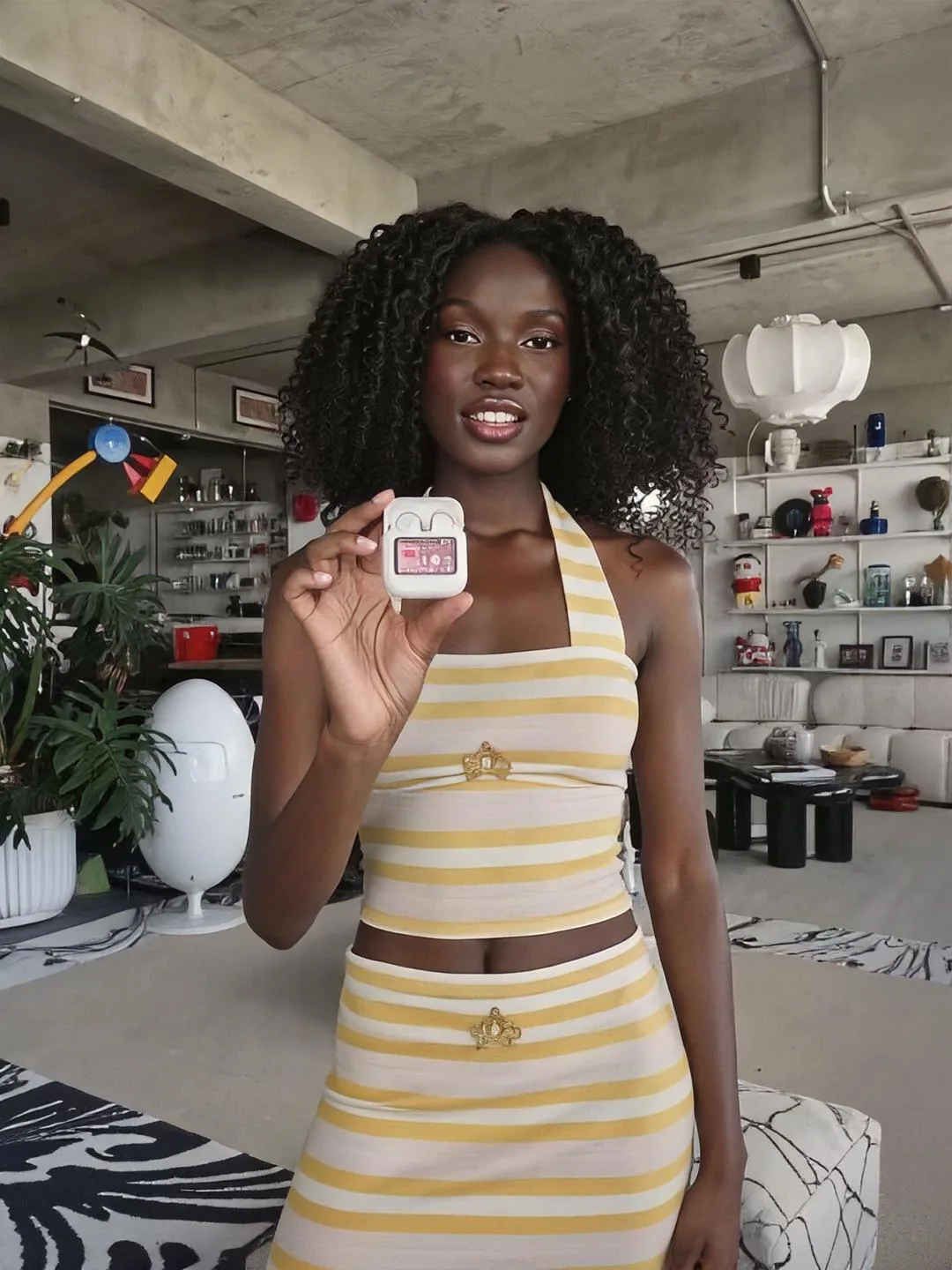
A blurry 270 × 360 portrait upscaled 4× with sharp eyes and curls: BeforeA blurry 270 × 360 portrait upscaled 4× with sharp eyes and curls: AfterBeforeAfter

02

Upscale AI Art and Illustrations for Print

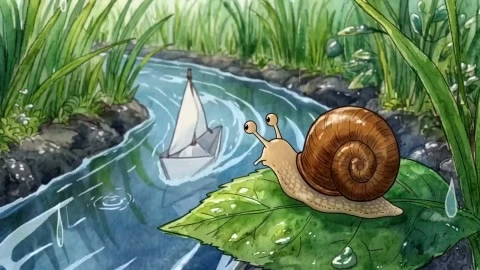
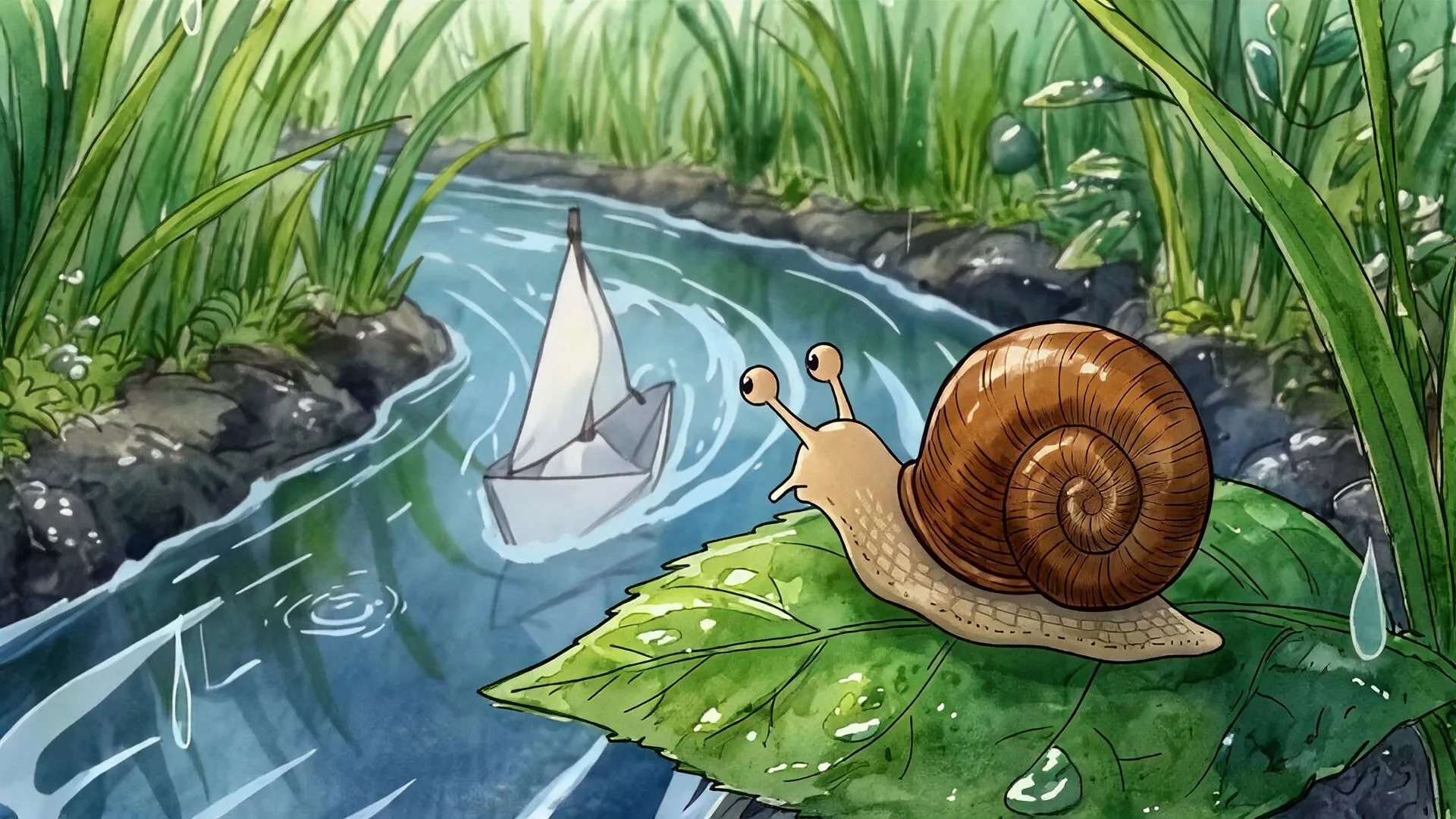
AI image generators and drawing apps often export at 1K or less. Use the image upscaler to enlarge your artwork 4× or 8× and print posters, canvases and stickers, or to use it as a high-resolution wallpaper. Line work stays clean and watercolor and painted textures keep their character.

A small watercolor illustration of a snail and a paper boat upscaled 4×: BeforeA small watercolor illustration of a snail and a paper boat upscaled 4×: AfterBeforeAfter

03

Sharper Product Photos for Your Store

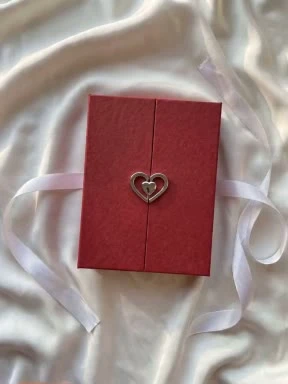
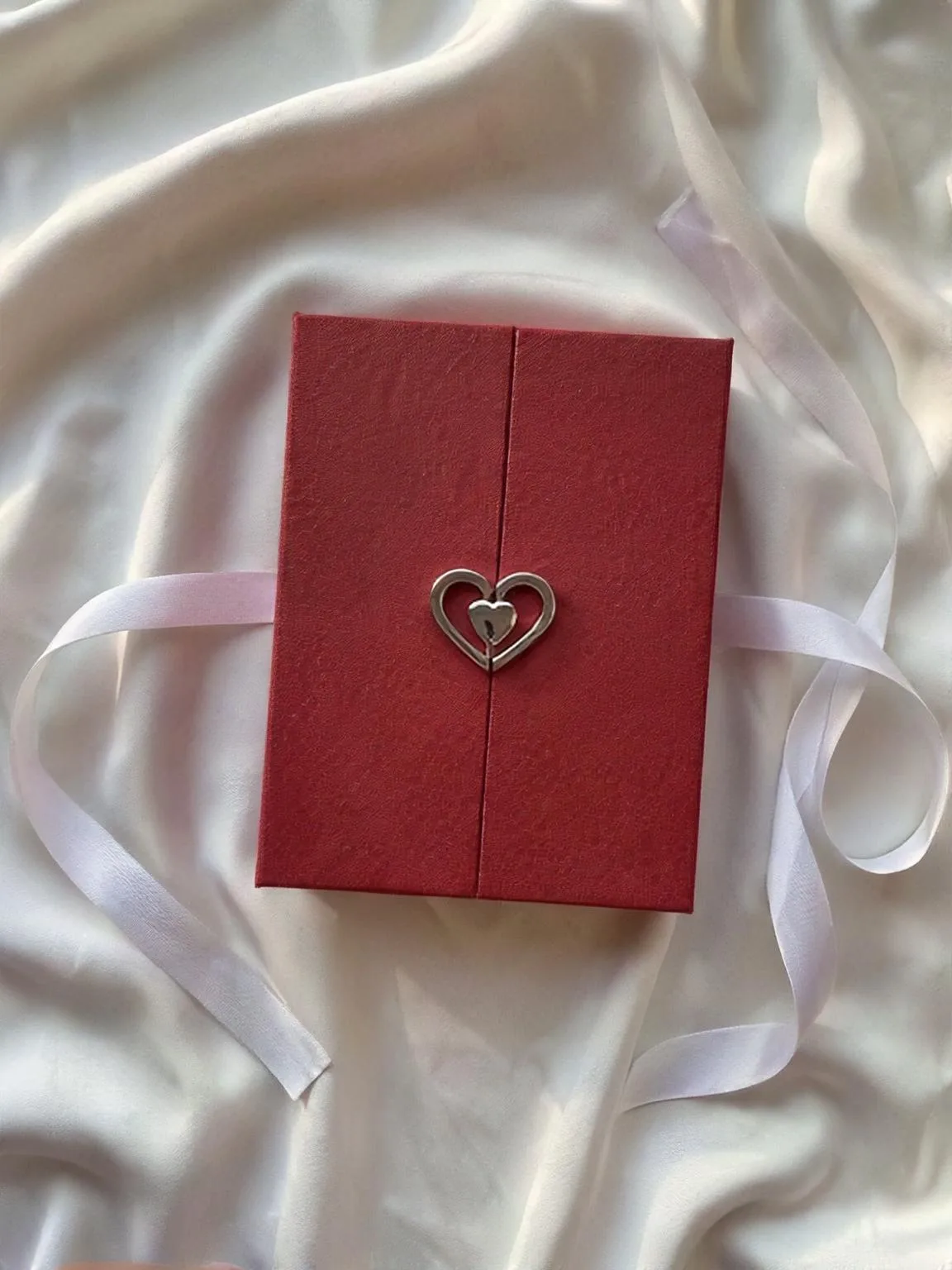
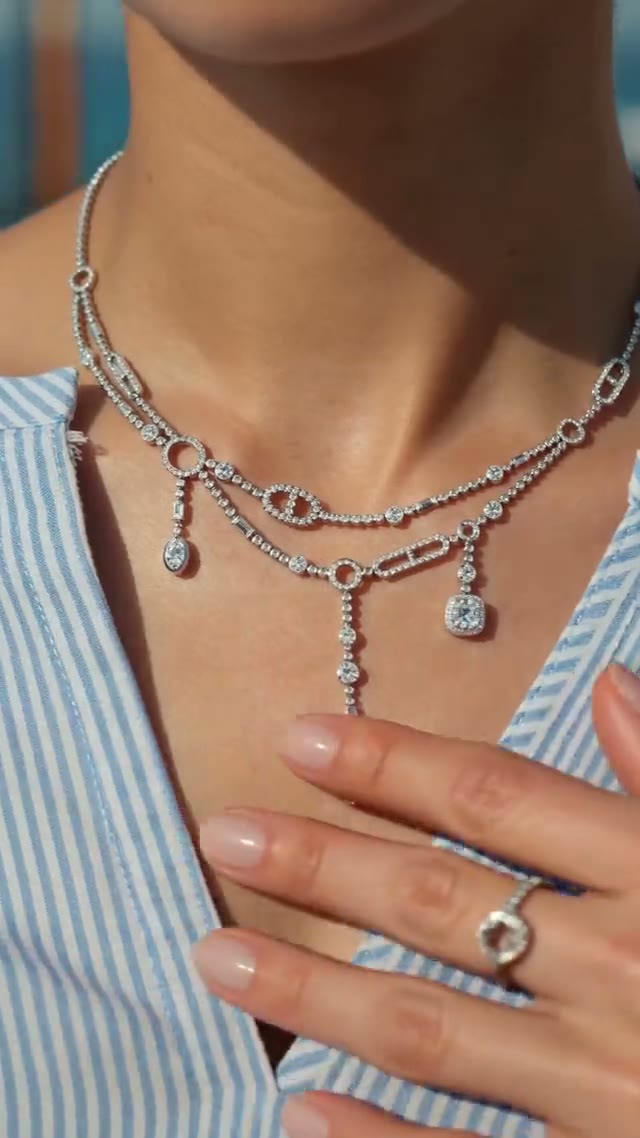
Marketplaces and ad platforms reward large, crisp product images, and shoppers zoom in. Enlarge supplier photos and phone shots with the AI upscaler so stitching, gloss, labels and small parts look sharp on product pages, in ads and on social posts.

A low-resolution jewelry gift box on silk upscaled 4×: BeforeA low-resolution jewelry gift box on silk upscaled 4×: AfterBeforeAfter

04

Increase Resolution of Small Images and Screenshots

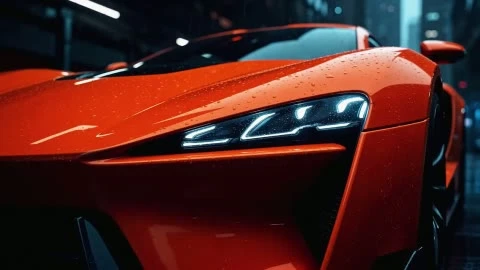
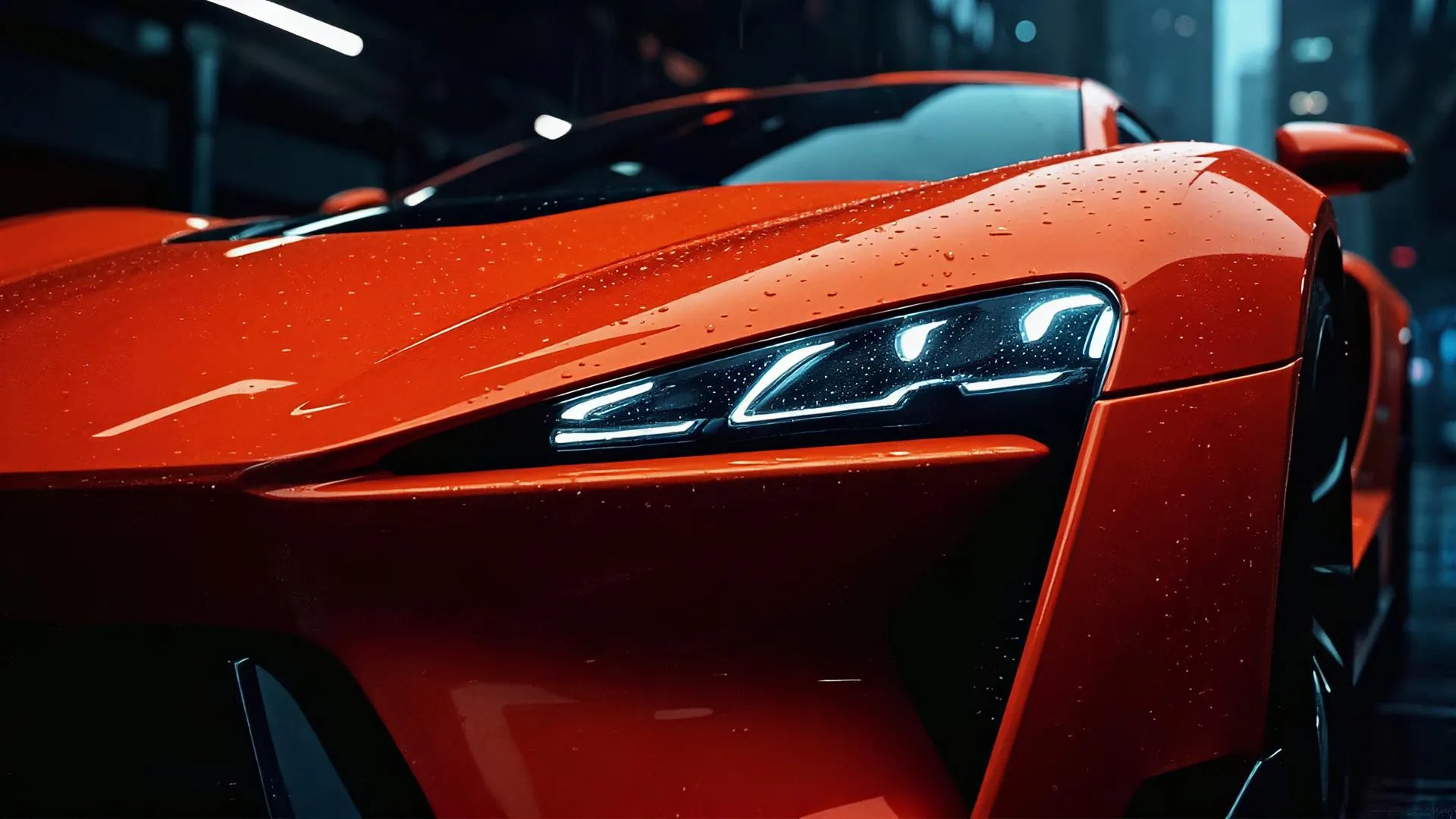
Old web images, video frames, thumbnails and screenshots are often only a few hundred pixels wide. The image upscaler increases their resolution 4× so you can reuse them in slides, blog headers and YouTube thumbnails, with clean edges and reflections instead of jagged pixels.

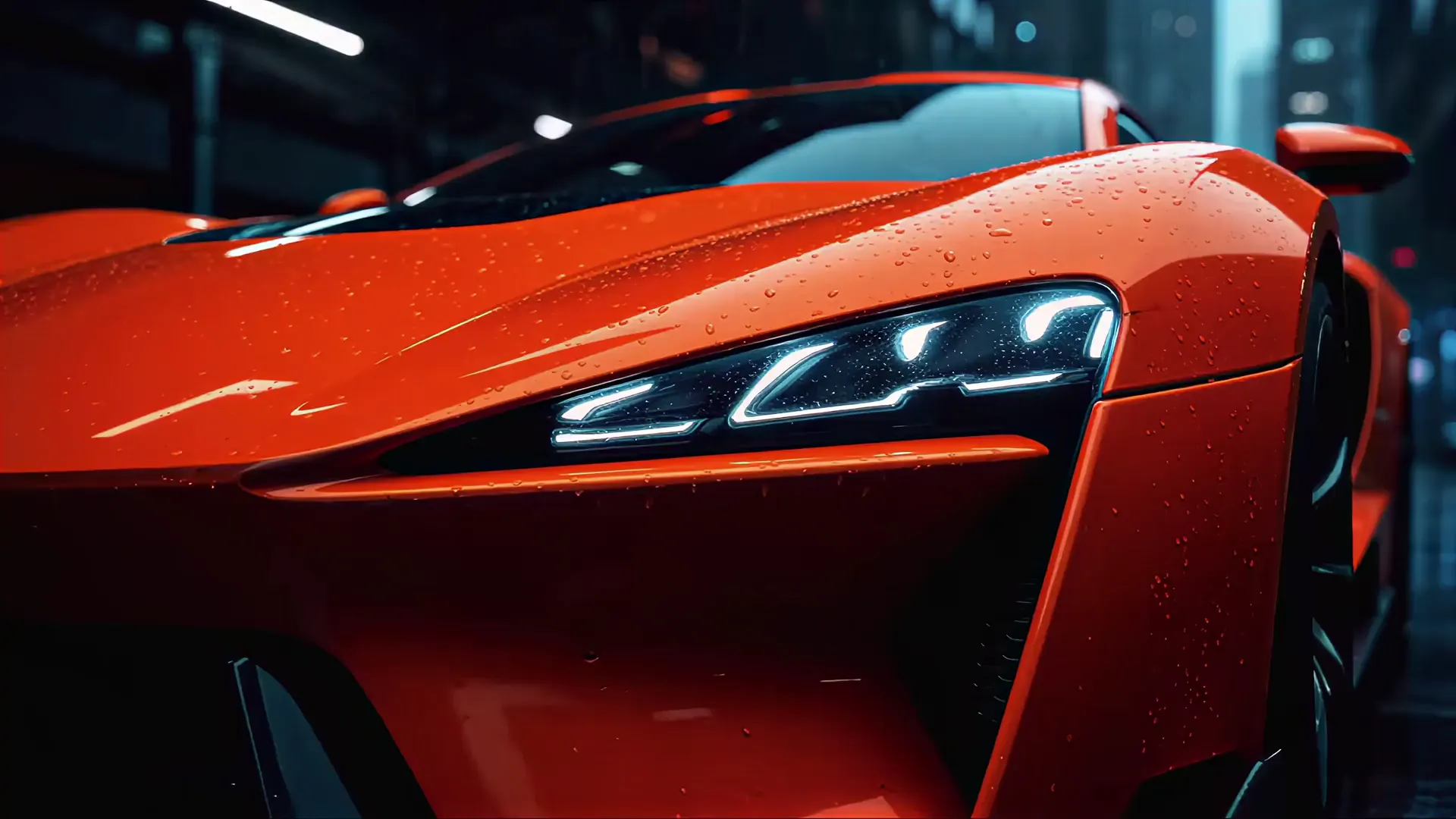
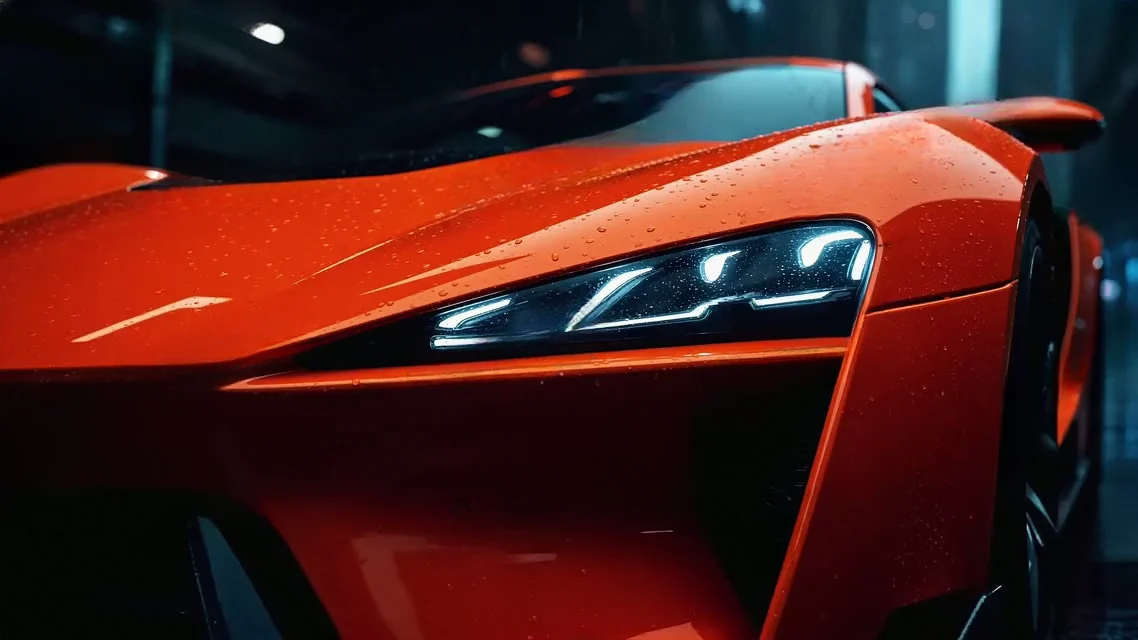
A 480 × 270 frame of a wet sports car headlight upscaled 4×: BeforeA 480 × 270 frame of a wet sports car headlight upscaled 4×: AfterBeforeAfter

What You Can Do with an Image Upscaler

Wherever a picture needs to be bigger and sharper than the file you have, upscale it here first.

Prints and posters

Prints and posters

Print photos and artwork at A3 or larger without visible pixels by upscaling them 4× or 8× first.

E-commerce listings

E-commerce listings

Give marketplaces the large, zoomable product images they rank higher, even from small supplier files.

Social and thumbnails

Social and thumbnails

Sharpen screenshots, frames and old posts for crisp thumbnails, covers and carousel slides.

Old and family photos

Old and family photos

Enlarge small scans and early digital photos so faces and details are clear again.

How to Upscale an Image Online

Everything happens in the image upscaler at the top of this page, and every result is also saved to My Assets once you have an account.

  1. 1

    Upload your image

    Click the upload box, drag a file onto the page or paste a screenshot. JPG, PNG and WebP up to 4 MB.

  2. 2

    Pick a model and scale

    Choose Standard, Professional or Large model, then 2×, 4× or 8×. Scales the image is too large for are greyed out.

  3. 3

    Upscale and download

    Press Upscale image, drag the line to compare before and after, then download the full-resolution file.

Image Upscaler FAQs

What people ask before they use the image upscaler: how it works, what it costs, which files it takes and how big it goes.

Last updated:

An AI image upscaler increases the resolution of a picture and fills in the new pixels with detail predicted by a model trained on millions of images. Unlike a normal resize, which only stretches the pixels you have, it sharpens edges, faces and textures so the bigger image still looks clear.

Yes, you can try it for free without signing up. New visitors start with free credits, and an upscale costs 1 credit on Standard, 2 on Professional and 4 on the Large model, whatever the scale. If a run fails, the credits go back automatically. When you need more, get credits on the pricing page.

Upload the image, choose a scale that takes its long side to about 3840 pixels (for example 8× for a 480 px wide image, or 4× for a 960 px one) and press Upscale image. The output size is shown under the options before you run it.

Standard is the fastest and cheapest and keeps closest to the original. Professional rebuilds more detail and is the best choice for most photos. The Large model is a generative model that recreates the most texture and suits very small or very soft images, at a higher cost.

Yes, it works as an image enhancer too: it sharpens soft and low-resolution photos very well, because it redraws edges and fine detail as it enlarges them. Heavy motion blur or a badly out-of-focus shot can only be improved, not fully recovered, since the detail was never captured.

JPG, PNG and WebP up to 4 MB. Standard takes images up to 1440 px on the short side and 2160 px on the long side; Professional needs at least 256 px on the short side and up to 2048 px on the long side; the Large model takes 64 px to 6240 px. Results can be up to 10,240 px on the long side.

Yes. Upscale a transparent PNG or WebP, such as a cut-out from the background remover, and the result keeps the same transparency and downloads as a PNG, ready for T-shirt and sticker prints.

The picture, colors and composition stay the same; only the detail gets sharper. Professional and the Large model may add fine texture such as pores, threads or grain that was too small to see before. Drag the slider to compare every part before you download.

Yes. Images from the AI image generator or any other model often export at 1K or 2K; upscale them 4× or 8× for prints, wallpapers and large ads.

Yes, with the AI video upscaler. It enhances MP4 and MOV clips up to 30 seconds to 1080P, 2K or 4K, frame by frame.

Your uploads and results are not shown to other users. With an account they are saved to My Assets, where you can download or delete them at any time.

Image upscaler

Turn Small Images into Sharp Ones with the Image Upscaler

Upload a photo, pick 2×, 4× or 8×, and download a sharper, bigger image in seconds.

Upload an Image