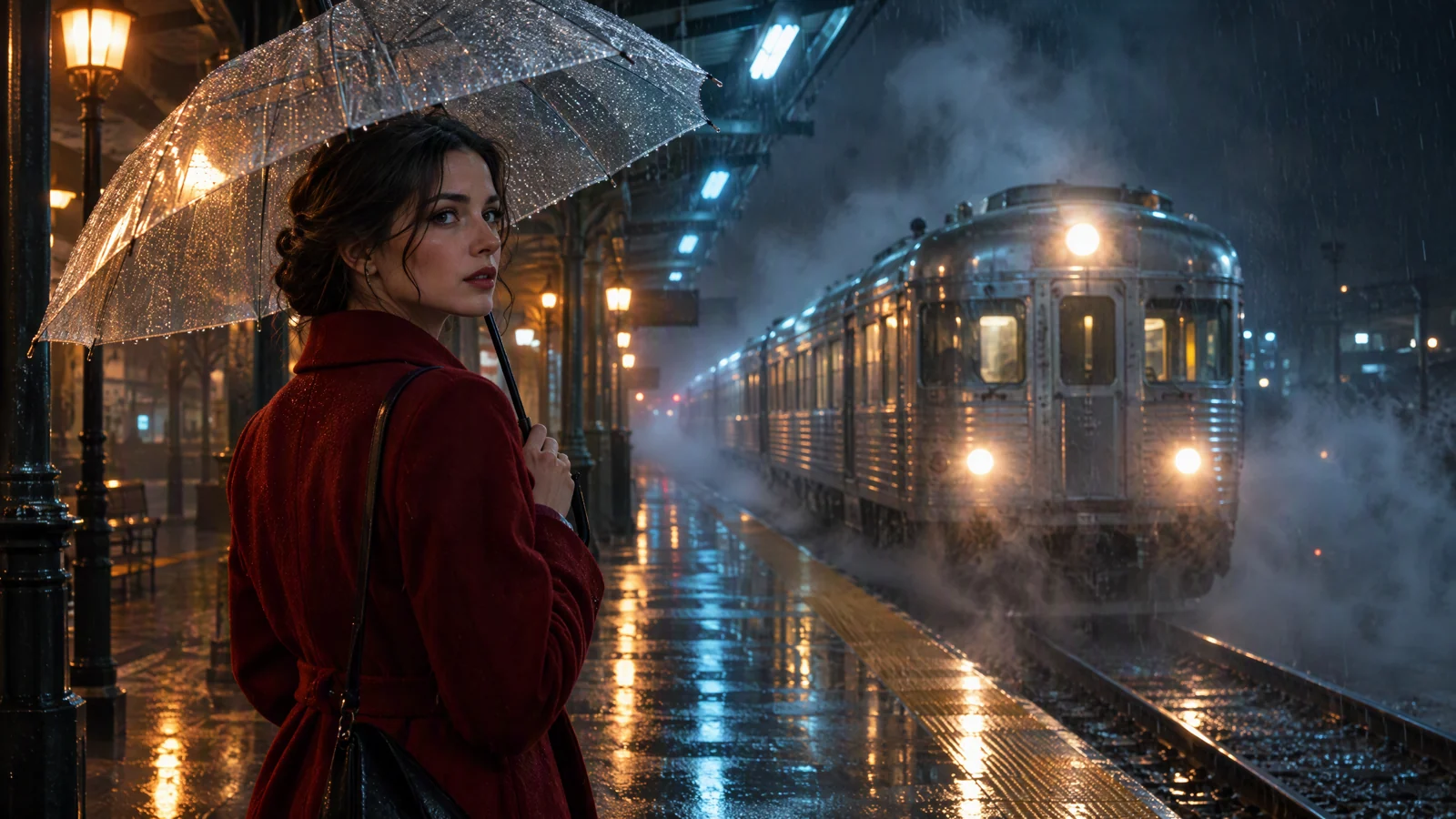
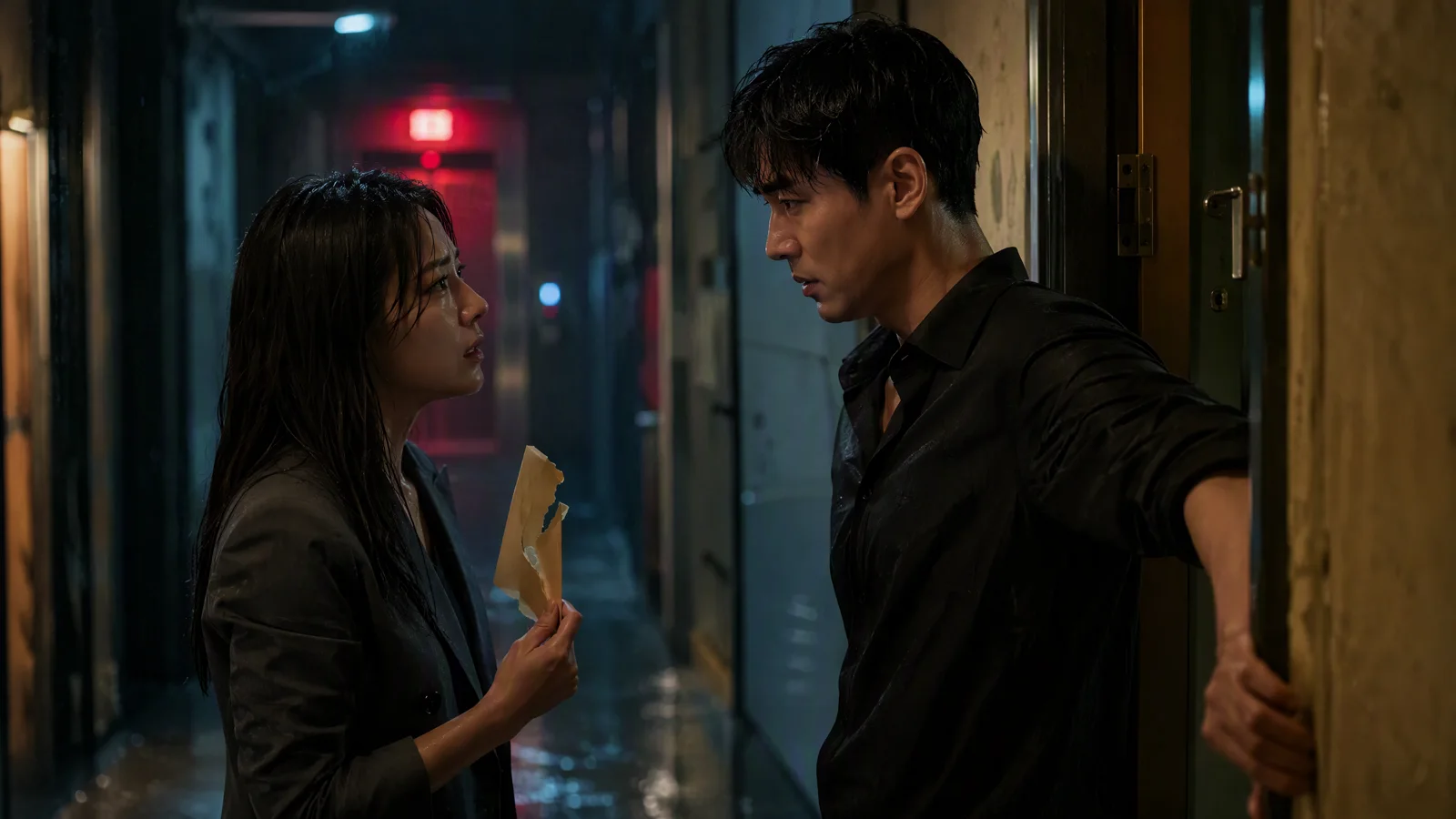
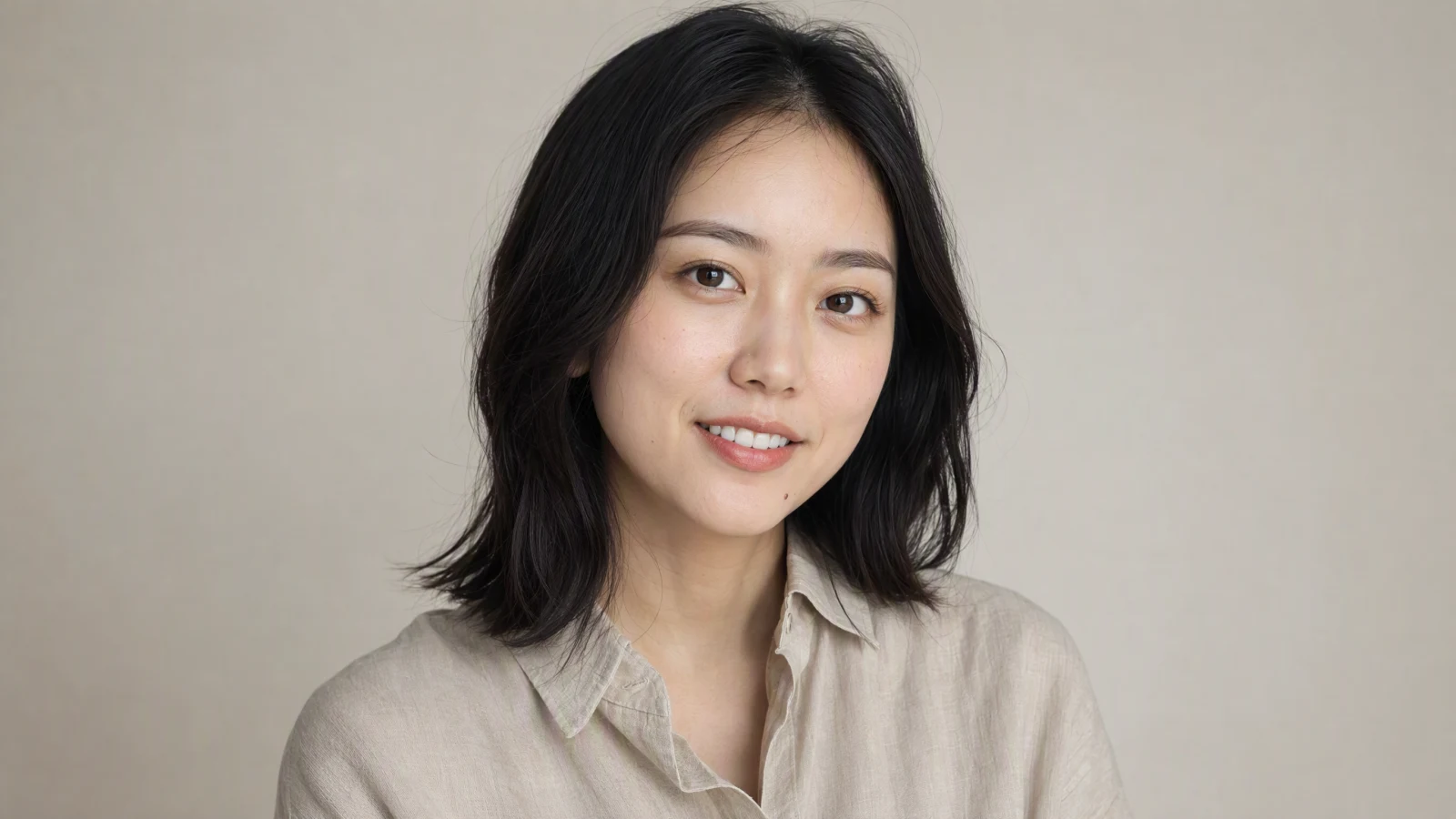
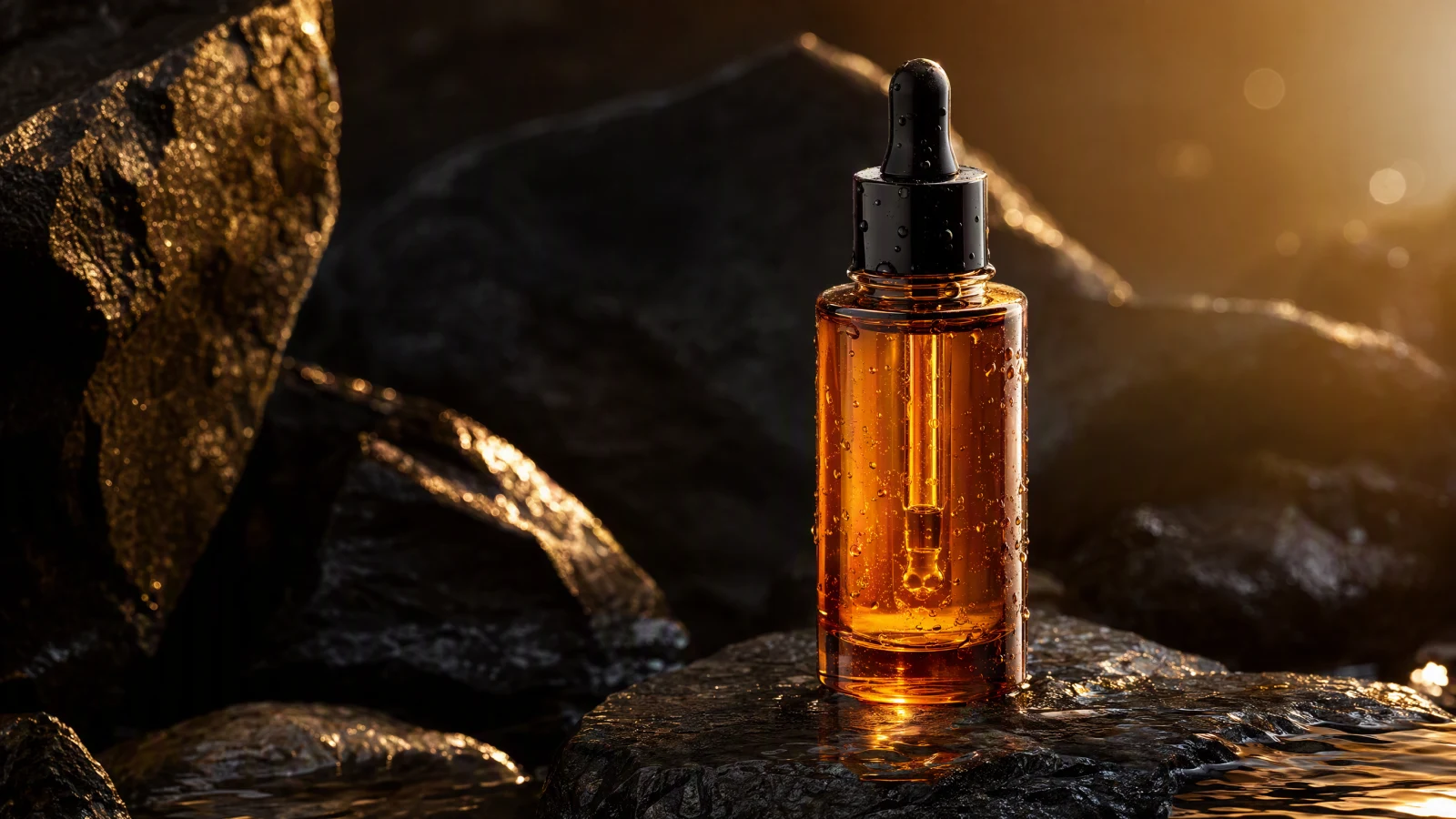
Image to video AI turns a still image into a short moving clip by predicting motion, camera behavior, lighting changes, and temporal continuity from one visual starting point. In 2026, the best workflows are no longer just about making a photo move. They are about turning a strong source image into a usable cinematic shot for travel videos, product storytelling, social ads, concept trailers, and visual content pipelines. If you want to use an AI image to video generator well, the key is to separate subject motion, camera motion, scene behavior, and style instead of writing one vague sentence. That is how you turn image into video AI outputs from novelty clips into something closer to cinematic image animation. This guide explains the fastest workflow, the best prompt structure, the most common mistakes, and how to do it inside SeedVideo AI.
TL;DR
- Start with one clean, high-quality source image.
- Define subject motion, camera movement, scene behavior, and style separately.
- Keep the first generation short, usually 4 to 8 seconds.
- Generate several controlled variations before you upscale or extend.
- If you want a practical multi-model workflow, test the shot inside SeedVideo AI.
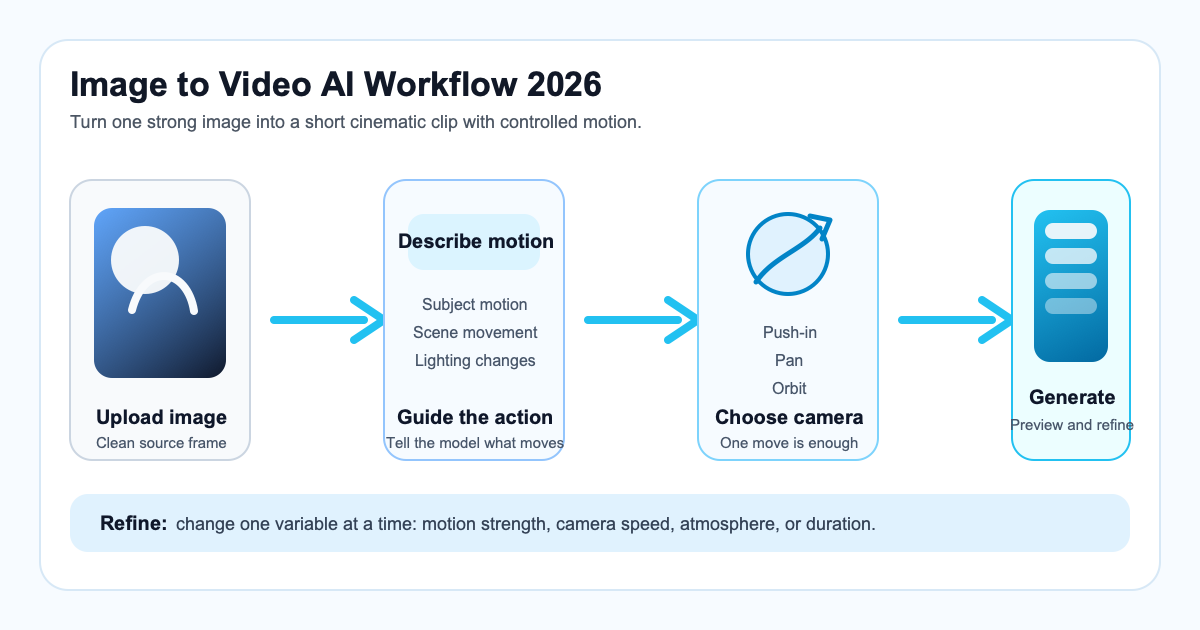
A practical image-to-video workflow for AI video creators.
Quick Answer: Best Workflow for Image to Video AI
The best image to video AI workflow in 2026 is simple: choose one strong image, describe one clear motion idea, define the camera move, keep the clip short, then iterate from the best result. Most weak outputs come from asking the model to do too much at once.
If you only need the short version, this is the workflow that works most consistently:
| Step | What to do | Why it matters |
|---|---|---|
| 1. Pick the source image | Use a sharp image with one obvious subject and clean composition. | Good motion starts with visual clarity. |
| 2. Define subject motion | Decide what the subject actually does. | Prevents random or drifting animation. |
| 3. Define camera movement | Add one camera instruction such as push-in, slow pan, or orbit. | Creates cinematic structure without chaos. |
| 4. Lock scene mood | Mention lighting, atmosphere, and style. | Helps the clip feel intentional instead of generic. |
| 5. Generate short drafts | Start with a short clip and several variants. | Faster iteration beats one expensive guess. |
| 6. Refine the winner | Adjust prompt details, duration, and motion strength. | Small edits usually beat total rewrites. |
For broader model selection, see Best AI Video Generators in 2026. If you want to compare image-first and prompt-first workflows, SeedVideo AI lets you test both from one workspace.
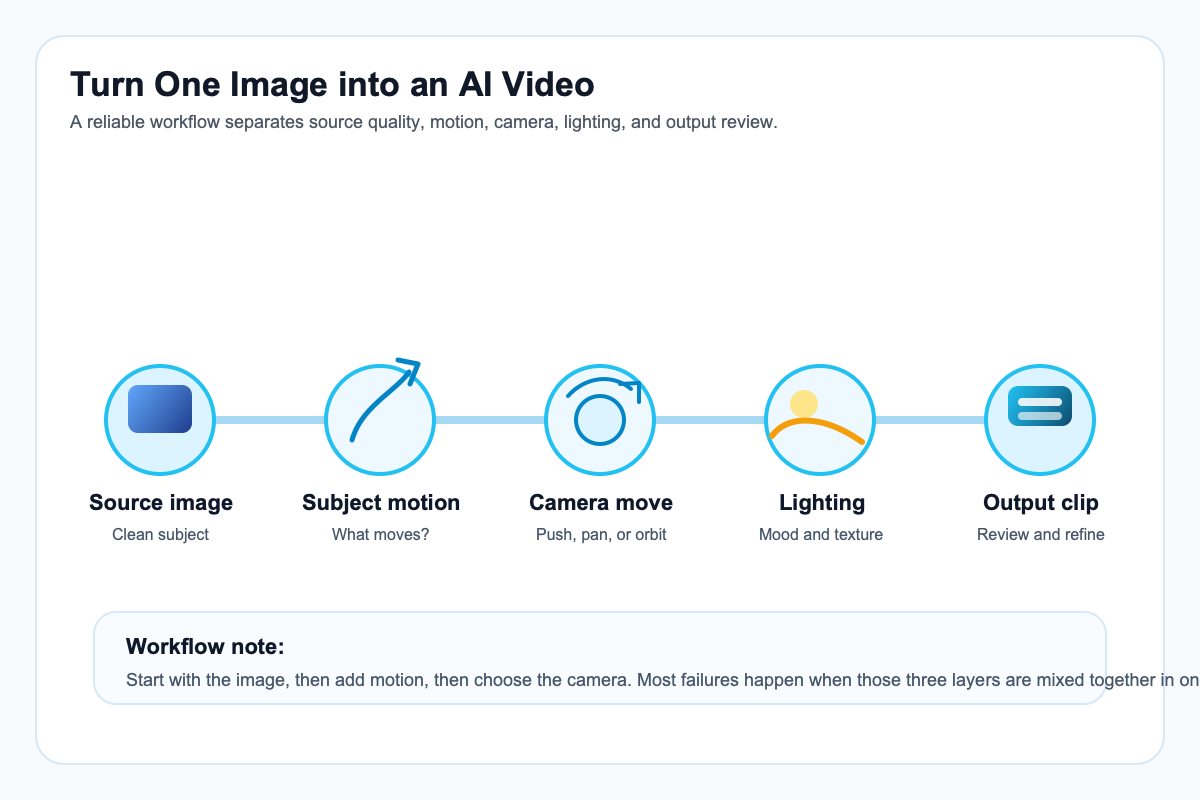
The core steps behind a reliable image-to-video workflow.
What Image to Video AI Can Actually Do
Image to video AI is best understood as shot generation, not magic filmmaking. It works especially well when you ask for controlled motion from one anchored frame.
What it can do well:
- Animate a still portrait with subtle head movement, blinking, fabric motion, or depth.
- Turn a product image into a short promo shot with camera movement and lighting shifts.
- Add motion to travel, landscape, architecture, or food photography for social and ad content.
- Create cinematic image animation from concept art, storyboards, or key visuals.
- Produce quick motion explorations before a larger edit or production sequence.
What it usually cannot do well without careful prompting:
- Complex action with several subjects doing different things at once.
- Long clips with major scene changes from a single still image.
- Precise lip sync or detailed hand interactions from a weak source image.
- Fully consistent multi-shot storytelling without additional workflow control.
That is why the best AI image to video generator workflows stay narrow at the start. One image, one motion idea, one camera move, one short clip. You can follow the same approach to turn an image into a video with invideo by starting with a clear photo and describing only the movement you want.
Step-by-Step Workflow
1. Start with a source image that already looks like a frame from a film
The fastest way to improve image to video AI output is to improve the image before you animate it. Use a clear subject, readable depth, clean lighting, and a composition that suggests movement.
Best source-image traits:
- One main subject.
- Clear foreground and background separation.
- Good contrast and lighting direction.
- No confusing extra limbs, reflections, or cropped faces.
- Enough texture for motion to feel believable.
2. Decide whether the motion belongs to the subject, the camera, or the environment
Beginners often describe motion as one giant blur. Better prompts split motion into categories:
- Subject motion: walking, turning, hair moving, fabric drifting, product rotating.
- Camera motion: push-in, dolly left, pan right, handheld drift, low-angle orbit.
- Environmental motion: fog moving, leaves swaying, light flicker, dust particles, rain.
This one change immediately makes turn image into video AI prompts more controllable.
3. Keep the first clip short
A short first pass is usually the best pass for learning. Start around 4 to 8 seconds. Longer clips multiply motion errors, identity drift, and awkward transitions.
4. Generate multiple controlled variants
Instead of writing five different prompts, keep the structure stable and change only one variable at a time:
- Variant A: slower camera
- Variant B: stronger subject motion
- Variant C: warmer lighting
- Variant D: more realistic texture
5. Refine the strongest draft
Once one clip feels close, refine it. Good refinement changes are usually small:
- Reduce camera motion
- Clarify the subject action
- Remove extra effects
- Tighten the style language
- Adjust duration or pacing
Best Use Cases
Image to video AI is strongest when the job starts from one visual anchor and needs short, persuasive motion.
| Use case | Why image-to-video works well | Typical output |
|---|---|---|
| Product demo | You already have still photography or 3D renders. | Short ad clips, hero shots, detail reveals |
| Travel video | One strong scenic image can become atmospheric B-roll. | Cinematic pans, push-ins, ambient motion |
| Character animation | Concept art or portraits can gain subtle life. | Head turns, blinking, fabric or hair movement |
| Social media ad | You need fast motion from existing campaign assets. | Attention-grabbing promos and hooks |
Image to video AI is also useful for storyboard development, creative pitches, ecommerce content, and visual content repurposing. If you want a model comparison view before choosing a workflow, read Best AI Video Generators in 2026. If you want to compare model behavior more directly, the published Seedance 2.0 vs Sora 2 vs Kling comparison is a useful companion.
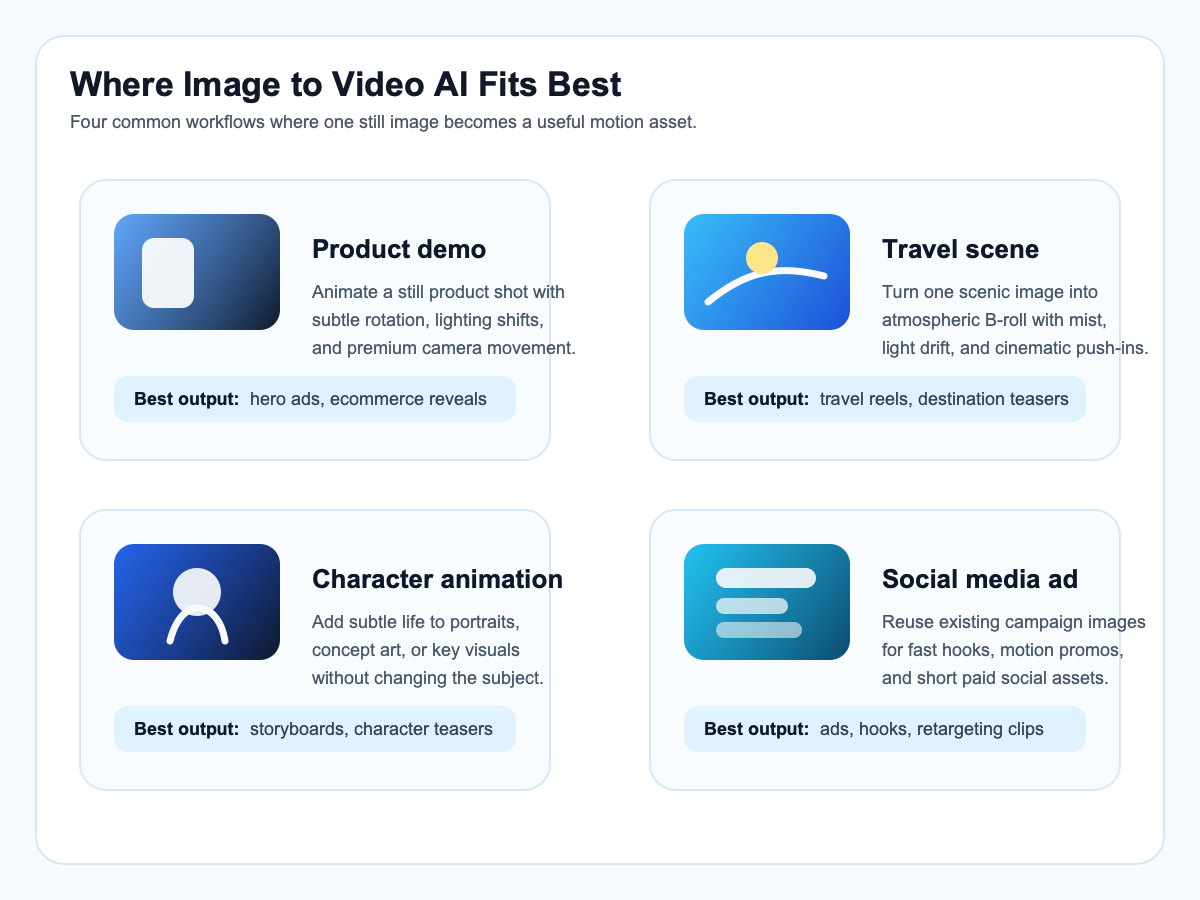
Common use cases for image-to-video AI workflows.
Prompt Formula
The most reliable prompt formula for image to video AI in 2026 is:
Subject + Motion + Camera + Scene + Style + Duration
That formula is short enough to use repeatedly and structured enough to improve control.
| Prompt part | What it answers | Example |
|---|---|---|
| Subject | What is the main thing in frame? | a solo traveler in a yellow raincoat |
| Motion | What changes physically? | slowly turns toward the ocean, coat moving in the wind |
| Camera | How does the shot move? | slow cinematic push-in |
| Scene | What is the environment doing? | mist drifting across cliffs, soft dusk light |
| Style | What should it feel like? | realistic, atmospheric, cinematic color grading |
| Duration | How long is the clip? | 6 seconds |
Bad prompt vs good prompt:
| Bad prompt | Good prompt |
|---|---|
| Make this image move and look cool. | A solo traveler in a yellow raincoat slowly turns toward the ocean as wind moves the coat, slow cinematic push-in, mist drifting across the cliffs, soft dusk light, realistic travel film look, 6-second clip. |
The difference is specificity without clutter. A good cinematic image animation prompt is not longer because it uses more adjectives. It is better because each instruction has a job.
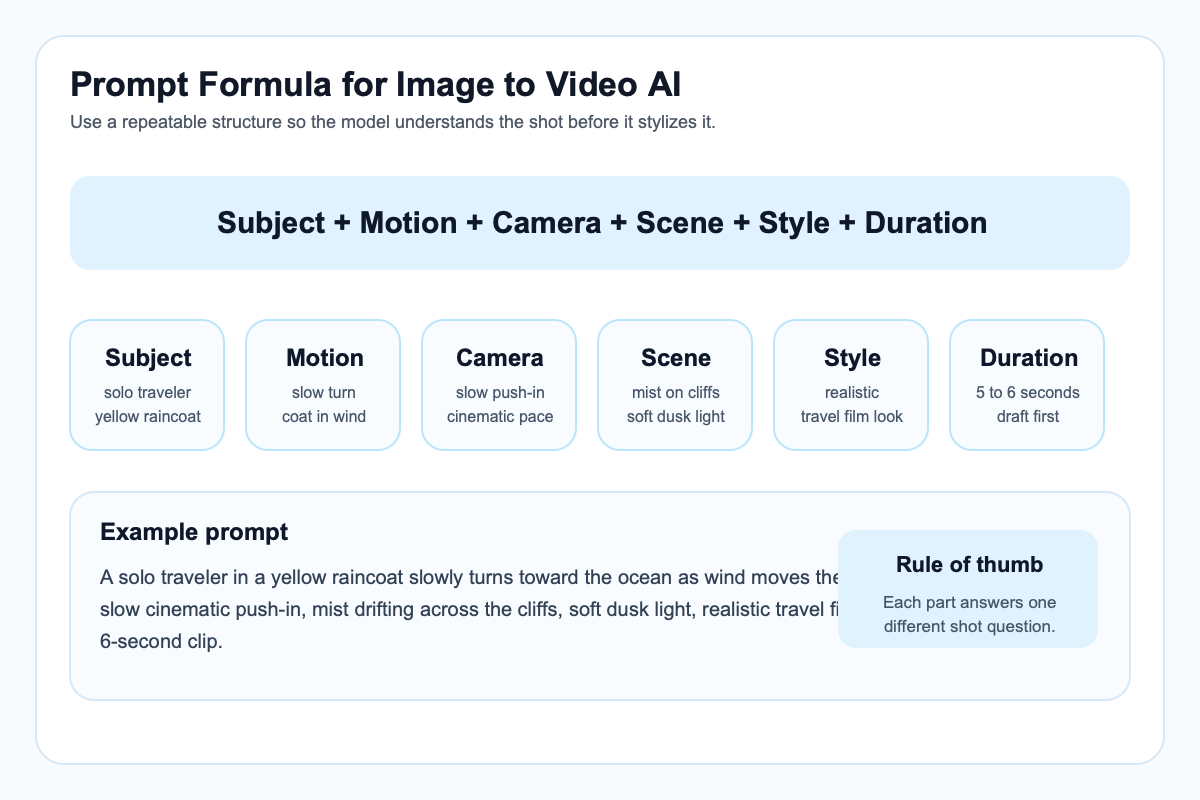
A reusable prompt formula for generating better AI videos from images.
Common Mistakes
Most failed image to video AI outputs come from one of these mistakes:
- Vague motion: The model has no clear idea what should move.
- Inconsistent subject direction: The shot changes identity because the source image or motion language is unclear.
- Too many camera moves: Orbit plus zoom plus pan usually feels unstable.
- Weak source image: Low detail or confused composition creates weak animation.
- No iteration: Users judge one result instead of refining the strongest one.
A good rule is to simplify before you intensify. If the first draft is chaotic, remove motion before adding more style words.
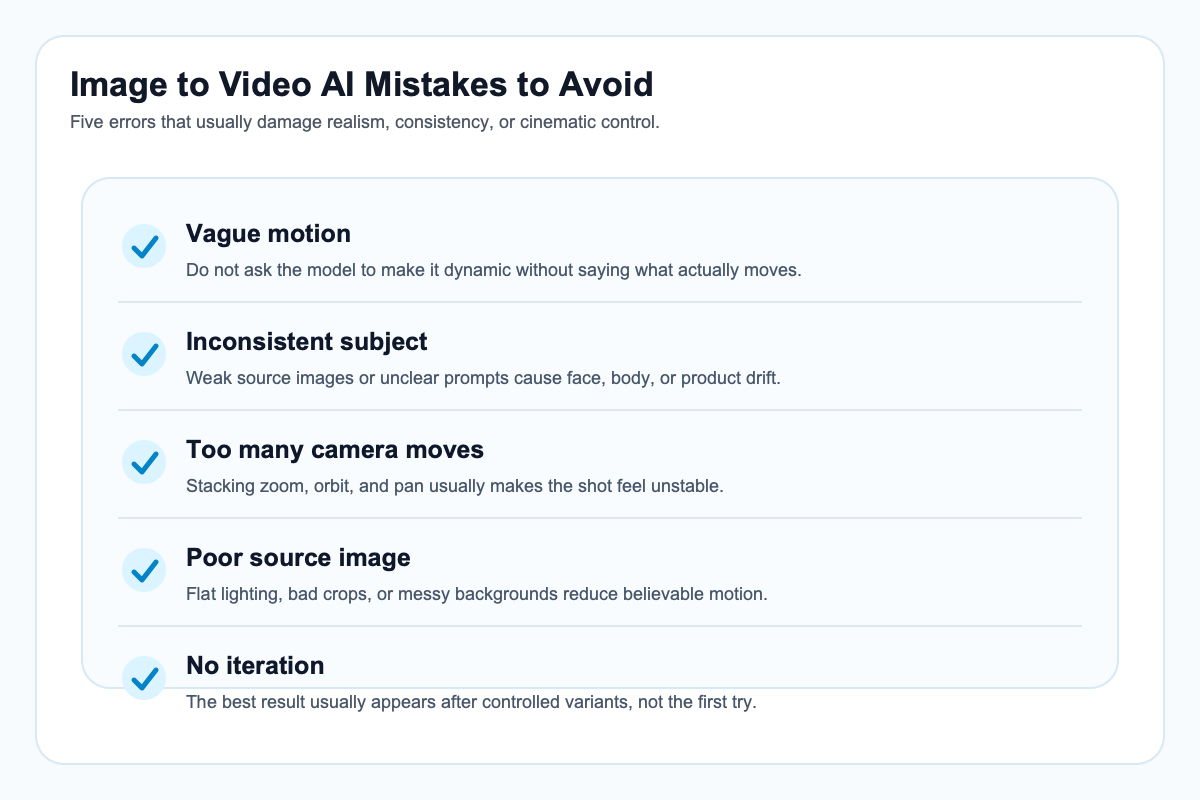
Avoid these mistakes when turning still images into AI videos.
SeedVideo AI Workflow Example
Here is a practical example using SeedVideo AI:
- Upload one strong source image, such as a travel photo, product still, or character portrait.
- Choose an image-to-video model based on the shot you want to test.
- Write the prompt using the six-part formula.
- Generate a short batch of variations.
- Compare motion quality, camera feel, and subject consistency.
- Refine the winning version instead of starting from scratch.
Example prompt:
A ceramic perfume bottle on a marble table rotates slightly as morning window light shifts across the glass, slow commercial push-in, soft shadows and subtle dust in the air, premium product ad style, realistic texture, 5-second clip.
Try this prompt in SeedVideo AI
This is where a multi-model workflow matters. The best tool is not always the same for product demos, travel shots, or stylized social clips. SeedVideo AI is useful because it lets you compare outputs in one workflow instead of rebuilding the shot across separate platforms.
For a longer shot from one image, such as a product still that needs context, motion, and a final hold, Seedance 2.5 can generate a single clip of up to 30 seconds. Keep the first test short anyway, then extend the duration once the motion works.
If your broader goal is choosing the right model family first, start from the SeedVideo AI homepage or review the hub guide to Best AI Video Generators in 2026.
FAQ
What is image to video AI?
Image to video AI is a workflow that turns a still image into a moving clip by predicting motion, camera behavior, depth, lighting changes, and temporal continuity from the original frame.
What is the best image to video AI workflow in 2026?
The best workflow is to start with a strong source image, define subject motion and camera movement separately, generate a short clip, compare a few variants, and refine the best result.
Can an AI image to video generator make realistic cinematic shots?
Yes, especially for short clips with controlled motion. Realism improves when the source image is strong and the prompt clearly separates subject action, camera movement, and atmosphere.
What kind of image works best for turn image into video AI prompts?
The best source images have one clear subject, readable lighting, depth separation, and enough detail to support believable motion.
How long should an image-to-video prompt be?
It should be as short as possible while still covering subject, motion, camera, scene, style, and duration. Structure matters more than raw length.
What are the best use cases for cinematic image animation?
Product promos, travel video clips, social ads, concept art motion tests, character portraits, and visual storytelling experiments are all strong use cases.
Do I need multiple tools for image-to-video work?
Not always, but a multi-model workflow can help. Different models are better at different shot types, so one workspace that lets you compare outputs can save time.
Conclusion
The practical lesson is simple: image to video AI works best when you treat it like shot design, not magic. Start with a better image, define cleaner motion, keep the clip short, and refine what is already close. That is the fastest way to turn a still into a cinematic result that feels usable for travel video, product content, social media, and creative tools workflows.
If you want to try the workflow now, start with SeedVideo AI or go straight to the image-to-video workspace. If you are still comparing model options, keep the hub guide to Best AI Video Generators in 2026 open beside your tests.