AI Fruit Videos: Make AI Fruit Memes
AI fruit videos turn a simple fruit character into a short joke, reaction, dance, or oddly satisfying loop. Viewers can read the character and action almost immediately. The method works for standalone jokes and recurring character series. A useful clip needs one recognizable fruit, one readable expression, and one motion with a clear ending. A clean source image gives the video model stable details to follow, while a focused prompt controls movement, camera, and the final pose. This guide covers reusable character design, meme beats, image-to-video prompts, review, and export for TikTok, Reels, Shorts, or wider video. Start in SeedVideo AI to animate your fruit character, then keep the best take and add captions or sound during editing.
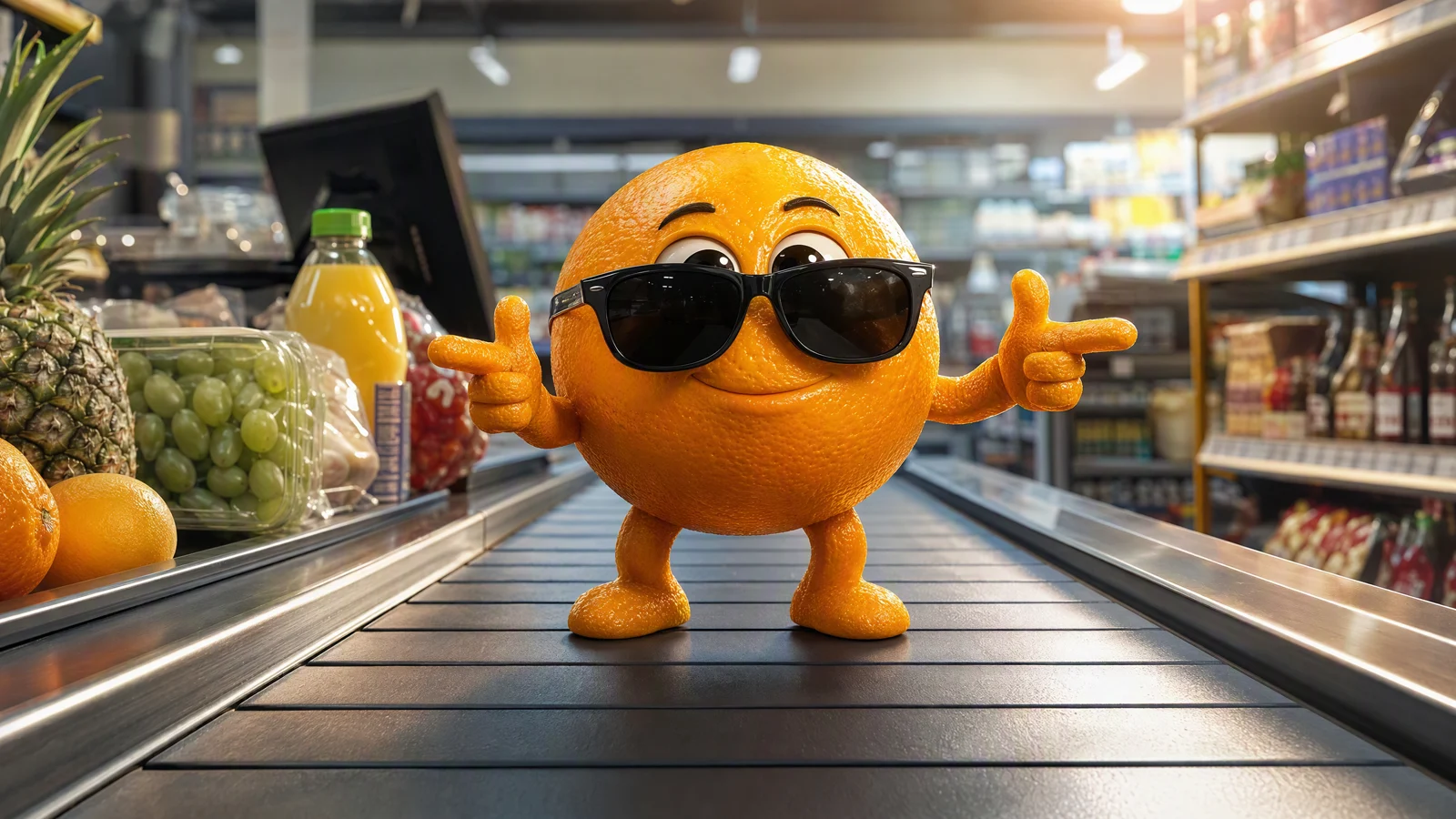
Video prompt: An original small orange with realistic citrus peel and short limbs poses confidently in sunglasses on a moving supermarket checkout belt. Use a low eye-level tracking shot, bright store lighting, a warm rim light, and a playful cinematic meme style. End with the orange holding its pose.
TL;DR
- Start with one original fruit character and a simple background.
- Build each clip around one action, such as a look, jump, bite, dance, or reaction.
- Describe motion, camera, timing, and the details that should stay consistent.
- Generate a few variations, then review the whole clip for face, limb, color, and object stability.
- Add text and licensed audio in editing, then export for the platform where you will post.
Quick Answer
The easiest way to make AI fruit videos is to create a clear fruit character image, upload it to an image-to-video tool, and ask for one short action. Keep the character centered, separate its hands from nearby objects, and use a prompt with a beginning, motion, and final pose. For a text-first experiment where exact character consistency matters less, you can also create a meme scene from a prompt.
What makes an AI fruit meme readable?
An AI fruit meme is a short video built around an anthropomorphic fruit, a familiar situation, and a quick visual turn. The fruit might panic near a juicer, struggle with office paperwork, celebrate a tiny win, or dance while other berries judge the performance. The humor comes from giving an ordinary piece of fruit a recognizable human problem.
The first frame has to do most of the setup. A viewer should be able to identify the fruit, read its mood, and understand the main object before the character moves. Busy backgrounds and complicated props make that harder. They also give the video model more details to change between frames.
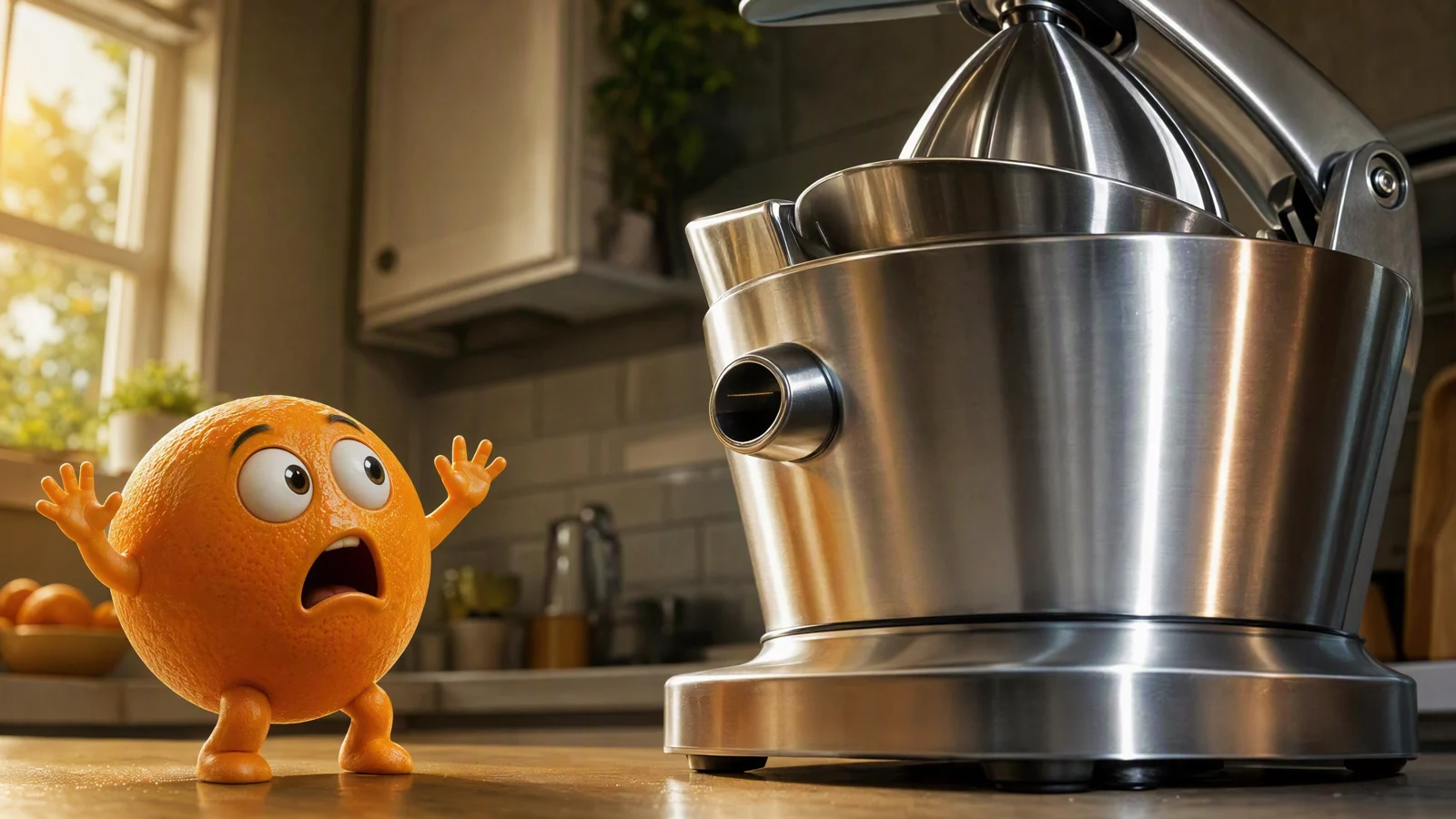
Video prompt: An original orange character sees an oversized stainless-steel juicer and recoils in shock. Start on a medium kitchen shot, push in slowly as the orange raises both hands, keep the appliance fixed, use cool metal reflections with warm side light, and hold the shocked expression at the end.
Use a joke that can be expressed as a single sentence: "The orange realizes what the machine is for." If the idea needs several lines of explanation, split it into separate clips.
Design one fruit character you can reuse
Character consistency begins before animation. Make a source image with a clear silhouette, visible eyes, short limbs, and enough spacing between the body and nearby props. Real fruit texture helps the character feel tactile, while a simple face keeps expressions readable on a phone screen.
| Character choice | Practical direction | Why it helps |
|---|---|---|
| Fruit type | Pick one familiar shape and color | Viewers recognize it quickly |
| Face | Use large eyes and a simple mouth | Expressions remain legible at small sizes |
| Limbs | Keep arms and legs short and separated | Reduces visual tangles during motion |
| Props | Add one main prop at most | Gives the action a clear focus |
| Background | Use a clean kitchen, desk, store, or plain set | Makes the silhouette easier to track |
Create a neutral character image first, then save variations with different expressions or one prop. Keep the peel texture, body proportions, eye placement, and limb style consistent. If you plan to build a series, a small reference sheet with front, three-quarter, and side views can help you keep the design recognizable across new source images.
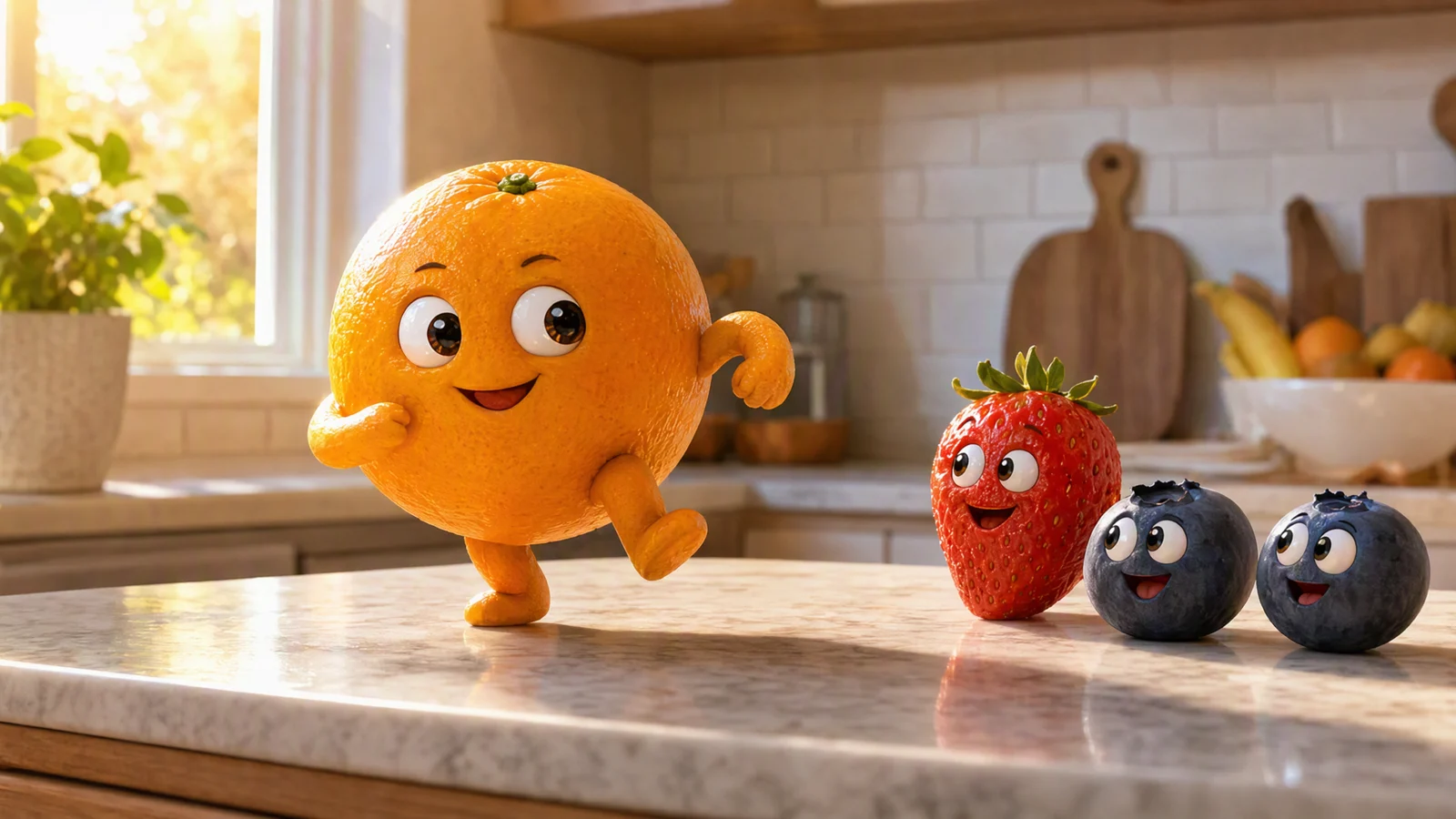
Video prompt: An original orange dances on a kitchen counter while one strawberry and two blueberries watch with amused expressions. Use a gentle three-quarter orbit, morning window light, one simple two-step dance, stable fruit proportions, and a clean ending with the orange facing the camera.
Repeatable visual rules matter more than realistic human anatomy. A round orange with two short arms will usually be easier to animate than a fruit character wearing layered clothing and holding several objects.
Choose the meme beat before you animate
Write the joke as three moments: setup, action, and hold. The hold matters because it gives viewers time to read the reaction and gives editors a clean place to cut or loop.
| Beat | Office example | Sports example |
|---|---|---|
| Setup | Orange sits at a tiny desk beside a paper stack | Orange stands on the edge of a fruit bowl |
| Action | The stack grows and the orange slumps | The orange bends its knees and jumps |
| Hold | Orange stares at the camera, exhausted | Banana friend celebrates the landing |
Avoid asking for a full story in one generation. A five-second clip can comfortably show one reaction or one physical gag. A complicated chase, costume change, camera move, and punchline all at once will make the model divide its attention.
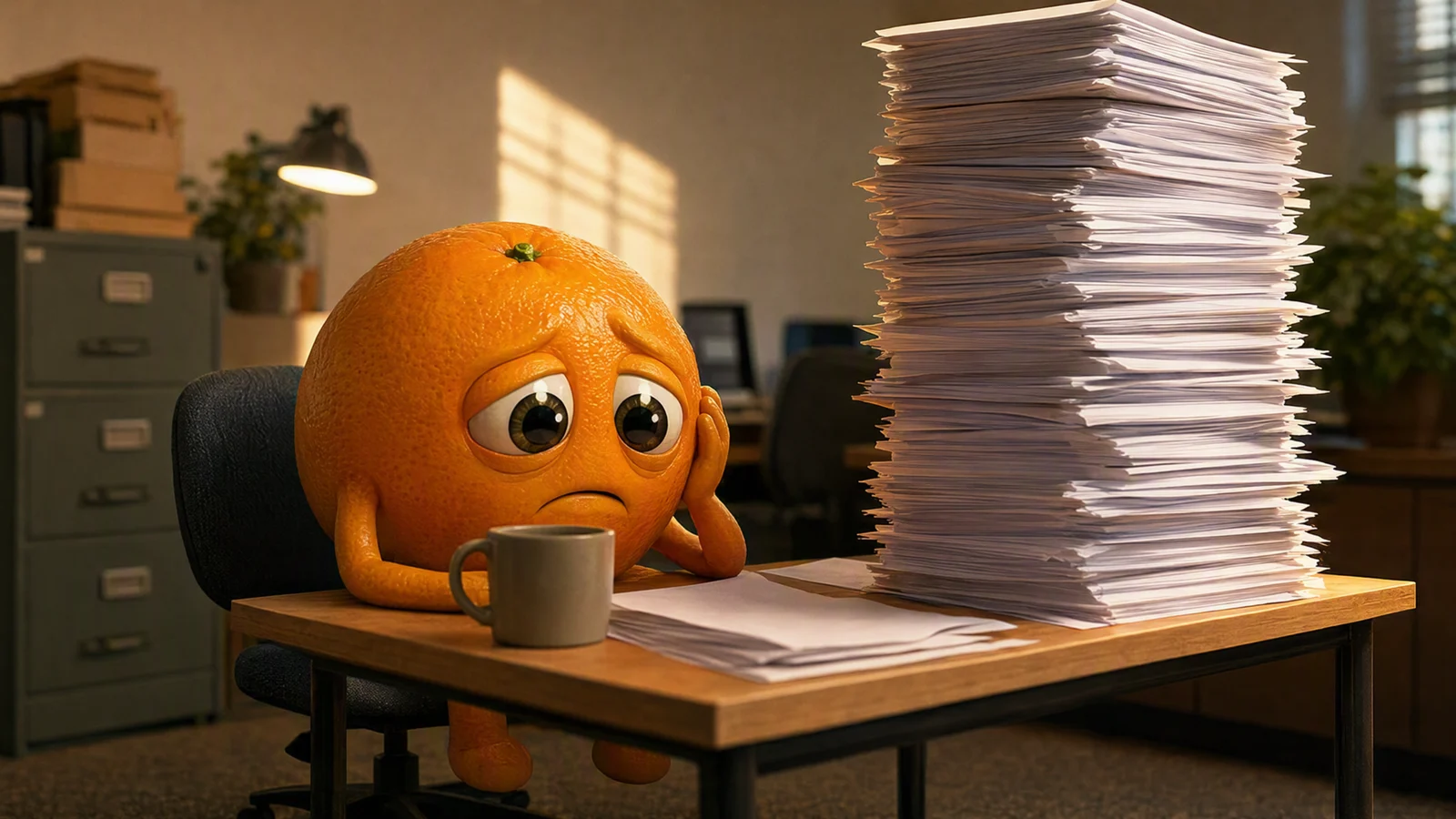
Video prompt: An original orange sits at a tiny office desk beside a towering stack of blank paper. Begin with a locked medium shot, let the orange glance up at the stack and slowly slump onto one hand, use late-afternoon office light, preserve the paper count and desk layout, and finish on a tired stare.
Make the video in SeedVideo AI
The current SeedVideo AI image-to-video workspace provides a required start image, an optional end image, a prompt field, ratio, duration, resolution, audio, advanced settings, and model controls. Upload your approved fruit image as the start frame. Add an end frame only when you need a specific final composition. Otherwise, describe the final pose in the prompt.
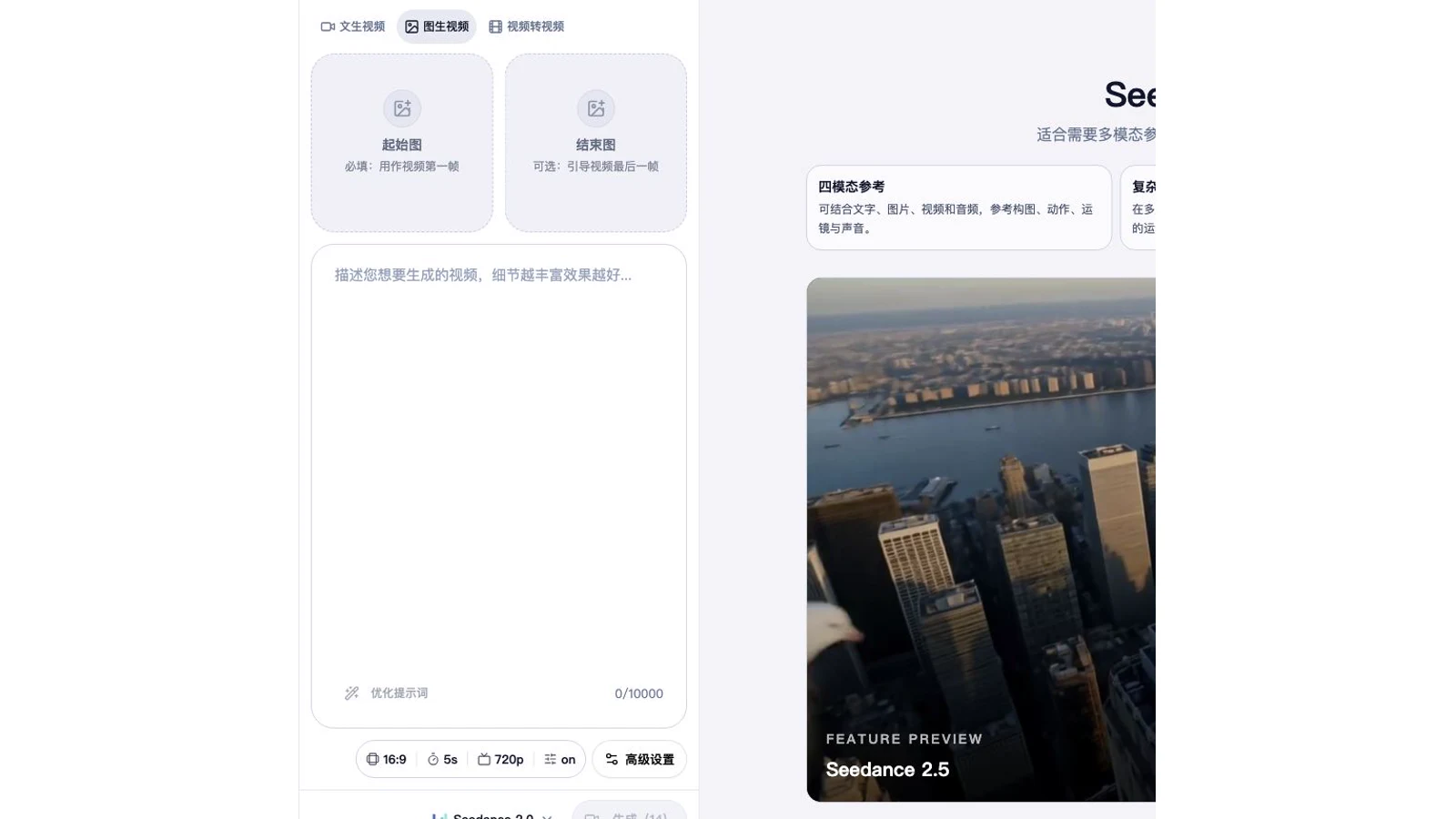
Current SeedVideo AI Image to Video workspace showing the start-frame upload, optional end frame, prompt area, ratio, duration, resolution, audio, and advanced settings.
Use this workflow:
| Step | What to do | Check before moving on |
|---|---|---|
| 1 | Upload the clean fruit source image | Face, limbs, and props are separated |
| 2 | Choose the output ratio | It matches the planned publishing surface |
| 3 | Write one motion prompt | It includes action, camera, timing, and final pose |
| 4 | Generate a small set of variations | Each version uses the same source image |
| 5 | Review every frame | Look for identity drift and object changes |
| 6 | Edit the strongest clip | Trim, caption, add licensed sound, and export |
When you are ready, open the AI image-to-video generator and keep the first attempt deliberately simple. The Seedance 2.5 image-to-video guide explains source-image preparation and motion control in more depth.
Write a prompt that controls one action
A useful prompt names the character, action, camera, pace, fixed details, and final pose. Put the most important motion first. Use concrete verbs such as steps back, turns, jumps, blinks, raises both hands, or takes one small bite.
Prompt formula:
[character] + [one action] + [camera] + [pace] + [lighting] + [details to preserve] + [final pose]
Example:
An original orange character prepares to dive from the rim of a fruit bowl. Low side camera, one short crouch and one clean jump, bright kitchen light. Preserve the orange's face, peel texture, short limbs, bowl position, and cheering banana. Finish with the banana holding both arms up.
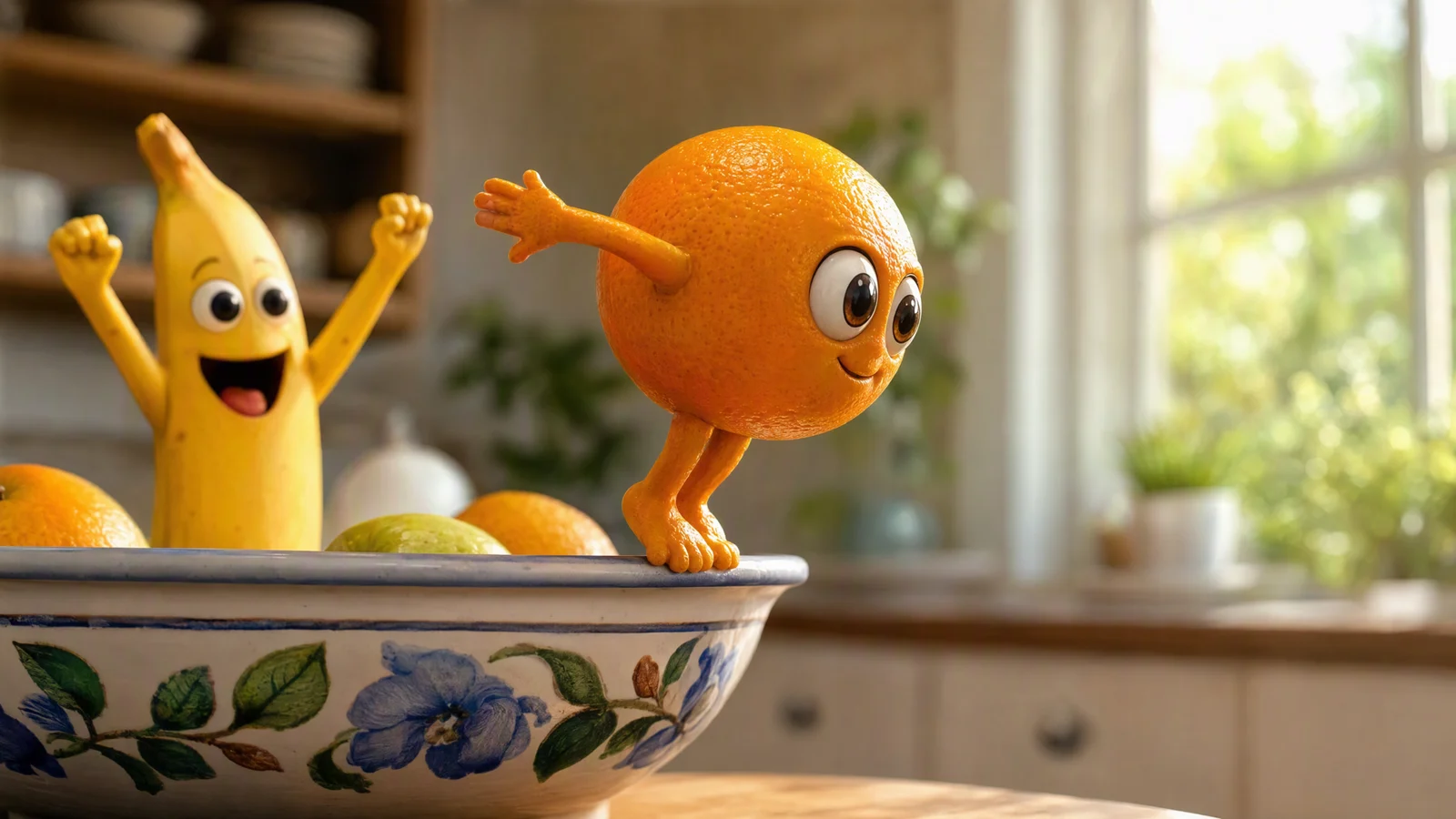
Video prompt: An original orange prepares to dive from the edge of a ceramic fruit bowl while a banana friend cheers. Use a low side camera, bright summer kitchen light, one short crouch and one clean jump, stable bowl placement, and a celebratory final pose.
If the first result changes too many details, shorten the prompt and reduce the action. You can adapt these Seedance 2.5 prompt examples for camera language and consistency instructions.
Build a small series instead of one crowded clip
One character can support several recurring formats. Keep the character design fixed and change the situation:
- Monday office overload
- A kitchen dance after a small win
- A dramatic reaction to an everyday appliance
- A rainy-day comfort loop
- A sports parody inside a fruit bowl
- A final escape or celebration scene
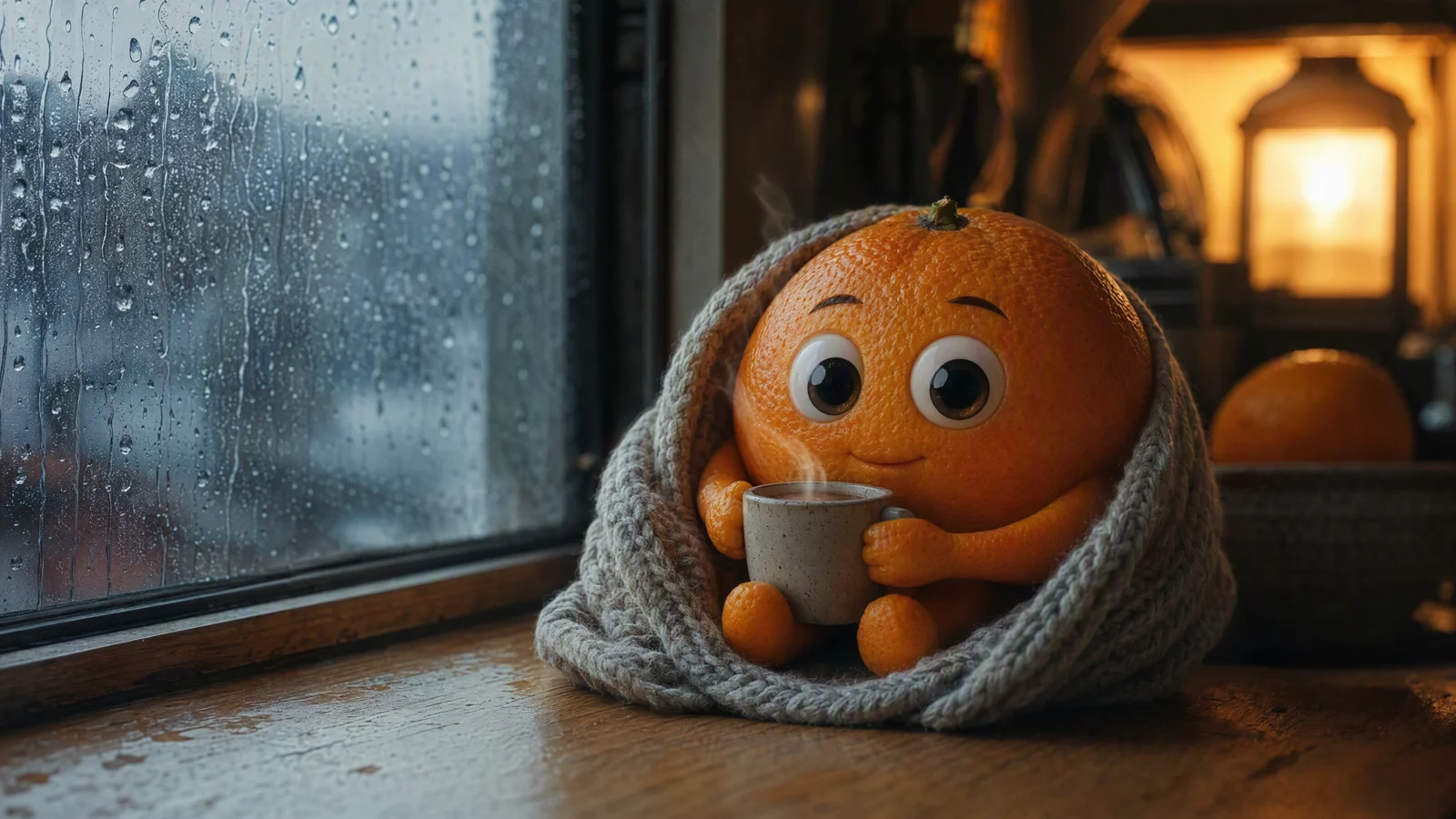
Video prompt: An original orange sits wrapped in a knitted blanket beside a rainy kitchen window and holds a tiny steaming mug. Use a slow push-in, subtle breathing and blinking, cool rain light outside, warm amber light inside, stable facial features, and a calm loop back to the opening pose.
Reusing the same setup makes the account recognizable and limits how many variables change at once. Test new expressions, props, or camera moves while keeping the character design fixed.
Edit for TikTok, Reels, Shorts, and wider video
Generate with the destination in mind. Vertical 9:16 usually gives short-form feeds more screen coverage. Square 1:1 can work for feed posts and reaction loops. Wide 16:9 fits YouTube videos, compilations, and embedded blog examples. Check the current platform upload requirements before exporting because limits and labeling rules can change.
Keep the opening frame readable. Trim empty lead-in frames, unstable transitions, and movement after the punchline. Add captions in editing so the text stays sharp and can be repositioned for each platform. Keep important text away from interface overlays. Use music, sound effects, images, and character designs that you created or have permission to publish.
SeedVideo AI offers free signup credits, while watermark, resolution, queue, privacy, and commercial-use benefits depend on the current plan. Review Seedance pricing and plan details before commercial work.
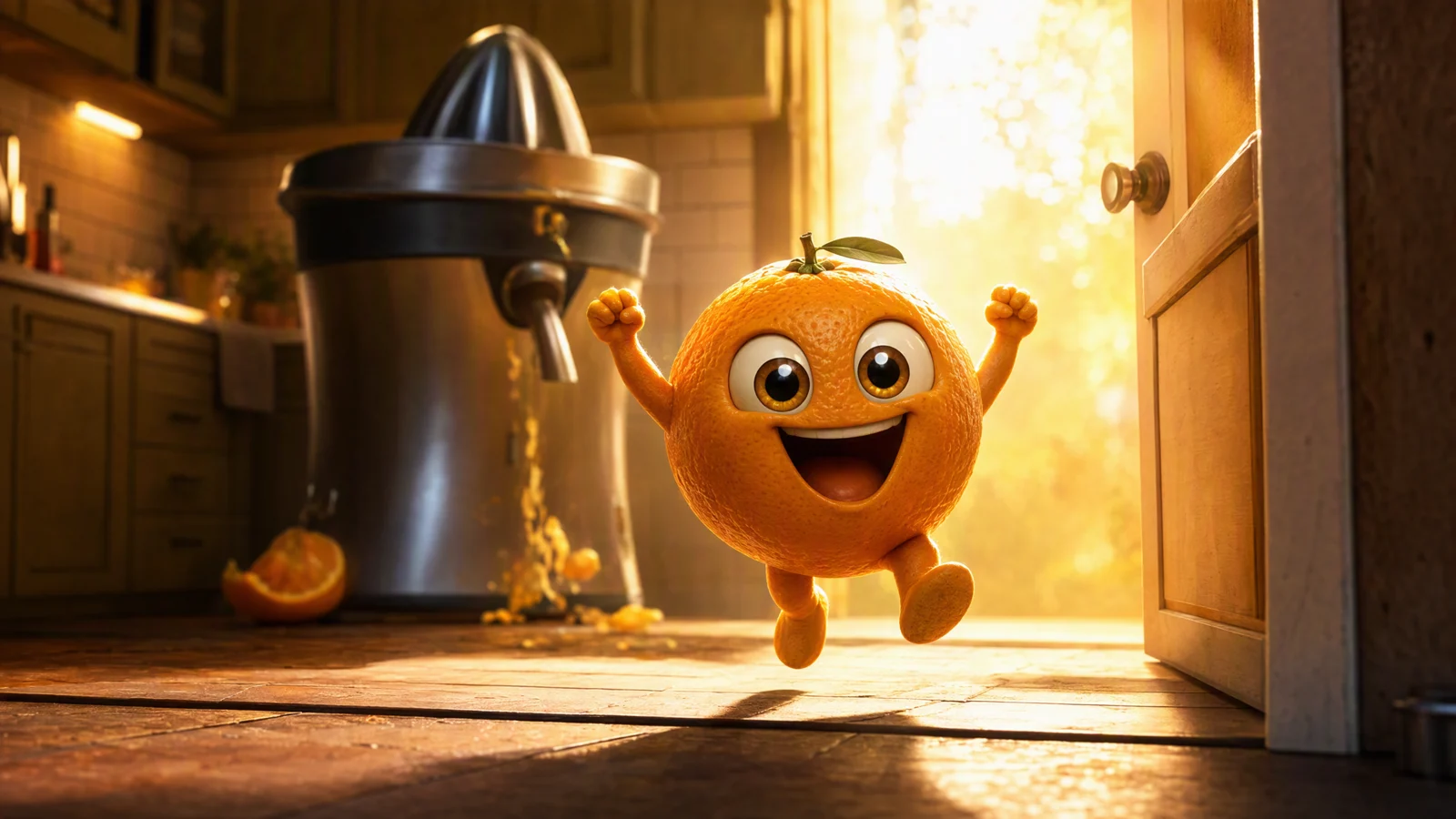
Video prompt: An original orange runs through a kitchen doorway and celebrates after escaping a juicer in the background. Use a wide tracking shot, golden backlight, two quick steps, both arms raised, stable character proportions, and a victorious hold for the punchline.
Fix common AI fruit video problems
Change one variable per retry. That makes it easier to see which instruction improved the clip.
| Problem | Likely cause | Focused fix |
|---|---|---|
| Face changes | Action or camera is too complex | Lock the camera and request one small expression change |
| Extra arms or fingers | Hands overlap the body or prop | Separate the hands in the source image and simplify the grip |
| Fruit duplicates | Prompt introduces several moving objects | Keep one main character and one supporting prop |
| Peel color shifts | Lighting changes too sharply | Ask to preserve the exact color and use steady lighting |
| Background moves | Camera and environment both change | Use a locked shot or a slow push-in |
| Loop jumps | Opening and ending poses differ | End close to the starting pose or use a deliberate hold |
Review at normal speed, then frame by frame. Look closely at eyes, mouth, limbs, fruit texture, prop count, and the background edges. If the middle of the clip is broken, a strong thumbnail will not fix it. Regenerate with a smaller action instead of hiding a major defect with a fast cut.
FAQ
What are AI fruit videos?
AI fruit videos are short generated clips featuring fruit characters in jokes, reactions, dances, ASMR-style moments, or simple stories. Many begin with a designed fruit image that is animated with an image-to-video model.
Can I make an AI fruit video from one image?
Yes. Use a clear source image with one fruit character, a readable face, separated limbs, and a simple background. Ask for one motion and describe the ending pose.
Can I make AI fruit videos for free?
SeedVideo AI currently lists free signup credits without requiring a credit card. Available models, watermark rules, resolution, and commercial permissions depend on the current plan, so check the live pricing page before generating or publishing commercial work.
How do I keep the fruit character consistent?
Reuse the same approved source image, keep the camera simple, ask for one action, and state which details must stay fixed. Compare several variations frame by frame and keep the version with the most stable face, body shape, peel color, limbs, and props.
Make your first fruit meme
Choose one fruit, write one visual joke, and prepare a clean source frame. Then use SeedVideo AI to turn the image into a short fruit video. A small, readable action gives you the best starting point for a meme series that can grow one clip at a time.