How to Create AI UGC Video Ads with Seedance 2.5
AI UGC video ads work best when they feel like a useful recommendation, not a polished television commercial. The practical way to make them with Seedance 2.5 is to build a small shot package: a hook, a problem moment, a product demo, a proof beat, and a call to action. Generate each shot separately from approved product and creator references, then assemble the strongest clips in an editor with captions, voice, music, and your final offer. Seedance 2.5 can help create the individual visual and audio directed shots. It does not replace product research, script approval, editing, or ad buying. That separation is useful because it lets a brand test several hooks while keeping the demo and proof sections stable. The workflow below is designed for DTC teams, Shopify and Amazon sellers, TikTok Shop brands, and agencies that need repeatable 15 to 30 second creative variations.
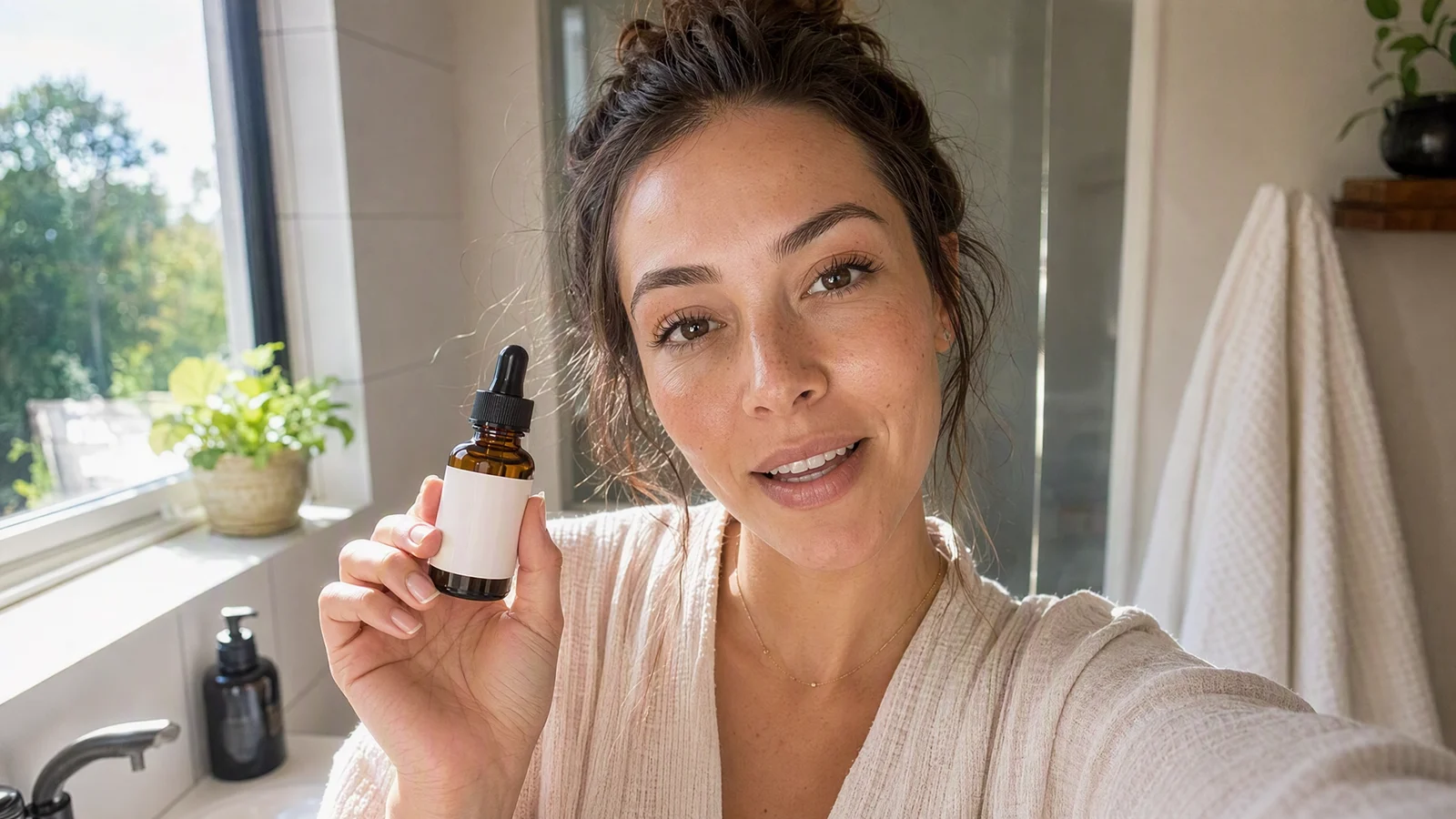
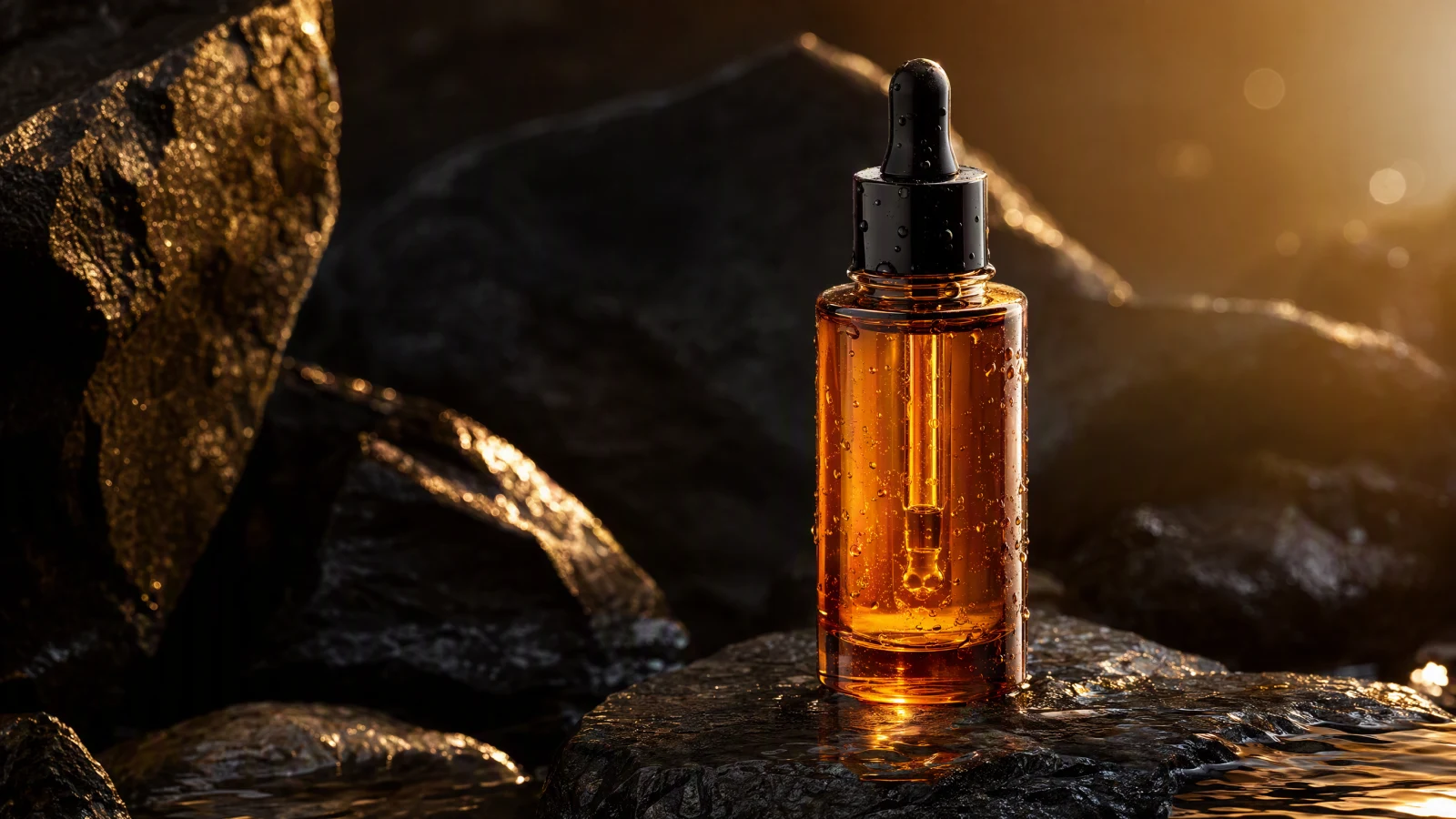
Video prompt: A fictional skincare creator films a casual front camera recommendation in a bright home bathroom, holds an unbranded amber serum bottle near her face, makes friendly eye contact, natural handheld movement, soft window light, realistic skin texture, clean 9:16 composition, conversational UGC style.
TL;DR
- Treat Seedance 2.5 as a shot engine, not a complete ad platform.
- Plan five beats: Hook, Problem, Demo, Proof, and CTA.
- Use approved product images, creator references, and clear brand boundaries.
- Generate short shots independently so you can replace weak hooks without rebuilding the whole ad.
- Keep products, hands, labels, faces, and spoken timing under close review.
- Finish captions, offer text, compliance copy, music, and assembly in your editor.
- Test the message and first three seconds, not just visual novelty.
Quick Answer
Start with one audience problem and one believable product benefit. Build a five shot board, prepare clean product and creator references, then use the Seedance 2.5 model inside the AI image-to-video generator to create each beat. Keep shots short and give every prompt one job. Assemble the chosen clips in a vertical timeline, add captions and a specific CTA, then review the final ad for visual continuity, claim accuracy, and platform safe areas. For a 15 second ad, aim for roughly 2 to 4 seconds per beat. For a 30 second ad, let the demo and proof breathe rather than stretching the hook.
What Seedance 2.5 Should Do in a UGC Ad Workflow
Seedance 2.5 is most useful for creating the footage layer. You can direct a presenter shot, animate a product image, stage a close-up, or plan a scene with audio cues. Its current model page lists text, image, video, and audio reference support, along with common vertical and horizontal aspect ratios. It also lists outputs up to 30 seconds and reference mode limits of up to 30 images, 10 videos, and 10 audio files. Those are upper boundaries, not a reason to overload every generation.
The model is not the entire marketing workflow. Someone still has to decide what the customer cares about, approve claims, select the offer, write or approve the script, edit the sequence, add accessible captions, and publish the ad. Keeping that boundary clear produces better briefs and fewer unusable clips.
| Workflow layer | Best owner | Output |
|---|---|---|
| Audience and claim | Brand or agency strategist | Approved angle and evidence |
| Shot generation | Seedance 2.5 | Hook, demo, reaction, product, and CTA clips |
| Assembly | Video editor | Pacing, captions, voice, music, and offer card |
| Compliance | Brand and legal reviewer | Cleared claims, assets, disclosures, and usage rights |
| Distribution | Media buyer or channel owner | Platform upload, targeting, and measurement |
This division also makes iteration cheaper. If the hook loses attention, keep the product demo and proof clips, then generate three new openings. If viewers watch but do not click, change the CTA or offer card. You do not need to reinvent the entire ad every time one section underperforms.
Build the Five Beat UGC Structure
The five beat structure is a planning tool, not a rigid formula. It forces each clip to answer one question and gives the editor clean options.
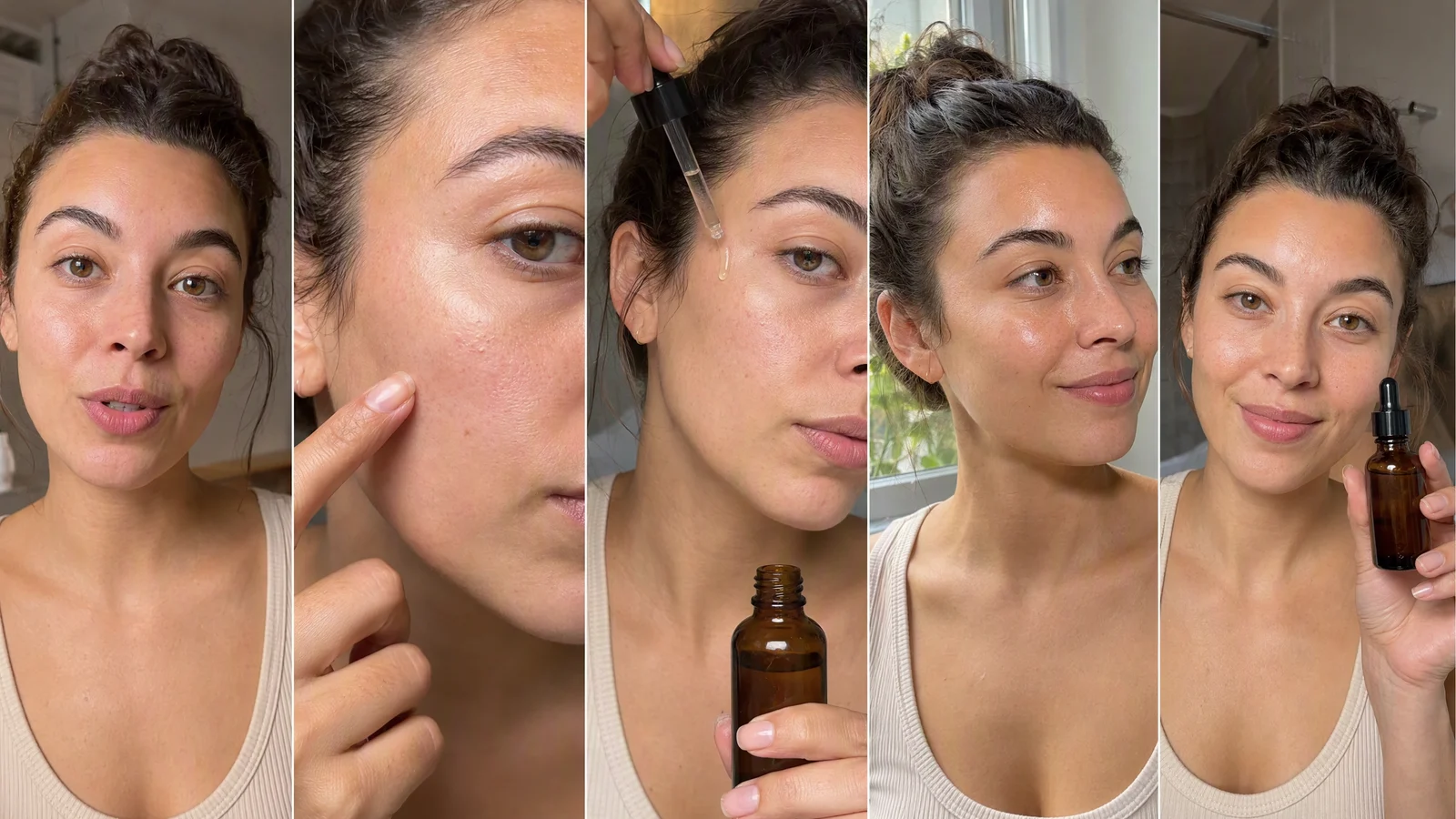
Video prompt: Five connected vertical UGC shots with the same fictional skincare creator and amber serum bottle: direct to camera hook, close-up problem detail, dropper application demo, calm after-use reaction, bottle held beside the face for a clear CTA, natural bathroom light, handheld phone look, consistent wardrobe and product proportions.
1. Hook
The hook earns the next second. It can be a sharp observation, a pattern break, a visual surprise, or a specific promise that your evidence supports. Avoid opening with a brand history lesson. Put the creator, product, or problem in the first frame.
A useful prompt describes the first visible action, not only the topic. For example: “A creator leans toward the phone camera, lifts an amber serum bottle into frame, and says the first line with an honest, slightly surprised expression.” That gives the model a physical beat to stage.
Create several hooks against the same body. Try a problem led version, a curiosity version, and a demonstration first version. This is usually more valuable than making three completely different ads.
2. Problem
Show the situation the viewer recognizes. Keep it specific and visually legible. A skincare ad might show dry texture in soft daylight. A kitchen product ad might show a familiar spill or a cramped preparation step. The problem shot should not exaggerate a condition or imply a result the product cannot support.
If the problem is difficult to show honestly, let the creator describe it while holding the product. A believable face and controlled gesture can be stronger than an overdone before image.
3. Demo
The demo is the proof of use. Show how the product opens, pours, fits, applies, attaches, or moves. Product geometry matters here, so give Seedance a clean source image and keep the action simple. One prompt should cover one manipulation. A bottle cap opening and a drop landing on skin is already a demanding shot. Do not also ask for a room change, wardrobe change, camera orbit, and label reveal.
For more control, use the AI product video workflow to separate hero motion, hand interaction, and macro detail into individual clips.
4. Proof
Proof can be a product detail, a close-up of the outcome, a demonstration of texture, or a creator reaction. It should match evidence the brand can substantiate. Visual polish does not turn an unsupported claim into an approved one.
For cosmetics, avoid turning normal texture into flawless synthetic skin. For gadgets, confirm that buttons, ports, screens, and moving parts match the actual product. For apparel, check cut, material, seams, and color against the approved source.
5. CTA
The CTA tells the viewer what to do next. Keep the generated shot visually simple so the editor has room for offer text and a button or platform sticker. The creator can hold the product, point toward a safe text area, or finish a sentence with a natural pause.
Do not rely on generated text inside the scene for the final offer. Add pricing, discount details, dates, subtitles, and legal language in the editor, where spelling and timing stay under your control.
Prepare a Reference Kit Before You Generate
A strong reference kit reduces ambiguity. It also helps every hook variation look as if it belongs to the same campaign.
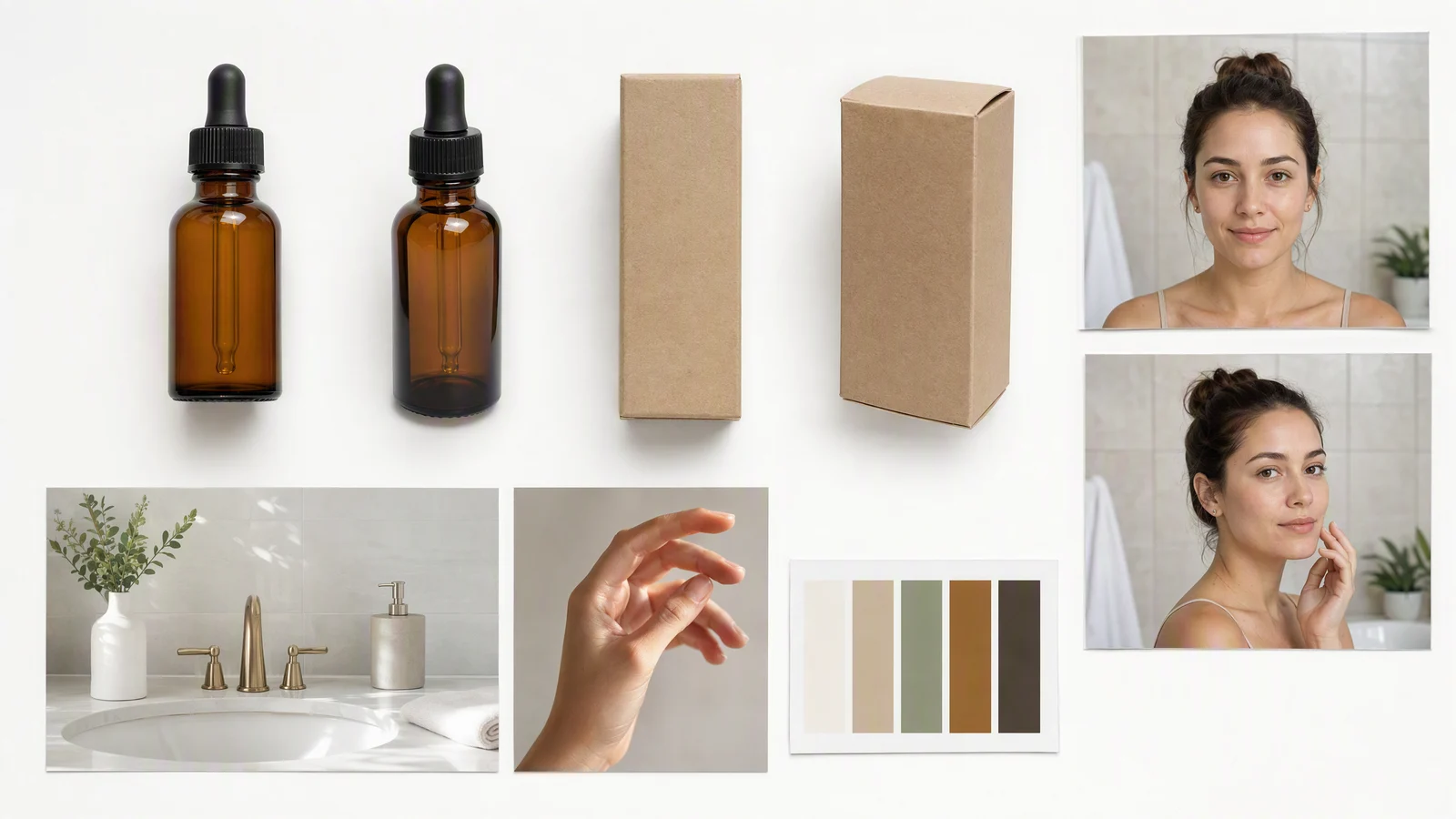
Image prompt: A clean campaign reference board on a white studio surface with unbranded amber dropper bottles, plain kraft packaging, two consistent portraits of one fictional creator, bright bathroom location reference, natural hand pose, and a warm neutral color palette, realistic product photography, no logos, no text labels.
Gather these items:
- Front, back, side, and three-quarter product images on a clean background.
- A close-up of the cap, pump, applicator, connector, or other moving part.
- Creator references with permission for the intended use.
- Wardrobe, location, lighting, and camera style references.
- A short list of traits that must remain fixed, such as bottle color, label placement, hairstyle, and jewelry.
- Approved benefit language, prohibited claims, and required disclosures.
- Audio guidance or a voice reference only when you have permission to use it.
Use your own assets or properly licensed materials. Consent matters for faces and voices, and product images should accurately represent what customers receive. Seedance 2.5 supports a large reference set, but a smaller, curated kit is often easier to control. Remove conflicting angles, old packaging, and near duplicates before generation.
| Reference | What to include | What to check later |
|---|---|---|
| Product | Clean angles and important details | Shape, color, closure, label, scale |
| Creator | Consistent face, hair, wardrobe | Identity, age presentation, hands, accessories |
| Location | One clear environment | Layout, light direction, background objects |
| Motion | Short action example if licensed | Gesture, pace, camera movement |
| Audio | Approved voice or timing cue | Pronunciation, rhythm, disclosure timing |
Set Up the Generator for Short, Controlled Shots
The current SeedVideo AI workspace presents an image upload area, prompt field, model selector, aspect ratio, resolution, and duration controls. Choose Seedance 2.5 when you need its multimodal reference and audio direction capabilities. A visible option in the model selector describes it as multimodal control with audio.
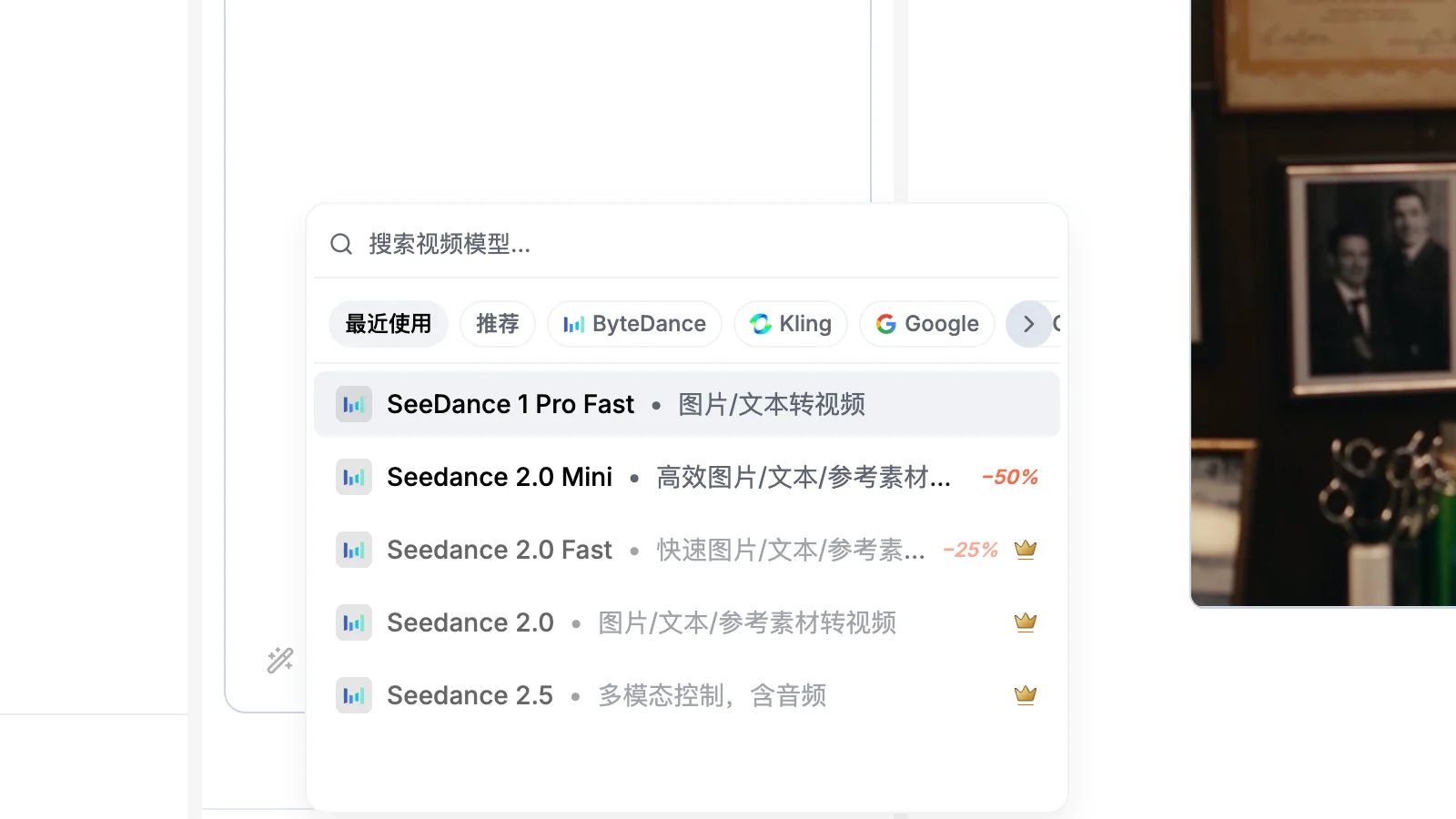
The current SeedVideo AI model picker lists Seedance 2.5 for multimodal control with audio.
Use the image-to-video workspace when product or creator appearance must come from a source image. Use the AI text-to-video generator for atmosphere, transitions, or supporting shots that do not require exact product identity.
For social ads, start with 9:16. Current model options also include common ratios such as 16:9 and 1:1, so create separate compositions when the campaign needs multiple placements. Cropping a wide master into vertical can cut off hands, product details, and captions.
The model page lists 480p and 720p output choices. Select based on the active interface and plan, then judge the final exported ad at the actual placement size. A higher setting does not fix weak framing or inconsistent references.
Use one job per prompt
A practical shot prompt has six parts:
- Subject and approved product.
- One physical action.
- Location and lighting.
- Camera position or movement.
- Framing and aspect ratio.
- Continuity constraints.
Example:
The same fictional skincare creator from the reference images stands in a bright home bathroom and holds the same unbranded amber serum bottle at chest height. She turns the bottle once, removes the dropper, and places one drop on the back of her hand. Close handheld phone camera, soft morning window light, realistic skin and hands, stable bottle proportions, label area remains blank, vertical 9:16 framing, leave clean space in the lower third for captions.
Try this prompt in SeedVideo AI
That prompt is concrete enough to direct a shot but restrained enough to review. If the product must perform several actions, split them into separate generations and cut them together.
Handle Product Holds, Talking Shots, and Transitions
Hands and products are the most commercially sensitive parts of a UGC clip. Viewers may forgive casual lighting, but they notice a warped bottle, extra finger, or changing cap immediately.
For a product hold, begin from an image where both the hand position and product silhouette are clear. Ask for small motion: a gentle lift, quarter turn, or brief point. Keep the product near the center and avoid fast passes across the frame.
For talking shots, write the line separately from the visual direction. Seedance 2.5 can take audio direction alongside visual prompting, and its official guidance describes planning speech rhythm, sound cues, music timing, and motion together. That does not remove the need for mouth and audio review. Check every line at normal speed and frame by frame around hard consonants. If the result is not convincing, use a shorter line, a reaction shot, or voiceover over a product close-up. The Seedance lip sync guide covers a focused repair workflow.
For transitions, prefer motivated movement. A hand covers the lens, the product moves toward camera, or the creator turns toward a mirror. Generate the outgoing and incoming action as separate shots. Matching direction and speed gives the editor a clean cut point.
Assemble the Ad and Protect the 9:16 Safe Area
Generation produces source clips. The final ad still needs an edit. Place the five beats on a vertical timeline, cut pauses, add captions, mix voice and music, and add the approved offer. Keep important text away from interface overlays used by TikTok, Reels, and Shorts.
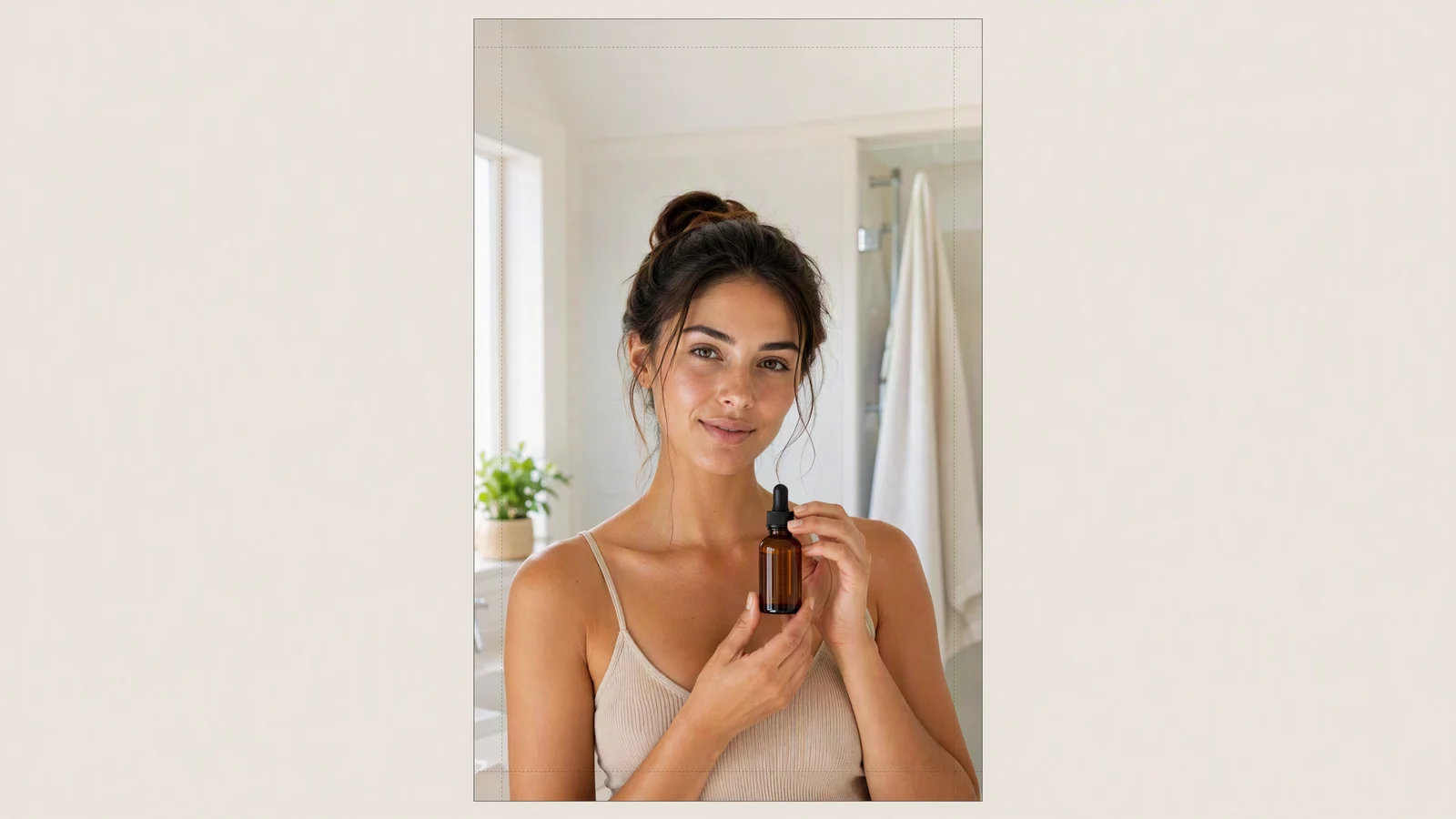
Video prompt: A fictional skincare creator holds an amber serum bottle in a bright bathroom, centered in a vertical 9:16 frame with generous clean space above and below for captions and CTA overlays, natural window light, realistic phone camera style, simple background, stable product proportions.
| Ad length | Suggested pacing | Editing priority |
|---|---|---|
| 15 seconds | Hook 2s, Problem 2s, Demo 4s, Proof 4s, CTA 3s | Immediate clarity and one benefit |
| 20 seconds | Hook 3s, Problem 3s, Demo 6s, Proof 5s, CTA 3s | Stronger demonstration |
| 30 seconds | Hook 3s, Problem 5s, Demo 10s, Proof 7s, CTA 5s | More context and evidence |
These are starting points. Cut based on comprehension, not a stopwatch. A product that needs setup may require a longer demo. A simple visual benefit may need only one decisive close-up.
Use burned-in or platform captions for spoken content. Keep each line short, preserve contrast, and check it on a phone. Place the offer only after the viewer understands the product. Music should support speech rather than fight it.
For a wider commercial workflow, the AI commercial video guide explains how to connect generated shots with brand review and campaign delivery.
Scale Hooks, Not Whole Ads
The fastest way to build a useful creative matrix is to lock the body and vary the opening. Keep one approved demo, proof sequence, and CTA. Then create several hooks for different audience tensions.
- Problem hook: show the irritating moment immediately.
- Curiosity hook: reveal an unexpected product use or texture.
- Result hook: open on an accurate, supportable outcome.
- Objection hook: answer a common hesitation.
- Persona hook: name the situation, such as travel, small apartments, or busy mornings.
Label every exported version by hook, body, CTA, and date. When performance changes, you can see which message changed. Do not attribute results to the model alone. Audience, offer, placement, season, landing page, and edit all affect performance.
Quality and Compliance Checklist
Review the complete ad, not only the best frame.
- Product shape, packaging, color, and moving parts match approved references.
- Hands have the correct number of fingers and make physically plausible contact.
- The same creator remains recognizable across shots.
- Spoken words, mouth movement, captions, and audio timing agree.
- Benefit claims match available evidence and approved wording.
- Faces, voices, music, product images, and locations are cleared for the intended use.
- Disclosures are readable long enough and placed in a safe area.
- The CTA matches the landing page, price, promotion, and availability.
- The final export has no accidental logos, broken text, flicker, or continuity jumps.
- Commercial rights match the current SeedVideo AI plan and export rules.
Commercial use depends on the active plan, export terms, and rights to every input asset. Current pricing guidance indicates commercial use for Pro, Premium, annual plans, and one-time credit packs, while the Lite monthly plan does not include it. Terms can change, so confirm the checkout and plan language before launching a paid campaign.
Frequently Asked Questions
Can Seedance 2.5 create a complete UGC ad automatically?
It can create individual directed shots, including creator, product, reaction, and supporting footage. You still need an approved message, edit, captions, offer, compliance review, and distribution setup.
How long should each generated shot be?
Use the shortest duration that clearly communicates one action. Two to six seconds is a practical range for many hooks and demos. The model page lists outputs up to 30 seconds, but an ad is often easier to control as several short clips.
Should I generate the whole 15 second ad in one prompt?
Usually no. Separate shots make it easier to fix product details, replace a weak hook, adjust pacing, and reuse approved footage. A single long prompt asks the model to maintain too many changes at once.
Can I use a real customer or creator as a reference?
Use faces and voices only with clear consent for the intended commercial use. Keep records of permissions and follow the relevant platform and regional rules.
Does Seedance 2.5 guarantee accurate lip sync?
Do not treat mouth sync as guaranteed. The model supports audio direction and coordinated audiovisual prompting, but every talking shot needs review. Shorter lines, clear audio, and restrained head movement are easier to evaluate.
What should I test first?
Test the first three seconds and the message angle. Keep the demo and offer stable, then compare a small set of distinct hooks. Once a hook earns attention, test proof, pacing, and CTA.
Create Your First Shot Package
Prepare one clean product reference, one approved creator reference, and a five beat board. Open the Seedance 2.5 image-to-video generator, generate each shot with one clear action, and keep the strongest clips. Assemble them in 9:16, add accurate captions and your approved CTA, then run the quality checklist before publishing. The goal is not to automate every marketing decision. It is to make controlled, reusable footage that helps your team test better UGC ad ideas faster.