01
Turn a Vertical Photo into a Horizontal One
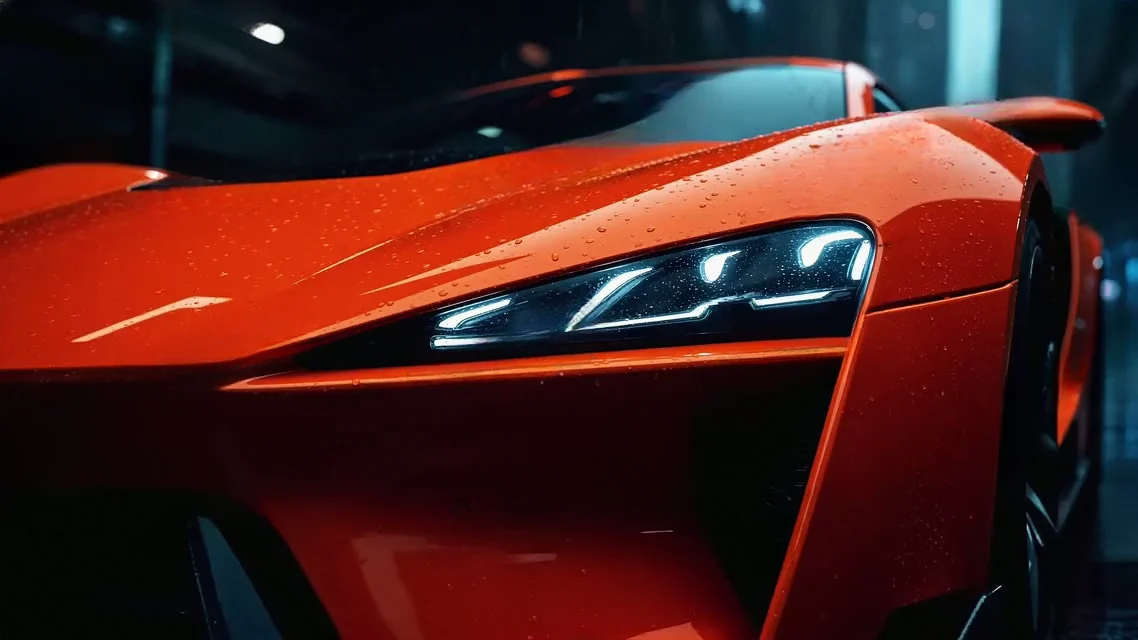
Choose 4:3 or 16:9 and the extender adds scenery on the left and right, so a phone photo fits a slide, a blog header, a YouTube thumbnail or a desktop wallpaper without cutting off the subject.
Expand or uncrop any photo to 16:9, 9:16 or 1:1. The AI paints in what lies beyond the frame, matched to the light and texture of your photo. Free credits to start, 1 credit per image.
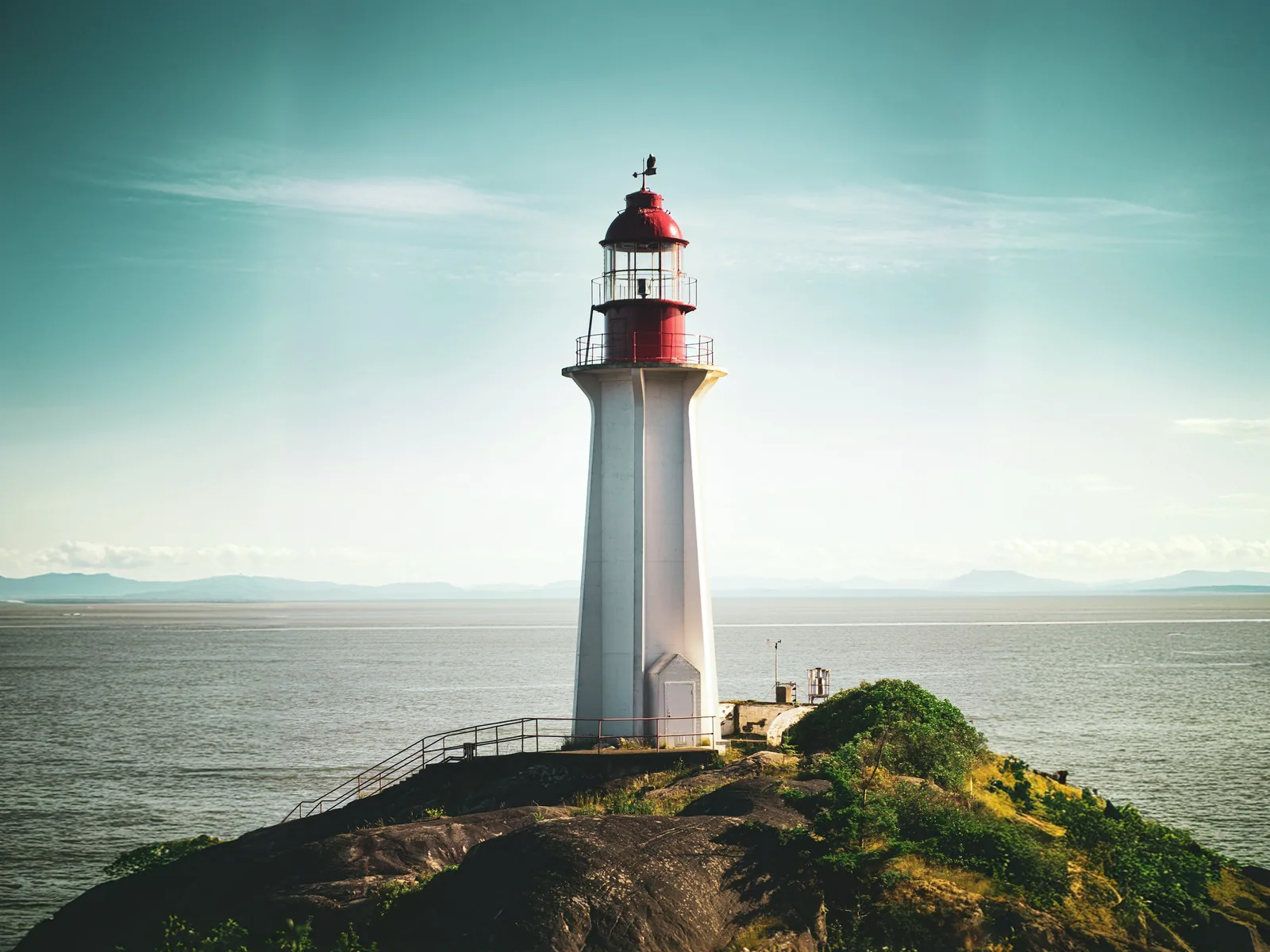
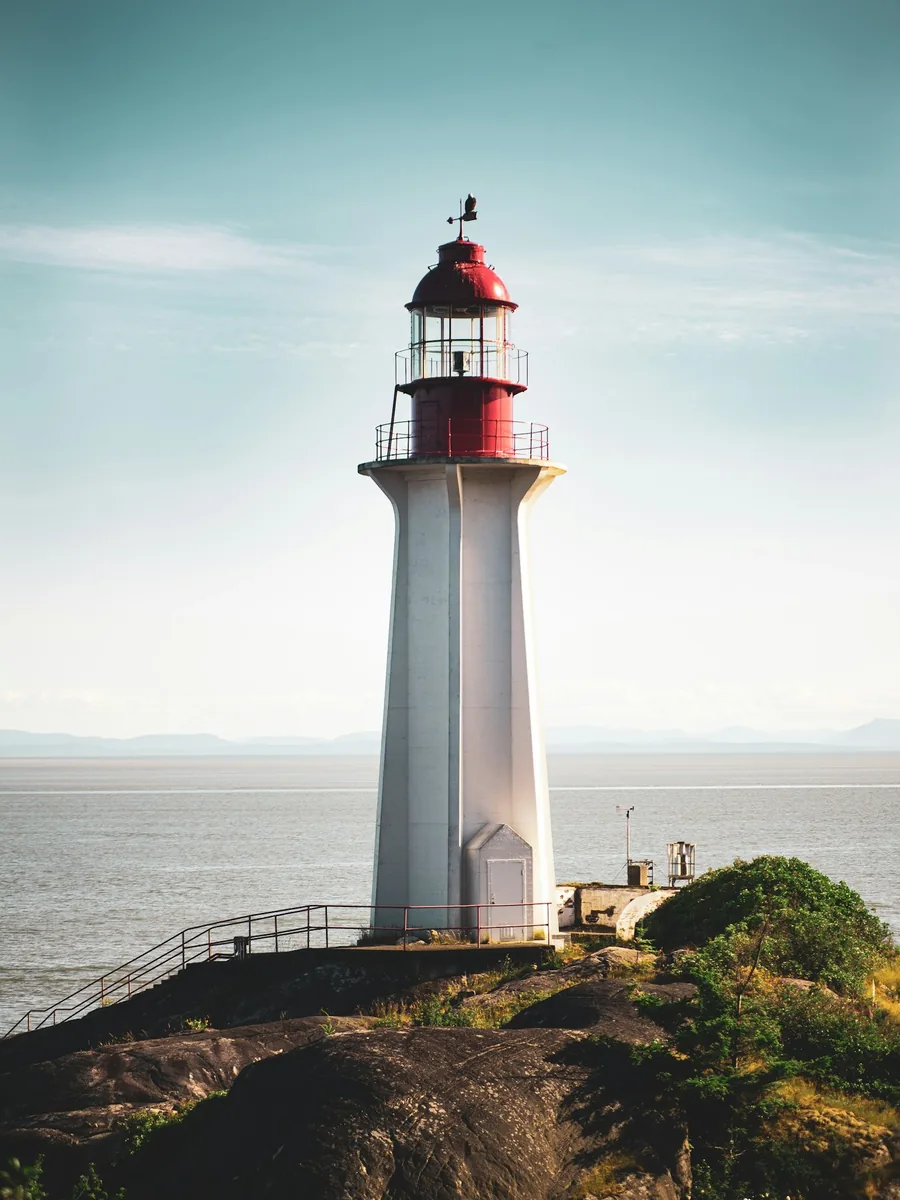
A photo that is the wrong shape usually means cropping away part of it. Our AI image extender does the opposite: it keeps your whole photo and paints in what lies beyond the frame, matched to its light, colours and texture. Pick 16:9, 9:16, 1:1, 4:3, 3:4 or Zoom out and download a wider or taller picture.
Your original photo stays in the middle of the new frame. Only the new strips around it are generated.
The canvas shows where the new edges will go and the output size, so you know what you will get before spending a credit.
Each run costs one credit and usually takes 10 to 20 seconds. If a run fails, the credit goes back to you automatically.
01
Choose 4:3 or 16:9 and the extender adds scenery on the left and right, so a phone photo fits a slide, a blog header, a YouTube thumbnail or a desktop wallpaper without cutting off the subject.
02
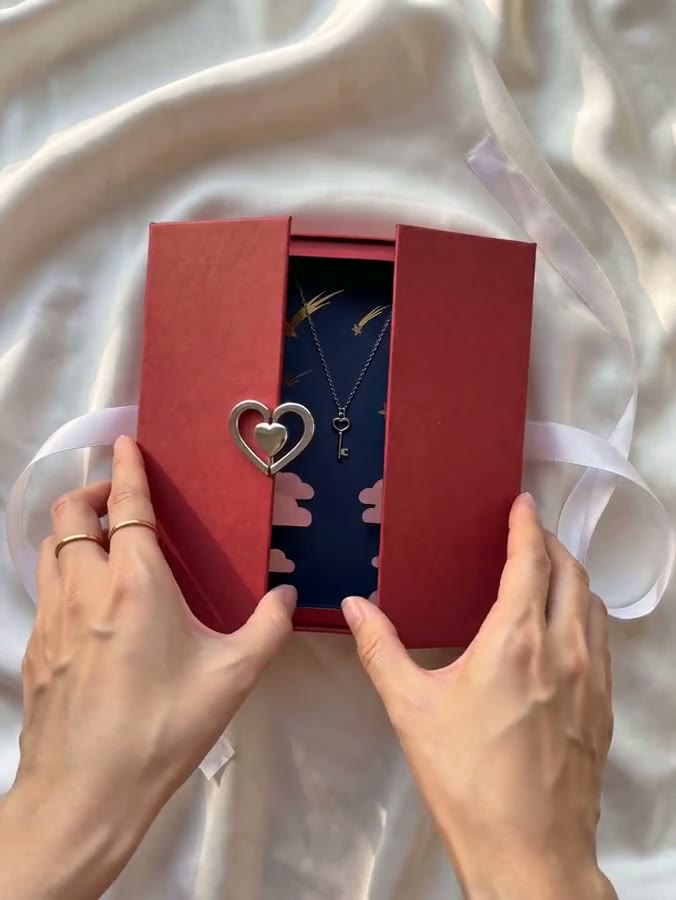
Choose 1:1 and the extender grows the top and bottom of a wide shot, adding sky above and ground below, so the whole scene fits a feed post or a product grid instead of losing its sides.
03
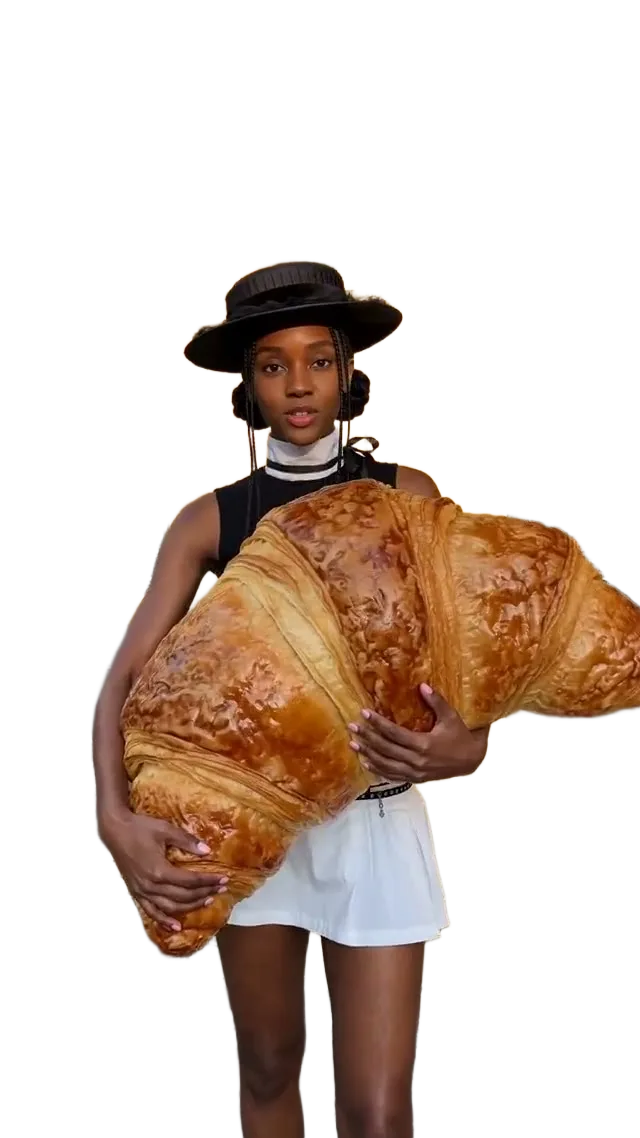
Choose 9:16 to turn a square post into a full-screen story, Reel or Short. The extender continues the picture above and below, so you no longer need blurred bars or a coloured fill.
04
Zoom out adds the same margin on every side, as if the photo had been taken a step further back. Use it to free space for a headline, to stop a tight crop from touching the edges, or to prepare a frame for a slow zoom in a video.
Any time a picture is the wrong shape for where it has to go, and cropping would cut off something that matters.
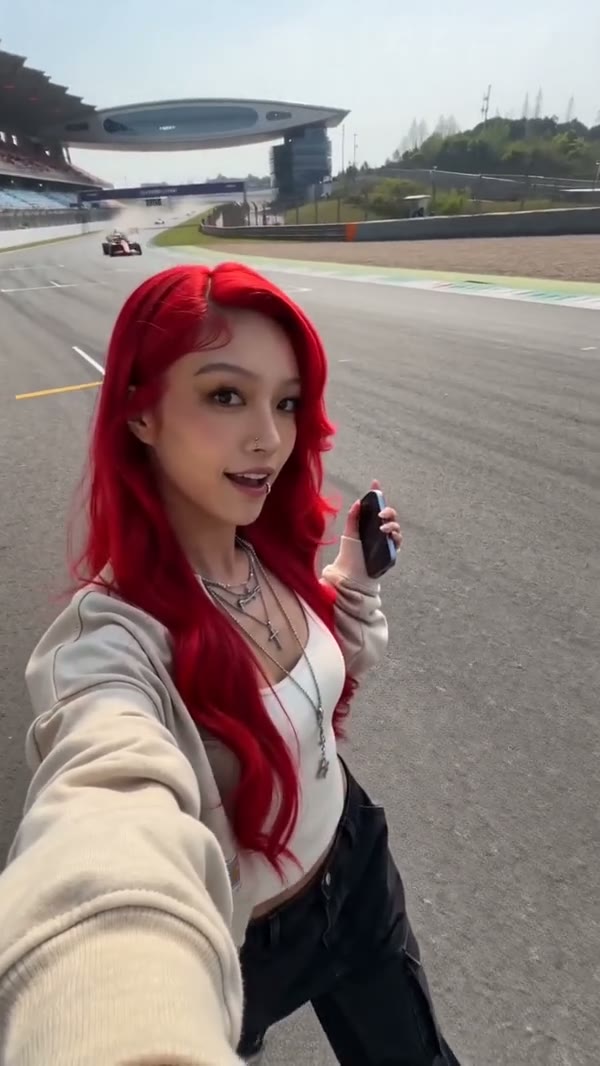
Widen phone photos to 16:9 for thumbnails, presentations and website banners.

Extend square or landscape shots to 9:16 so they fill the screen without bars.

Make any photo 1:1 for a feed post or a product grid while keeping the whole subject in view.
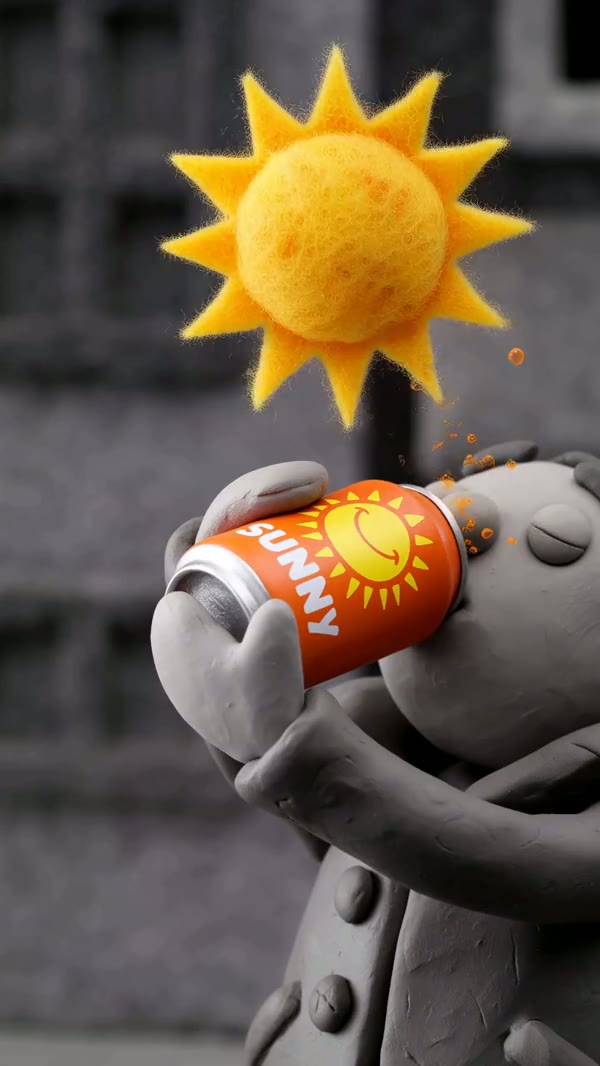
Reshape a picture to the aspect ratio you want, then use it as the first frame of an AI video.
Everything happens in the tool at the top of this page, and every result is also saved to My Assets.
Click the upload box, drag a file onto it, or paste a screenshot. JPG, PNG and WebP up to 20 MB.
16:9, 9:16, 1:1, 4:3, 3:4 or Zoom out. The preview frames your photo inside the new shape and shows the output size.
Press Extend image, switch between before and after, then download it or extend it again.
How the uncrop tool expands an image, what it costs and how to get natural-looking results.
Last updated:
AI image extender
Upload a photo, pick 16:9, 9:16, 1:1, 4:3, 3:4 or Zoom out, and download the bigger picture.
Upload an Image