Best AI Video Generators for Character Consistency in 2026
Provider facts last checked: September 8, 2026; SeedVideo AI pricing and plan limits re-checked September 23, 2026. Seedance 2.5 is the best overall fit here for long, reference-heavy scenes and targeted edits. Runway is strongest when you want to build character plates before animating them. Kling 3.0 suits multi-character, multi-shot work and native 4K delivery. Google Veo 3.1 is the best free starting point through Flow. The ranking describes workflow fit. The recorded test below covers only the common single-start-image workflow on Seedance 2.5 and Kling 3.0. Runway, Veo, dedicated reference modes, and Elements were not part of that test.
| Tool | Best for | Current starting access | Free entry | Reference workflow | Maximum clip length | Highest current output | Commercial-use position |
|---|---|---|---|---|---|---|---|
| Seedance 2.5 | Long scenes with dense multimodal references | SeedVideo AI Lite: $14.90 monthly | 5 signup credits for entry models; Seedance 2.5 requires eligible paid access | Up to 30 images, 10 videos, and 10 audio files | 30 seconds per generation, with extension | 480p, 720p, or 1080p; Lite is capped at 720p | Paid SeedVideo plans list commercial use; upstream terms and third-party rights still apply. Current pricing says Lite monthly has no commercial use; Pro and Premium monthly, yearly subscriptions, and one-time credit packs state commercial use |
| Runway | Character plates and an edit-centered production workflow | Standard: $15 monthly or $12/month billed annually | 125 one-time credits, but Gen-4.5 needs Standard or higher | Up to 3 active Gen-4 Image References, then animate the approved plate | 10 seconds with Gen-4.5 | Native 720p, optional 4K upscale | Runway permits commercial use on all plans, subject to its terms |
| Kling 3.0 | Several recurring characters and native multi-shot direction | Standard: $6.99 first month, then $8.80 in the current guide | Basic is free; the checked guide does not state a monthly credit allowance | Character Elements use 2 to 4 angle images; Omni accepts several image Elements | 15 seconds, extendable to 3 minutes | Native 4K | Paid members receive commercial rights; free output is non-commercial and watermarked |
| Google Veo 3.1 | A free daily test path and Flow Ingredients | 50 Flow credits daily without a subscription; Vertex 720p API from $0.03/second for Lite without audio | Yes, 50 daily Flow credits | Up to 3 reference images in the Vertex reference workflow | 8 seconds for reference-to-video | 1080p generation; Flow Ultra can upscale to 4K | Google does not claim ownership, but an explicit general commercial-use grant was not found |
TL;DR
- Pick Seedance 2.5 when a single scene needs many identity, wardrobe, location, motion, and audio references.
- Pick Runway when you want to approve character plates and scene plates before video generation.
- Pick Kling 3.0 for several recurring characters, custom multi-shot direction, or native 4K.
- Pick Veo 3.1 when Flow's daily credits and reusable Ingredients matter more than long clips.
- Bottom line from the recorded test below: across 30 matched single-image attempts, Seedance 2.5 held identity and scene at 2.00 out of 2 (Kling 3.0: 1.79) and completed 15 of 15 attempts, while Kling 3.0 returned files faster (140.1 versus 253.2 seconds median) and scored higher on motion (1.71 versus 1.53). For a recurring character across many references or a 20 to 30 second scene, start with Seedance 2.5; for several characters in one shot, custom multi-shot direction, or native 4K, start with Kling 3.0.
Quick Answer
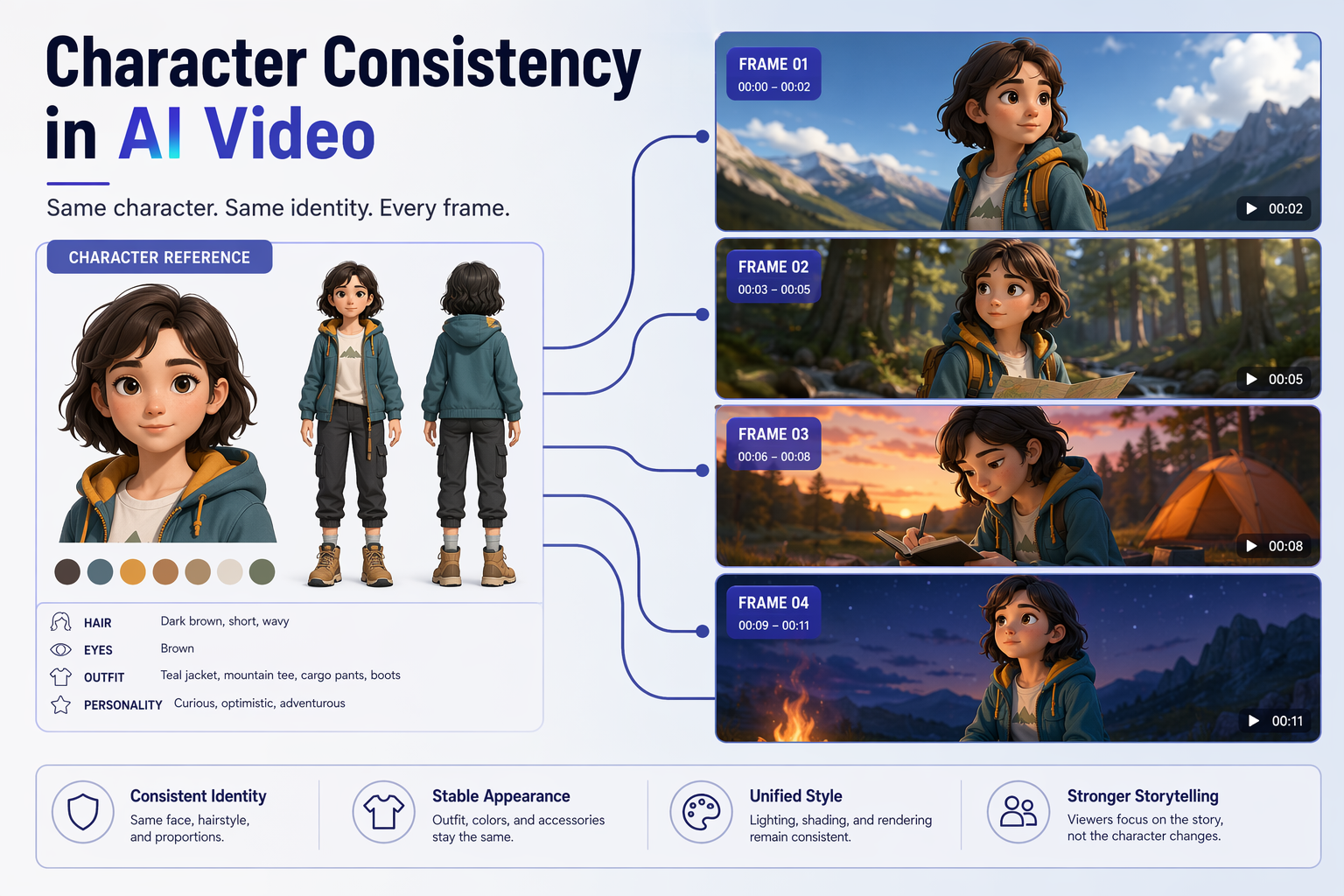
Character consistency in AI video means the same person remains recognizable when the camera angle, expression, wardrobe, lighting, location, and shot size change. A tool that preserves one face in one image is not automatically good at a five-shot video sequence. The practical test is a fixed shot list with the same identity references, wardrobe rules, and review checklist. If you want to begin with a larger multimodal reference package, open the Seedance 2.5 model workspace and keep every candidate tool at comparable settings.
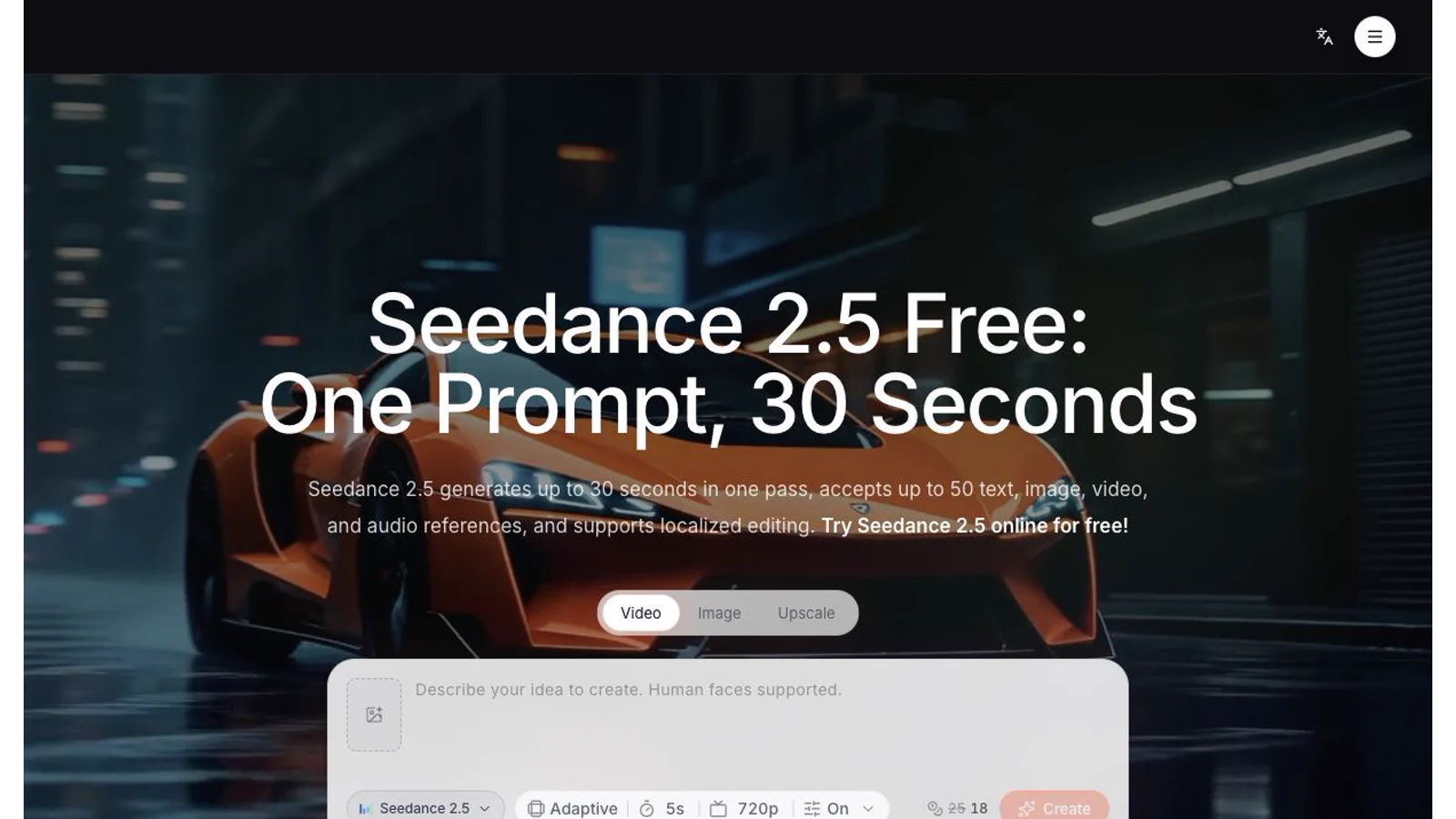
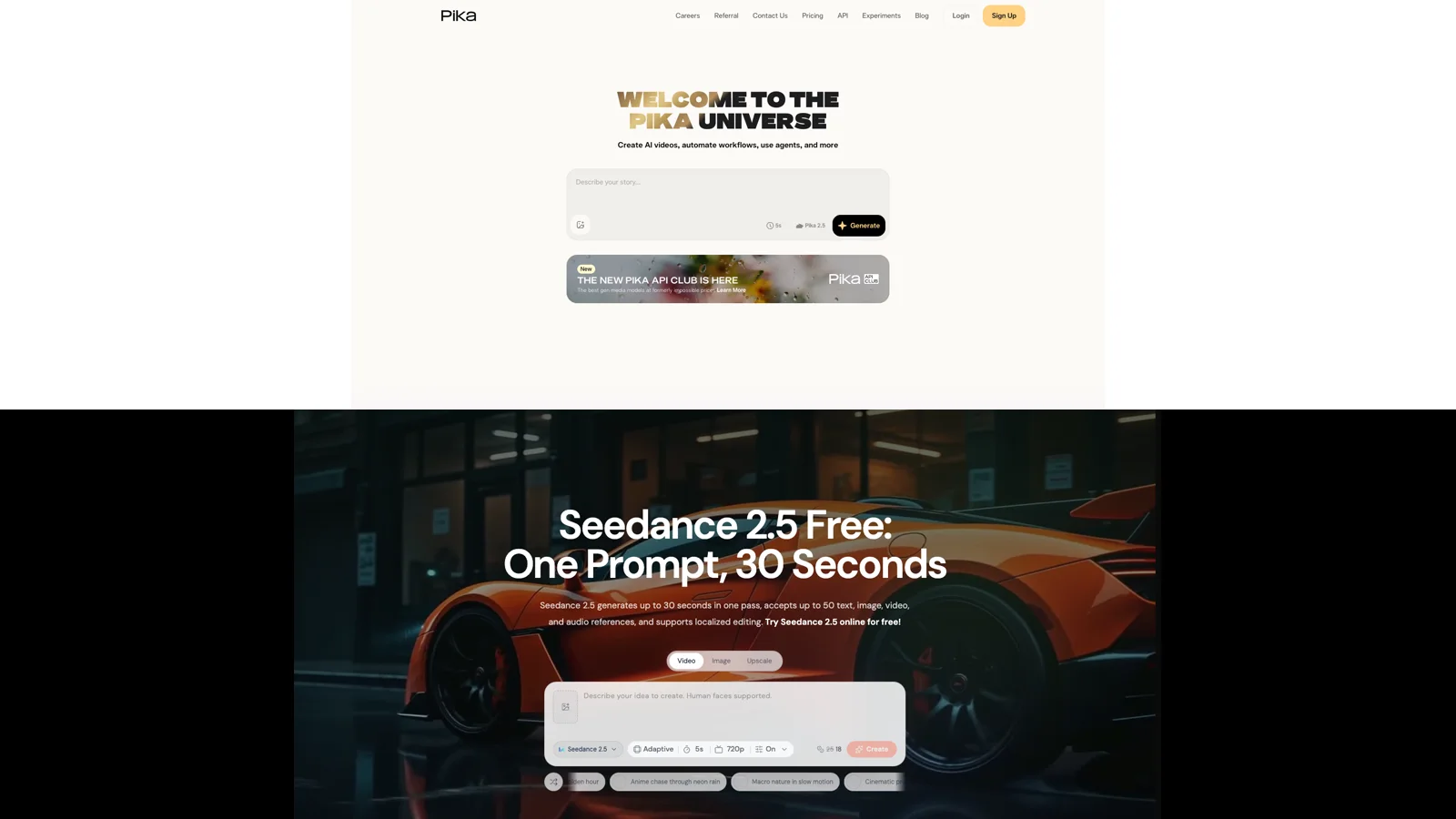
Model-page screenshot from September 3. Check the linked workspace for current controls and access.
What character consistency actually covers
Identity is only one layer. A recurring character can keep the same face and still fail continuity because the hairline moves, a jacket changes cut, a scar switches sides, or body proportions drift between a close-up and a full-body shot. Dialogue adds another layer: the correct speaker needs the correct face and voice, while the other character should react without changing identity.
Use four checks for every shot:
| Check | What to compare | Common failure |
|---|---|---|
| Identity | Face shape, eye spacing, hairline, age, body proportions | The person looks related to the reference but is not the same character |
| Wardrobe and props | Color, material, fit, accessories, handedness | A coat changes fabric or a prop swaps hands |
| Scene continuity | Location geometry, time of day, light direction, background objects | The room layout changes after a camera cut |
| Motion continuity | Entry direction, pose, gaze, action state, voice assignment | The character reverses direction or the wrong person speaks |
A good workflow separates identity references from shot instructions. Keep a neutral face image, a full-body image, and side or three-quarter views. Add a wardrobe reference only when clothes must stay fixed. Add a location plate when the same set returns. This is the practical core of the character consistency guide.
1. Seedance 2.5: best overall for long, reference-heavy scenes
Best for: short dramas, ads, and virtual IP projects that need a longer single clip, several reference types, and local edits.
Not best for: a team that needs a simple free test with no account upgrade, or a pipeline that requires native 4K from the model.
Seedance 2.5 accepts up to 30 images, 10 videos, and 10 audio files in the current official specification. That reference budget lets a creator assign distinct jobs to the inputs: face and body identity, wardrobe, location, camera language, voice tone, and sound timing. The model supports 4 to 30 second generation. Official material also describes extension and targeted edits by timestamp, including changes to a character, action, camera position, or scene region while preserving continuity around the edit. On SeedVideo AI, that re-shoot path is the video to video workspace: upload the existing clip as the reference and describe only the change instead of regenerating the whole scene. The Seedance 2.5 video editing guide shows which prompts trigger an edit and which trigger an extension.
For recurring characters, this can keep more of the shot instructions in one request. You can keep identity, set, motion, and audio direction in one package instead of rebuilding context for every shot. The official release also describes multi-subject and multi-scene sequences, but it acknowledges that complex multi-subject interactions can still improve. Treat references as control inputs, not a guarantee.
Resolution depends on the access surface. BytePlus ModelArk currently prices output up to 1080p. The LAS operator documentation lists 480p and 720p. The current SeedVideo AI generator exposes plan-dependent resolution controls: Free and Lite are capped at 720p for Seedance models, while Pro and Premium reach 1080p. Check the selected model, plan, duration, and resolution before comparing credit cost.
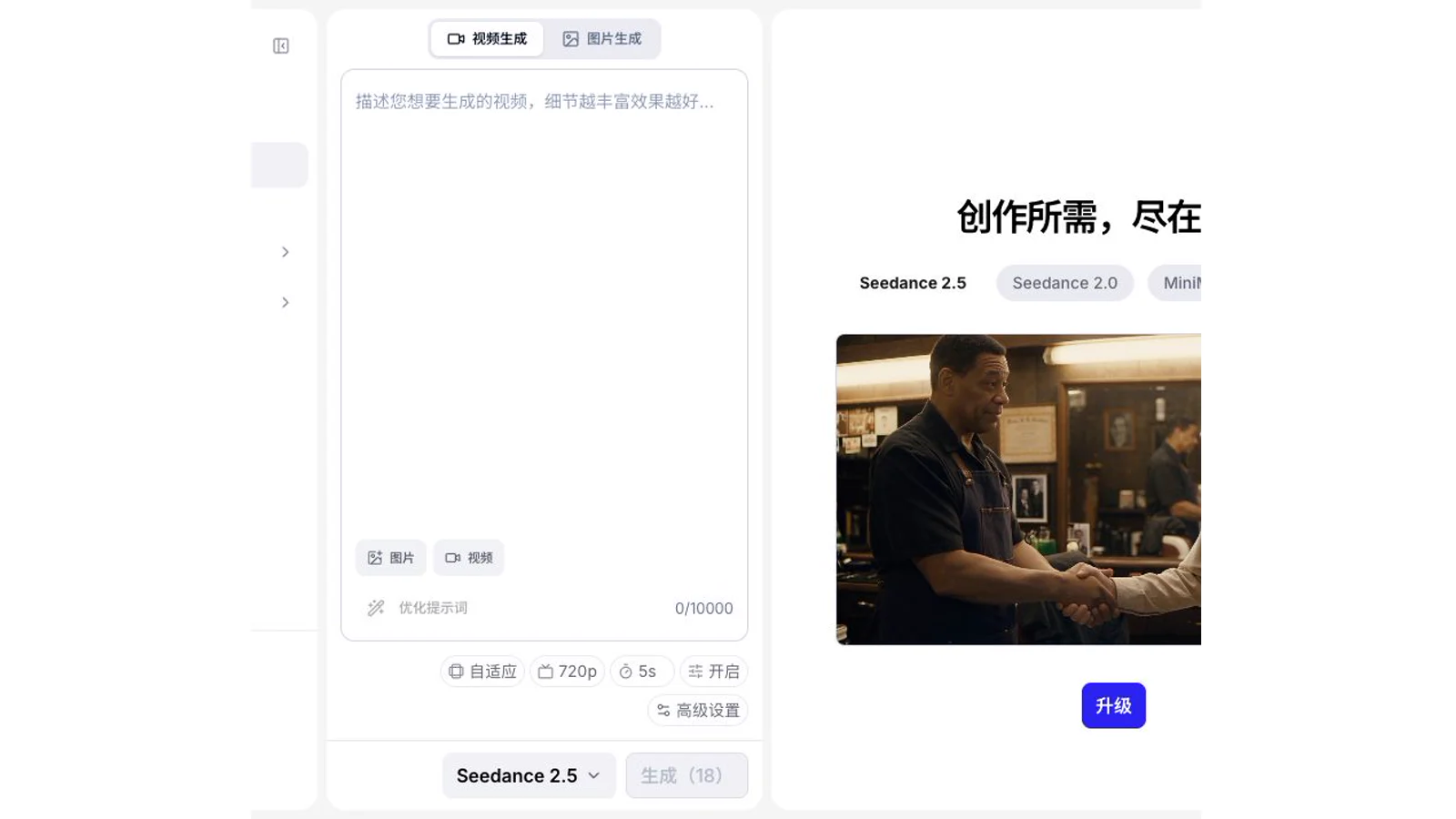
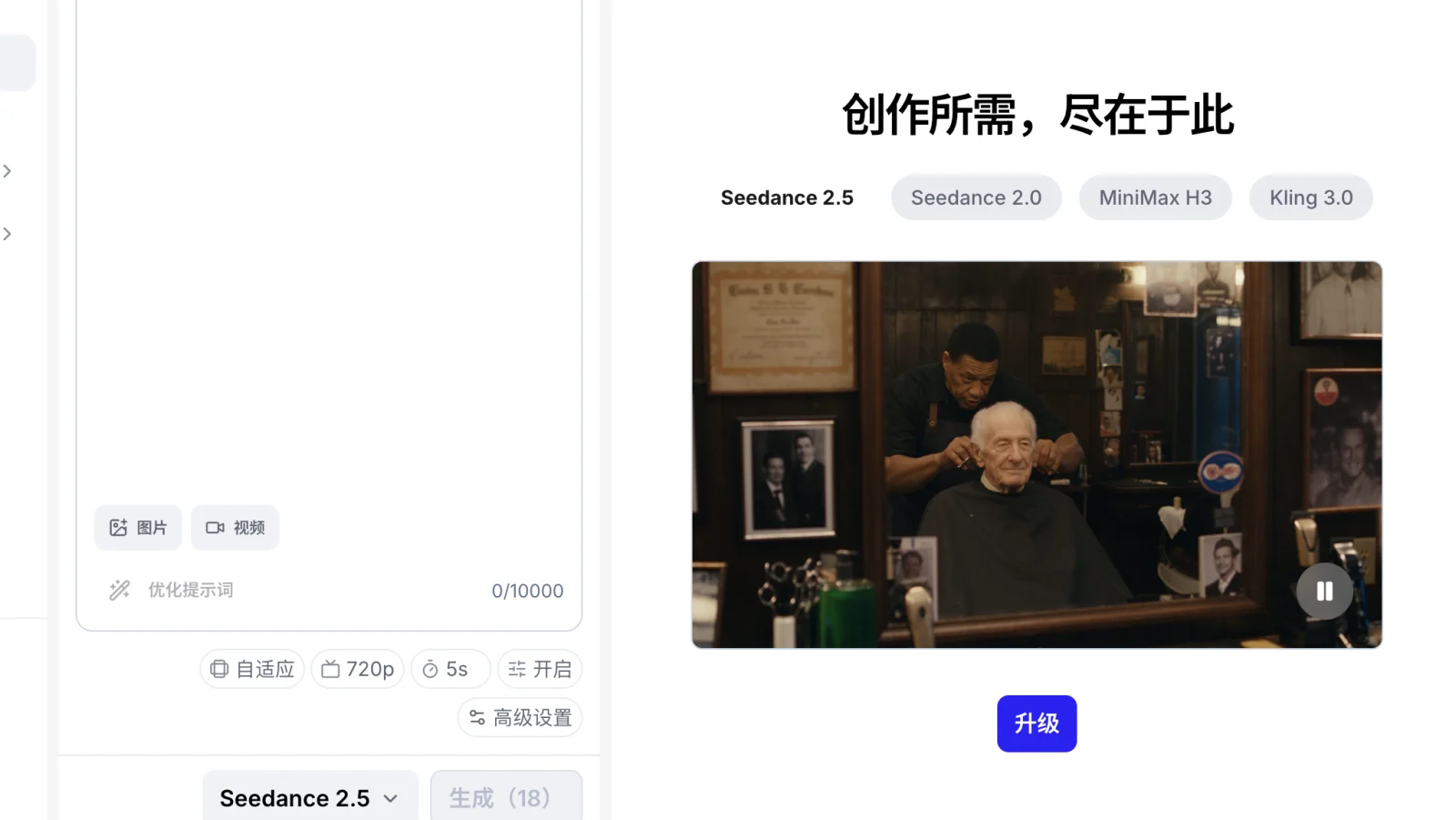
Generator screenshot from September 3. The September 8 limits and access rules are stated in the text.
The strongest use case is a controlled scene that would otherwise need several stitched clips. A 20 to 30 second dialogue or product scene gives the model room to preserve spatial relationships within one generation. For a shot-by-shot series, reuse the same reference pack and write each prompt around what changes, leaving fixed identity details out of the change list. The reference-to-video workflow explains how to give each reference a single job, and the reference to video tool compares the seven models on SeedVideo AI that accept a reference pack, with image and clip limits and credits per second.
SeedVideo AI gives new accounts 5 credits for eligible entry models. Those credits do not unlock Seedance 2.5. The current monthly plans, checked October 3, 2026, are Lite $14.90 with 100 credits, Pro $29 with 200, and Premium $149 with 1,300. For the same 720p, 5-second Seedance 2.5 reference, the displayed charges are 28, 22, and 19 credits; at 480p they are 14, 11, and 9. Premium also includes a one-time 7-day window of unlimited Seedance 2.5 and 2.0 generation, up to 1080p and 10 seconds per clip, while reference-video, edit, and extend tasks still use credits. The price comparison separates credit-equivalent cost from monthly fee per whole clip. No plan adds a watermark, including the free tier. Current pricing says Lite monthly has no commercial use, while Pro and Premium monthly, yearly subscriptions, and one-time credit packs state commercial use. BytePlus states that it does not claim ownership of model output, while use remains subject to law, the service terms, source rights, and third-party rights.
2. Runway: best for character plates and iterative editing
Best for: teams that want to approve still-image identity and scene plates before they spend video credits.
Not best for: creators who want one long generation or native 4K video without an upscale step.
Runway's character workflow starts with Gen-4 Image References. One reference can preserve a character across different lighting, locations, and treatments. Up to three references can be active in one image generation, which supports a character plus a scene or wardrobe reference. Runway also recommends neutral, evenly lit inputs and character plates showing useful angles. Once a plate is approved, it becomes the image input for Gen-4.5 video.
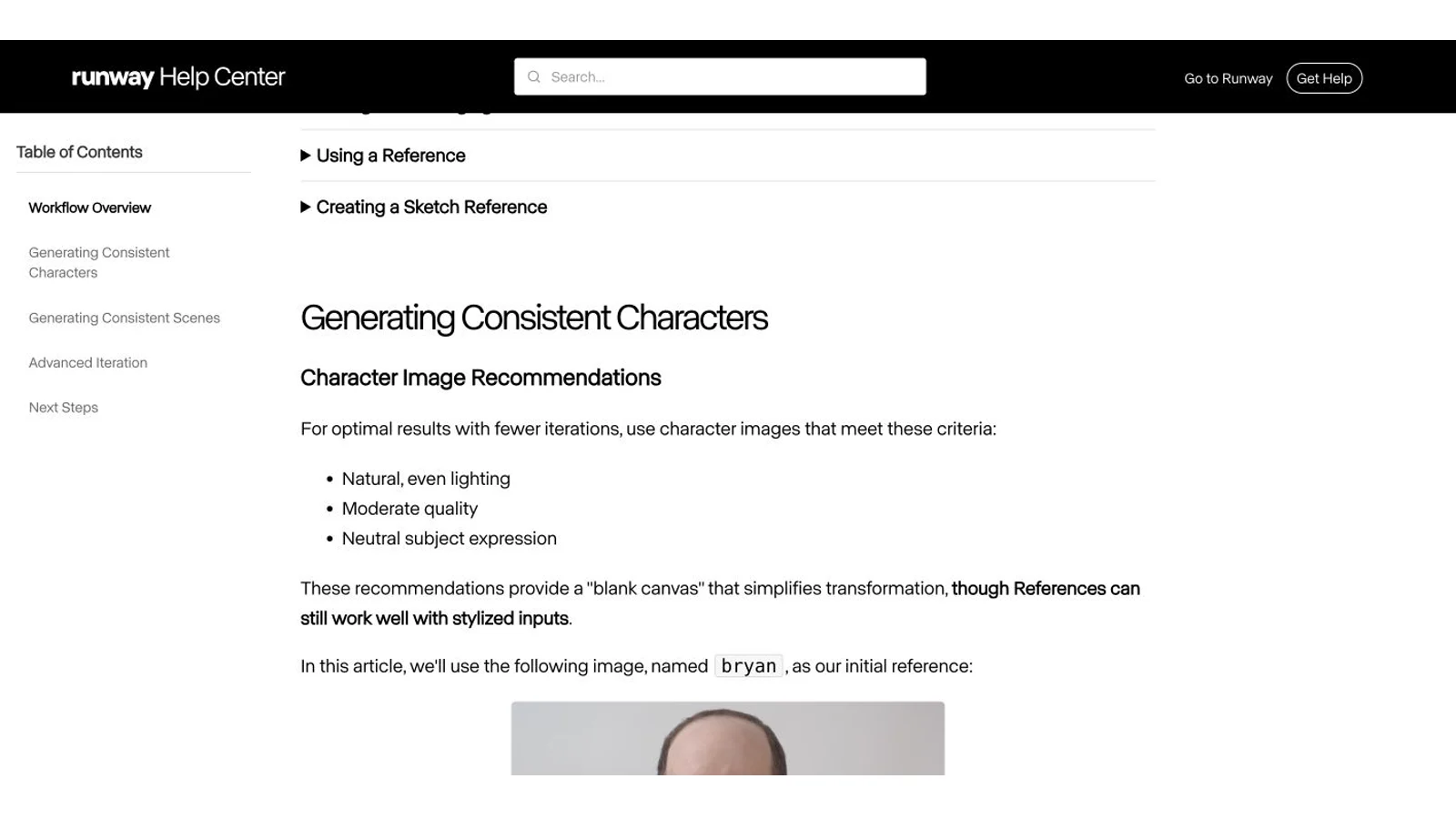
Runway guide screenshot from September 3; current source links appear below.
That extra image step is useful when identity approval matters more than speed. You can compare a close-up, full-body view, profile, and wardrobe version before motion complicates the review. For two characters, Runway's official dialogue workflow creates a multi-character still with References, animates a 10-second base shot, and applies separate performance tracks with Act-Two. It is a pipeline, not a single character-lock switch.
Gen-4.5 creates 2 to 10 second clips at native 720p. Runway offers a 4K upscale, and some higher plans include broader upscale allowances. Edit Studio with Aleph 2.0 can change backgrounds, clothing, products, lighting, objects, and selected timeline ranges. These controls let you revise part of a shot without generating the entire scene again.
The Runway free plan includes 125 one-time credits, but Gen-4.5 requires Standard or higher. Standard is currently $15 monthly or $12 per month when billed annually and includes 625 monthly credits. The credit guide lists Gen-4.5 at 12 credits per second. Runway says creators retain rights to their uploads and generations and may use output commercially on every plan, including Free, subject to its terms and the rights in source material.
3. Kling 3.0: best for multi-character shots and native 4K
Best for: scenes with several recurring characters, explicit multi-shot instructions, dialogue assignment, and a native 4K requirement.
Not best for: commercial work on the free plan, or teams that need a clearly documented output codec and container before production.
Kling VIDEO 3.0 and 3.0 Omni use Elements to bind recurring characters, objects, and scenes. A character Element can use two to four images from different angles. Omni accepts several image Elements, with its exact input limit changing when a reference video is also present. Kling's current guide explicitly describes locking individual characters or objects in complex group scenes and supports custom Multi-Shot planning.
Kling series-page screenshot from September 3; current source links appear below.
Kling documents controls for tests with several speaking characters. The official guide supports speaker references in dialogue prompts and scene changes within a multi-shot sequence. A character can enter in a wide shot, speak in a medium shot, and return in a close-up while the Element remains attached to that identity. You still need to review small details such as earrings, fabric patterns, hands, and eye color.
Kling creates 3 to 15 second clips. Video Extension adds 4 to 5 seconds at a time and can extend a project to a total of 3 minutes. The current official material describes native 3840 x 2160 output. That matters when delivery requires native 4K rather than an upscale.
The Basic plan is free. The checked guide does not state a monthly credit allowance. It produces watermarked output that is not licensed for commercial use. Kling's official credit guide lists Standard at $6.99 for the first month and $8.80 at the next renewal, with 660 credits. Paid members receive the stated rights to use, copy, distribute, modify, and create derivatives from output, with restrictions in Kling's payment terms. The public pages do not clearly specify the download codec or container, so production teams should confirm that requirement in their own account.
4. Google Veo 3.1: best free entry for reusable Flow Ingredients
Best for: creators who want daily free tests, reusable character Ingredients, native audio, and Google's first-frame, last-frame, and extension controls.
Not best for: a long reference-led clip, a confirmed multi-person lock count, or a project that needs a broad commercial-use statement on the product page.
The Vertex subject-reference workflow accepts one to three images and returns an 8-second clip. Separately, Flow Characters use one or two appearance images and can bundle a selected or custom voice. These are separate product controls with their own limits.
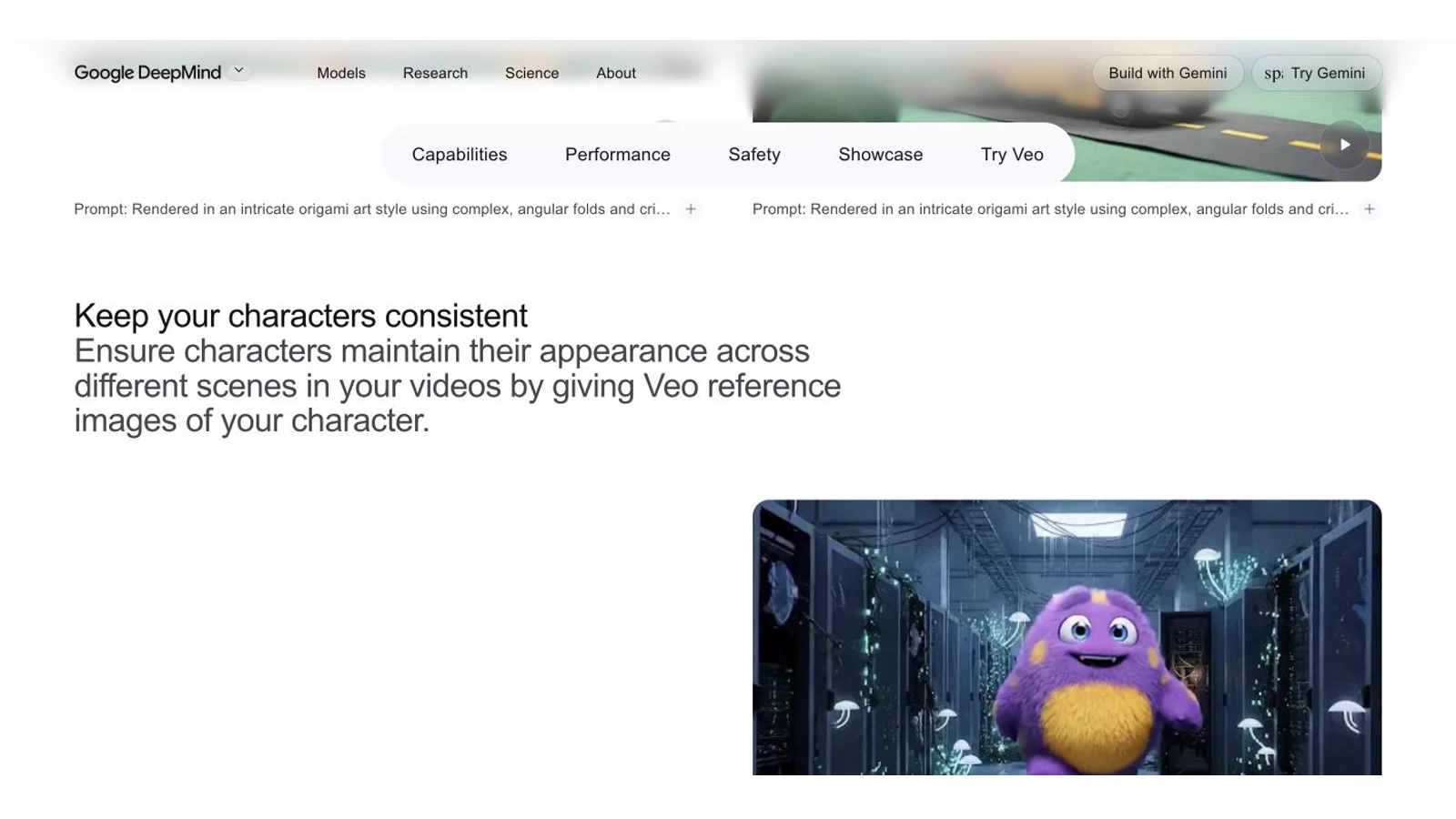
Veo page screenshot from September 3. Flow and Vertex controls are documented separately below.
Veo 3.1 supports 4, 6, or 8 second text- and frame-led output. In Flow, Ingredients/References-to-Video is limited to Lite and Fast and returns 8-second clips; Quality does not support it. Any 8-second Veo 3.1 clip can be extended, but the extension uses Lite. Current controls also include scene extension, first and last frames, object insertion, outpainting, and camera direction. Flow lists 1080p output for eligible plans and a 4K upscale for Ultra, so the 4K result is an upscale rather than native 4K generation.
The free Flow allowance refreshes at 50 credits daily and does not roll over. Lite costs 10 credits per output, Fast 20, and Quality 100 for non-Ultra accounts. The daily free allowance covers up to five Lite or two Fast outputs; it cannot cover one Quality output on its own. A request can produce two outputs and charge for both. Free users may also lose video access during the stated 02:00 to 05:00 UTC peak window.
Vertex API pricing is separate. At 720p without audio, Veo 3.1 Lite is $0.03 per second, Fast $0.08, and Standard $0.20. With audio, the corresponding rates are $0.05, $0.10, and $0.40. Resolution and model variant must stay explicit in any cost comparison.
Google says it does not claim ownership of Flow output. The current help and terms pages do not provide the same plain-language commercial grant found in Runway or Kling's paid terms. Treat commercial clearance as terms-governed and review source assets, likeness rights, music, trademarks, and the account-specific terms before release.
A five-shot character consistency test
Do not begin with a montage of unrelated prompts. Use one character, one wardrobe, and one location rule. Keep the duration and resolution close across tools, then score the same five shots.
| Shot | Prompt change | What must stay fixed | Review focus |
|---|---|---|---|
| 1. Neutral close-up | Character looks into camera in soft daylight | Face, hair, age, eye color, wardrobe | Establish the identity baseline |
| 2. Full-body walk | Wider lens, character walks left to right | Body proportions, shoes, coat, direction | Check identity beyond the face |
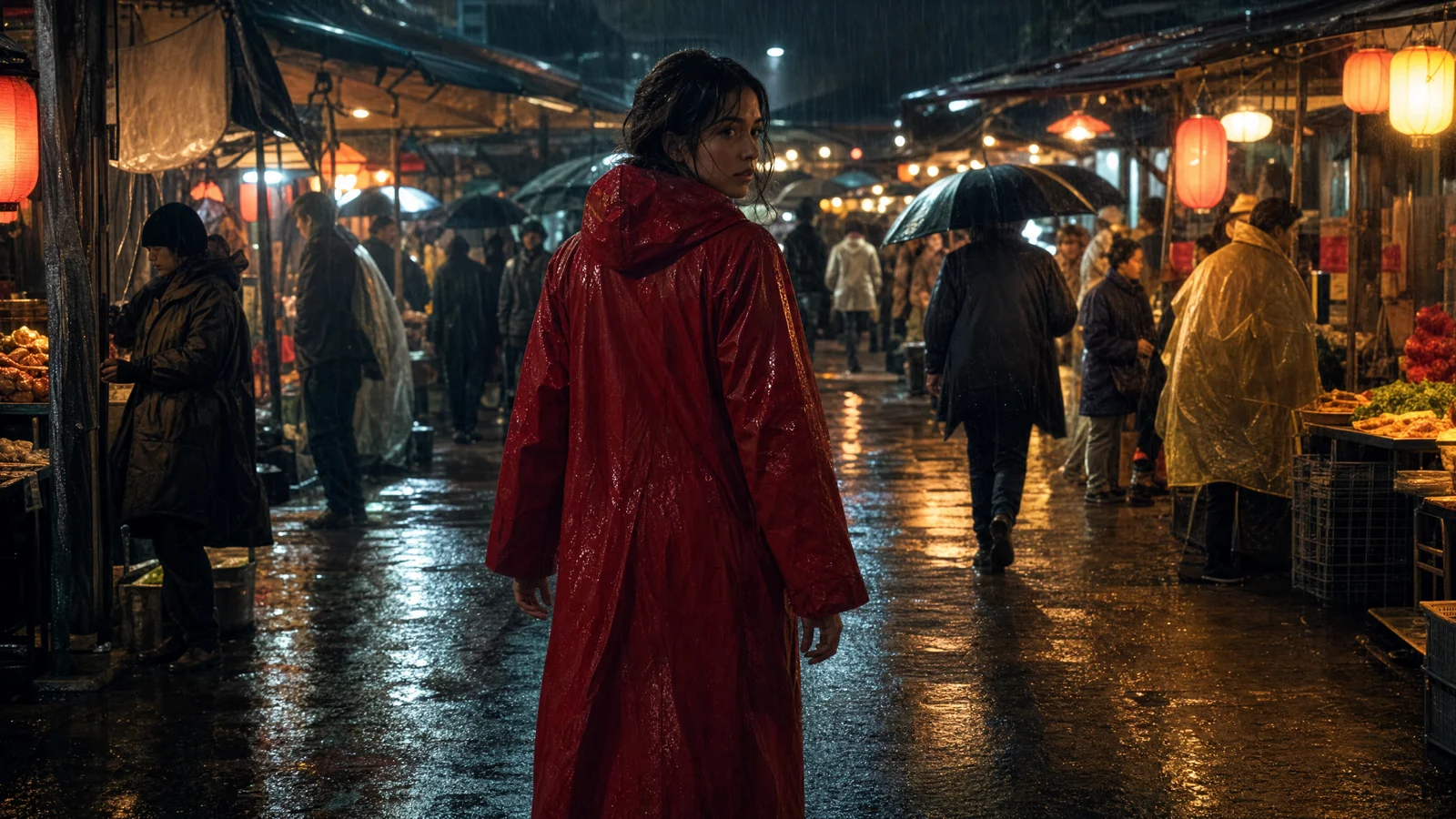
| 3. Profile in a new location | Move from studio to rainy street | Profile, hairline, coat, carried prop | Test angle and scene transfer |
| 4. Wardrobe change | Replace the coat with a red jacket | Face, body, voice, movement style | Confirm a controlled change without identity drift |
| 5. Two-person dialogue | Add a second named character | Both identities, speaker assignment, eyelines | Test crowding and interaction |
For a production sequence, you can promote an approved output into the next shot's reference pack if the tool supports it. The recorded comparison below instead uses the same original image on every attempt, so an earlier successful output cannot give one model an advantage.
Score identity, requested wardrobe and props, scene compliance, and motion evidence from 0 to 2. For the sampled-frame review below, 0 means a visible blocking mismatch, 1 means a partial match or visible defect, and 2 means the five sampled frames pass that check. A score of 2 is not full-clip editing approval. Failed generations remain in the completion denominator and receive no invented visual score.
Recorded comparison: September 8, 2026
This run used Seedance 2.5 and Kling 3.0 through EvoLink with the same single start image, 720p, a requested 5-second duration, and audio off. Each model received the same five prompts, three independent times each: 30 attempts in total, with no retries or replacement takes. The shared input is a newly generated fictional adult character. No real person's photo was used.
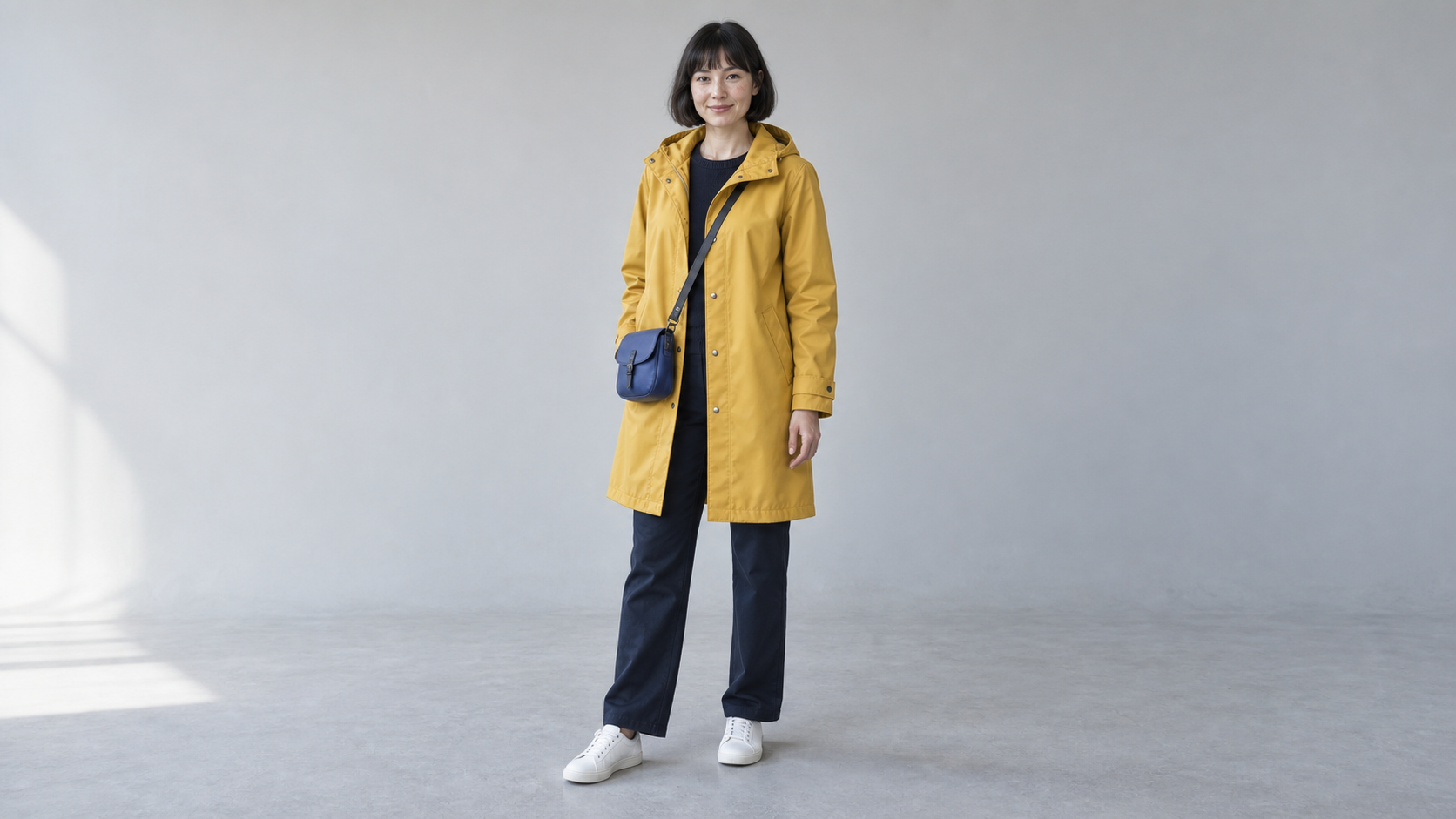
The test covers a close-up, a walk, a profile on a rainy street, a wardrobe change, and a silent two-person exchange. It does not test dedicated reference modes, Kling Elements, voices, or speaker assignment. The second person has no separate identity reference. Both models start every attempt from the original image.
An AI assistant reviewed the first, quarter, middle, three-quarter, and final frames under shuffled labels, then saved the scores before opening the model mapping. These are sampled-frame observations from one character, not a human panel or a full-clip quality approval. Each score is out of 2; means below include completed outputs only. The completion column includes every attempt.
| Model | Completed / attempted | Identity / 2 | Wardrobe / 2 | Scene / 2 | Motion / 2 | Median submission-to-file time |
|---|---|---|---|---|---|---|
| Seedance 2.5 | 15 / 15 | 2.00 | 2.00 | 2.00 | 1.53 | 253.2 seconds |
| Kling 3.0 | 14 / 15 | 1.79 | 2.00 | 1.79 | 1.71 | 140.1 seconds |
In this sample, Seedance kept the reference appearance and requested setting more consistently across the sampled frames. Kling had fewer partial motion checks among its completed clips. Neither result establishes a general winner. Walking direction, close-up face detail, rain visibility, and the second person's framing were the main defects recorded. Every completed two-person take received a partial motion score because the second person's face or exchange was not fully visible in the samples.
Kling's second attempt at the two-person scene failed with a provider “Service busy” error. It remains one of the 15 Kling attempts. No visual score was assigned and no replacement was generated. Median time includes queueing, polling, and file download, so it should not be read as pure model latency.
The provider reserved 1,312.5 EvoLink credits across the 15 Seedance attempts and 405 across the 15 Kling attempts, including the failed submission. These are provider billing reservations, not SeedVideo AI customer credits or verified final charges. This shared account also serves other jobs, so a balance difference cannot isolate the experiment's final cost. Use the current web price comparison for customer pricing.
View all 30 attempts and their prompts, including the failed run. The complete JSON record contains per-attempt scores, settings, task IDs, timings, and file hashes. The CSV summary contains the main per-attempt fields and scores.
Same prompt, first attempt from each model
These two clips are the first scheduled attempt at the profile-and-rainy-street shot. Selection was by attempt number, not by the score. The full gallery above includes every other result.
Seedance 2.5 — shot 3, attempt 1
Kling 3.0 — shot 3, attempt 1
Which tool should you choose?
Choose Seedance 2.5 when the scene benefits from a large mixed reference pack or a 20 to 30 second generation. It fits a creator who wants identity, environment, motion, and audio direction in one job. Start with the Seedance 2.5 generator, then use a fixed reference role for every asset.
Choose Runway when still-image preproduction is part of your approval process. Character plates, scene plates, References, Gen-4.5, and Edit Studio create a clear path from identity approval to motion and repair.
Choose Kling 3.0 when several characters share a scene, when custom Multi-Shot direction matters, or when native 4K is a delivery requirement. Its paid plan is also the clearer commercial boundary than its free tier.
Choose Veo 3.1 when you want to test with daily Flow credits or reuse Ingredients across short scenes. Its 8-second reference clip is restrictive, but the free entry and extension controls make it useful for a pilot.
For a series rather than a single scene, compare this workflow with the best AI video generators for short dramas. That guide separates episode assembly tools from shot models.
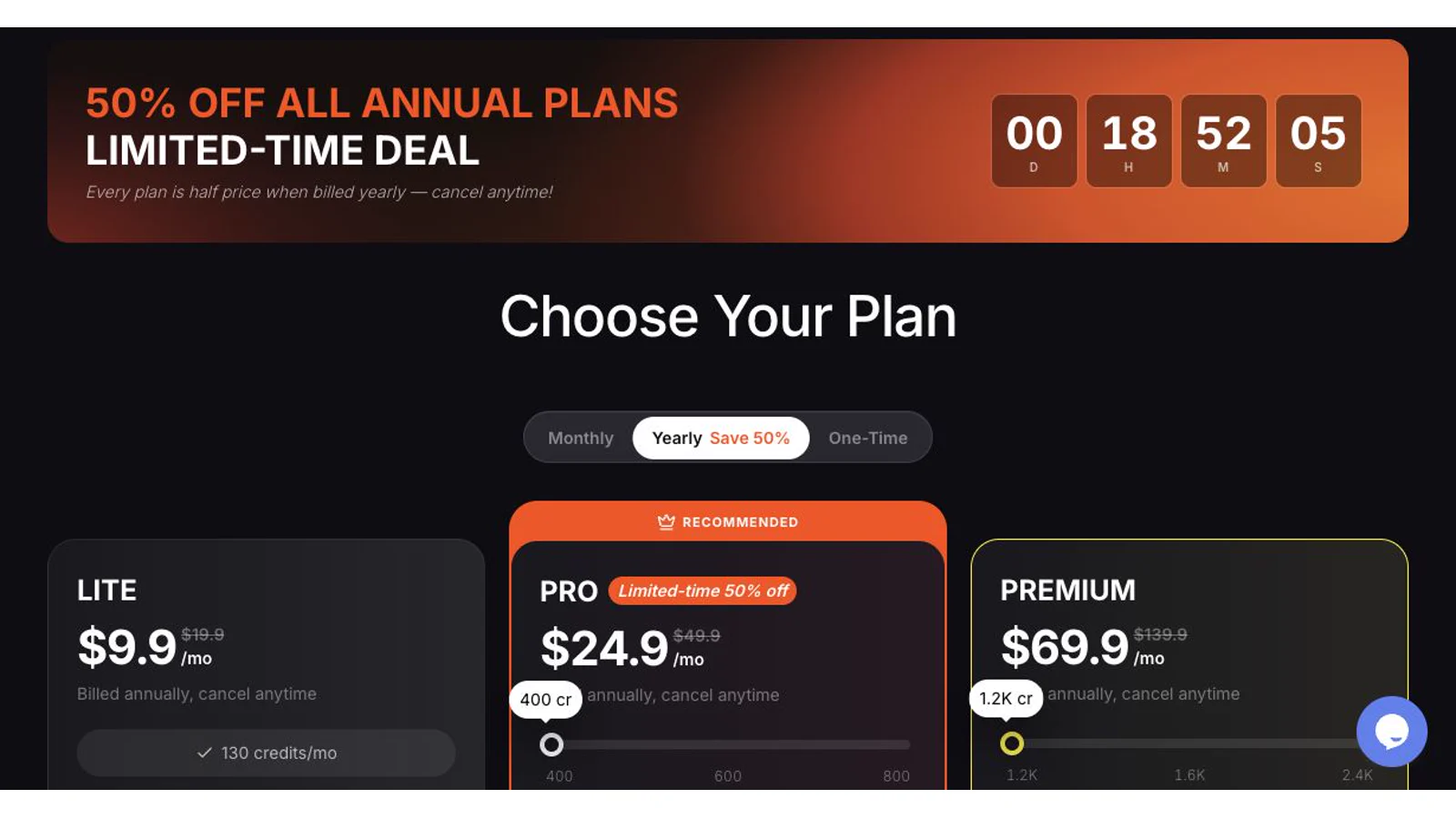
Historical September 3 screenshot of annual pricing. The September 23 monthly figures are listed above; this image is not a current quote.
Seedance 2.5 vs Kling 3.0 for character consistency
Direct answer: choose Seedance 2.5 when one character has to survive a long, reference-heavy scene, because it takes a mixed pack of identity, environment, motion, and audio references and runs 20 to 30 seconds in one generation. Choose Kling 3.0 when several characters share the frame, when you direct shots with its Multi-Shot controls, or when native 4K is a delivery requirement. Both hold a face across a single shot; the difference shows up in scene length, how many reference types you can pin, and how much of the continuity work moves from you to the model.
- Pick Seedance 2.5 for: one or two characters, 20 to 30 second scenes, reference packs that mix
@image,@video, and@audioroles, and audio direction inside the same job. - Pick Kling 3.0 for: three or more characters in one shot, custom Multi-Shot direction, native 4K delivery, and a clearer paid commercial boundary than its free tier.
- Either way: approve one identity reference before the series, keep wardrobe and lighting fixed across shots, and review face, hair, outfit, proportions, and eyeline on every take, as in the five-shot test above.
Copy-paste consistency prompts for Seedance 2.5
These four prompts encode the rules from the test above: one identity source, fixed wardrobe and light, one action per shot, and an explicit statement of what must not change. Each block has a "Try this prompt" link.
Use @image1 as the only identity reference: face, hair, jacket, and proportions. Action: the character walks across a rooftop at sunset, stops at the edge, and turns toward the camera. Camera: steady tracking from behind, then a slow push-in on the face. Audio: wind only. Constraints: no second person, wardrobe unchanged, do not copy the background from the reference sheet.
Use @image1 for identity and @image2 for the outfit. Shot one at a bus stop, shot two on a train platform, same face, hair, and outfit in both. Camera: locked medium shots. Audio: ambient only. Constraints: only the location changes; lighting stays cool daylight in both shots.
Use @image1 for identity. Action: the character sits at a kitchen table, reads a letter, folds it, and looks toward the window. Camera: slow push-in from medium to close-up over 20 seconds. Audio: room tone and paper. Constraints: no cuts, hair and sweater consistent, no extra people, no text.
Use @image1 for the character and @video1 for the walk cycle only. Action: reproduce the walk from @video1 across the market street in @image2. Camera: side tracking at walking pace. Audio: crowd murmur, no dialogue. Constraints: identity from @image1 wins over the performer in @video1; no additional characters copied from @video1.
FAQ
What is the best AI video generator for character consistency?
Seedance 2.5 is the best overall fit in this comparison for long scenes and large multimodal reference packs. Runway is better for a plate-first workflow, Kling 3.0 for multiple recurring characters and native 4K, and Veo 3.1 for a free daily Flow test. The best choice depends on the shot plan.
Can AI keep the same character across multiple videos?
Yes, but use saved references or approved outputs as the next shot's input. Text descriptions alone are weaker because they do not encode exact facial proportions, wardrobe details, or a location layout.
How many reference images should I use?
Begin with a neutral face, a full-body image, and one side or three-quarter view. Add wardrobe and location references only when they must remain fixed. More images help only when every image has a clear role and they do not contradict each other.
Which tool is best for several speaking characters?
Kling 3.0 has the clearest current multi-character Element and Multi-Shot workflow. Runway also documents a multi-character dialogue pipeline using References, Gen-4 Video, and Act-Two. Test speaker assignment and reaction shots before committing to a full episode.
Does a 4K export mean the model generated native 4K?
No. Kling currently describes native 4K generation. Runway and Flow offer 4K upscale paths, while Seedance 2.5 reaches up to 1080p through the current ModelArk surface. Check whether your production requires native detail or only a 4K delivery file.
Can I use these videos commercially?
Runway states that all plans allow commercial use. Kling grants commercial rights to paid members and excludes its free tier. Paid SeedVideo AI plans list commercial use, while BytePlus terms still apply. Google's public Flow material says Google does not claim ownership but does not provide a broad plain-language commercial grant. In every case, clear the rights to faces, music, brands, and uploaded assets. Current SeedVideo AI pricing says Lite monthly has no commercial use; Pro and Premium monthly, yearly subscriptions, and one-time credit packs state commercial use.
Build the pilot before the series
Create the same five-shot pilot in your two strongest candidates. Keep the references, duration, resolution, and acceptance rules fixed. Review identity at close-up and full-body scale, then count the credits used for accepted shots. Keep rejected attempts in the count so the test reflects the work needed to produce the final sequence. Start in SeedVideo AI's Seedance 2.5 workspace when you need the longest reference-led clip in this comparison.