GPT Image 2.0 vs 2.5: what changes for your images?
GPT Image 2.5 is most relevant when you need to revise an image and keep the parts you already approved. OpenAI reports improvements in reference fidelity, focused edits, and consistency through several revisions. The API also gives you a choice: Flare prioritizes speed; Sunburst targets more demanding image quality and editing work. OpenAI dated the release September 8, 2026. Official announcement
For an existing GPT Image 2 workflow, the practical question is whether the new model produces more usable results for your brief. A quicker first image helps less if the logo changes during the next edit. This comparison uses OpenAI's published material, followed by a review method you can apply to your own images.
The names: Images 2.0, GPT Image 2, Flare, and Sunburst
ChatGPT Images is the product name. The earlier release was called ChatGPT Images 2.0, while its API model is gpt-image-2. OpenAI's model page lists the dated snapshot gpt-image-2-2026-04-21. GPT Image 2 documentation
The two new API model IDs are gpt-image-2.5-flare and gpt-image-2.5-sunburst. A service that advertises “Image 2.5” should still tell you which model it runs if that distinction affects your choice. Flare documentation, Sunburst documentation
| What you need | GPT Image 2 | GPT Image 2.5 Flare | GPT Image 2.5 Sunburst |
|---|---|---|---|
| A baseline for an existing workflow | Keep the outputs and settings you already approved | Compare completion time and accepted results | Compare difficult briefs and edits |
| Product positioning | Generation and editing with high-fidelity image inputs | Fast everyday image generation | Greater emphasis on image quality and editing precision |
| Reference photos | Supported | Improved subject preservation is a stated 2.5 focus | Improved subject preservation is a stated 2.5 focus |
| Several revisions to one image | Review the entire edit sequence | Check which approved details survive | Useful candidate when fine edits are the deciding factor |
| A guaranteed winner for every prompt | Your own examples decide | Your own examples decide | Your own examples decide |
The model positioning above follows OpenAI's image prompting guide. The review criteria are our editorial recommendations. The guide describes Flare quality as comparable to GPT Image 2 and Sunburst as higher quality. That distinction is more useful for choosing a model than treating both 2.5 variants as interchangeable.
What the official images show
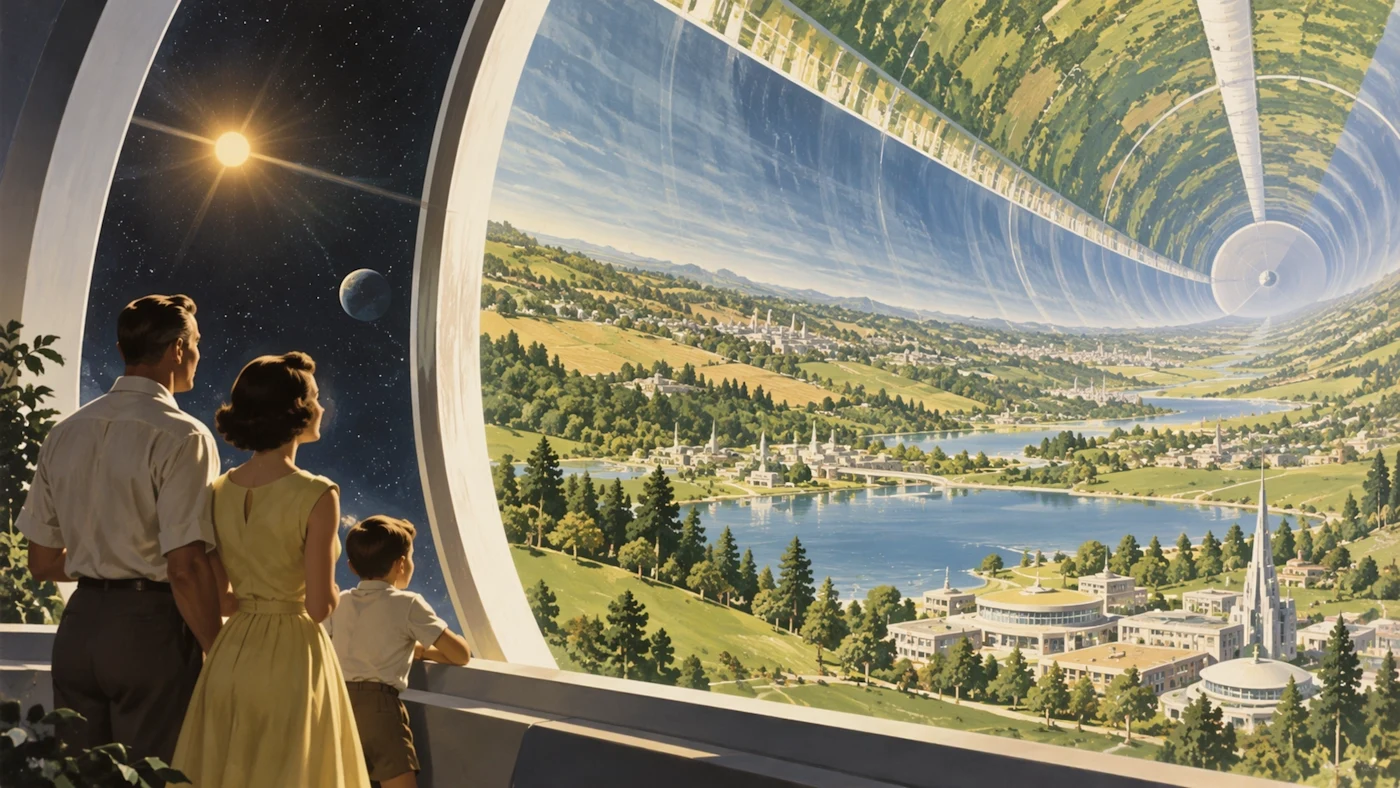
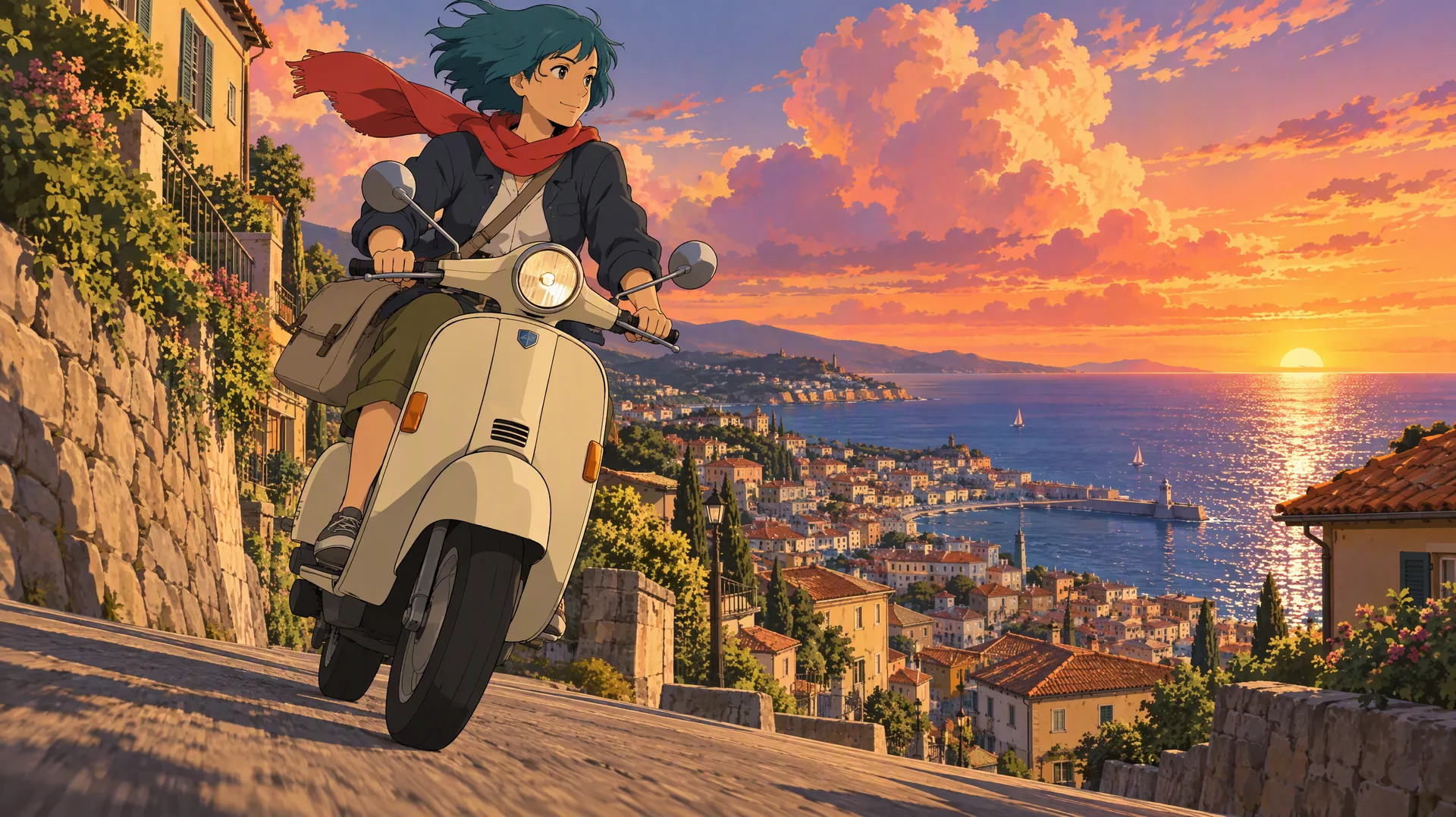
Official ChatGPT Images 2.5 example, published by OpenAI.
In the illustration, the landscape curves overhead while the family remains readable in the foreground. The image is useful for studying a complex composition: foreground figures, a huge interior, and a distant vanishing point all have separate jobs.
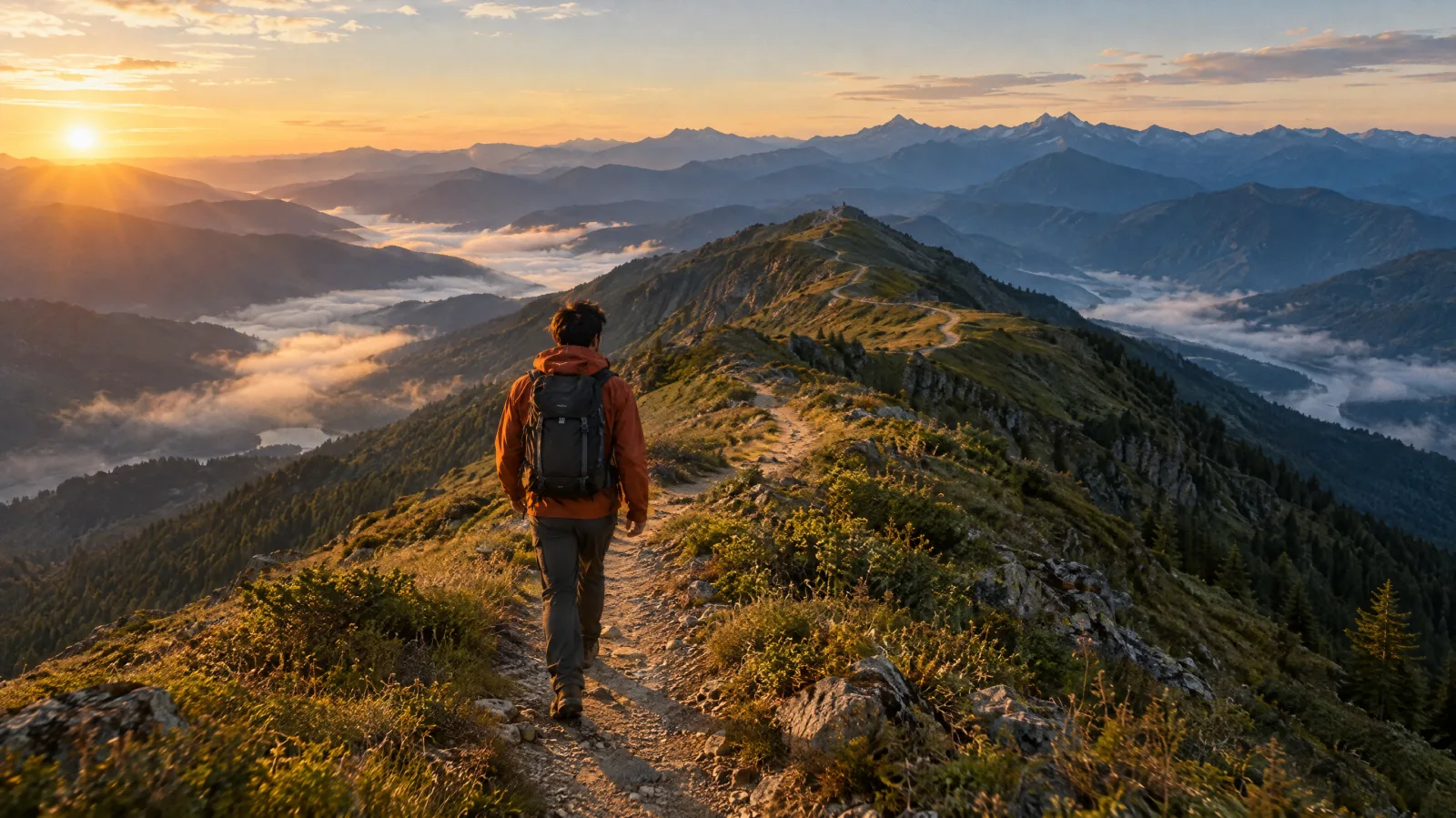
OpenAI also provides an input-and-edit portrait example:
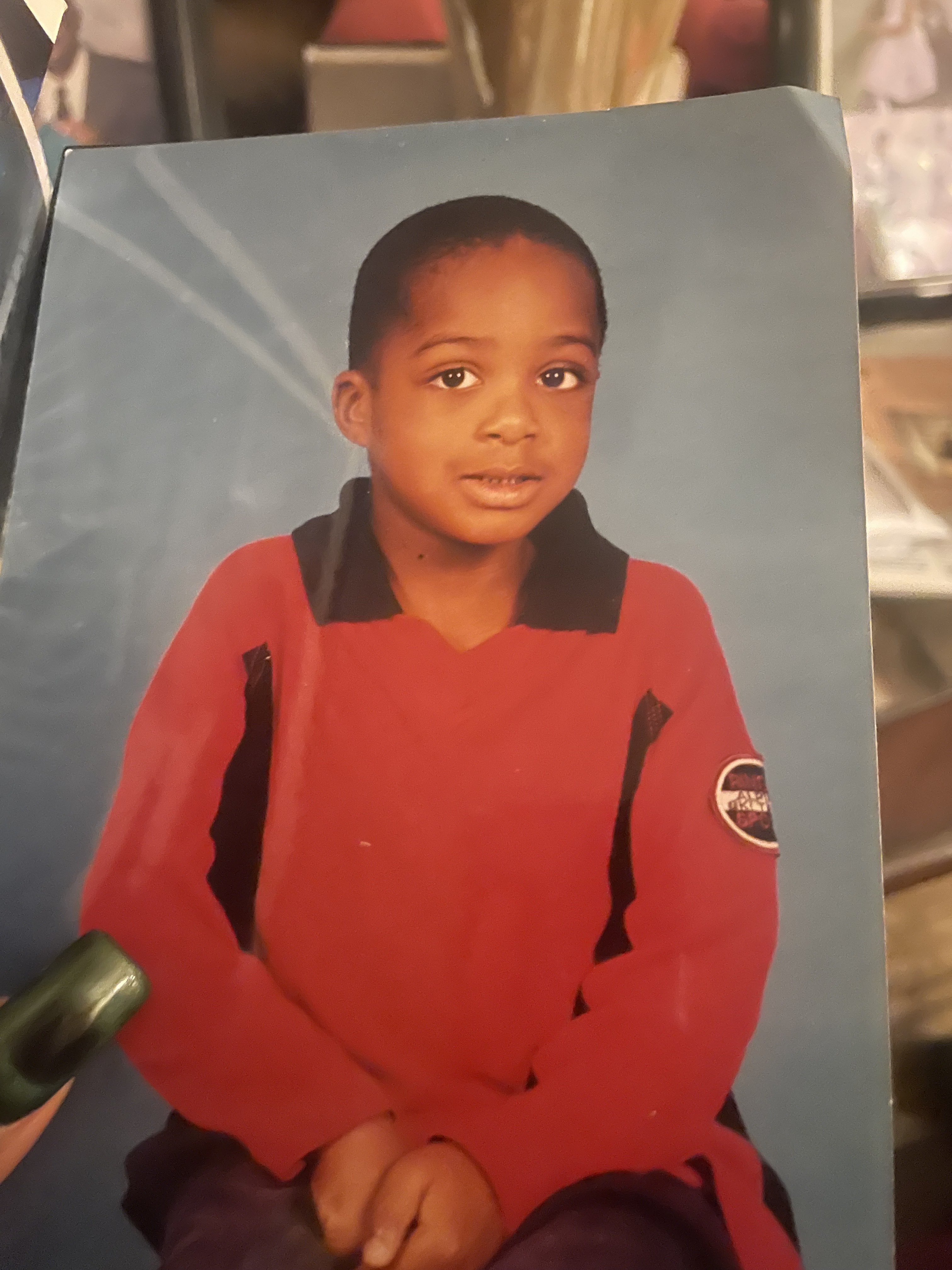
OpenAI's input photograph.
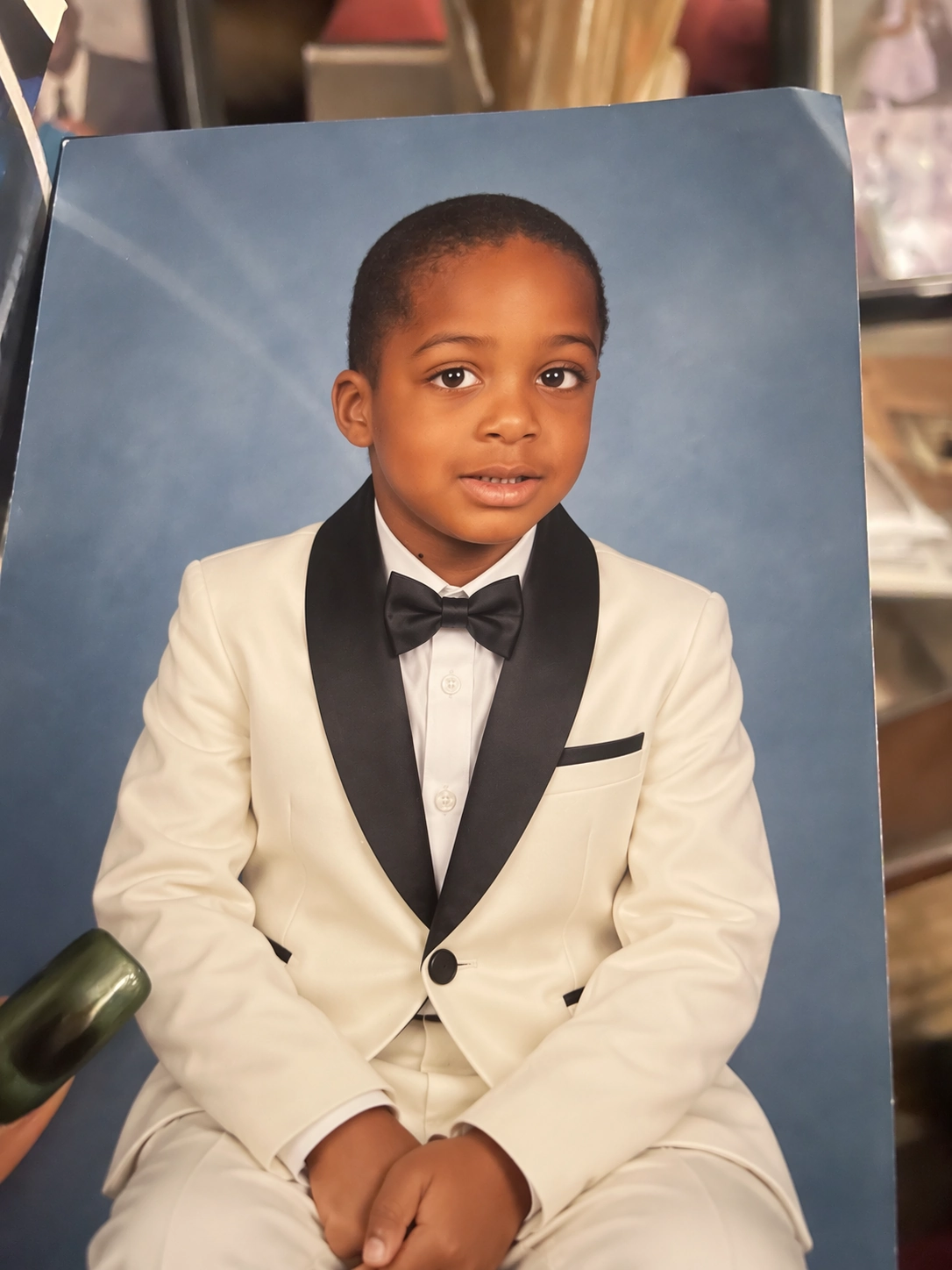
OpenAI's edited output. The pair demonstrates an input photograph and a 2.5 edit. Source: official release.
Look at the intended change, the clothing, then inspect the face, pose, and background. That is also a useful order for reviewing your own edits. A version comparison needs an additional output made with GPT Image 2 from the same input and instruction; these two pictures alone do not establish a quality score between versions.
How much faster is 2.5?
OpenAI describes the latency reduction as:
“up to 50% compared with Images 2.0”
Keep “up to” attached to the number. The announcement specifically positions Flare around faster generation and says Sunburst can take longer for detailed work. It does not give a universal completion time for your image.
For a campaign workflow, record the time from submission to a usable downloaded image. Also count the time spent revising rejected versions. Ten fast drafts with misspelled labels may take longer to finish than a slower draft that needs one small edit. Report both the typical wait and the slowest requests that interrupt your work.
Does the same token price mean the same image cost?
OpenAI's Flare and Sunburst model pages list these rates, checked September 9, 2026:
| Token category | Rate per 1 million tokens |
|---|---|
| Text input | $5.00 |
| Cached text input | $1.25 |
| Image input | $8.00 |
| Cached image input | $2.00 |
| Image output | $30.00 |
Both pages say the rates match GPT Image 2, and that the GPT Image 2 calculator does not estimate 2.5 token consumption. These are token rates, not fixed prices per generated image. Flare pricing, Sunburst pricing
For a useful budget comparison, divide the total cost of a batch, including discarded attempts, by the number of images you accept. Keep output dimensions and the review standard consistent. Record editing costs with the original generation instead of treating each revision as an unrelated expense.
Model improvements and ChatGPT controls are different things
The release also introduces Sketch, templates, comments on images, and prompt sharing in ChatGPT. Those are product controls. An API model name alone does not add those controls to another application's interface. Official announcement
For the current steps and availability, use the ChatGPT Images help page. It documents Sketch on mobile and notes that templates are not yet available in Work mode. Check the interface you are using before building a workflow around a particular button.
A small comparison you can run with your own material
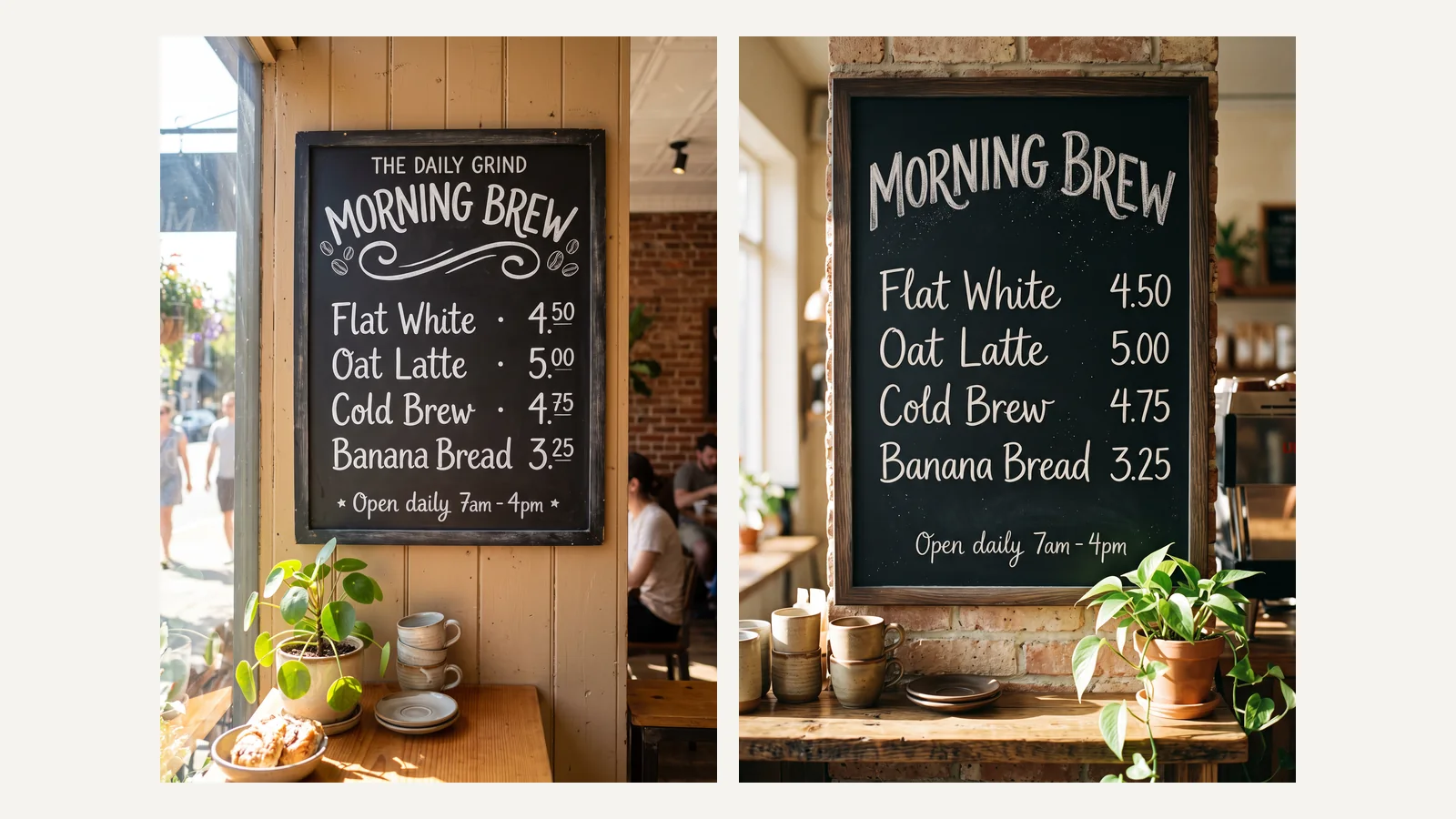
Choose an owned product photo with readable packaging. Keep the original file, exact prompt, output dimensions, and chosen quality setting together. Give each candidate the same starting material.
Try this original brief:
Use the attached bottle photograph as the product reference. Create a portrait advertisement on a pale cream background. Put the bottle below the center and leave the upper third empty. Keep its cap shape, label spelling, label position, and proportions. Light the scene from the upper left with a broad softbox. Use one subtle contact shadow. Add no props or extra text.
Then request a focused revision:
Change the background from pale cream to muted sage green. Keep the bottle, label, cap, framing, lighting direction, and shadow position.
Judge the result against the brief rather than choosing the prettiest thumbnail. Can you still read the label? Has the bottle grown wider? Did the empty space survive? If the task involves several revisions, inspect every intermediate file so you can identify where a detail changed.
Keep GPT Image 2 for work that already meets your needs until the replacement passes those same checks. Start with Flare when waiting is the problem. Try Sunburst when a difficult edit is preventing approval. OpenAI's migration guidance follows that quality-first selection process.
Questions people ask about the upgrade
Do I need completely new prompts?
Start with your existing prompts. Changing the model and the brief together makes it harder to understand which change helped. Rewrite a prompt after you identify a specific failure, such as an ambiguous reference or missing text placement.
Will an edit keep everything else exactly identical?
Review the image after each edit. The official prompting guide says preserved details can still drift and recommends compositing when a region must remain pixel-identical.
Can I use the new ChatGPT tools in every image service?
Check that service's interface and model selector. ChatGPT features, direct OpenAI API access, and a third-party workspace have separate availability. The GPT Image 2.5 model overview provides a starting point for understanding the release.