

Seedream 5.5: Edit the Same Image, Round After Round
Seedream 5.5 is ByteDance’s newest image model: steadier multi-round editing, native transparent backgrounds, cleaner small text and more natural photos. Try Seedream 5.5 with free sign-up credits.
Seedance 2.5
Up to 30s clips with image, video and audio references.
Kling 4.0
Kuaishou's newest model: 3–30s clips at up to 1080p.
Kling 4.0 Flash
Kling 4.0's fast tier: 720p clips with sound for fewer credits.
Wan 3.0
Up to 30s clips with native audio and lip-synced dialogue.
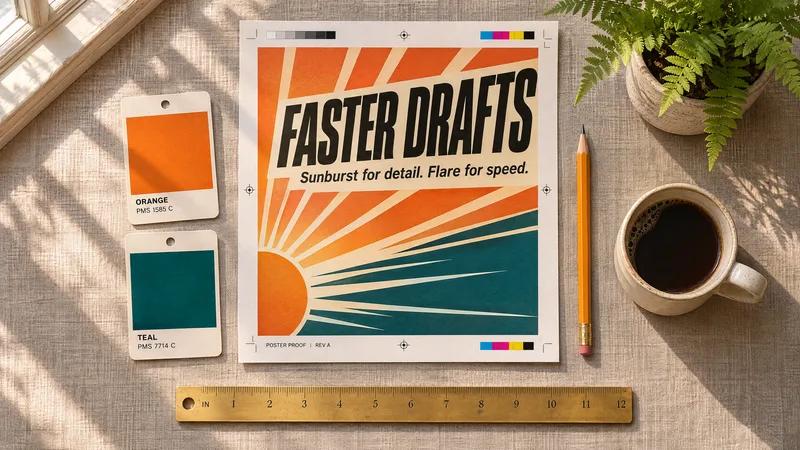
GPT Image 2.6
Generate and edit images with OpenAI's newest model.

GPT Image 2.5
Generate and edit images from 1 credit.
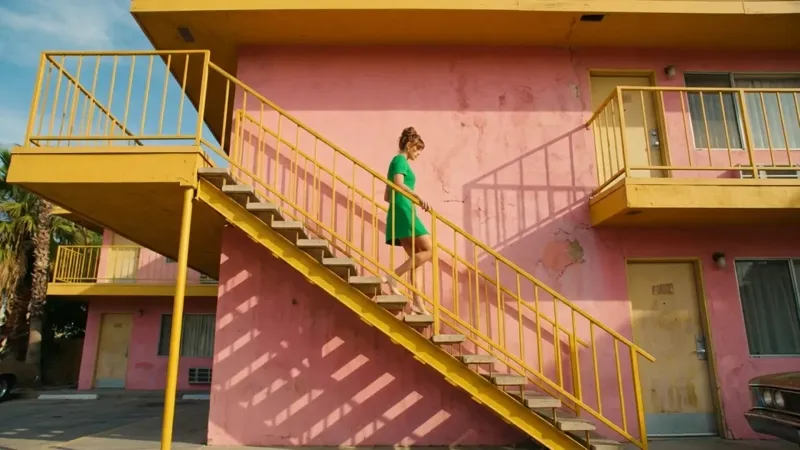
Nano Banana 2.1
Google's image model: sharper detail and cleaner text.
Seedance 2.0
Multi-shot cinematic video with native audio and lip sync.
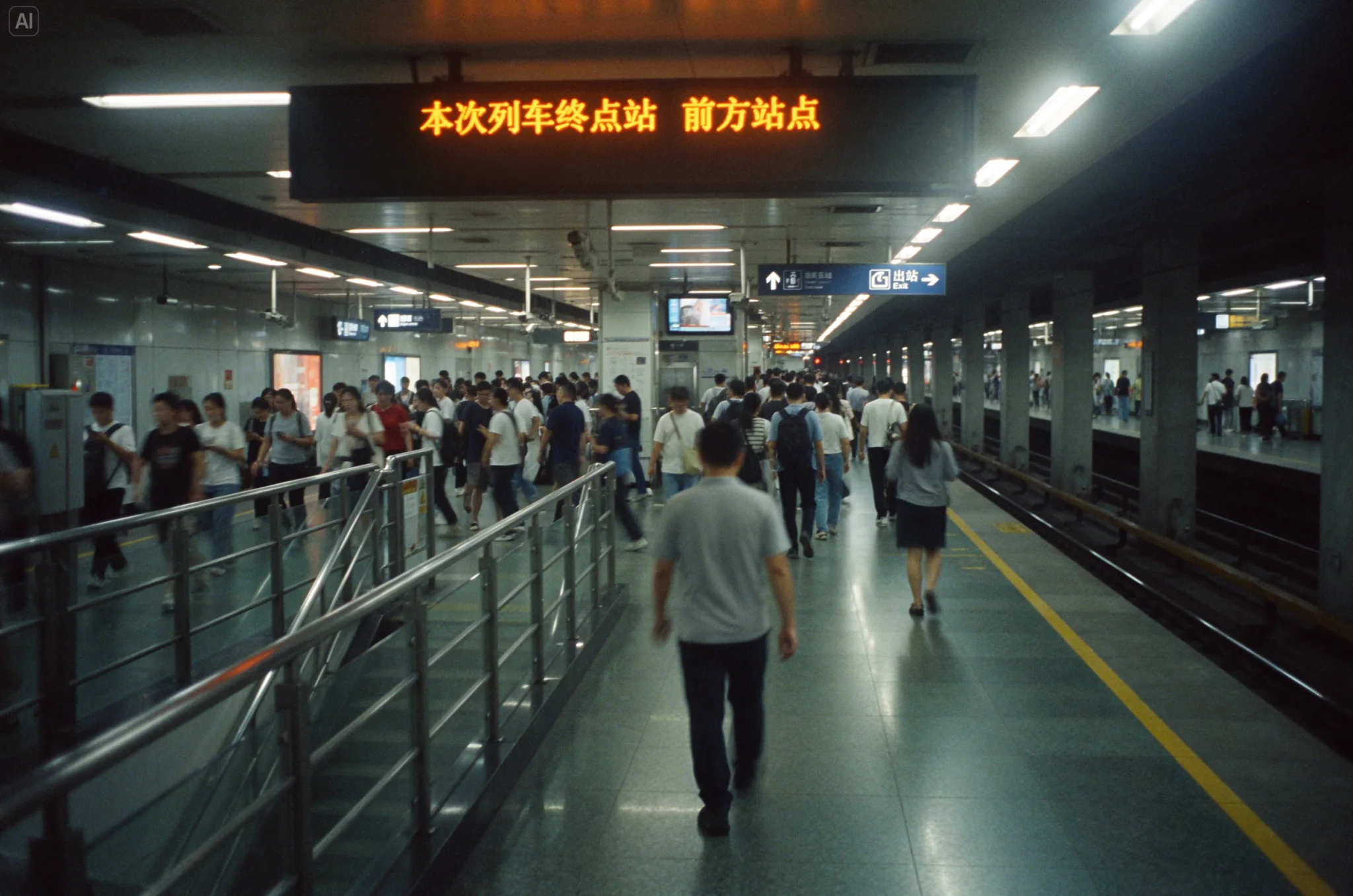
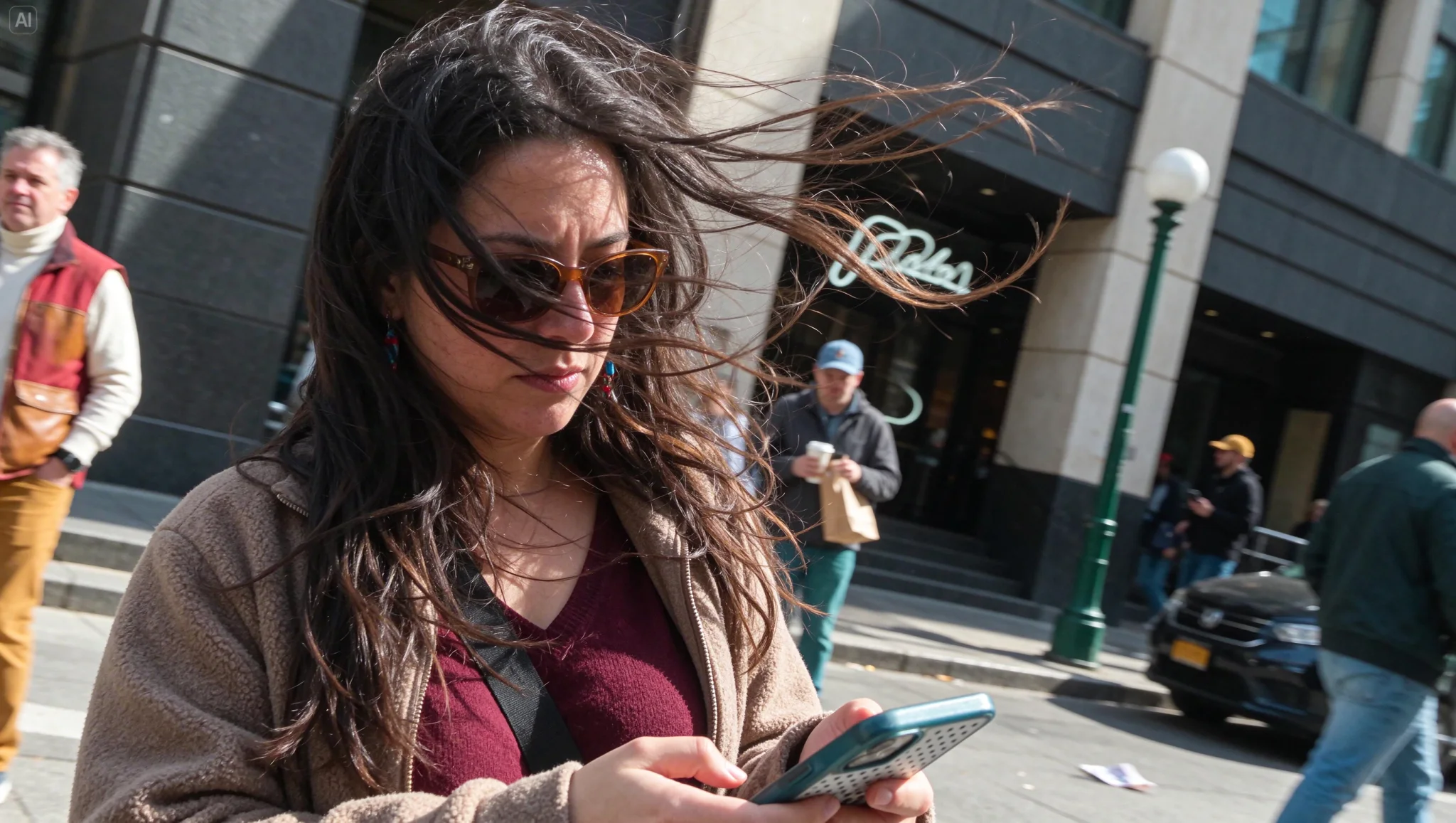
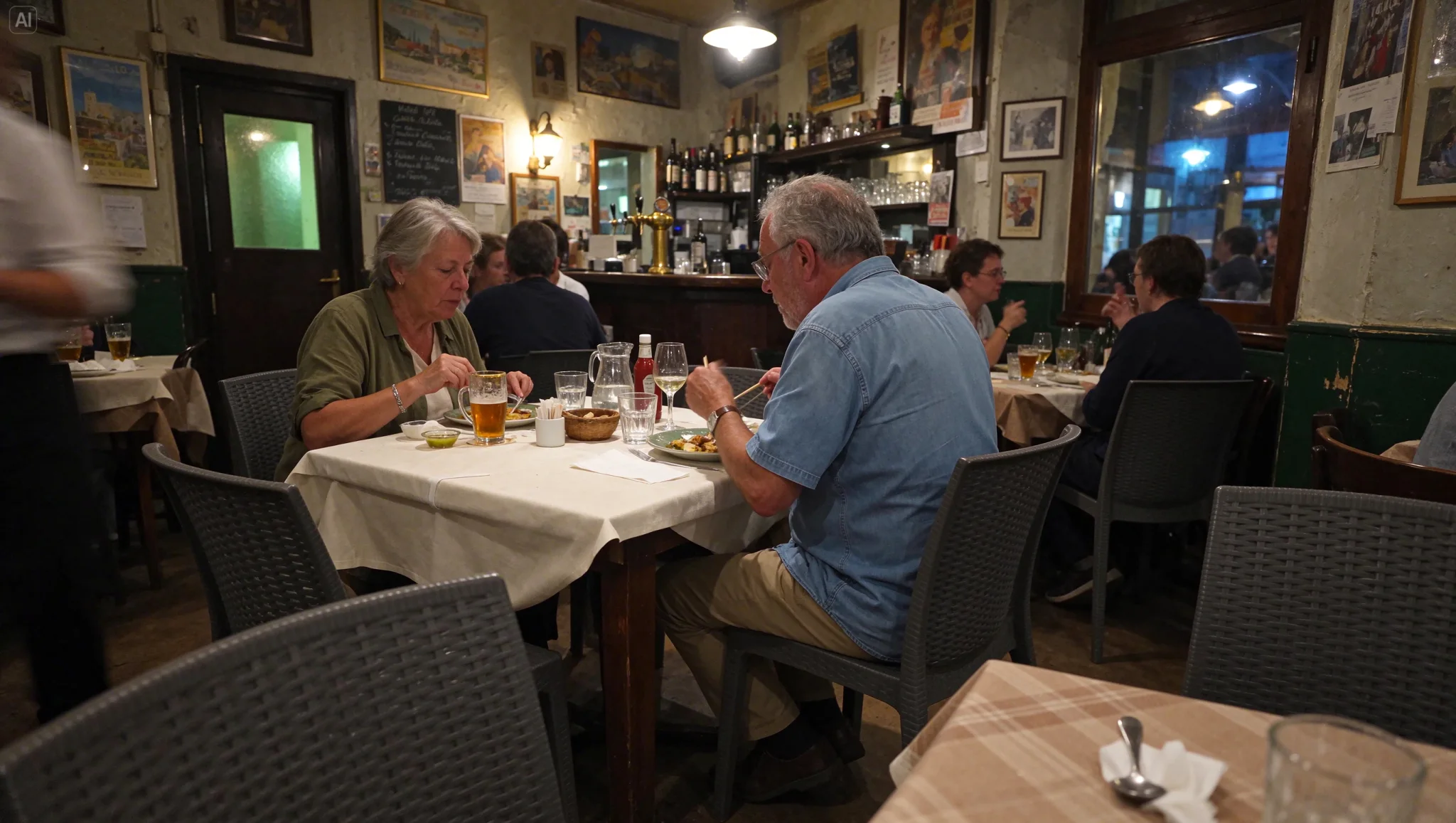
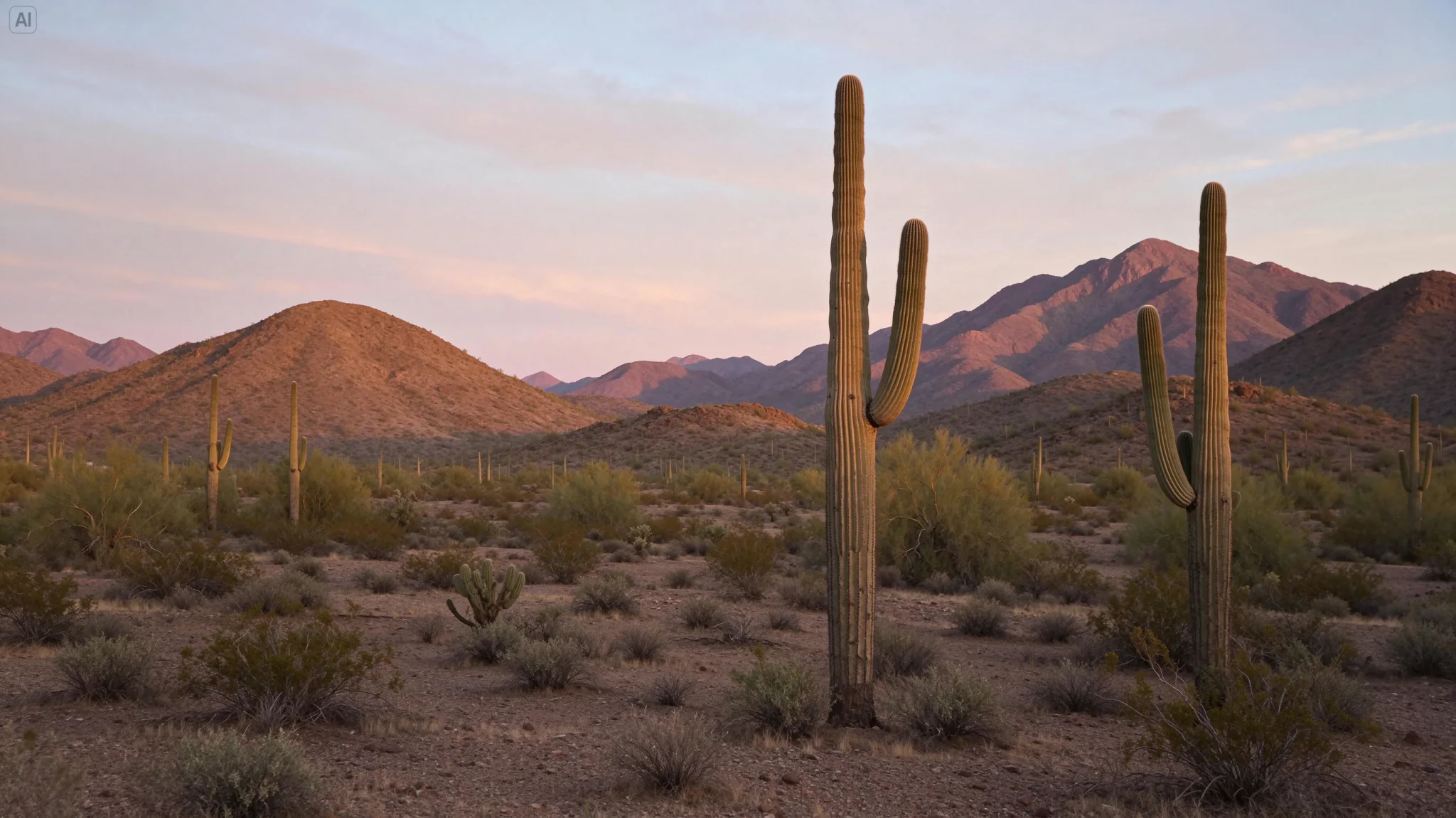
Seedream 5.5 Example Images from ByteDance Seed
Seedream 5.5 Features at a Glance
- What Is Seedream 5.5: ByteDance Seed’s image generation and editing model, announced November 9, 2026.
- Seedream 5.5 Photorealistic Images: Natural lighting, materials and skin, with less gloss.
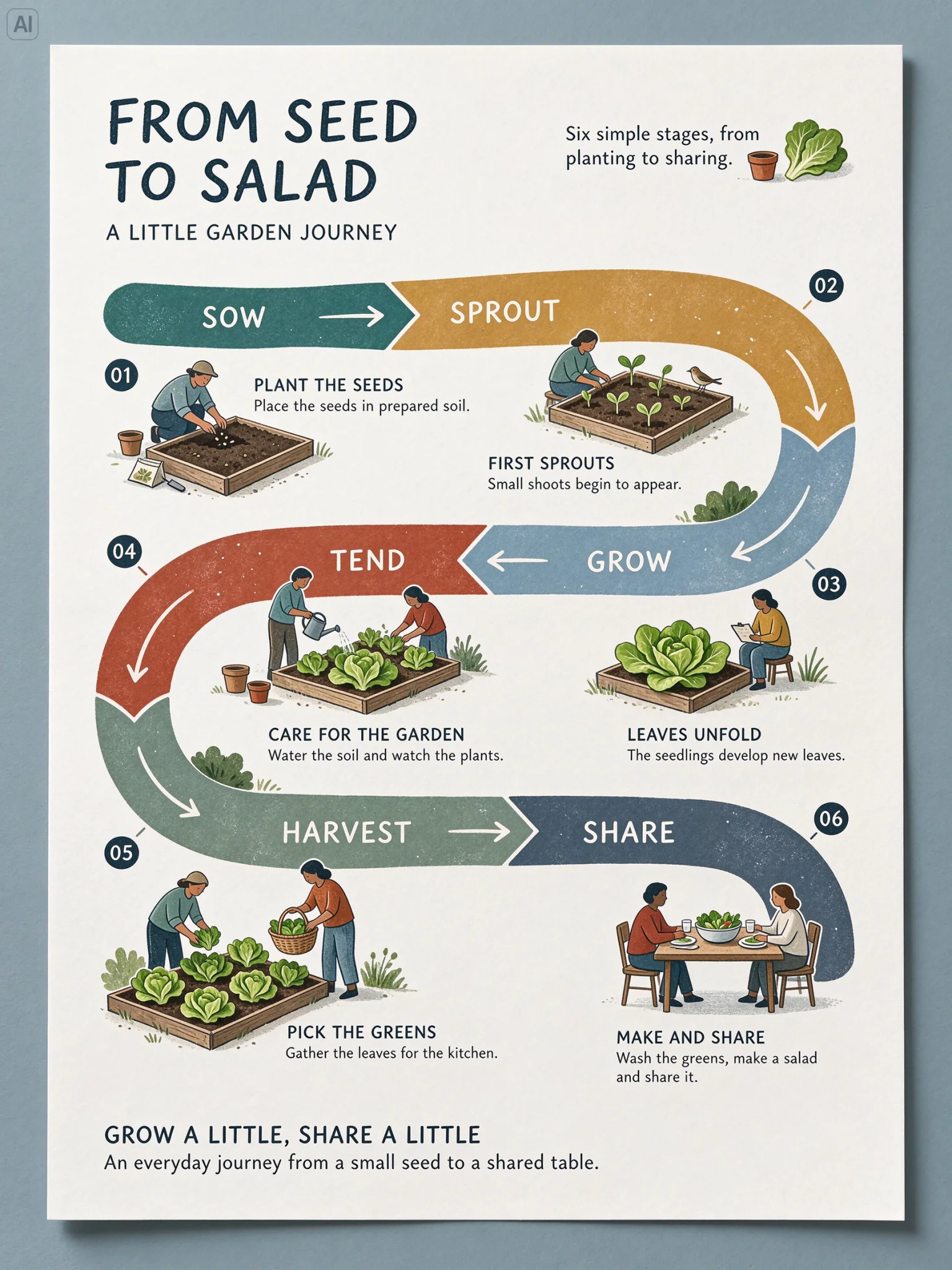
- Seedream 5.5 Small Text Rendering: Newspaper columns, labels, menus and captions in small type.
- Seedream 5.5 Bilingual Infographics: Chinese and English in one layout; prompts in 14 more languages.
- Seedream 5.5 Character and Brand Boards: One character with variants and expressions on a single sheet.
- Seedream 5.5 Multi-Round Image Editing with up to 10 References: One change per round, with the last result added back as the reference.
- Seedream 5.5 Transparent PNG Output: A PNG with an alpha channel, from text or from references.
- Seedream 5.5 Settings and Limits: Sizes, ratios, exact pixel sizes, references and prompt length.
What Is Seedream 5.5
Seedream 5.5 is the image generation and editing model ByteDance Seed announced on November 9, 2026. It follows Seedream 5.0 Pro and changes four things: edits stay stable when you keep working on the same image, images can be generated with a real alpha channel, densely set small text holds together, and photos look less glossy and overexposed.
In ByteDance’s own launch evaluation, severe text corruption fell to 0.4% and minor corruption to 1.7% across Chinese and English tests that include dense small text, and image-to-image realism scored +55.62% against Seedream 5.0 Pro in side-by-side review. Its headline demo edits one portrait 100 times, feeding each result back in as the next input. These are vendor numbers; independent benchmarks have not been published yet.
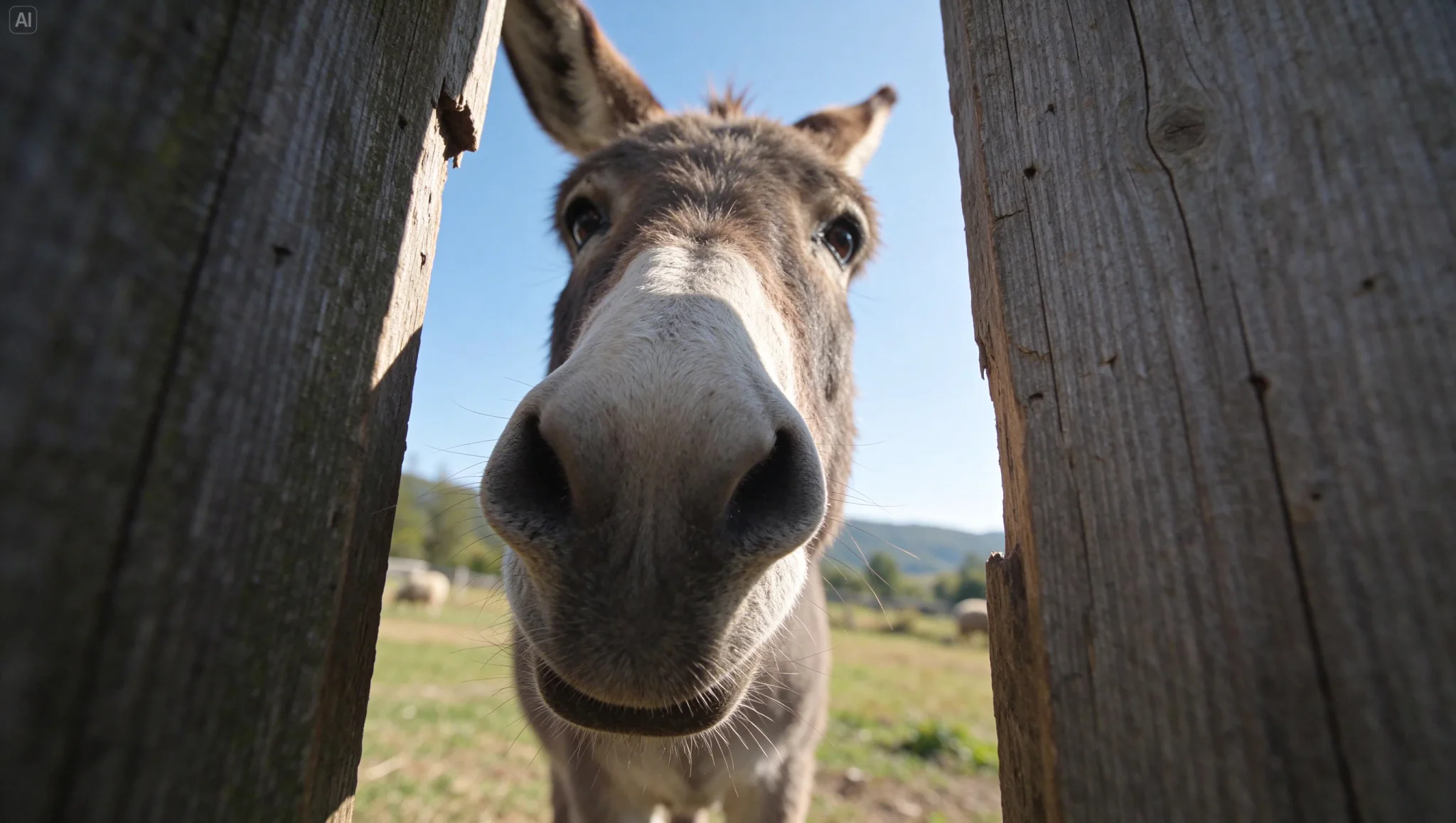
Seedream 5.5 Photorealistic Images
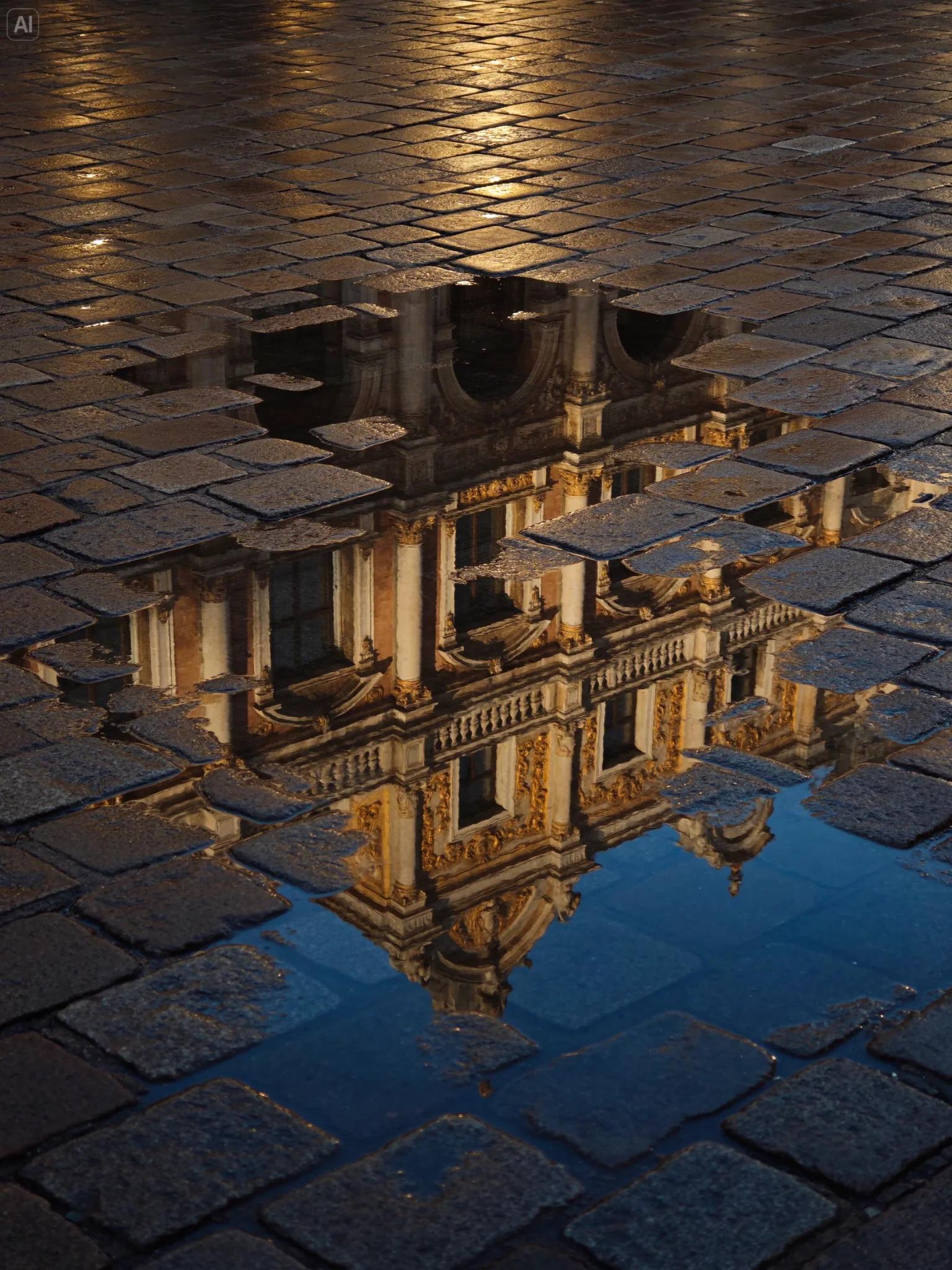
Flash at night, window light, wind in hair, wet streets. Seedream 5.5 was tuned for natural lighting, materials and skin, with less of the gloss and blown highlights that mark an image as generated.
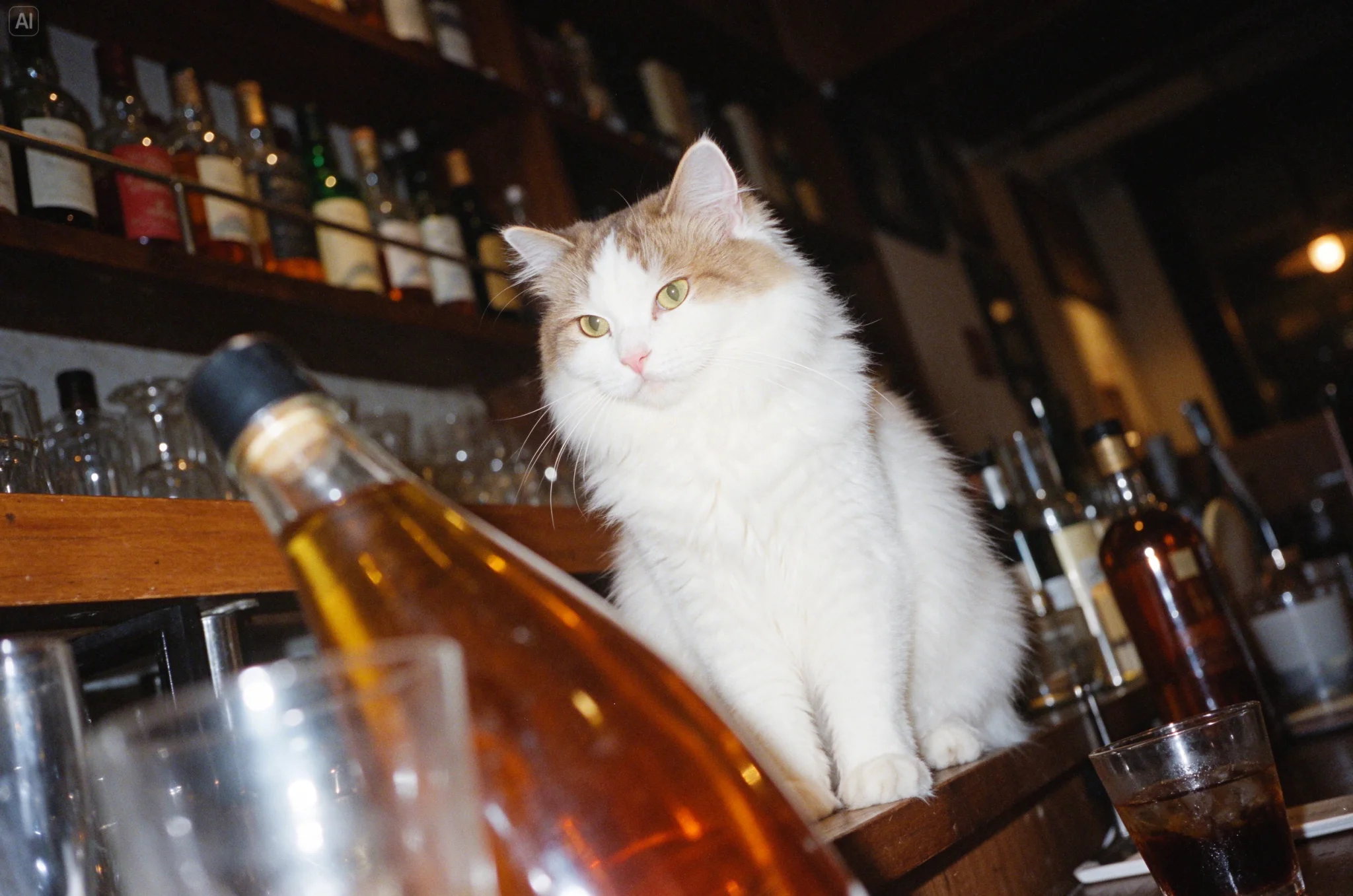
Seedream 5.5 Small Text Rendering
Newspaper columns, labels, menus and captions. Put every word in quotes and say where it goes; the model handles dense small type and complex glyphs better than Seedream 5.0 Pro.
Give titles, numbers and punctuation exactly, in quotes, and state alignment and line breaks. Read small text in the result before you publish it.
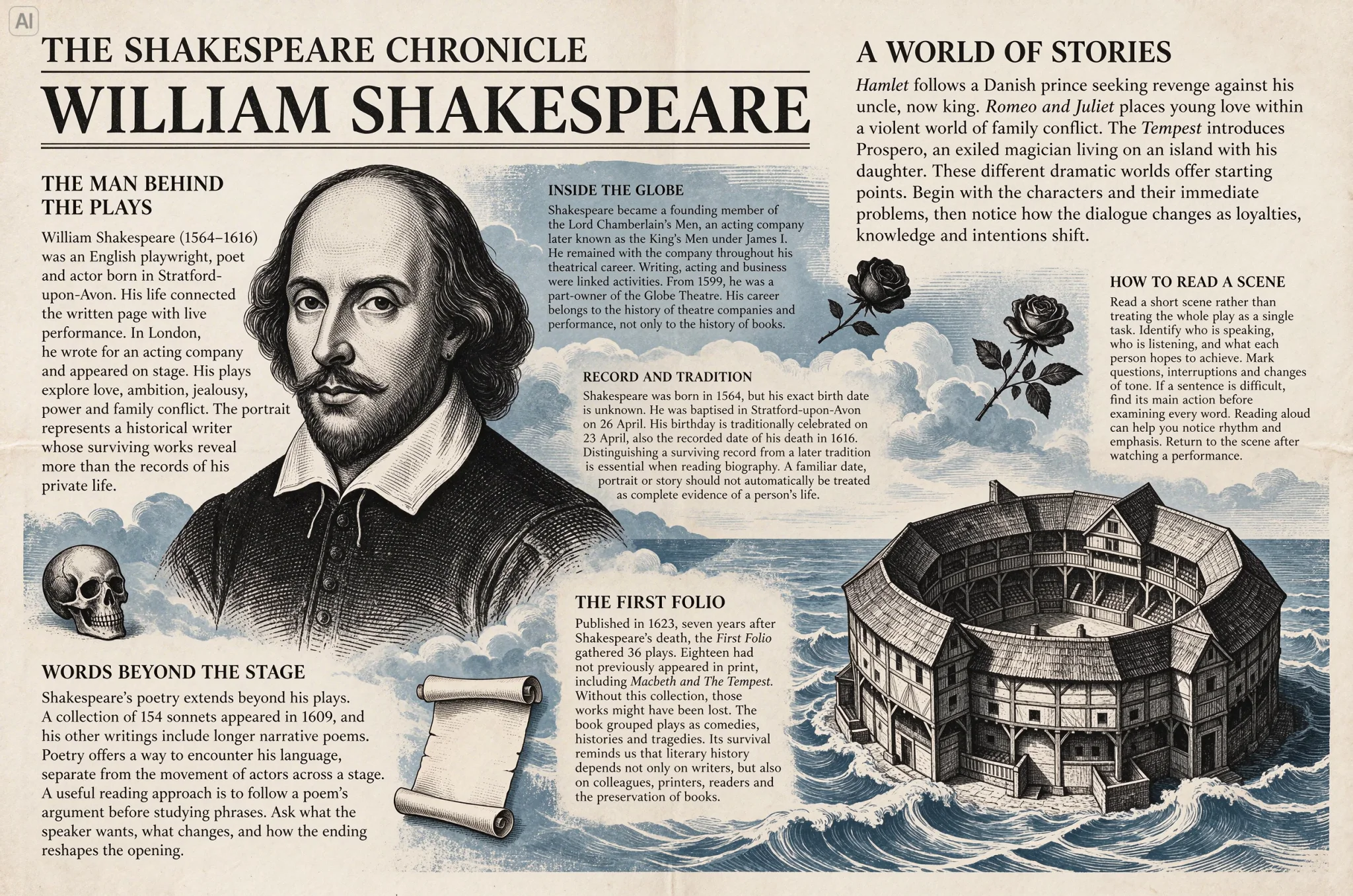
Seedream 5.5 Bilingual Infographics
Mix Chinese and English in one layout with numbered modules, callouts and arrows. Prompts are also accepted in 14 more languages, including Spanish, Japanese, Korean, Russian and Arabic.
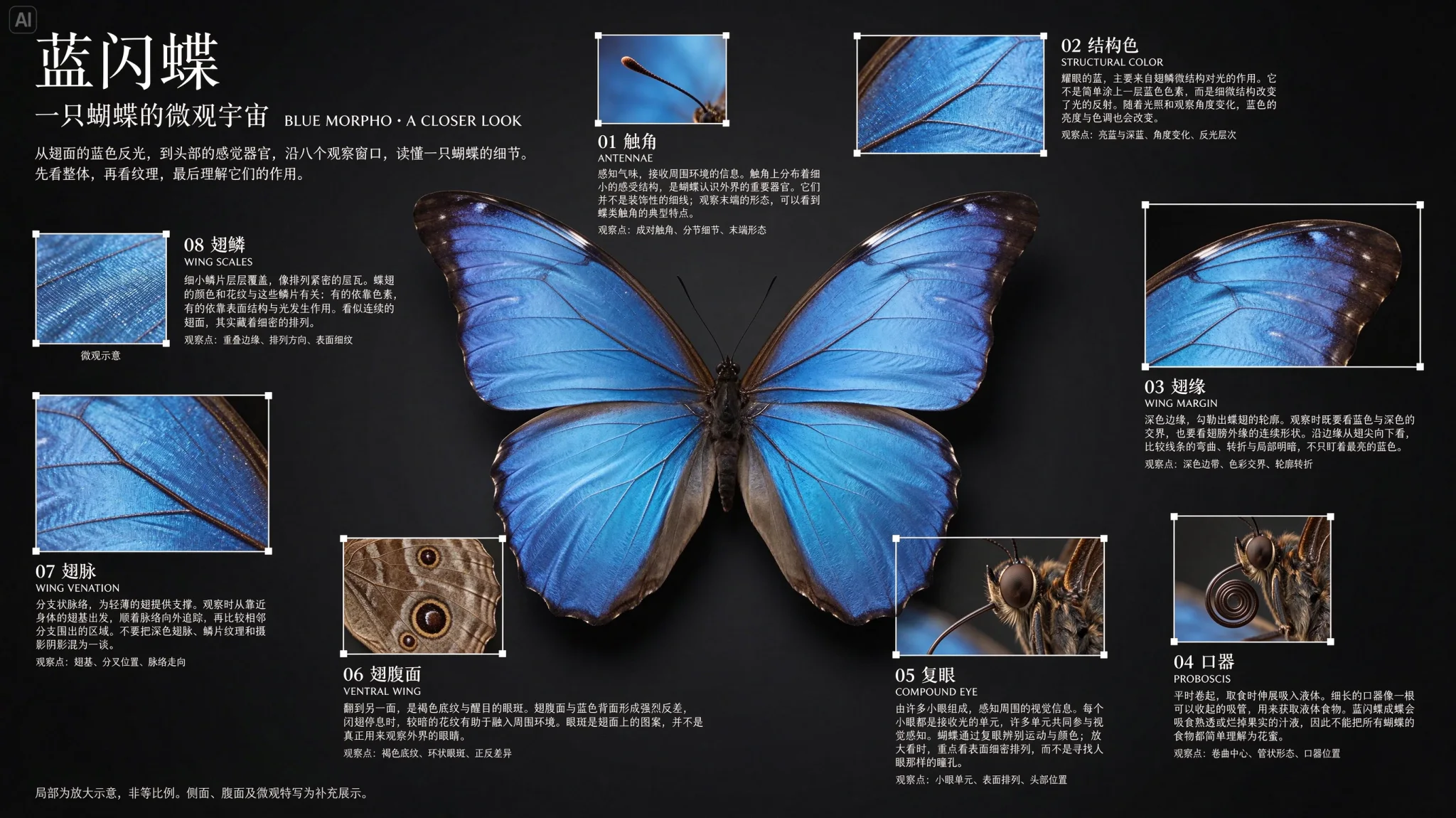
Seedream 5.5 Character and Brand Boards
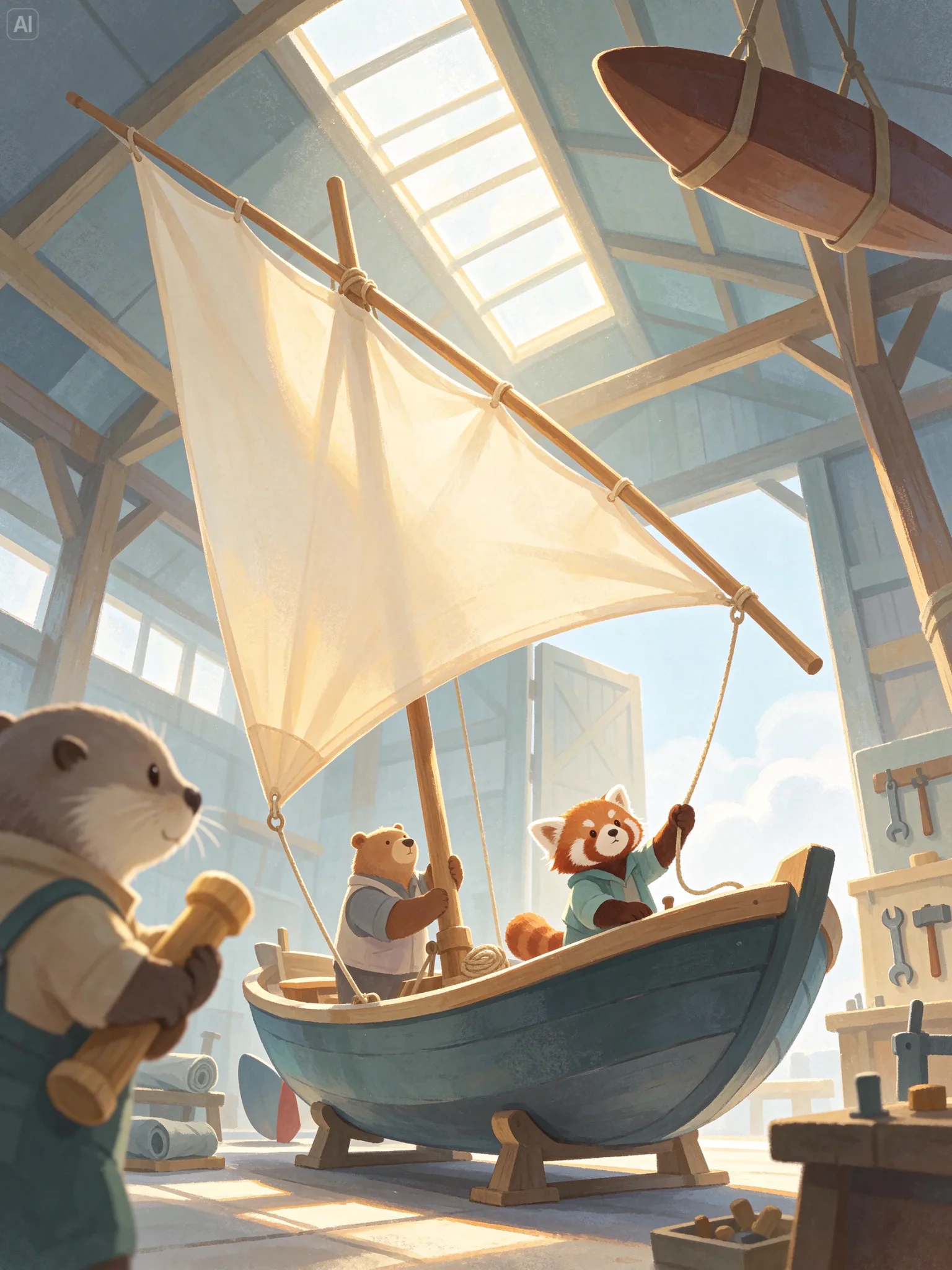
Lay out one character with variants, turnarounds, expressions and accessories on a single sheet, then reuse the sheet as a reference for new scenes.
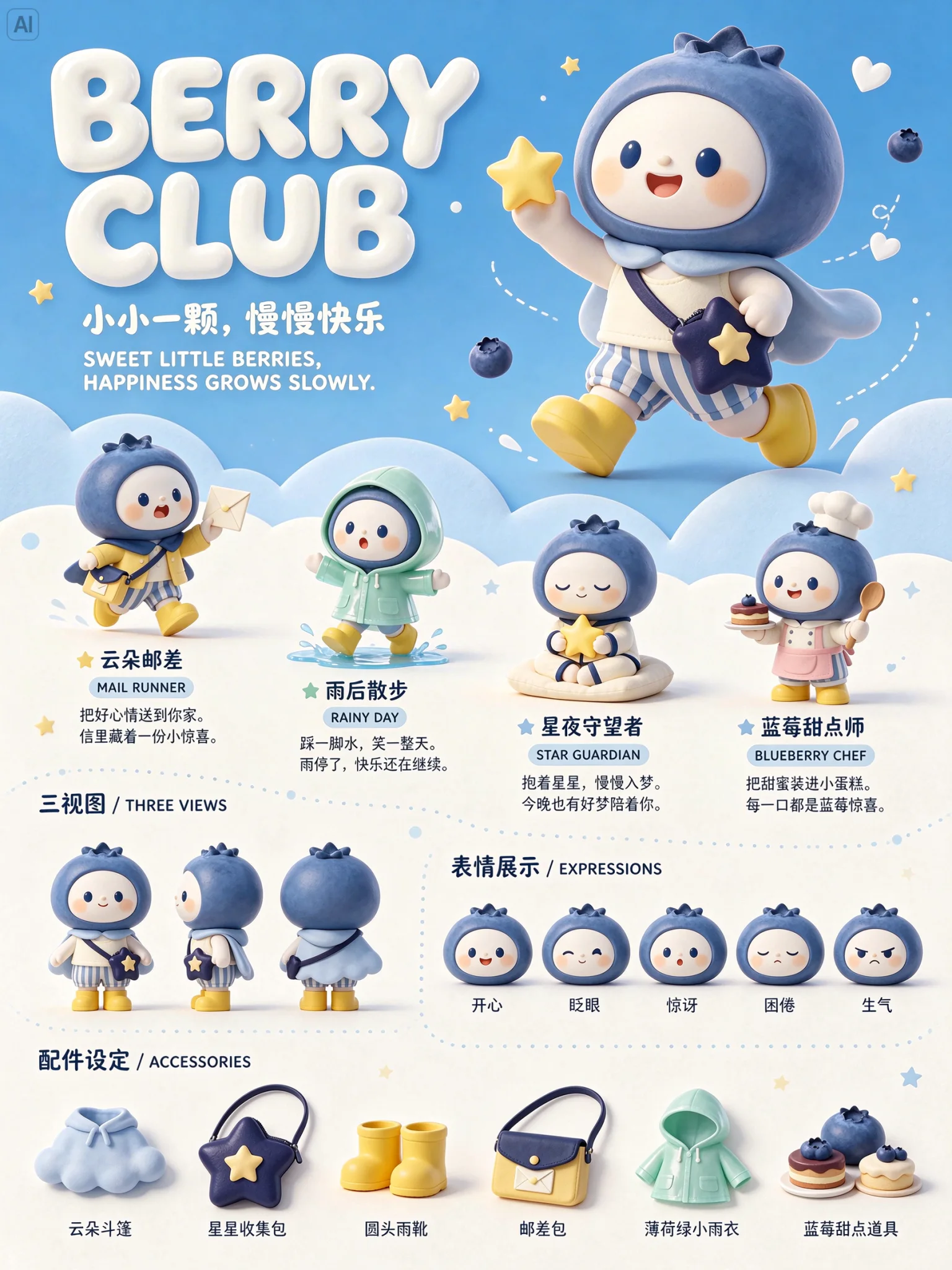
Seedream 5.5 Multi-Round Image Editing with up to 10 References
Add the last result as the reference, describe one change, and repeat. The model does not remember earlier rounds, so each round needs the previous image and a prompt that says what must stay. Unedited areas are designed to stay pixel-stable with no color drift.
Upload as many as 10 reference images, up to 30 MB each, and say what each one is for: subject, product detail, pose, style or layout. Each run returns one image at 1K, 1.5K or 2K.
Name the object, its current state and the state you want. Then repeat what must not change: the text, the texture, the framing, the background.
Each round is one generation. On SeedVideo AI a Seedream 5.5 edit with one reference image costs 2 credits at 1K, 2 credits at 1.5K and 3 credits at 2K. In our six-round test on November 12, 2026, a 2K edit on Seedream 5.5 took a median of 61 seconds, against 97 on Seedream 5.0 Pro.
Seedream 5.5 Transparent PNG Output
Set Background to transparent to get a PNG with an alpha channel, from text alone or from reference images. Seedream 5.0 Pro could only return transparency when you edited one image that already had an alpha channel.
A transparent background and a see-through object are different requests. Describe the empty area and the glass, water or veil separately.
Seedream 5.5 Settings and Limits
Seedream 5.5’s request limits as the API reference lists them, read November 10, 2026. The pixels behind each ratio and tier are in the size table further down.
| Output size | 1K, 1.5K or 2KNo 3K or 4K tier. The widest preset is 3136 × 1344 (21:9 at 2K); the one with the most pixels is 2816 × 1584 (16:9 at 2K). |
|---|---|
| Aspect ratio | Auto or 11 ratios1:1, 4:3, 3:4, 3:2, 2:3, 16:9, 9:16, 4:5, 5:4, 21:9, 9:21. |
| Exact pixel size | 921,600 to 4,624,220 total pixelsAny width and height in that range, up to 16:1 or 1:16. |
| Images per run | 1No batch setting. For another round, add the result back as the reference. |
| Reference images | Up to 10 |
| Prompt | 4,000 tokens in the APIThe prompt box in this generator stops at 2,600 characters. |
| Background | Opaque or transparentTransparent returns a PNG with an alpha channel. |
| Not in the generator | Layer splittingA separate model in the family returns a base image plus transparent PNG layers. |
Where Seedream 5.5 Fits
The model is aimed at work where one image goes through many revisions before it ships.
- Product Images That Go Through Revisions: Change the background, the colorway or the prop one request at a time while the product’s shape, logo and material stay put.
- Posters, Labels and Localized Layouts: Build the layout once, then swap the copy for another language and keep the rest of the design as it was.
- Stickers, Icons and Cut-Outs: Generate assets on a transparent background and drop them straight onto any design without a separate background-removal step.
- Storyboards and Starting Frames: Keep a character consistent across panels, then send the frame you like to an image-to-video model.
Seedream 5.5 vs Seedream 5.0 and Other Image Models
Run the same prompt and references on two models before you settle on one. These are the differences that are documented.
Seedream 5.5 is one of the models in SeedVideo AI’s AI image generator: the same prompt works on every image model there.
| Feature | Seedream 5.5 | Seedream 5.0 Pro | Seedream 5.0 Lite | GPT Image 2.5 Sunburst | Nano Banana 2.1 |
|---|---|---|---|---|---|
| Output sizes | 1K, 1.5K, 2K | 1K, 1.5K, 2K | 2K, 3K, 4K | 1K, 2K, 4K | 1K, 2K, 4K |
| Aspect ratios | 1:1, 4:3, 3:4, 3:2, 2:3, 16:9, 9:16, 4:5, 5:4, 21:9, 9:21 | 1:1, 4:3, 3:4, 3:2, 2:3, 16:9, 9:16, 4:5, 5:4, 21:9, 9:21 | 1:1, 4:3, 3:4, 3:2, 2:3, 16:9, 9:16, 4:5, 5:4, 21:9, 9:21 | 1:1, 1:2, 2:1, 1:3, 3:1, 2:3, 3:2, 3:4, 4:3, 4:5, 5:4, 9:16, 16:9, 9:21, 21:9 | 1:1, 1:4, 4:1, 1:8, 8:1, 2:3, 3:2, 3:4, 4:3, 4:5, 5:4, 9:16, 16:9, 21:9 |
| Reference images | 10 | 10 | 14 | 16 | 14 |
| Images per run | 1 | 1 | 15 | 10 | 1 |
| Prompt limit, characters | 2,600 | 2,600 | 2,600 | 32,000 | 2,000 |
| Cheapest image | 1 credit · 1K | 2 credits · 1K | 2 credits · 2K | 1 credit · 1K low | 2 credits · 1K |
| Dearest image | 2 credits · 2K | 3 credits · 2K | 2 credits · 4K | 33 credits · 4K max | 7 credits · 4K |
| Best for | Repeated edits to one image, transparent PNGs and dense small text | 1K to 2K images with up to 10 references | 3K and 4K output, up to 14 references and up to 15 images per run | The cheapest drafts, in batches of up to 10 | 4K output, ultra-wide strips and up to 14 references |
Limits are read from the image model settings on SeedVideo AI. Credits are for one image with no reference images, at the setting named in the cell, and are the same on every plan.
Seedream 5.5 Pros and Cons
From ByteDance’s launch material and the API reference, read November 10, 2026.
Strengths
- Stable edits: Built to leave unedited areas unchanged when the same image is edited again and again.
- Transparent output: A PNG with an alpha channel from text alone or from reference images.
- Small text: ByteDance reports 0.4% severe and 1.7% minor text corruption in its launch evaluation.
- References: Up to 10 reference images per run.
- Formats: 11 ratios plus auto, and exact pixel sizes up to 4,624,220 total pixels.
Limits
- No 4K: Tops out at 2K; the preset with the most pixels is 2816 × 1584 (16:9 at 2K). Seedream 5.0 Lite goes to 4K.
- One image per run: No batch setting. Seedream 5.0 Lite returns up to 15.
- No session memory: Each round needs the previous image added as the reference, and each round is a generation.
- Vendor numbers only: The evaluation figures are ByteDance’s own; independent benchmarks have not been published yet.
- Layer splitting: A separate model in the family; not in the SeedVideo AI generator.
Seedream 5.5 Output Sizes
Seedream 5.5 has three quality tiers and tops out at 2K. Several pages list 4K for this model; the published API contract does not include it. Custom sizes are accepted between 921,600 and 4,624,220 total pixels.
| Aspect ratio | 1K | 1.5K | 2K |
|---|---|---|---|
| 1:1 | 1024 × 1024 | 1536 × 1536 | 2048 × 2048 |
| 2:3 | 832 × 1248 | 1248 × 1872 | 1664 × 2496 |
| 3:2 | 1248 × 832 | 1872 × 1248 | 2496 × 1664 |
| 3:4 | 864 × 1152 | 1344 × 1792 | 1776 × 2368 |
| 4:3 | 1152 × 864 | 1792 × 1344 | 2368 × 1776 |
| 4:5 | 896 × 1120 | 1344 × 1680 | 1792 × 2240 |
| 5:4 | 1120 × 896 | 1680 × 1344 | 2240 × 1792 |
| 9:16 | 800 × 1424 | 1152 × 2048 | 1584 × 2816 |
| 16:9 | 1424 × 800 | 2048 × 1152 | 2816 × 1584 |
| 21:9 | 1568 × 672 | 2352 × 1008 | 3136 × 1344 |
| 9:21 | 672 × 1568 | 1008 × 2352 | 1344 × 3136 |
Largest preset
3136 × 1344 (21:9 at 2K)
Custom size range
0.92–4.62 megapixels
Aspect ratio limits
1:16 to 16:1
Sizes are the values in the API reference, read November 10, 2026.
Seedream 5.5 on SeedVideo AI: Credits, Cost and Our Own Test
The credits and dollars are what the generator charges for Seedream 5.5 today. The test is our own: 38 requests on November 12, 2026, with the same prompts sent to Seedream 5.5, Seedream 5.0 Pro and Seedream 5.0 Lite. Seedream 5.5 is too new here for wait and refusal statistics, so those tables are Seedream 5.0 Pro’s: 577 jobs from 176 accounts that reached the model from October 12, 2026 to November 10, 2026.
A Seedream 5.5 image with no reference images costs 1 credit at 1K, 1 credit at 1.5K and 2 credits at 2K, which is $0.073, $0.073 and $0.145 on Pro billed yearly. In our test a 2K image on Seedream 5.5 took a median of 47 seconds and a 2K edit 61 seconds.
How many credits is a Seedream 5.5 image?
What the generator charges today, on every plan. A run returns one image, and each reference image counts toward the price.
| Output size | Prompt only | With reference images |
|---|---|---|
| 1K | 1 | 2 from 1 reference, 3 from 3 references, 4 from 6 references, 5 from 8 references |
| 1.5K | 1 | 2 from 1 reference, 3 from 3 references, 4 from 6 references, 5 from 8 references |
| 2K | 2 | 3 from 1 reference, 4 from 4 references, 5 from 7 references, 6 from 9 references |
What does a Seedream 5.5 image cost in dollars?
The prompt-only credits above at each plan’s price per credit. See pricing for the plans.
| Plan | You pay | 1K | 1.5K | 2K |
|---|---|---|---|---|
| Lite, monthly | $14.90 a month · 100 credits a month | $0.149 | $0.149 | $0.298 |
| Pro, monthly | $29 a month · 200 credits a month | $0.145 | $0.145 | $0.29 |
| Premium, monthly | $149 a month · 1,300 credits a month | $0.115 | $0.115 | $0.229 |
| Lite, billed yearly | $156 a year · 100 credits a month | $0.13 | $0.13 | $0.26 |
| Pro, billed yearly | $174 a year · 200 credits a month | $0.073 | $0.073 | $0.145 |
| Premium, billed yearly | $1,188 a year · 1,300 credits a month | $0.076 | $0.076 | $0.152 |
| Starter pack | $29.90 once · 200 credits | $0.15 | $0.15 | $0.299 |
| Creator pack | $49.90 once · 375 credits | $0.133 | $0.133 | $0.266 |
| Studio pack | $79.90 once · 600 credits | $0.133 | $0.133 | $0.266 |
| Max pack | $199 once · 1,500 credits | $0.133 | $0.133 | $0.265 |
| Agency pack | $999 once · 8,000 credits | $0.125 | $0.125 | $0.25 |
How did Seedream 5.5 do in our own test?
One request per model at a time, at 2K. The same-prompt test in the guides below has the images.
| Measured | Seedream 5.5 | Seedream 5.0 Pro | Seedream 5.0 Lite |
|---|---|---|---|
| Text to image, median of 8 runs | 47 s | 43 s | 27 s |
| Edit with one reference, median of 6 rounds | 61 s | 97 s | Not tested |
| Color shift of a wall no edit touched, round 2 to round 6 (0 is none) | 3.5 | 17.3 | Not tested |
How long does a Seedream 5.0 Pro image take?
From pressing generate to a finished image, by output size.
| Output size | Finished jobs | Median wait | 9 in 10 within |
|---|---|---|---|
| 1K | 82 | 1 min 15 s | 2 min 2 s |
| 1.5K | 302 | 1 min 8 s | 1 min 51 s |
| 2K | 84 | 1 min 29 s | 1 min 54 s |
How often does Seedream 5.0 Pro refuse a job?
Jobs the model’s content check stopped. A stopped job gives its credits back.
| Input | Jobs | Stopped | Share stopped |
|---|---|---|---|
| Text only | 257 | 21 | 8.2% |
| With input images | 320 | 0 | 0% |
Which Seedream 5.0 Pro sizes do people pick?
| Output size | Share of images |
|---|---|
| 1.5K | 54.3% |
| 1K | 30.6% |
| 2K | 15.1% |
Which Seedream 5.0 Pro aspect ratios do people pick?
| Aspect ratio | Share of images |
|---|---|
| Auto | 55.9% |
| 16:9 | 11.9% |
| 4:3 | 8.1% |
| 9:16 | 6.5% |
| 3:4 | 5.8% |
| 1:1 | 5.8% |
| Other ratios and exact sizes | 6.1% |
How to Use Seedream 5.5 on SeedVideo AI
- Step 1
Write the Prompt
Describe the subject, composition and lighting. Put any text that must appear in quotes, with its position and line breaks.
- Step 2
Add References If You Are Editing
Upload up to 10 images and say what each one controls. For an edit, name the one thing to change and the details to keep.
- Step 3
Choose Size, Tier and Background
Pick a ratio or leave it on Auto, choose 1K, 1.5K or 2K, and switch Background to transparent when you need a cut-out.
- Step 4
Generate, Then Edit Again
Download the result, or add it back as the reference and ask for the next change.
More Image Models on SeedVideo AI
Seedream 5.5 Alternatives: Tests and Guides
From the SeedVideo AI blog.
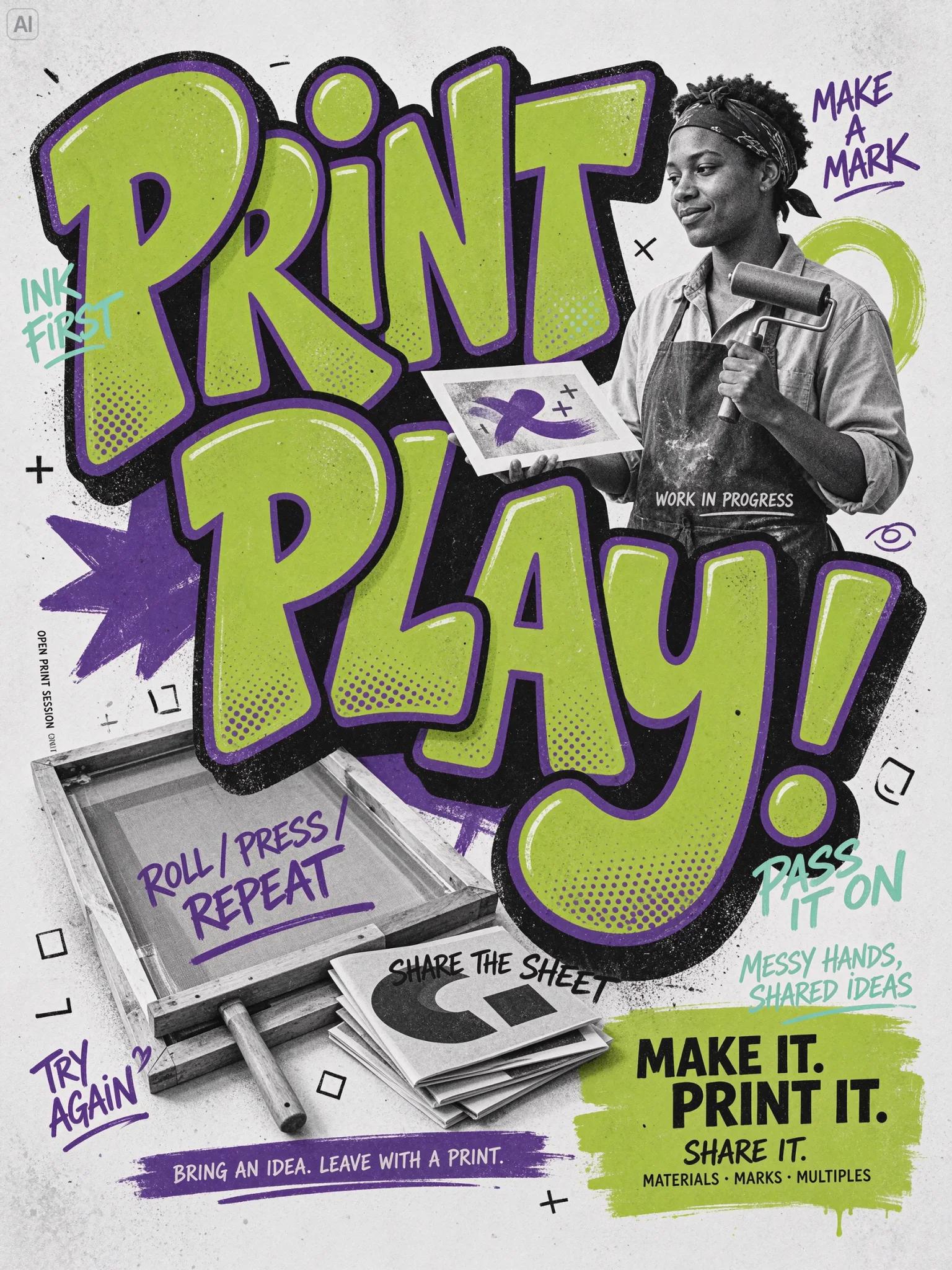
More Seedream 5.5 Examples in Portrait Formats
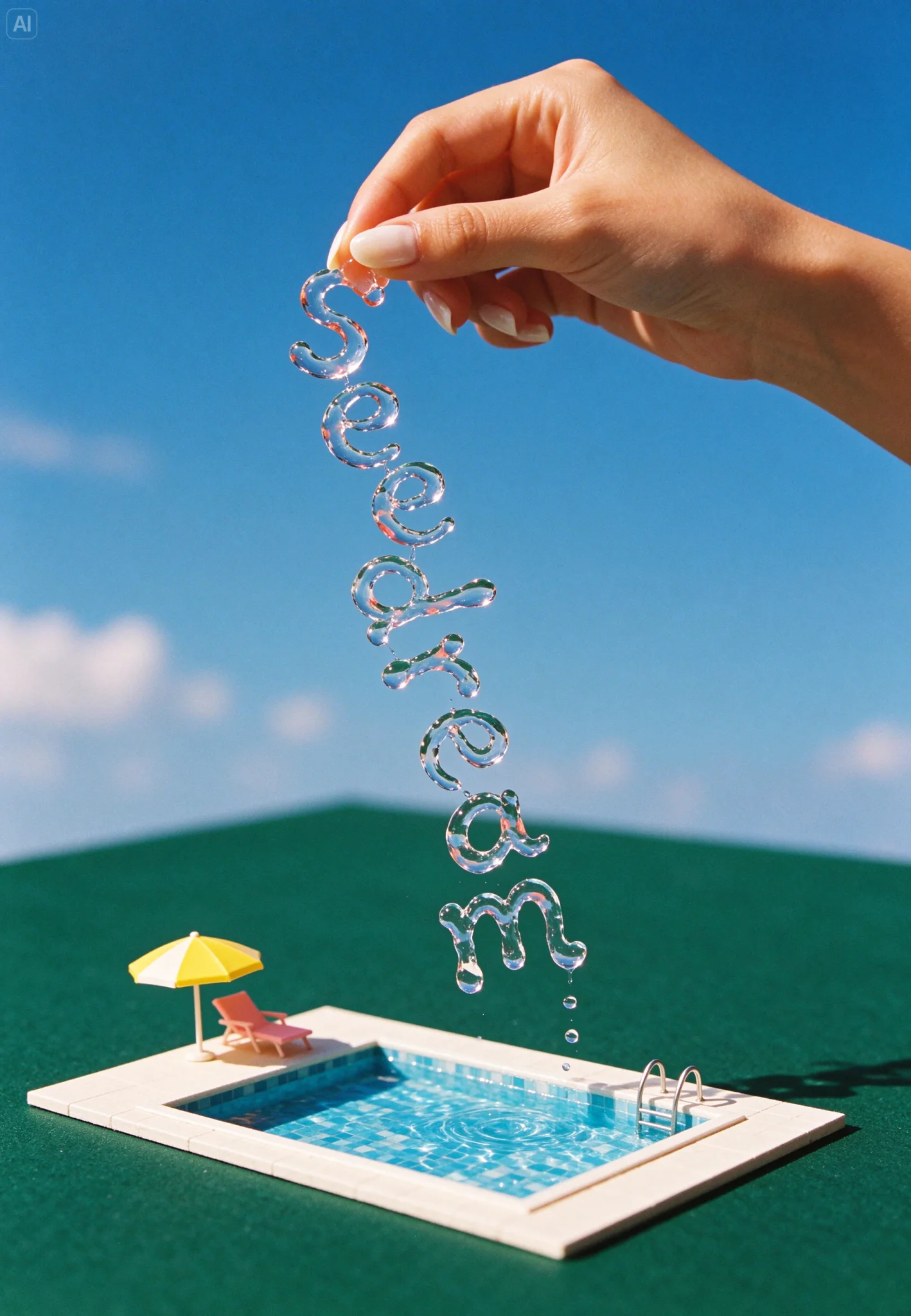
Five more of ByteDance Seed’s Seedream 5.5 examples, shown uncropped.
Frequently Asked Questions About Seedream 5.5
When was Seedream 5.5 released?
Does Seedream 5.5 support 4K?
Can Seedream 5.5 make transparent PNGs?
Can I really edit the same image 100 times?
How is Seedream 5.5 different from Seedream 5.0 Pro?
How much does Seedream 5.5 cost?
Is Seedream 5.5 free?
Can Seedream 5.5 split an image into layers?
Which languages can I prompt in?
Is there a Seedream 5.5 Pro?
How long does Seedream 5.5 take to generate an image on SeedVideo AI?
What does a Seedream 5.5 image cost in dollars on SeedVideo AI?
How often does Seedream 5.0 Pro refuse a prompt?
Make an Image, Then Keep Editing It
Generate from text or references, switch on a transparent background when you need a cut-out, and refine one change at a time.
Create with Seedream 5.5