Seedance 2.5 Image-to-Video Prompts: 25 Copy-Paste Examples
A good Seedance 2.5 image-to-video prompt does not re-describe your photo. It locks what must stay unchanged, names one primary motion, gives the camera a single modest move, adds light or atmosphere, and states how the clip should end. The 25 prompts below follow that shape across five source types — portraits, product shots, landscapes, interiors, and illustrations — so you can paste one, swap the nouns for what is in your picture, and generate.
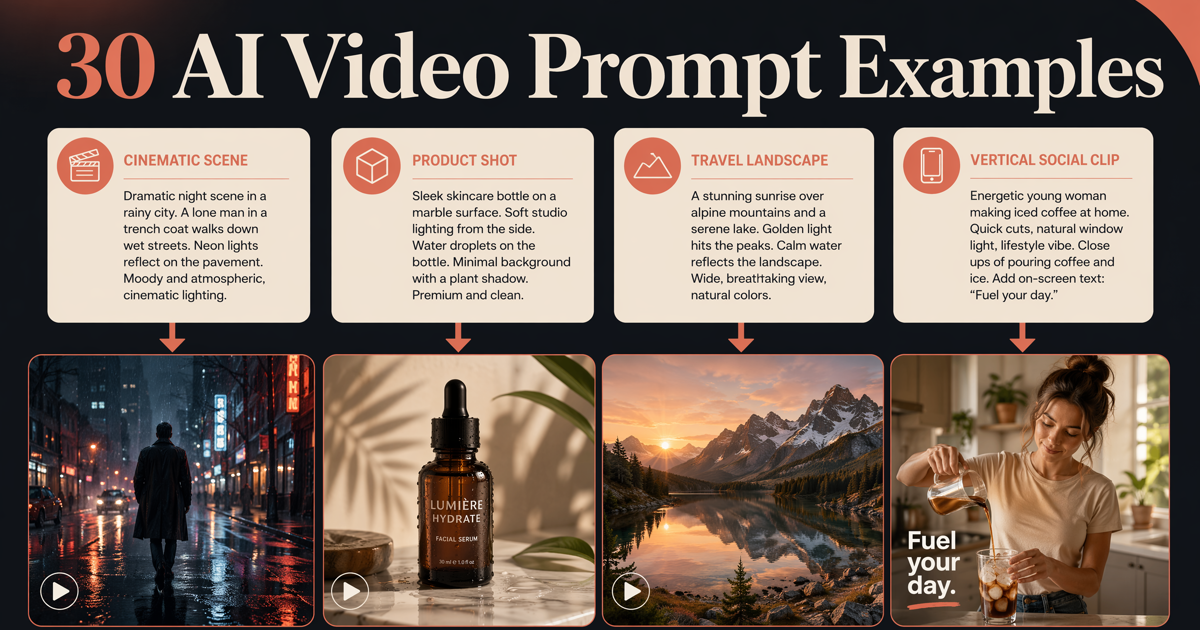
Each group opens with a note on the source images it suits, because in image to video the picture carries most of the visual information and the prompt directs time. If you usually start from a blank page instead, the 30 AI video prompt examples cover text-to-video shot writing; this library is for stills you already have.
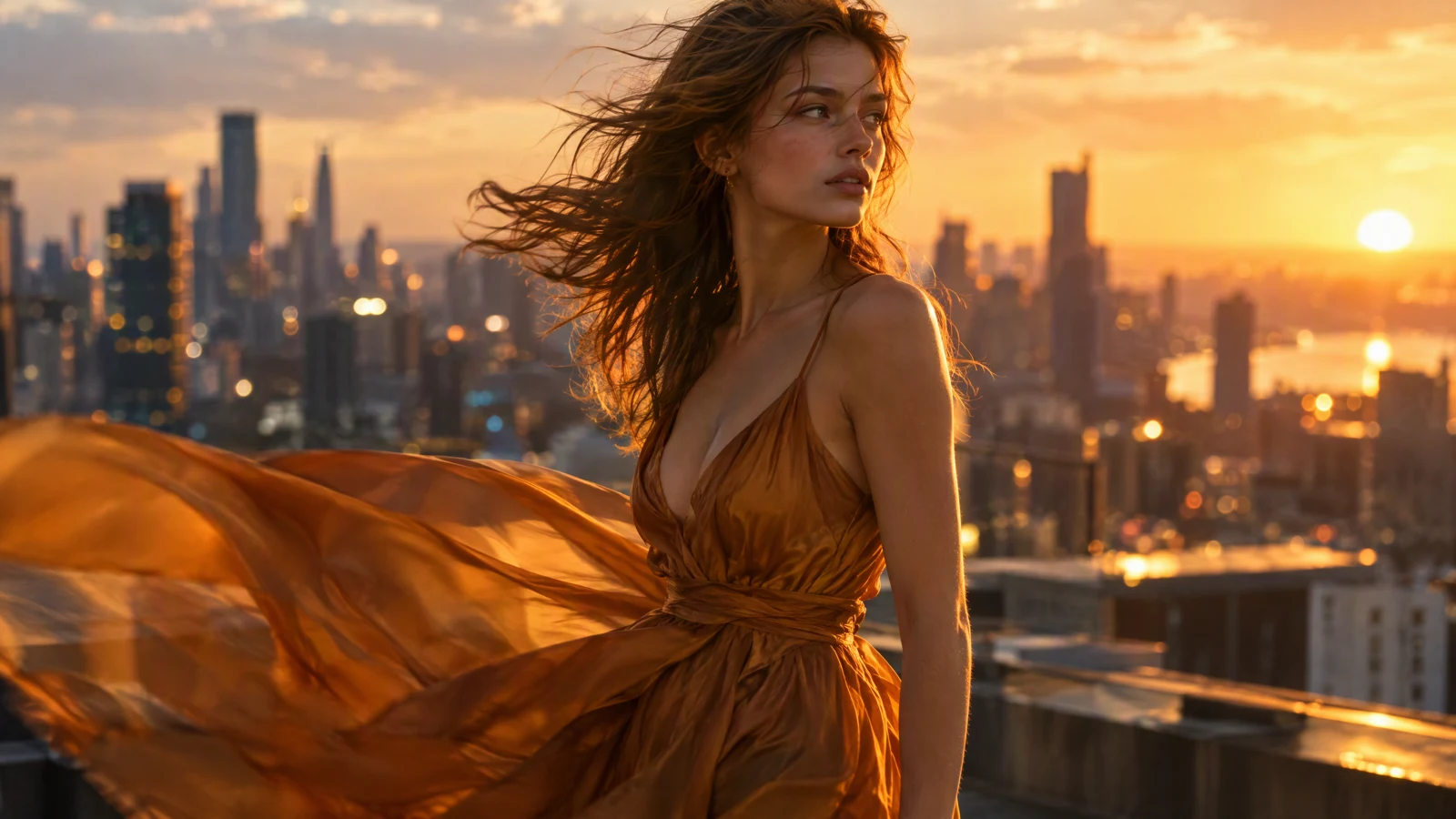
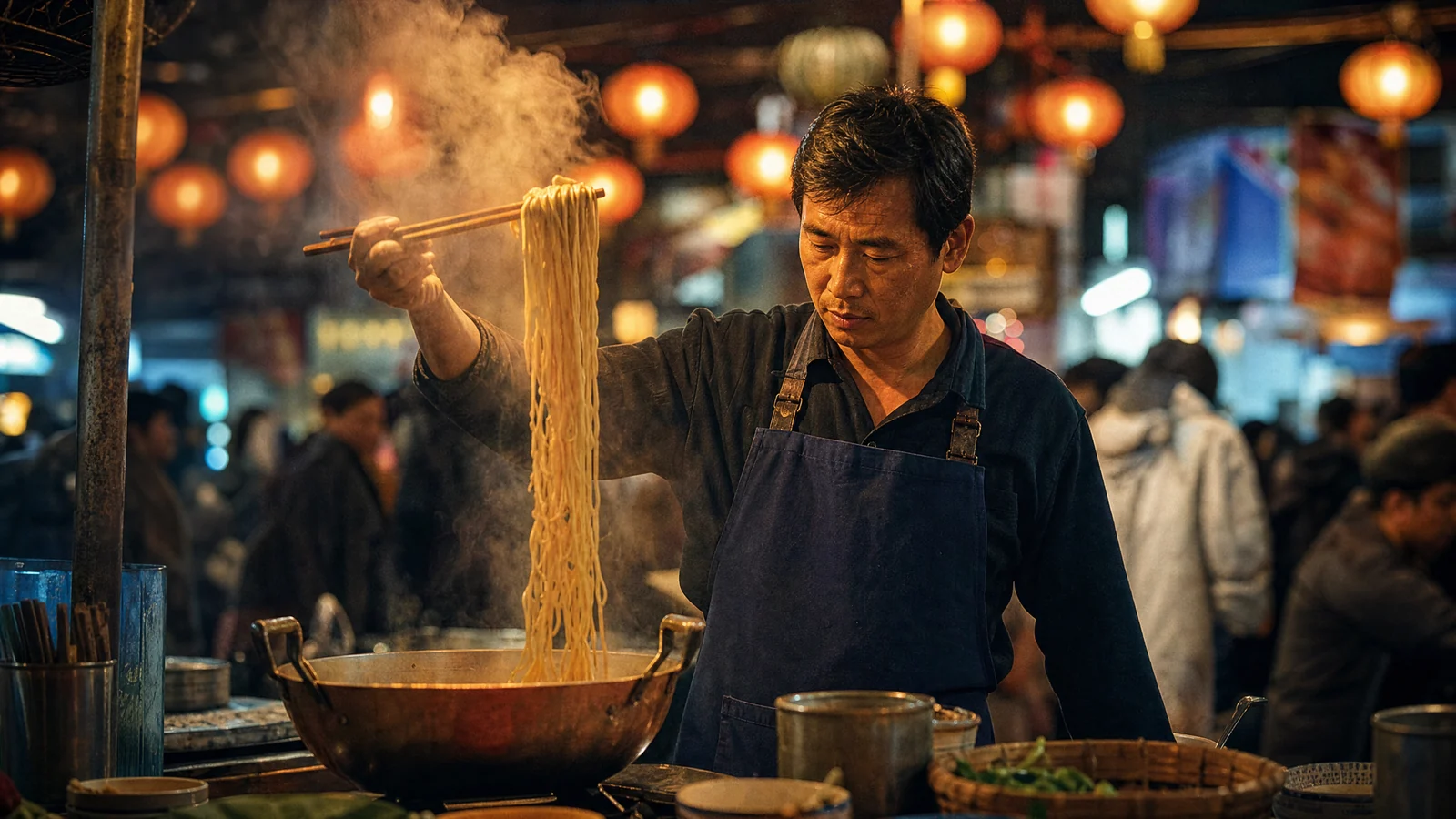
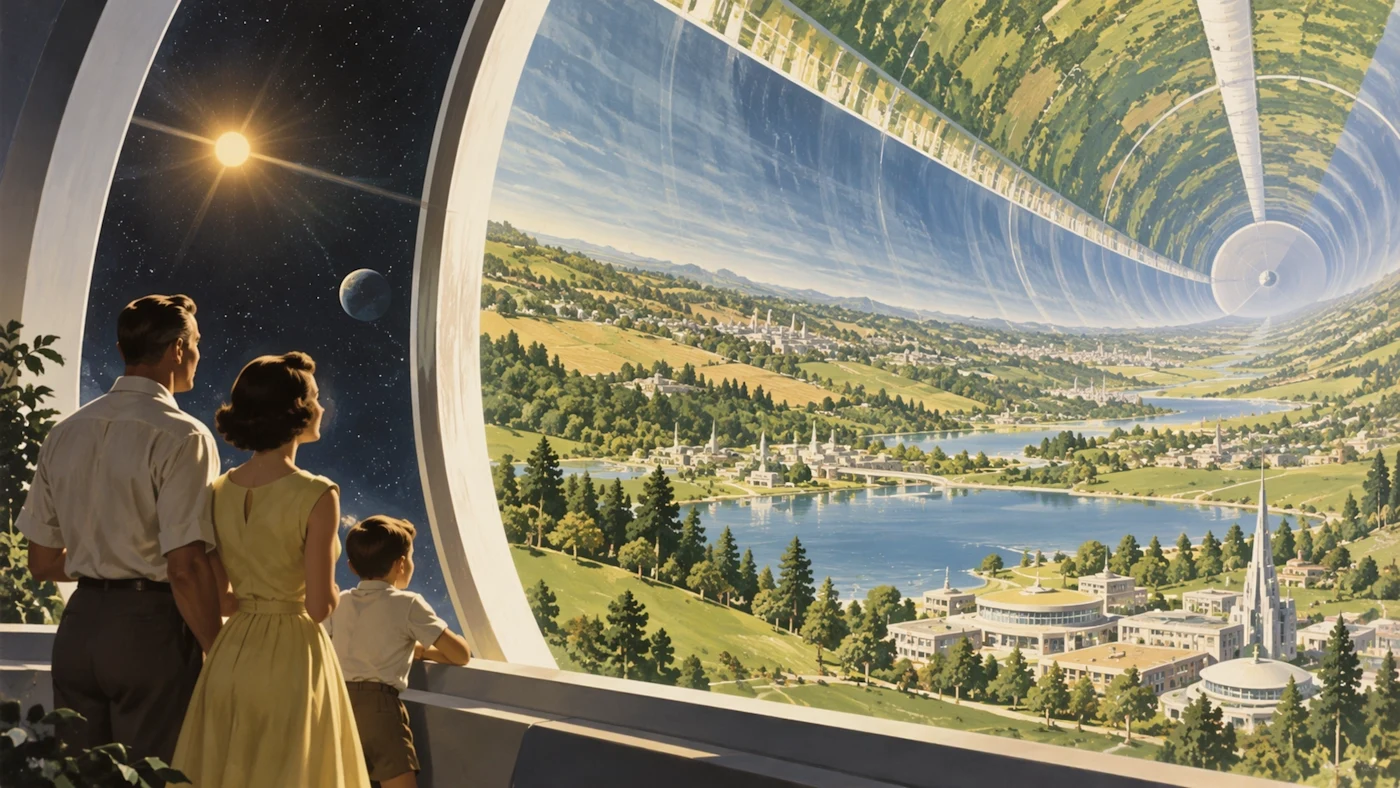
Image prompt: cinematic film still of a young woman in a flowing amber silk dress on a city rooftop at golden hour, hair and fabric lifted by wind, warm rim light, soft city bokeh, shallow depth of field, slight motion blur on the dress edges.
TL;DR
- Lock identity first: name the face, product, or line work that must not change, then describe motion.
- One primary action plus one camera move per clip beats a stack of simultaneous effects.
- Pick the group that matches your source: portrait, packshot, landscape, interior, or flat illustration.
- Start at 4–8 seconds with restrained movement, then raise one variable per retry.
- End every prompt with a stable final frame so the clip cuts cleanly.
Quick Answer
Write image-to-video prompts in five beats: keep, move, camera, light, end. For example: keep the same face and clothing, the subject blinks and smiles slightly, the camera pushes in slowly, window light stays constant, end on a stable close-up. Paste any prompt below into the SeedVideo AI image-to-video generator, attach your still, and generate. Seedance 2.5 currently runs 4–30 second clips at up to 1080p with an audio on/off toggle, from 12 credits for a 4-second 480p clip. Last verified: October 1, 2026.
How to run these prompts
- Open the image-to-video workspace and pick Seedance 2.5 in the model selector at the bottom of the prompt box.
- Attach your still next to the prompt field; it becomes the first frame. Add a second image only when the final composition matters — it becomes the last frame.
- Paste a prompt from the matching group below and swap the nouns for what is actually in your picture.
- Set the aspect ratio (Adaptive follows the shape of your source), duration, resolution, and whether the clip needs sound.
- Press Create, then review the result once at full speed and once frame by frame against the original.

The image-to-video workspace with Seedance 2.5 selected: attach a still beside the prompt field, then set aspect ratio, duration, resolution, and sound before pressing Create.
What to write for each source type
| Source image | Write this | Skip this |
|---|---|---|
| Portrait | Breath, blinks, gaze shifts, hair drift; a locked camera or slow push; an identity lock sentence | Re-describing the face, large head rotations, new outfits or backgrounds |
| Product packshot | Turntable rotation, light sweeps, condensation or drifting dust, the exact end angle | New props or hands entering frame, rewritten labels, style makeovers |
| Layered landscape | Fog, water, and cloud motion; a push, glide, or crane move; parallax between depth layers | Redrawing landforms, adding buildings or people, switching seasons |
| Interior | A dolly path, traveling light, curtain and plant drift, straight vertical lines | Moving furniture, revealing rooms the photo never shows, whip pans |
| Flat illustration | A style lock, looping motion for one or two elements, a seamless ending | Realistic textures, photographic lighting, extra characters |
The beat order is the same one the Seedance 2.5 prompt guide uses for full scenes; here every word budget goes to motion because the still already answers how things look.
Portrait micro-motion prompts
Best sources: sharp, single-subject portraits with readable light direction and some headroom — small movement is what keeps faces recognizable.
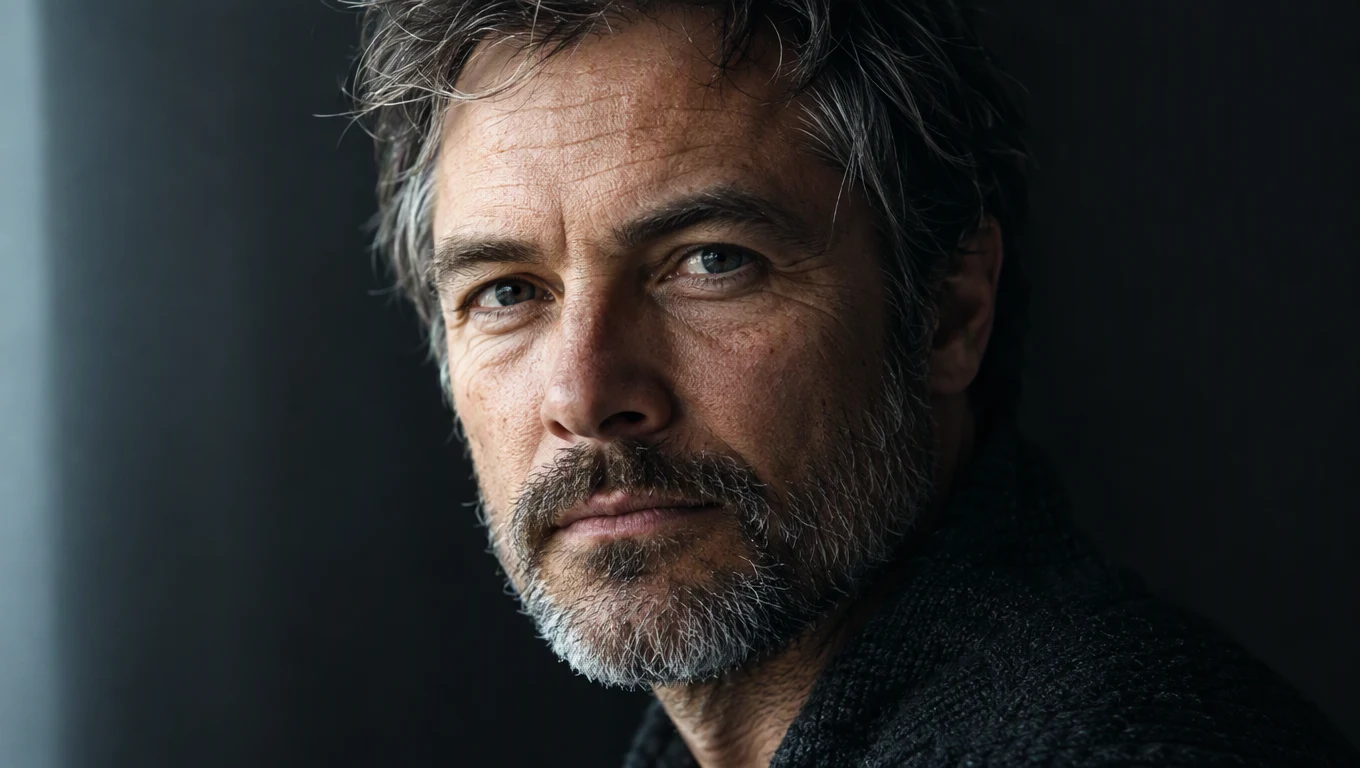
Image prompt: photorealistic close-up portrait of a middle-aged man with weathered skin and a short gray beard, soft window light from the left, dark neutral background, sharp calm eyes, visible skin texture, cinematic color grade.
1. Window-light breath
Keep the same face, hairstyle, and clothing throughout. The subject takes one slow breath, blinks naturally, and lets a faint smile form. Loose hair strands drift in a gentle indoor draft. The camera stays locked. Background and lighting stay unchanged. End on a stable frame with eyes open.
Try this prompt in SeedVideo AI
2. Slow turn toward camera
Preserve the exact facial features, skin texture, and outfit. The subject slowly turns the head about fifteen degrees toward the camera and settles the gaze into the lens. The camera holds still and the background stays fixed. Keep the window light direction constant. End with a relaxed, confident expression held for the final second.
Try this prompt in SeedVideo AI
3. Golden-hour hair lift
Keep the person's identity, makeup, and jewelry exactly as shown. Wind lifts the hair in slow waves while the earrings sway slightly. The camera pushes in very slowly toward the eyes. Warm backlight flares softly across the frame. The expression stays calm. End on a sharp close-up and hold.
Try this prompt in SeedVideo AI
4. Candlelight flicker
Maintain the same face, pose, and wardrobe. Candle flames flicker, making soft shadows breathe across the cheek and the wall behind. The subject lowers the eyes briefly, then looks up again. The camera drifts a few centimeters sideways. The background stays dim and unchanged. End with the gaze settled and the flames steady.
Try this prompt in SeedVideo AI
5. Street portrait in cold wind
Keep the subject's face and proportions identical to the photo. The coat collar and scarf move lightly in cold wind, breath fogs faintly once, and the subject shifts weight subtly. The camera stays locked at chest height. City bokeh lights shimmer gently behind. End on a still, composed stance.
Try this prompt in SeedVideo AI
Product turntable prompts
Best sources: clean packshots with one product, empty space around it, and controlled reflections — the lock sentence protects shape and finish while light and rotation do the work.
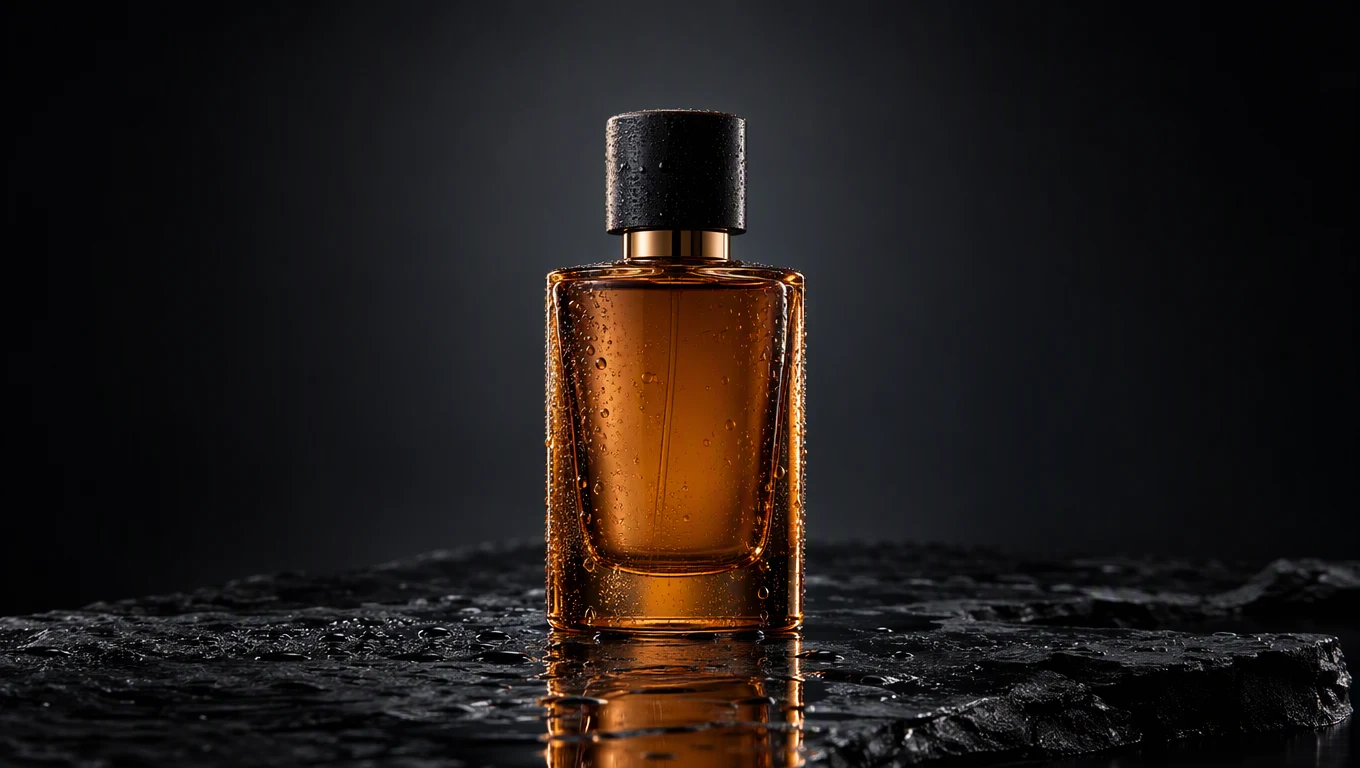
Image prompt: premium studio packshot of an amber glass perfume bottle on wet black slate, condensation beads on the glass, narrow rim lighting, dark gradient background, soft reflection under the bottle, centered composition with empty space around the product.
6. Full turntable rotation
Keep the bottle shape, cap, glass color, and proportions unchanged. The product rotates slowly through a full turn as if on a hidden turntable. Narrow rim light sweeps across the glass as it spins. The camera stays locked. The background remains a dark gradient. End on the front three-quarter view and hold.
Try this prompt in SeedVideo AI
7. Condensation macro push
Preserve the product silhouette and materials exactly. Fresh condensation beads form and slide slowly down the glass. The camera makes a gentle macro push toward the surface. Light reflections shift subtly with the move. Nothing else in the scene changes. End on a crisp close-up of the droplets.
Try this prompt in SeedVideo AI
8. Quarter turn with drifting dust
Keep the product's design, colors, stitching, and surface pattern unchanged. The item rotates a quarter turn while fine dust particles drift through a narrow light beam. The camera arcs slowly in the opposite direction. The background stays dark and clean. End with the side profile perfectly framed and still.
Try this prompt in SeedVideo AI
9. Light sweep on metal
Maintain the product's dial, markings, and metal finish exactly as shown. A soft band of light sweeps across the case and bracelet, revealing brushed textures. The camera performs a slow ten-degree arc. The background gradient stays fixed. End on a centered hero angle with a quiet hold.
Try this prompt in SeedVideo AI
10. Ambient shadow play
Keep the product's shape, finish, and colors exactly unchanged. Soft shadows from unseen foliage drift across the background wall. The product itself stays perfectly still. The camera orbits slowly through thirty degrees while reflections glide over the surface. End on a clean three-quarter hero view, holding for the last second.
Try this prompt in SeedVideo AI
Landscape parallax prompts
Best sources: wide shots with clear depth layers — foreground, middle distance, far background — because parallax and atmosphere are what sell the motion.
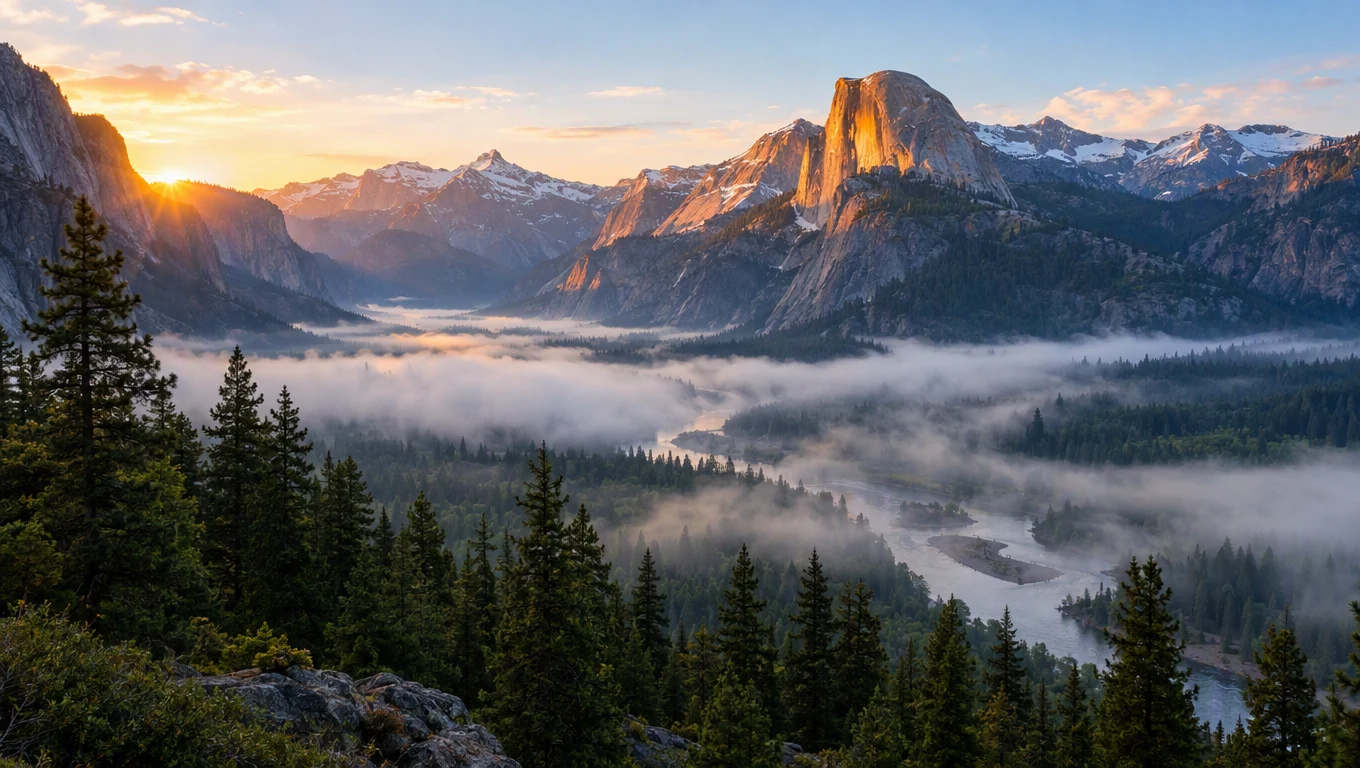
Image prompt: wide mountain valley at dawn with three depth layers, dark pines in the foreground, fog over a river in the middle distance, sunlit granite peaks behind, soft volumetric light, crisp natural color.
11. Forward push through fog
Preserve the mountain shapes, tree line, and color palette of the photo. Fog drifts slowly along the valley floor while the river surface glitters. The camera pushes forward between the foreground pines, creating gentle parallax between depth layers. The dawn light stays unchanged. End settled on the sunlit peaks.
Try this prompt in SeedVideo AI
12. Lateral drone glide
Keep every landform and the horizon level unchanged. The camera glides sideways like a slow drone pass, letting the foreground trees slide faster than the distant ridge. The river sparkles steadily and a few birds cross far away. Keep the original light mood. End on a balanced wide composition.
Try this prompt in SeedVideo AI
13. Cloud timelapse over still ground
Maintain the terrain silhouette and every landform exactly. Clouds stream across the sky in a smooth timelapse while their shadows travel over the valley below. The camera stays locked on a tripod framing. Light shifts gradually as the sun climbs. End when the shadows clear the river.
Try this prompt in SeedVideo AI
14. Morning mist reveal
Keep the terrain, forest, and river path identical to the source. Morning mist slowly thins and rises, gradually revealing the river bends below. A faint light ray crosses the frame as the sun crests the ridge. The camera tilts upward very slowly. End on the full valley in clear light.
Try this prompt in SeedVideo AI
15. Crane rise over the treetops
Preserve all landscape geometry and natural colors. The camera rises in a slow crane move, lifting over the foreground pines until the river valley opens below. Fog layers part gently with the altitude change. Distant peaks remain sharp and unchanged. End on a high, stable wide shot.
Try this prompt in SeedVideo AI
Interior walkthrough prompts
Best sources: interiors with a clear path for the camera — a hallway, a doorway, a line of floor toward a window — and straight vertical edges the model can hold on to.
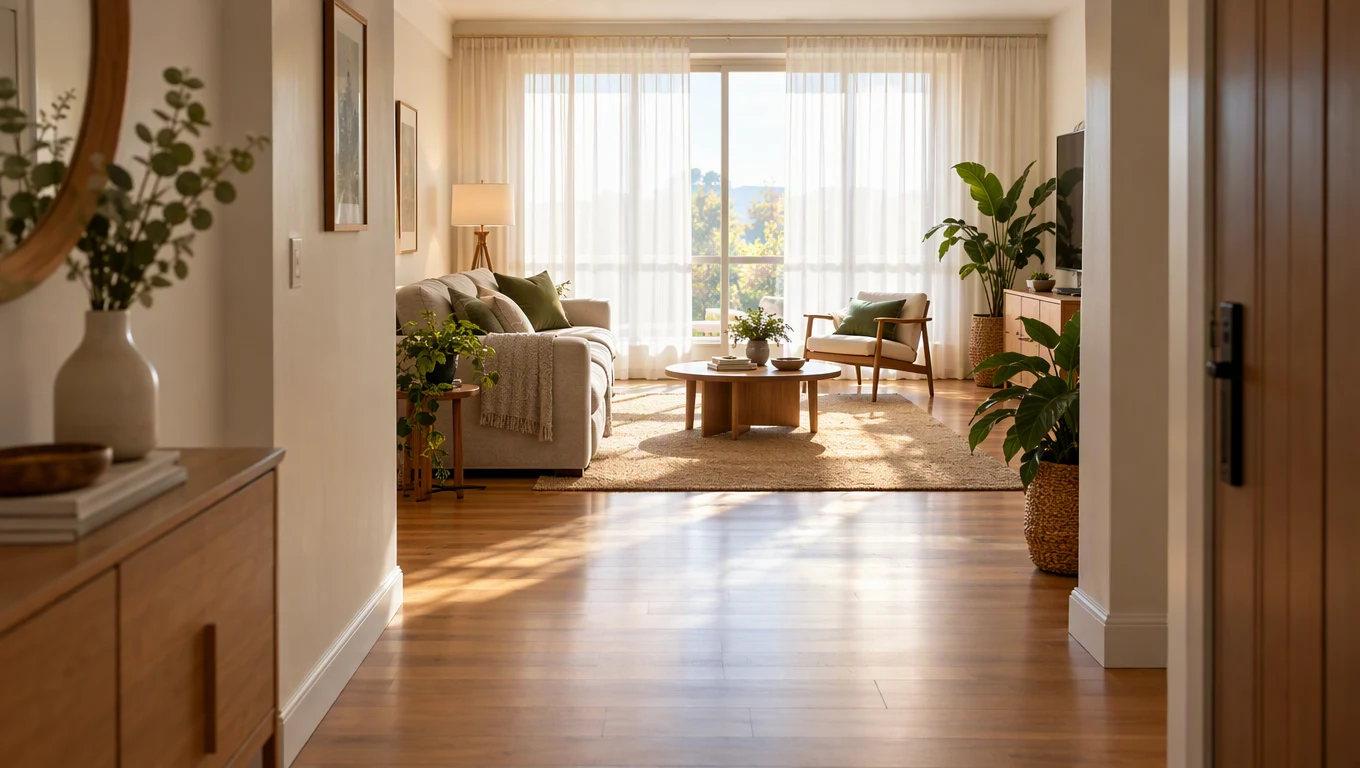
Image prompt: sunlit modern living room seen from the entry hallway, morning light through sheer curtains, wooden floor leading to a large window, sofa and plants with clear depth to the far wall, warm tones, straight vertical lines.
16. Hallway dolly to the window
Keep the room layout, furniture, materials, and colors exactly as photographed. The camera dollies forward from the hallway toward the window at a calm walking pace. Sheer curtains breathe gently in a draft while dust motes drift in the sunlight. Vertical lines stay straight. End just before the sofa, holding steady.
Try this prompt in SeedVideo AI
17. Traveling morning light
Preserve every object, surface, and the overall styling of the room. Sunlight slides slowly across the wooden floor as if minutes pass, and curtain shadows stretch with it. The camera stays locked at the doorway framing. No objects move, appear, or disappear. End when the light reaches the sofa edge.
Try this prompt in SeedVideo AI
18. Slow arc around the coffee table
Keep the furniture arrangement and wall decor unchanged. The camera makes a slow thirty-degree arc around the coffee table, keeping the window centered in the background. Plants sway almost imperceptibly in a draft. Reflections move naturally across glass and wood. End on a settled, balanced composition.
Try this prompt in SeedVideo AI
19. Curtain breeze pulse
Maintain the room exactly as shown, including colors and layout. A breeze lifts the sheer curtains inward in slow motion, letting brighter light wash across the floor in a soft pulse. The camera pushes in very slightly toward the window. End with the curtains settling back and the light returning to normal.
Try this prompt in SeedVideo AI
20. Quiet apartment tour
Keep all surfaces, furniture, and proportions identical to the photo. The camera moves forward slowly, then pans gently left to reveal the seating area in sequence, like a quiet apartment tour. The morning sun stays stable. Nothing is added to or removed from the room. End facing the main window.
Try this prompt in SeedVideo AI
Illustration and poster motion prompts
Best sources: flat artwork with clean shapes and a limited palette — the lock sentence must protect line work and style, or the model will try to make it photographic.
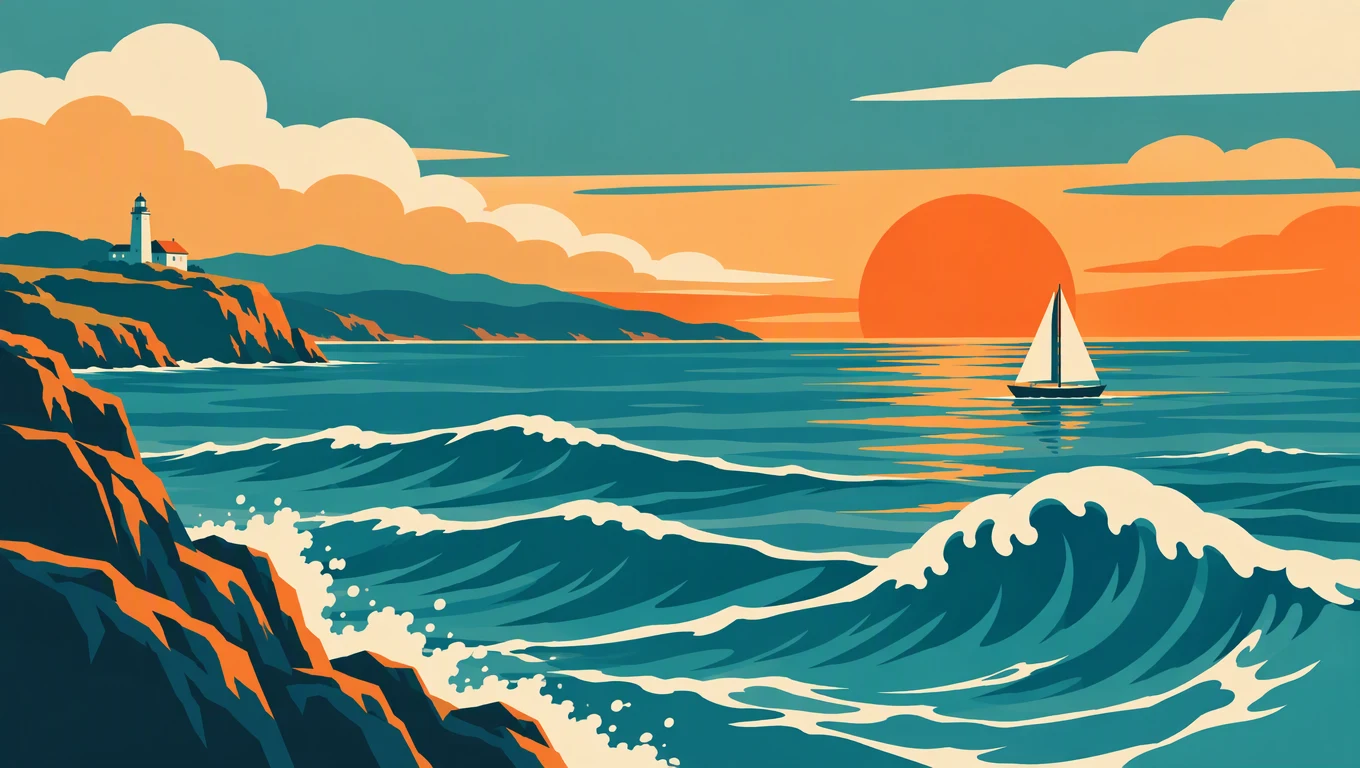
Image prompt: flat vector seaside travel poster without lettering, stylized waves with foam curls, a small sailboat, layered clouds and a warm setting sun, retro palette of teal, orange, and cream, bold clean shapes.
21. Looping poster waves
Preserve the flat vector style, bold outlines, and the exact retro palette. The ocean waves roll in a smooth looping motion while foam curls animate along their crests. Clouds drift slowly to the right. The sailboat rocks gently in place. The camera stays locked. End on the original composition.
Try this prompt in SeedVideo AI
22. Sun shimmer and beam sweep
Keep every shape, color block, and outline from the poster unchanged. The setting sun's reflection shimmers on the water in stylized bands, and the lighthouse beam sweeps once across the sky. Waves keep their graphic form while moving. No realistic textures appear. End exactly on the starting frame for a seamless loop.
Try this prompt in SeedVideo AI
23. Anime character idle
Maintain the character's line work, cel shading, and proportions exactly. The cape and hair flow in stylized wind while the eyes blink once. The background clouds scroll slowly behind. The camera holds a locked anime framing. End on a heroic still pose.
Try this prompt in SeedVideo AI
24. Watercolor rain
Keep the watercolor texture, soft edges, and muted palette of the artwork. Gentle rain streaks fall in the same painterly style while umbrellas tilt slightly and puddle reflections ripple. The camera drifts downward slowly. No photographic realism appears. End with the street scene settling into stillness.
Try this prompt in SeedVideo AI
25. Storybook balloon rise
Preserve the children's book illustration style, flat colors, and character design. The red balloon rises slowly while the child character waves with a simple, gentle rhythm. Clouds bob softly in the background. The camera tilts up to follow the balloon. End with the balloon near the top edge, holding.
Try this prompt in SeedVideo AI
Common failures and quick fixes
The face or product slowly changes. Identity drift usually means the motion asked for too much. Move the lock sentence to the very front, shrink the action and the camera move, and generate 4–8 seconds instead of a long clip. When the final composition matters as much as the first, attach an end frame so the clip has two anchors. The Seedance 2.5 image-to-video workflow guide adds a frame-by-frame review pass that catches drift early.
The background gets repainted. Style adjectives invite the model to redecorate. Delete words that describe how the scene looks, add one sentence such as "the background stays fixed," and keep the camera move modest — wide orbits expose areas the photo never showed, which the model must invent.
Everything moves at once. A prompt with subject action, fast camera, weather, and light change gives the model four ways to break the picture. Keep one primary action and one camera move; put any second idea in a separate generation and choose the better clip.
FAQ
How long should an image-to-video prompt be?
Most working prompts in this library run 40–70 words: an identity lock, one motion, one camera move, a light note, and an ending. The model already sees the frame, so spend words on time, not appearance. If a result ignores part of a long prompt, shorten it before adding anything new.
Do I need to write negative constraints?
The composer takes a single prompt field, so phrase constraints as positive locks inside it — "the background stays fixed," "line work stays unchanged," "end on a stable frame." A short list of what must be preserved carries the same information as a list of things to avoid and leaves more room for the motion itself.
Can I make vertical clips for Reels or TikTok?
Yes. Choose 9:16 in the aspect selector, or leave it on Adaptive so the output follows the shape of your source. Vertical portraits animate best when the subject sits inside the central safe area with clear headroom, as in the portrait group above.
Can I attach more than one image?
Attaching one still sets the first frame; adding a second makes it the last frame, so the clip travels between them. Seedance 2.5 also accepts a reference group of up to 30 images that guides identity, objects, and style without fixing the opening frame.
When should I add an end frame?
Add one when the final composition genuinely matters: a planned reveal, a turn to a new angle, or a transition between two prepared states. Order matters — the first image opens the clip and the second closes it. For simple micro-motion, skip the end frame; it mostly constrains the model.
How is image to video different from reference to video?
Image to video pins your picture as the literal opening frame, which makes it the right mode when composition is the point. Reference to video treats pictures as guidance for identity, wardrobe, objects, or style while the model composes its own framing. Use references when a character or product must stay recognizable across shots the model invents.
Start from your own photo
Pick the group that matches the still you already have, paste the closest prompt, and swap the nouns before you change anything else. Then open the generator to animate a source image with Seedance 2.5 — clips run 4–30 seconds at up to 1080p with optional sound, from 12 credits per clip, and new accounts include free starter credits for the entry models. More libraries like this one live in the prompt guides hub.